
The Baseline: What Temp for Soldering Different Materials?
One of the most frequent questions we receive from both hobbyists and junior technicians is, 'What temp for soldering is actually correct?' The answer is never a single static number. Soldering is an exercise in thermal management, not just setting a dial. To provide the most accurate guidance for 2026, we consulted with IPC-certified master trainers, electronics manufacturing engineers, and veteran repair technicians to compile this definitive expert roundup.
According to the IPC J-STD-001 Requirements for Soldered Electrical and Electronic Assemblies, the goal is to reach the solder's liquidus temperature quickly, form a proper intermetallic bond, and remove the heat source before thermal damage occurs to the PCB substrate or component packaging. Setting your iron too low causes cold joints and prolonged dwell times; setting it too high vaporizes flux and delaminates FR4 fiberglass.
Expert-Recommended Soldering Temperatures by Application
| Application | Alloy Type | Melting Point | Target Iron Temp | Max Dwell Time |
|---|---|---|---|---|
| Standard Through-Hole (TH) | Sn63Pb37 (Leaded) | 183°C (361°F) | 315°C - 350°C (600°F - 660°F) | 2 - 3 seconds |
| Surface Mount (SMD) 0805+ | Sn63Pb37 (Leaded) | 183°C (361°F) | 300°C - 330°C (570°F - 625°F) | 1 - 2 seconds |
| Lead-Free TH & SMD | SAC305 (Lead-Free) | 217°C - 220°C (422°F - 428°F) | 350°C - 380°C (660°F - 715°F) | 2 - 4 seconds |
| Heavy Ground Planes | Any | Varies | 380°C - 400°C (715°F - 750°F)* | 3 - 5 seconds |
| Enamel Magnet Wire | Sn60Pb40 | 183°C - 190°C | 380°C (715°F) with flux | 3 seconds |
*Note: For heavy ground planes, experts recommend using a high-thermal-mass chisel tip or a dedicated pre-heater rather than simply maxing out your iron's temperature, which risks pad lifting.
Expert Insights: Why 'Hotter is Faster' is a Dangerous Myth
A common beginner mistake is cranking the soldering station to 450°C (842°F) to melt solder instantly. We asked senior manufacturing engineers why this is detrimental to long-term joint reliability.
'When users ask what temp for soldering is best, they are usually confusing temperature with heat transfer. A 400°C iron with a tiny conical tip will transfer heat slower than a 320°C iron with a wide chisel tip. The wider tip maximizes surface area contact, reducing the time the joint is exposed to heat and preventing flux burn-off.'
— Senior IPC-A-610 Certified Trainer
Flux is the chemical cleaner that removes oxidation from the copper pad and component lead. As detailed in Adafruit's Guide to Excellent Soldering, if your iron is too hot, the rosin or water-soluble flux vaporizes before the solder can wet the surface. This leaves behind a charred residue that actively prevents a metallurgical bond, resulting in a grainy, convex 'cold' joint despite the high heat.
Station Calibration and Real-World Thermal Recovery
Understanding what temp for soldering requires understanding your hardware. The dial on your station is only half the equation; thermal recovery is the other. When a cold copper pad touches a 350°C tip, the tip temperature drops instantly. A high-quality station detects this drop and pumps current into the heating element to recover the heat.
2026 Hardware Deep Dive: Thermal Recovery Compared
- Hakko FX-888D (~$115): The industry workhorse. Uses T18 tips with a ceramic heater. While reliable, its 70W power output means thermal recovery on large ground planes can lag, requiring the user to wait 4-5 seconds between large joints.
- Weller WE1010NA (~$165): Features a 70W iron but utilizes Weller's proprietary ETA tips with an integrated sensor at the very tip of the blade. This provides significantly faster thermal feedback and recovery compared to the Hakko, making it superior for mixed-technology boards.
Pine64 Pinecil V2 (~$28): The disruptor. Driven by a RISC-V chip and capable of PD (Power Delivery) up to 65W or QC up to 88W. Its PID temperature control algorithm samples the tip temperature multiple times per second, offering thermal recovery that punches far above its price class, rivaling $300 JBC stations in DIY scenarios.
Troubleshooting Temperature-Related Failure Modes
Even when you know what temp for soldering is theoretically correct, environmental factors and tip degradation can alter the actual heat delivered to the joint. Here is how experts diagnose temperature-related failures:
1. Pad Lifting and Delamination
Symptom: The copper pad peels away from the FR4 substrate, sometimes taking the plated through-hole barrel with it.
Cause: Dwell time exceeding 3-5 seconds at temperatures above 380°C. Standard FR4 has a Glass Transition Temperature (Tg) of around 130°C-140°C. Prolonged localized heat softens the epoxy resin, destroying the adhesive bond to the copper.
Expert Fix: Lower the temperature to 340°C, apply fresh liquid flux, and use a wider chisel tip to transfer heat faster, reducing overall dwell time.
2. The 'Graping' or 'Head-in-Pillow' Defect
Symptom: Solder balls up on the iron tip or the component lead but refuses to flow onto the PCB pad, looking like a cluster of grapes.
Cause: The iron temperature is too low, or the tip is heavily oxidized, preventing thermal transfer. The flux activates but the pad never reaches the solder's liquidus point.
Expert Fix: Clean the tip on a damp brass sponge (never a wet cellulose sponge, which causes micro-fractures in the iron plating). Increase the temperature by 15°C and pre-tin the pad.
3. Tombstoning in SMD Components
Symptom: A 2-terminal surface mount component (like a capacitor) stands up on one end during reflow or hand soldering.
Cause: Uneven heating. If one pad reaches the solder's melting point before the other, the surface tension of the molten solder pulls the component upright.
Expert Fix: When hand soldering, apply the iron to the pad and the component terminal simultaneously. If using a hot air rework station, ensure the airflow is perfectly centered and the temperature profile ramps evenly.
Pro Tips for the Lead-Free Transition
With global RoHS compliance strictly enforced, many hobbyists and repair shops are forced to transition to lead-free alloys like SAC305 (Tin/Silver/Copper). Determining what temp for soldering lead-free requires a paradigm shift.
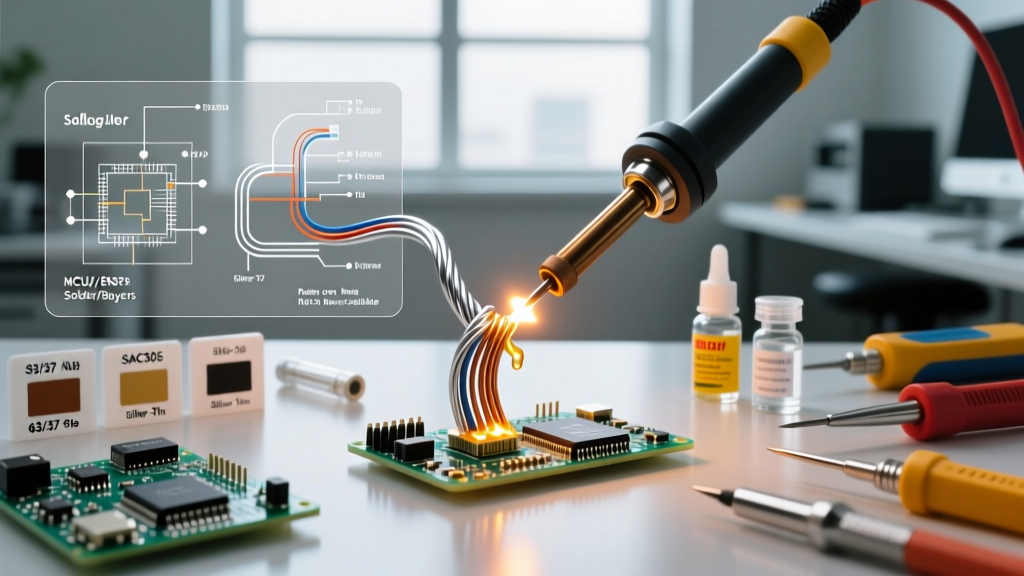
Lead-free solder has a higher melting point (217°C vs 183°C) and a 'pasty' transition range. It does not flow as beautifully as 63/37 leaded solder, often resulting in dull, grainy joints that beginners mistake for cold joints. According to the Weller Tools Knowledge Center, lead-free soldering requires aggressive flux formulations and strict tip maintenance. Because lead-free alloys operate at higher temperatures (360°C+), the iron tip's iron plating oxidizes and dissolves into the solder at a much faster rate. Experts recommend keeping a thick layer of solder on the tip when the station is idle to act as a sacrificial oxidation barrier.
Frequently Asked Questions
What temp for soldering wires to a standard 3.5mm audio jack?
For standard 20AWG to 24AWG stranded wire to brass or nickel-plated audio jack lugs, set your iron to 360°C (680°F). Use a wide chisel tip and apply rosin flux to the stripped wire before tinning. The large metal mass of the audio jack acts as a heat sink, requiring higher temperatures and greater thermal mass than standard PCB pads.
Why does my soldering iron smoke excessively when I turn it on?
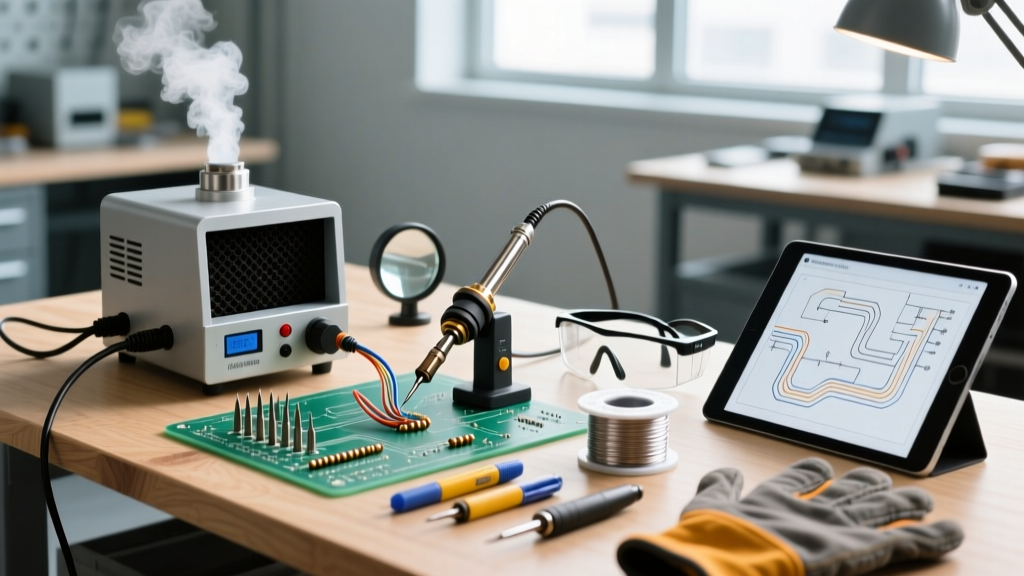
The smoke you see is not the solder melting; it is the flux core inside the solder wire vaporizing. If your iron smokes aggressively the moment you touch the solder to the tip, your temperature is likely set too high (above 400°C), causing the rosin to boil instantly rather than melting smoothly to clean the joint.
Can I use the same temperature for soldering sensitive ICs?
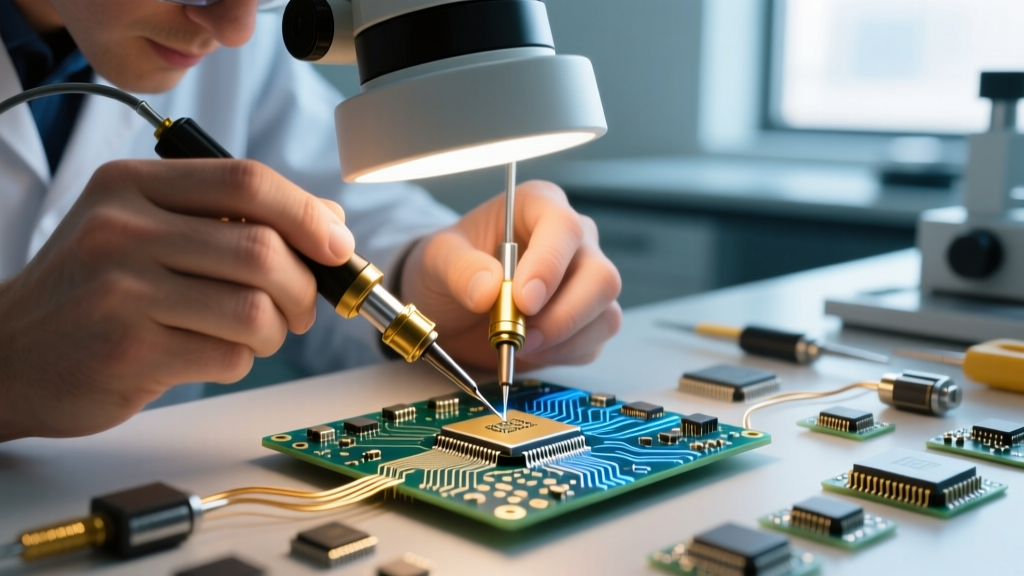
No. For sensitive integrated circuits, especially those in thin plastic packages (like QFN or TQFP), keep the temperature at the lower end of the spectrum (310°C - 325°C for leaded). Rely on high-quality liquid flux and a properly sized micro-chisel tip to ensure rapid heat transfer without exceeding the component's maximum thermal rating, typically outlined in the manufacturer's datasheet.