
The Short Answer vs. The Engineering Reality
If you are asking, "can you upgrade soldered ram on a laptop?" the short answer is technically yes, but practically and economically no. Unlike traditional SO-DIMM slots that allow for plug-and-play memory upgrades, modern ultrabooks and thin-and-light laptops utilize LPDDR (Low Power Double Data Rate) memory chips soldered directly to the motherboard using BGA (Ball Grid Array) technology.
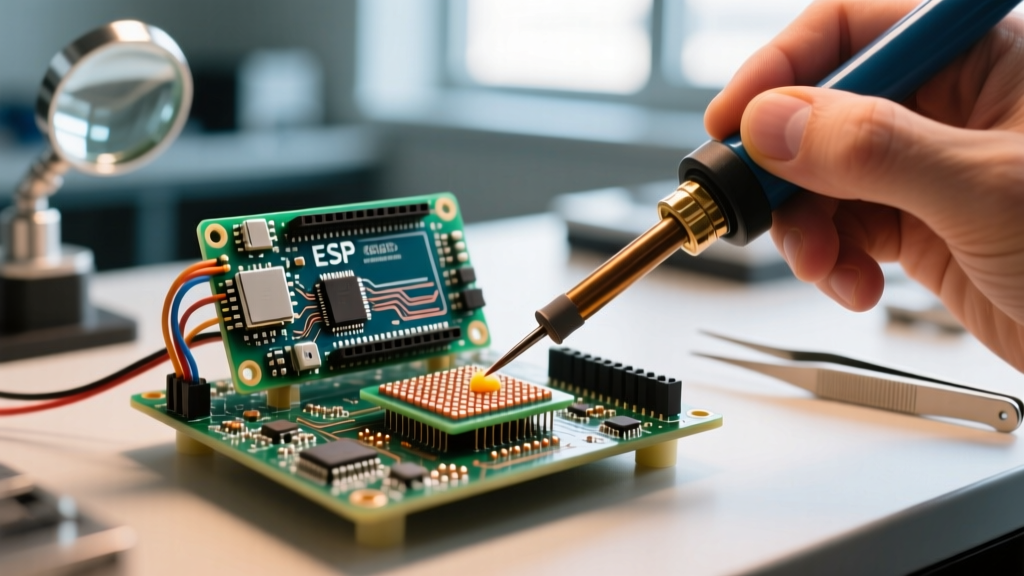
To upgrade this memory, a technician must perform a highly complex BGA rework procedure. This involves desoldering the existing memory chips, dressing the microscopic copper pads, reballing new higher-capacity chips, and reflowing them onto the board. While specialized repair labs can accomplish this, the risks of catastrophic motherboard failure, firmware locks, and exorbitant costs make it an impractical endeavor for 99% of consumers.
Understanding BGA Memory Integration
Modern laptops use LPDDR4X, LPDDR5, and increasingly in 2026, LPDDR5X and LPDDR6 memory standards. According to JEDEC specifications, LPDDR memory is designed for low power consumption and high bandwidth, requiring extremely short trace lengths between the memory controller (often integrated into the CPU die) and the RAM modules.
These chips are packaged as BGAs, meaning the electrical connections are not pins, but an array of microscopic solder balls on the underside of the chip. A typical 16GB LPDDR5 chip might have a 315-ball or 561-ball BGA footprint, with ball pitches as tight as 0.4mm. This density leaves zero margin for error during manual rework.
The BGA Rework Process: Step-by-Step Technical Breakdown
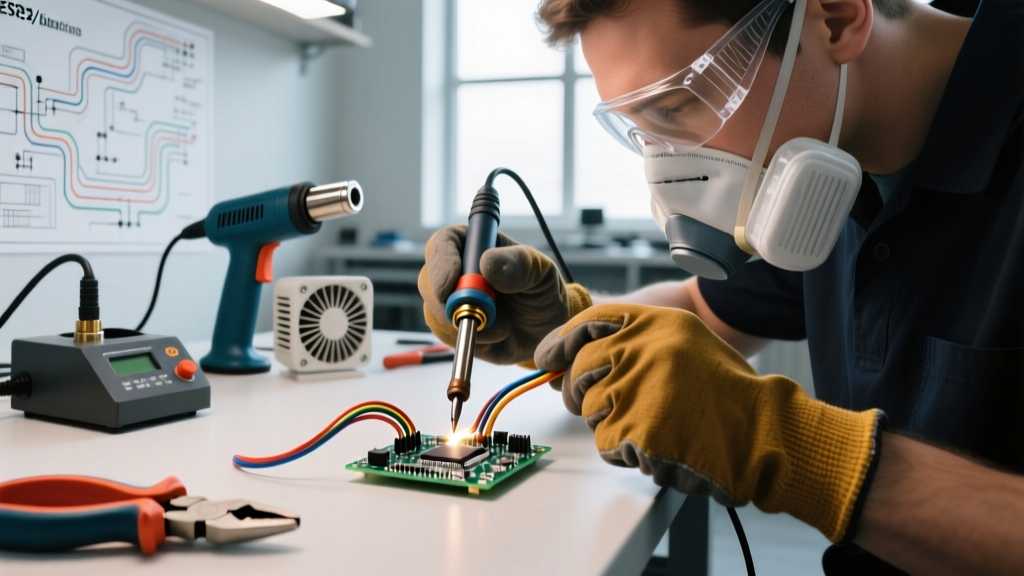
Upgrading soldered RAM is not a simple soldering iron job. It requires a controlled environment and adherence to strict IPC-7711/7721 rework standards. Here is what the procedure actually entails:
1. Preheating and Flux Application
The motherboard is placed on a specialized BGA rework station (such as a Zhuomao ZM-T7100 or Jovy Systems ZT-500). The board is preheated from the bottom to around 120°C to 150°C to prevent thermal shock and warping. A high-tack, no-clean flux like Amtech NC-559-V2-TF is applied to the edges of the RAM chip to aid in heat transfer and prevent oxidation.
2. Desoldering and Chip Removal
A targeted hot-air nozzle applies heat to the top of the RAM chip, following a precise thermal profile. The peak temperature must reach at least 225°C to melt the lead-free SAC305 solder (which has a liquidus temperature of 217°C). Once the solder liquefies, the chip is lifted using a vacuum pickup pen. Pulling too early will tear the copper pads off the PCB—a fatal failure known as "pad cratering."
3. Pad Dressing and Site Preparation
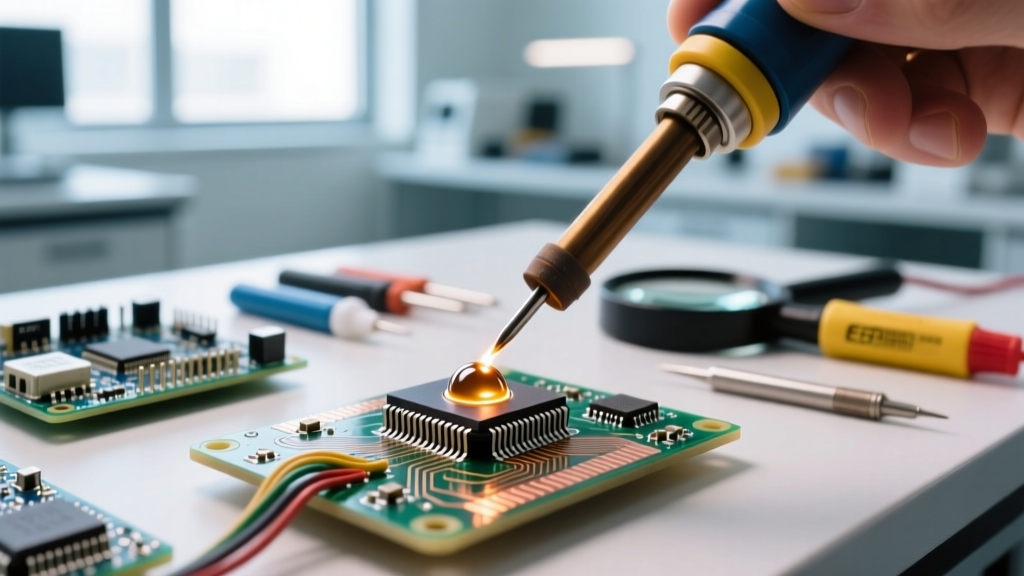
The remaining solder on the motherboard pads must be flattened. Technicians use a soldering iron with a flat blade, solder wick (desoldering braid), and flux to gently remove excess solder. The site is then cleaned with isopropyl alcohol (IPA) and inspected under a microscope to ensure no pads are lifted or bridged.
4. Reballing the New RAM Chips
The new, higher-capacity RAM chips must be "re-balled." A custom laser-cut stainless steel stencil (typically 0.12mm thick) is aligned over the BGA pads of the new chip. Solder paste (like ChipQuik SMD291SNL10) is squeegeed through the stencil, or tiny pre-formed solder spheres (0.45mm diameter) are placed and melted to form uniform balls on the chip.
5. Placement and Reflow
The re-balled chip is aligned on the motherboard using a split-vision camera system. The BGA station then runs a full reflow profile: preheat, soak (to activate flux and evaporate volatiles), reflow (peaking at 240°C - 245°C), and controlled cooling. Rapid cooling will cause micro-fractures in the solder joints.
Required Equipment and Material Costs
The barrier to entry for BGA rework is incredibly high. Below is a breakdown of the professional equipment required to safely attempt a laptop RAM upgrade:
| Equipment / Material | Purpose | Estimated Cost (USD) |
|---|---|---|
| Optical BGA Rework Station | Precision heating, alignment, and reflow profiling | $3,500 - $12,000+ |
| Stereo Zoom Microscope | Pad inspection and stencil alignment (AmScope/Leica) | $400 - $1,500 |
| Custom BGA Stencils | Laser-cut for specific LPDDR5 BGA footprints | $50 - $150 per stencil |
| Solder Paste & Flux | ChipQuik SAC305 / Amtech NC-559 | $40 - $80 |
| Donor LPDDR Memory ICs | Samsung/Micron/SK Hynix high-density dies | $40 - $120 per chip |
Thermal Constraints and PCB Damage Risks
Motherboards are constructed from FR-4 fiberglass and epoxy laminates, which have a glass transition temperature (Tg) typically around 150°C to 170°C. Prolonged exposure to the 240°C+ temperatures required to melt BGA solder can cause the PCB to delaminate, warp, or blister.
Furthermore, modern laptop motherboards are densely packed. The CPU, GPU, and power delivery networks (PDNs) are often located mere millimeters from the RAM chips. Applying localized heat without proper thermal shielding (using Kapton tape and aluminum heat shields) risks desoldering adjacent passive components or damaging the silicon dies of nearby processors.
Expert Insight: Many modern BGA chips, especially in ruggedized or high-vibration environments, are secured with epoxy underfill. Removing underfill requires specialized chemical solvents or precise thermal scraping, drastically increasing the risk of severing microscopic PCB traces.
The Apple Silicon and Unified Memory Roadblock
If you own a modern MacBook, upgrading the RAM is virtually impossible. Apple's M-series chips (M1 through M4) utilize a "Unified Memory Architecture" (UMA). The LPDDR memory is not just soldered to the board; in many recent iterations, it is integrated directly into the same package as the SoC (System on Chip) or placed immediately adjacent with proprietary, undocumented trace routing.
As highlighted by iFixit's extensive teardowns and repairability analyses, Apple's hardware and firmware are deeply intertwined. Even if a master technician successfully swapped the physical memory dies, the Mac's Secure Enclave and firmware would likely reject the new hardware configuration during the boot sequence, resulting in a bricked device or a boot loop.
Memory Training and Firmware Whitelists
Even on Windows-based laptops (like Dell XPS or Lenovo ThinkPad X1 Carbon models), swapping RAM dies introduces a massive firmware hurdle: Memory Training.
When a laptop boots, the BIOS/UEFI performs memory training to calibrate the timing, voltage, and signal integrity for the specific RAM modules installed. OEMs often lock the memory training profiles in the EFI variables to only support the exact SKUs shipped from the factory. If you upgrade from 16GB to 32GB using different density chips, the memory controller may fail to train the new modules, resulting in a black screen and a motherboard error code (e.g., Dell's 3 amber, 1 white diagnostic LED blink code).
Cost vs. Benefit Matrix: Is It Worth It?
Before attempting a BGA rework upgrade, consider the financial and practical realities compared to alternative solutions.
- Professional BGA Rework Service: $300 to $600 for labor, plus the cost of donor chips. High risk of board death; voids all warranties.
- Motherboard Replacement: $400 to $1,200 depending on the model. Guaranteed compatibility, but expensive and requires full teardown/re-pasting of thermal compounds.
- Selling and Upgrading the Entire Laptop: Recoup current market value and buy a factory-configured higher-RAM model. Zero hardware risk, retains full OEM warranty and resale value.
- Cloud/External Workflows: Utilizing swap files on high-speed NVMe SSDs or offloading heavy rendering tasks to cloud instances. Slower than native RAM, but costs a fraction of a BGA rework.
Frequently Asked Questions
Can I use a standard hot air gun to remove soldered RAM?
No. Standard $50 hot air guns lack the precise airflow control, thermal profiling, and bottom-preheating capabilities required for multi-layer BGA rework. Using a basic heat gun will almost certainly warp the motherboard, scorch the solder mask, and destroy the RAM pads.
Are there any laptops with soldered RAM that are easy to upgrade?
Historically, some older gaming laptops and thick workstations used BGA RAM that third-party shops could upgrade with moderate success. However, in the 2026 market, the shift toward ultra-thin PCBs, HDI (High-Density Interconnect) micro-vias, and locked firmware has eliminated the concept of an "easy" BGA RAM upgrade.
What happens if I damage a pad during desoldering?
If a BGA pad is lifted or cratered during removal, the motherboard trace is severed. Repairing this requires micro-soldering skills to scrape away the solder mask, expose the underlying copper trace, and run a microscopic jumper wire (often 0.1mm enameled copper wire) to a nearby via. This is incredibly difficult under a BGA footprint and often renders the board unrepairable.
Final Verdict
While the laws of physics and metallurgy allow for the removal and replacement of soldered RAM, the intersection of extreme technical difficulty, proprietary firmware locks, and high costs makes it an unviable upgrade path. If you anticipate needing more memory for your workflow, the only reliable strategy is to purchase a laptop with the maximum RAM configuration at the time of checkout, or opt for a thicker mobile workstation that still utilizes user-accessible SO-DIMM slots.