
The 2026 Expert Consensus on Soldered Switches
In the rapidly evolving landscape of custom electronics and mechanical keyboards, the debate between soldered and hot-swappable components remains fiercely contested. While hot-swap sockets offer undeniable convenience for beginners, our 2026 expert roundup reveals a definitive consensus among acousticians, industrial engineers, and veteran modders: soldered switches remain the gold standard for acoustic purity, structural rigidity, and long-term reliability.
Whether you are building a bespoke 65% mechanical keyboard or wiring a MIL-SPEC industrial control panel, the metallurgical bond between a switch pin and a printed circuit board (PCB) provides a level of permanence that friction-fit sockets simply cannot replicate. In this comprehensive buyer guide, we synthesize insights from top-tier keyboard builders and panel engineers to help you select the best soldered switches for your specific application.
"A soldered switch eliminates the micro-vibrations caused by loose hot-swap leaf springs. When you solder a switch directly to the PCB, the entire assembly acts as a single acoustic mass, resulting in a deeper, more uniform sound profile." — Custom Keyboard Acoustics Symposium, 2025
Mechanical Keyboard Soldered Switches: The Enthusiast's Choice
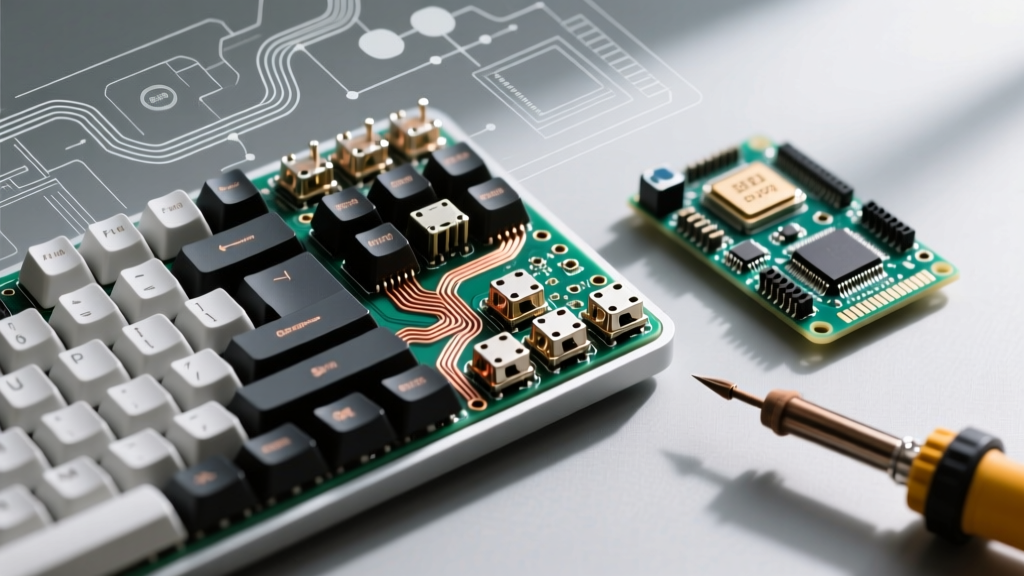
For the custom keyboard community, the shift back toward soldered PCBs in 2026 is driven by the pursuit of "thock"—a deep, resonant acoustic signature. Hot-swap sockets, typically made of stamped brass or phosphor bronze, introduce a secondary resonance chamber and can loosen over thousands of actuations. Soldered switches bypass this by anchoring the housing directly to the FR4 fiberglass board.
Top 3 Soldered Keyboard Switches for 2026
Based on factory lubrication quality, housing tolerances, and pin plating thickness, our experts recommend the following switches for direct-to-PCB soldering:
| Switch Model | Type | Actuation Force | Housing Material | Est. Price (2026) |
|---|---|---|---|---|
| Gateron Oil King | Linear | 55g (65g Bottom-out) | Nylon / Ink Blend | $0.65 / switch |
| Cherry MX Hyperglide Black | Linear | 60g | PBT / Nylon | $0.45 / switch |
| Kailh BOX Jade | Clickbar (Tactile) | 50g (60g Bottom-out) | Polycarbonate / Nylon | $0.55 / switch |
According to the Cherry MX Developer Portal, their Hyperglide line features a revised brass pin with a specialized silver-tin alloy plating designed specifically to improve solder wetting and reduce cold joint risks during automated wave soldering or manual hand-soldering.
Industrial & Panel Solder-Lug Switches: Reliability Under Fire
Beyond keyboards, soldered switches dominate the industrial control sector. When wiring heavy machinery, automotive dashboards, or marine panels, engineers rely on solder-lug toggle and pushbutton switches. These switches feature elongated metal cups (lugs) where the wire is inserted and soldered, creating a connection capable of withstanding severe vibration, thermal cycling, and moisture ingress.
Heavy-Duty Solder-Lug Recommendations
- Carling 110-Series: The industry standard for marine and automotive applications. Features silver-cadmium oxide contacts rated for 20A at 125V AC. The solder lugs are heavily nickel-plated to resist oxidation. (Approx. $6.50 - $9.00 per unit).
- C&K T-Series: Miniature toggle switches built to MIL-PRF-8805 specifications. Ideal for aerospace and high-density control panels where space is limited but reliability is non-negotiable. (Approx. $4.50 - $7.00 per unit). For detailed specifications, refer to the C&K Components Toggles Catalog.
Thermal Management: Avoiding Housing Deformation
The most common failure mode when installing soldered switches is thermal damage to the switch housing. The brass pins conduct heat rapidly from your soldering iron directly into the plastic base of the switch. If the plastic exceeds its glass transition or melting temperature, the housing will warp, causing the internal stem to bind or the switch to sit crookedly on the PCB.
Material Heat Tolerance Matrix
| Housing Material | Max Safe Soldering Temp | Thermal Characteristics & Warnings |
|---|---|---|
| Nylon (PA66) | 220°C - 240°C | Highly susceptible to warping. Requires fast, precise heat application. |
| Polycarbonate (PC) | 260°C - 280°C | More forgiving than Nylon, but prolonged heat will cause micro-fractures and clouding. |
| PBT | 250°C - 270°C | Excellent thermal resistance. Preferred for the bottom housing of premium soldered switches. |
| UHMWPE | 130°C - 140°C | CRITICAL WARNING: Used in some ultra-low friction top housings. Will instantly melt if touched by an iron. |
Expert Soldering Protocol for Flawless Switch Installation
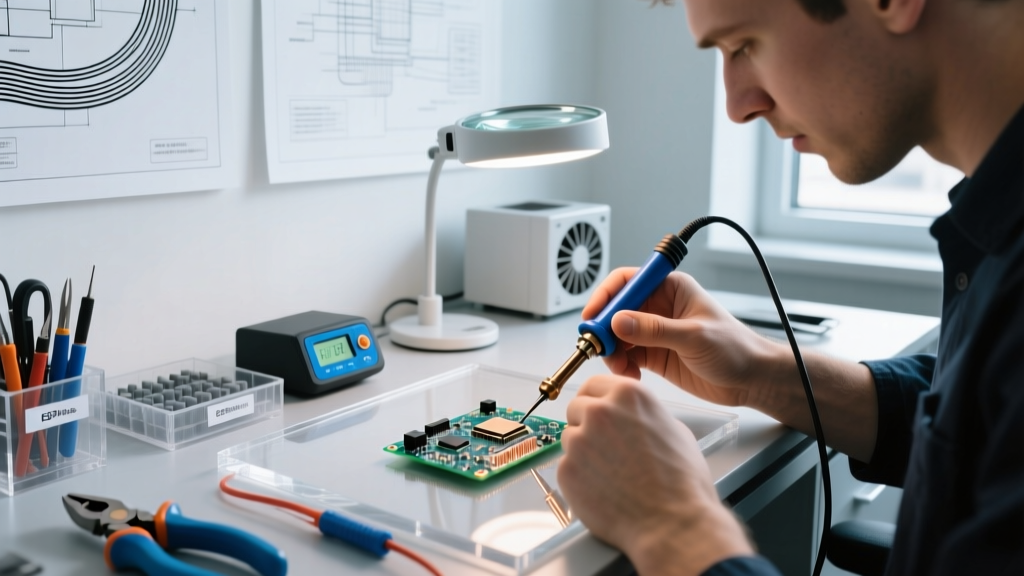
To achieve IPC-A-610 Class 2 or Class 3 compliant solder joints on switch pins, our experts recommend the following step-by-step methodology. We suggest using a high-quality eutectic alloy like Sn63Pb37 (melting point 183°C) or a reliable lead-free alternative from a trusted manufacturer like Kester.
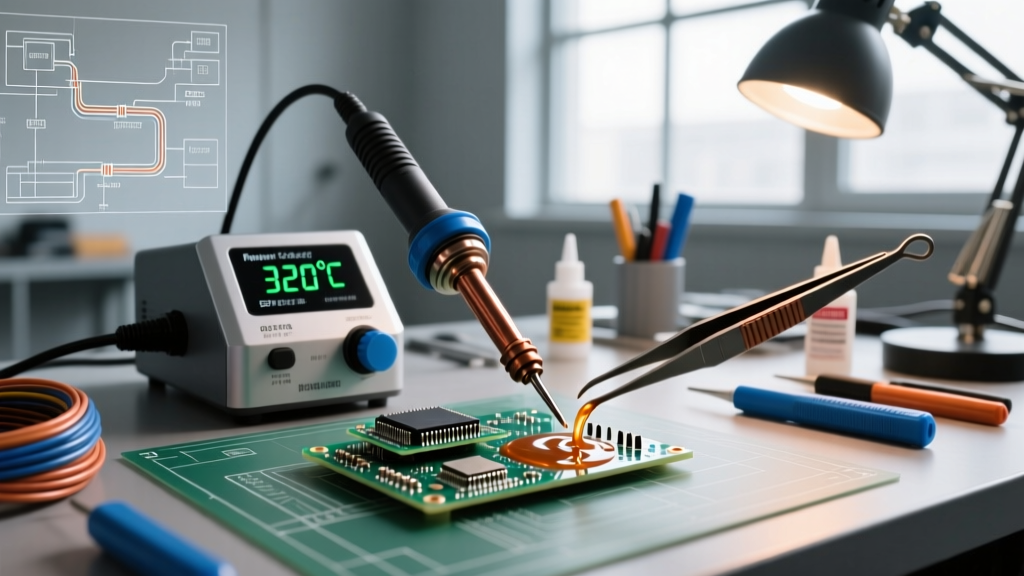
- Preparation: Set your soldering station to 320°C - 340°C (608°F - 644°F) for 63/37 Sn/Pb wire, or 350°C - 370°C for SAC305 lead-free wire. Use a chisel tip (2.4mm to 3.2mm) to maximize thermal transfer to the flat PCB pad.
- Flux Application: Apply a no-clean, ROL0 (Rosin, Low Activity) tacky flux to the PCB pad and the switch pin. Do not rely solely on the flux core inside your solder wire.
- The 3-Second Rule: Place the iron tip so it simultaneously touches the PCB pad and the brass switch pin. Feed the solder wire into the joint (not directly onto the iron tip). The entire process must take no longer than 3 seconds to prevent FR4 pad delamination and Nylon housing melt.
- Inspection: A perfect soldered switch joint should exhibit a smooth, concave fillet with a shiny finish (for leaded solder) and a wetting angle of less than 90 degrees.
Comparison Matrix: Soldered vs. Hot-Swap vs. PCB-Mount
Understanding where soldered switches fit into the broader ecosystem helps buyers make informed architectural decisions for their projects.
| Feature | Soldered Switches | Hot-Swap Sockets | PCB-Mount (SMD) |
|---|---|---|---|
| Acoustic Profile | Deep, solid, no spring ping | Hollow, prone to metallic ping | Flat, integrated into board resonance |
| Structural Rigidity | Maximum (Anchored to copper) | Moderate (Friction fit) | High (Surface tension & adhesive) |
| Lifespan (Cycles) | 50M+ (Switch dependent) | Limited by socket leaf fatigue | 50M+ (Switch dependent) |
| Skill Floor | Moderate (Requires iron skills) | Very Low (Plug and play) | Very High (Requires reflow oven) |
| Repairability | Difficult (Desoldering braid required) | Very Easy (Tweezers) | Extremely Difficult (Hot air station) |
Frequently Asked Questions (FAQ)
Can I convert a hot-swap PCB to use soldered switches?
Yes, but it is generally not recommended. Hot-swap PCBs have cutouts in the copper pads to accommodate the socket wings. Soldering a switch directly into these cutouts results in a weak mechanical bond and poor thermal dissipation, significantly increasing the risk of pad lift. Always use a dedicated solder-only PCB for soldered switches.
What is the best solder wire diameter for keyboard switches?
For mechanical keyboard switches and standard panel toggles, a wire diameter of 0.031 inches (0.8mm) is ideal. Thicker wire (0.040") makes it difficult to control the volume of solder, leading to messy, bulbous joints that can short adjacent pins on dense 1.27mm pitch boards.
Why are my soldered switch joints dull and grainy?
Grainy, dull joints are a classic sign of a "cold joint" or a disturbed joint. This occurs if the switch is moved before the solder has completely solidified, or if your iron temperature is too low to properly flux the brass pin. Increase your station temperature by 15°C, reapply flux, and reflow the joint without moving the switch until the solder cools to a solid state.