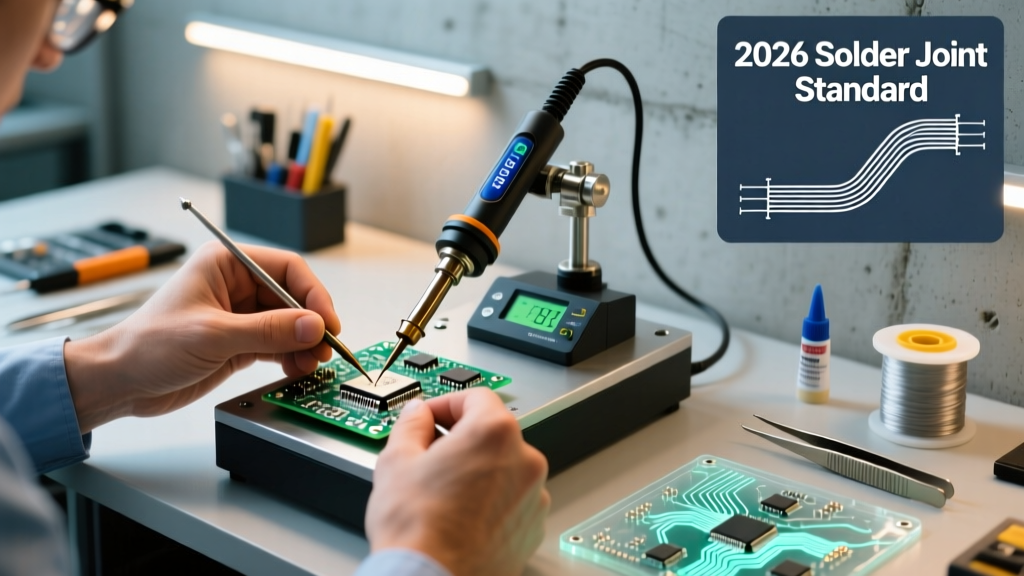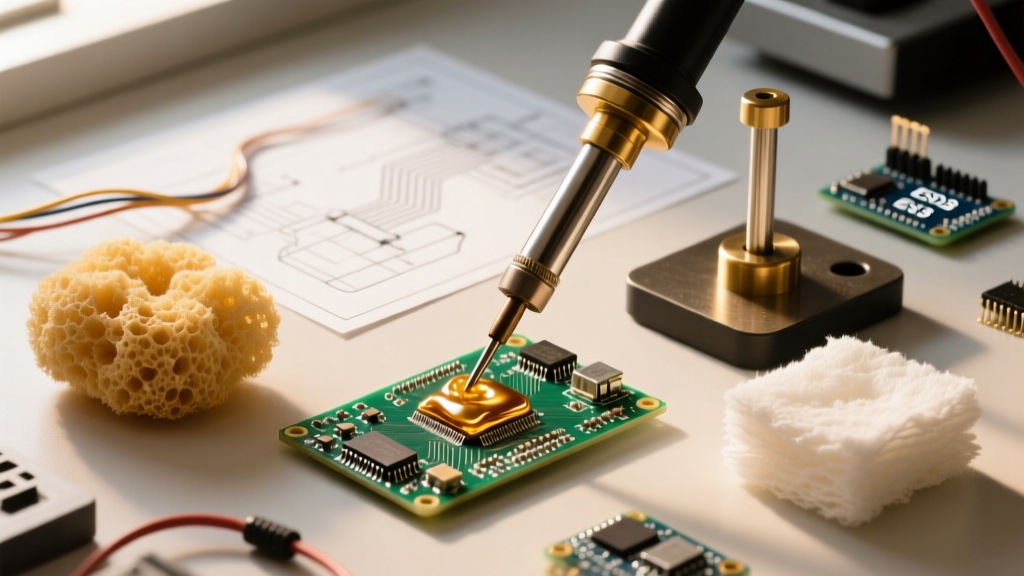

The Evolution of the New T12 Digital Soldering Ecosystem
The soldering landscape in 2026 has been entirely reshaped by the new T12 digital soldering ecosystem. What began a decade ago as a reverse-engineered clone of the Hakko FX-951 cartridge system has evolved into a highly sophisticated, open-hardware platform driven by 32-bit ARM microcontrollers. Today, digital T12 stations offer PID (Proportional-Integral-Derivative) temperature control, OLED displays, and USB-C Power Delivery (PD) integration that rival or exceed $500 professional JBC and Metcal setups, all for under $100.
For DIY electronics enthusiasts, PCB repair technicians, and embedded engineers, understanding the nuances of these modern digital controllers is critical. This comprehensive guide breaks down the hardware architecture, market leaders, power delivery standards, and calibration protocols you need to know before upgrading your bench.
Anatomy of a Modern T12 Digital Controller
Unlike traditional soldering irons where the thermocouple and heating element are separate, the T12 cartridge integrates a ceramic heater and a thermocouple in series. The new T12 digital soldering controllers utilize an STM32 microcontroller to read the micro-voltage changes from the thermocouple, calculate the thermal deficit using a PID algorithm, and pulse a high-current MOSFET to drive the heater.
Why STM32 Changed the Game
Older analog T12 clones relied on operational amplifiers (op-amps) and basic 555 timers, resulting in temperature overshoot and slow recovery times. The shift to STM32F103 and STM32G4 microcontrollers allows for:
- High-Frequency PWM: Switching frequencies up to 20kHz eliminate audible coil whine and provide smoother thermal delivery.
- Dynamic Sleep Modes: Integrated ball-switch or vibration sensors detect when the iron is holstered, dropping the tip temperature to 150°C to prevent oxidation.
- Boost Modes: A temporary override that pushes the PID integral windup to maximum, delivering 72W+ for heavy ground-plane soldering.
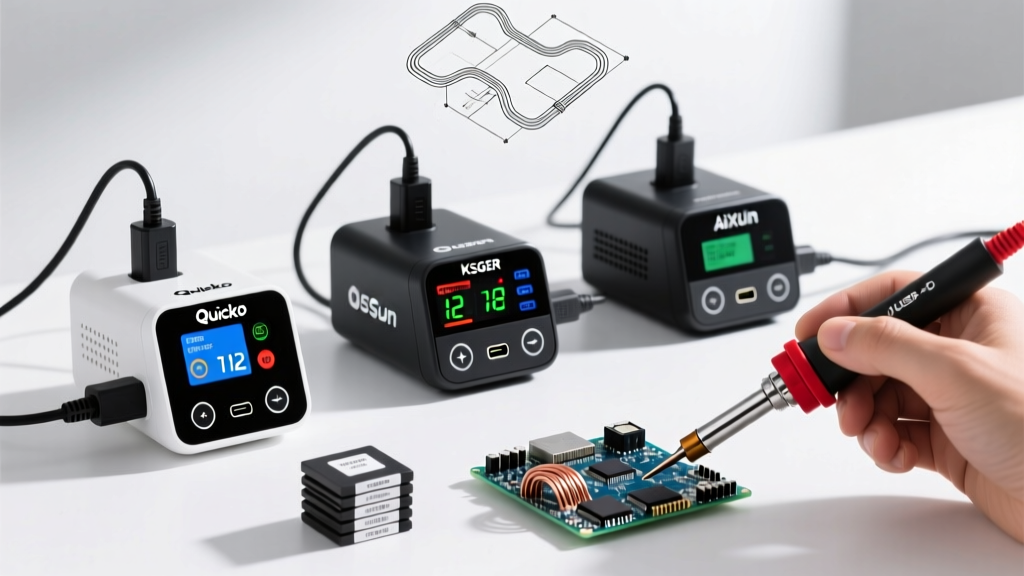
2026 Market Leaders: Quicko, KSGER, AiXun, and Sugon
The market is saturated with T12 variants, but a few brands have established dominance through reliable component sourcing and active firmware support. Below is a comparison matrix of the top digital T12 stations available this year.
| Brand & Model | MCU Architecture | Power Input | Avg. Price (2026) | Standout Feature |
|---|---|---|---|---|
| Quicko T12-952 OLED | STM32F103 | 24V DC / USB-C PD | $55 - $75 | Customizable UI, active community firmware |
| KSGER V3.1S | STM32F103 | 24V DC Barrel | $35 - $50 | Budget-friendly, robust aluminum chassis |
| AiXun T3A Smart | ARM Cortex-M4 | USB-C PD 100W | $85 - $110 | Hybrid T12/T245 support, cloud firmware OTA |
| Sugon 8620DX T12 | Proprietary ARM | AC 110/220V | $130 - $160 | Integrated 1200W hot air rework station |
Power Delivery (PD) vs. Traditional DC Bricks
One of the most significant advantages of the new T12 digital soldering stations is the adoption of USB-C Power Delivery. Historically, T12 stations required bulky 24V 3A (72W) DC barrel adapters. Today, controllers equipped with PD negotiation chips (like the CH224K or IP2721) can request 20V at 3A or 5A directly from a GaN (Gallium Nitride) laptop charger.
Expert Tip: When using USB-C PD, ensure your GaN charger supports the PDO (Power Data Object) for 20V/3A or 20V/5A. Many ultra-compact 65W chargers only offer 20V/2.25A (45W), which will severely bottleneck your T12 iron's thermal recovery when soldering large copper pours.
According to the USB Implementers Forum (USB-IF), the PD 3.1 specification allows for extended power ranges, but for standard T12 heating elements (which typically feature a resistance of 6 to 8 ohms), 20V-24V remains the optimal voltage threshold to prevent premature heater burnout while maximizing wattage.
Selecting the Right T12 Tip Geometry
The digital controller is only half the equation; thermal transfer relies entirely on the tip. While original Hakko T12 tips cost around $12-$15 each, high-quality clones from BAKON and KSGER ($3-$6) offer 90% of the performance for everyday DIY use. Here is a breakdown of essential geometries for modern PCB work:
- J02 (Bent Conical): The absolute best tip for 0402 and 0603 SMD components. The bent angle provides visibility while the fine point concentrates heat precisely on the pad.
- D24 (Chisel 2.4mm): Your daily driver for through-hole components and general wire tinning.
- C4 (Bevel 4mm): Essential for drag-soldering SOIC-16 or TQFP-48 ICs. The concave bevel holds a small reservoir of molten solder.
- JL02 (Ultra-Fine Blade): Specifically designed for micro-soldering and jumper wire repairs under a microscope.
Common Failure Modes and Edge Cases
Despite their advanced digital nature, T12 systems are prone to specific failure modes if mismanaged. Understanding these will save you from destroying expensive components or replacing controllers.
1. Ground Loop Leakage Voltage
If your DC power supply or USB-C charger has poor isolation, AC leakage voltage can travel through the heating element, down the thermocouple wire, and directly into the tip. If this leakage exceeds 5mV RMS, it can instantly destroy the gate oxide of sensitive MOSFETs or CMOS ICs you are trying to solder. Always verify tip-to-ground voltage with a true-RMS multimeter before working on live logic boards.
2. Thermocouple Drift and PID Oscillation
Over time, the internal thermocouple degrades due to repeated thermal cycling past 400°C. This causes the digital readout to drift. If your station exhibits rapid temperature oscillation (swinging ±15°C around the setpoint), the PID integral gain (Ki) is likely fighting a degraded thermocouple signal. Recalibration or tip replacement is required.
3. MOSFET Thermal Runaway
In budget stations like early KSGER models, the logic-level MOSFET driving the heater lacks adequate heatsinking. If you leave the station in 'Boost' mode for extended periods, the MOSFET can overheat, fail short-circuit, and send continuous 24V to the tip, turning it cherry red and destroying the cartridge. Modern 2026 revisions have largely mitigated this with TO-220 packaged MOSFETs bolted to the aluminum chassis.
Step-by-Step: Calibrating Your T12 Digital Station
Out of the box, most digital T12 controllers use a generic lookup table for temperature conversion. For critical aerospace or automotive work where adherence to NASA Workmanship Standards or IPC-A-610 thermal profiles is required, manual calibration is mandatory.
- Preparation: Insert a fresh, high-quality T12 tip (e.g., D24). Allow the station to stabilize at 300°C for 5 minutes.
- Measurement: Use a K-type thermocouple bead attached to a calibrated digital multimeter. Apply a small drop of high-temp thermal paste to the tip, then press the K-type bead firmly against the very edge of the tip.
- Offset Calculation: Compare the multimeter reading to the OLED display. If the OLED reads 300°C but the multimeter reads 285°C, your offset is -15°C.
- Firmware Adjustment: Enter the hidden calibration menu (usually by holding the encoder button for 5 seconds on boot). Input the calculated offset value.
- PID Auto-Tune: Many STM32-based T12 firmwares feature an 'Auto-Tune' function. Run this with the tip installed. The controller will pulse the heater and measure the thermal decay curve to automatically calculate optimal P, I, and D values for that specific tip's thermal mass.
Frequently Asked Questions
Can I use original Hakko T12 tips in third-party digital stations?
Yes. The physical footprint and 8-pin DIN electrical layout of the T12 standard are universal across Quicko, KSGER, and AiXun stations. However, original Hakko tips have slightly different thermocouple resistance curves. You may need to adjust the temperature offset by +5°C to +10°C in the station's settings menu to achieve perfect accuracy, as referenced in Hakko's official thermal documentation.
Is a T12 station better than a Pinecil V2 for bench work?
While the Pinecil V2 is an incredible portable iron running IronOS, a dedicated T12 digital station offers superior ergonomics for long bench sessions. The heavy, grounded base of a T12 station prevents the cable from dragging your hand, and the dedicated OLED panel provides at-a-glance telemetry without needing to look at a tiny screen on the handle.
What is the safest temperature for lead-free SAC305 solder?
For SAC305 (Tin/Silver/Copper), the melting point is 217°C. With a modern digital T12 station's rapid thermal recovery, you do not need to crank the dial to 400°C. Set your station to 320°C - 340°C. The high-efficiency PID will maintain the tip temperature during the actual solder joint formation, preventing the flux from burning off prematurely and ensuring a shiny, reliable fillet.