
The Definitive Quick Reference for Tracking Time in Arduino
Whether you are debouncing a mechanical switch, scheduling sensor reads, or logging environmental data, managing time in Arduino ecosystems is the invisible backbone of reliable firmware. In 2026, with makers increasingly migrating from legacy 8-bit AVR boards to 32-bit ESP32-S3 and RP2040 architectures, understanding the nuances of hardware timers, software wrappers, and external Real-Time Clocks (RTCs) is more critical than ever. This FAQ and quick reference guide cuts through the fluff to deliver exact timing resolutions, overflow edge cases, and hardware integration specifics.
Core Timing Functions Quick Reference
Before diving into complex state machines, you must understand the fundamental tools provided by the Arduino core API. Below is a comparison matrix of the standard timing functions available across most AVR and ESP32 board packages.
| Function | Resolution | Overflow Limit | Blocking? | Primary Use Case |
|---|---|---|---|---|
delay(ms) | 1 ms | N/A | Yes | Simple setup routines, crude hardware settling |
millis() | 1 ms | 49.71 days | No | Non-blocking state machines, timeouts, scheduling |
micros() | 4 µs (AVR 16MHz) | 71.58 minutes | No | PWM generation, PID loops, ultrasonic sensors |
delayMicroseconds() | 1 µs | N/A | Yes | Bit-banging protocols (e.g., WS2812B LEDs) |
FAQ: Mastering Non-Blocking Time in Arduino
Why is delay() considered bad practice in complex sketches?
When you call delay(1000), the microcontroller's CPU is trapped in an empty while() loop, constantly polling a hardware timer until the target is reached. During this time, the MCU cannot read incoming serial data, detect button presses, or update displays. In modern IoT projects utilizing MQTT or Wi-Fi stacks (like the ESP8266 or ESP32), a blocking delay longer than a few milliseconds can cause the watchdog timer (WDT) to reset the board or drop network packets. Always default to non-blocking millis() tracking for loop operations.
How does the millis() overflow affect my code, and how do I fix it?
The millis() function returns an unsigned long (32-bit integer), which maxes out at 4,294,967,295 milliseconds. After exactly 49.71 days of continuous uptime, the counter rolls over to 0. If your code uses simple addition (e.g., if (currentMillis > previousMillis + interval)), your logic will break catastrophically upon rollover because previousMillis + interval will overflow and wrap to a small number, causing the condition to trigger prematurely or never at all.
The Golden Rule of Arduino Timing: Always use subtraction to handle rollovers safely. The unsigned math natively handles the wrap-around.
unsigned long previousMillis = 0;
const long interval = 1000;

void loop() {
  unsigned long currentMillis = millis();
  // This subtraction works flawlessly even during the 49.7-day rollover
  if (currentMillis - previousMillis >= interval) {
    previousMillis = currentMillis;
    // Execute timed action
  }
}
When should I use micros() instead of millis()?
Use micros() when you need sub-millisecond precision, such as calculating distance with an HC-SR04 ultrasonic sensor or tuning a high-speed PID control loop. However, be aware of the hardware limitations. On a standard 16MHz ATmega328P (Arduino Uno/Nano), Timer0 uses a prescaler of 64. This means the timer increments every 4 microseconds. Therefore, micros() on an AVR board will only ever return multiples of 4 (e.g., 104, 108, 112). Furthermore, micros() overflows every 71.58 minutes, meaning you cannot use it for long-term scheduling without writing custom overflow-tracking wrappers.
Hardware Timing: Integrating a DS3231 RTC
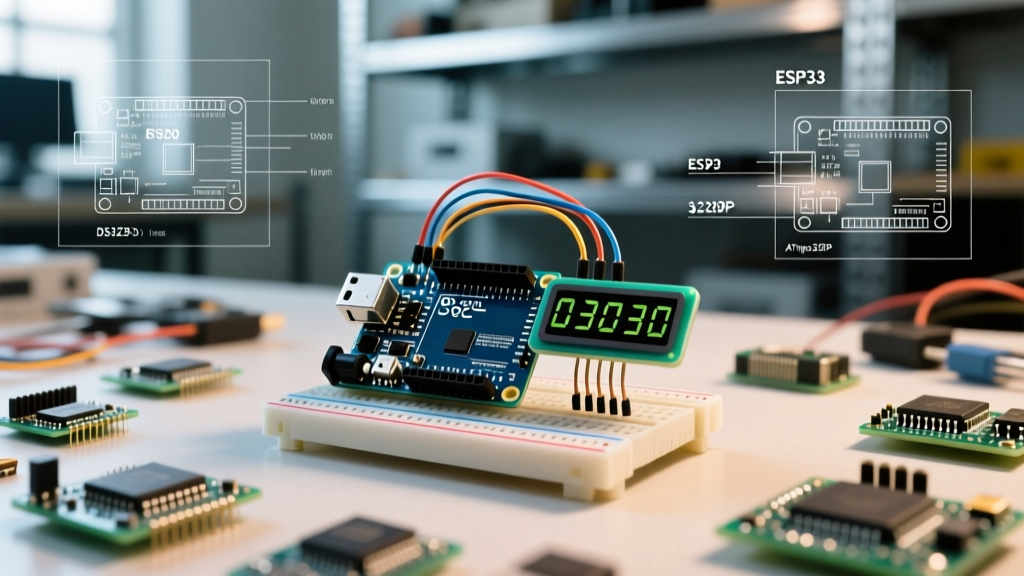
Software timers rely on the MCU's internal clock, which resets on power loss and suffers from temperature-induced drift. For data logging or alarm systems, you need a dedicated Real-Time Clock (RTC). The DS3231SN is the undisputed standard for maker projects in 2026.
DS3231 vs. DS1307: Which should you buy?
- DS1307 Modules (~$1.50 - $2.50): Uses a standard 32.768kHz tuning fork crystal. Highly sensitive to temperature changes, drifting up to 20ppm (roughly 10 minutes per month). Avoid for precision logging.
- DS3231 Modules (~$3.50 - $6.00): Features an integrated TCXO (Temperature Compensated Crystal Oscillator). Accurate to ±2ppm across 0°C to 40°C, translating to a drift of less than 1 minute per year. Always choose the DS3231 for reliable time in Arduino projects.
Wiring and I2C Configuration Quick Reference
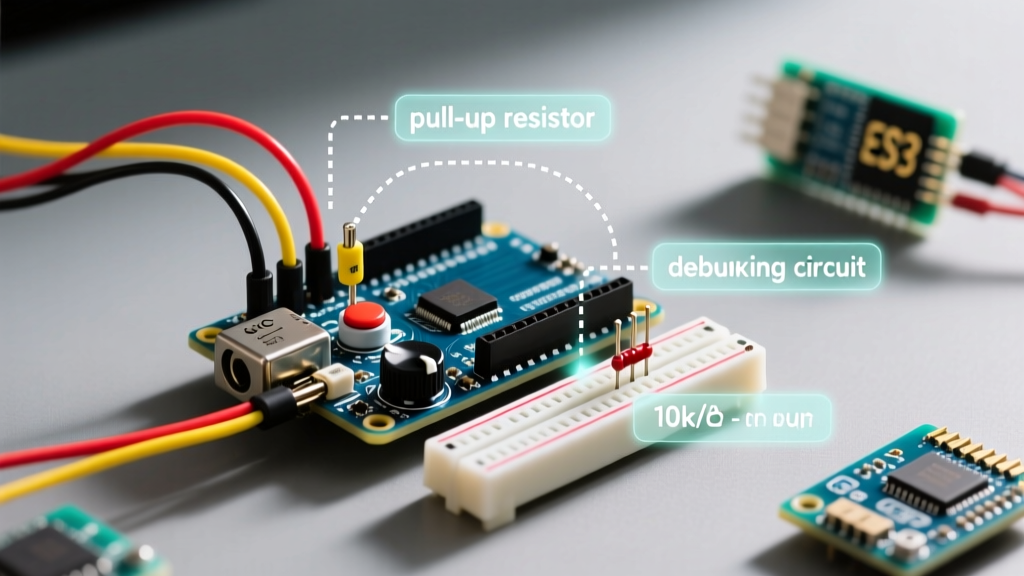
The DS3231 communicates via I2C at address 0x68. While many cheap breakout boards include 4.7kΩ pull-up resistors on the SDA and SCL lines, some ultra-low-cost clones omit them. If your I2C scanner hangs or returns erratic addresses, add external 4.7kΩ resistors between VCC (5V or 3.3V) and the SDA/SCL pins.
For battery backup, use a standard CR2032 lithium coin cell. Warning: If you are using a cheap ZS-042 DS3231 module, inspect the charging circuit. These modules often include a 1N4148 diode and a 200Ω resistor designed to charge LIR2032 rechargeable cells. If you insert a standard non-rechargeable CR2032, this circuit can cause a fire hazard. Snip the diode or trace to disable the charging path before inserting a primary lithium cell.
Troubleshooting Timing Drift and Edge Cases
Why does my millis() timer lose accuracy when using interrupts?
The millis() counter is incremented by the Timer0 Overflow Interrupt Service Routine (ISR). If your custom code uses noInterrupts() to read multi-byte sensor data or bit-bang a protocol, and you keep interrupts disabled for longer than 1ms, the Timer0 ISR will miss its window. The ticks are permanently lost, causing your software clock to drift. Always keep noInterrupts() blocks as short as possible (typically under 50 microseconds).
ESP32 vs. AVR: Timing Architecture Differences
If you are migrating from an Arduino Uno to an ESP32-S3, be aware that the ESP32 handles time differently. The ESP32 API includes esp_timer_get_time(), which returns a 64-bit integer representing microseconds since boot. Because it is 64-bit, it will not overflow for over 292,000 years, entirely eliminating the 71-minute micros() rollover headache inherent to 8-bit AVRs. When writing cross-compatible libraries, utilize conditional compilation macros to leverage the ESP32's 64-bit timer when available.
Authoritative Resources for Further Study
To deepen your understanding of hardware timers and RTC integration, consult the following authoritative documentation:
- Official Arduino Language Reference: millis() - The definitive guide to the standard software timer API and its return types.
- Adafruit DS3231 Precision RTC Breakout Guide - Comprehensive wiring diagrams, battery backup considerations, and RTCLib code examples.
- PJRC Time Library Documentation - Advanced timekeeping concepts, including syncing software time with external RTCs and NTP servers.