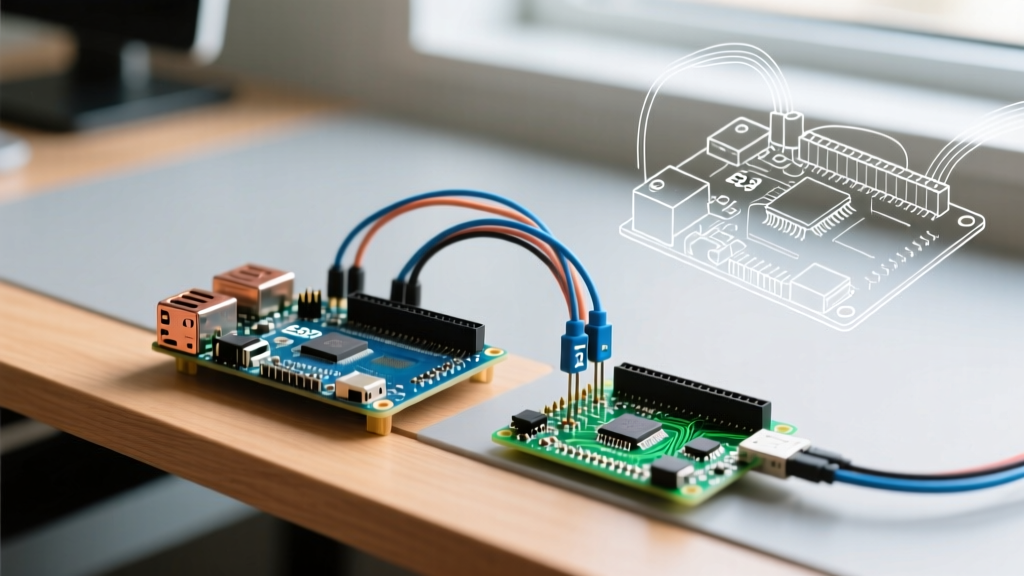

The Short Answer: Which is the Smallest?
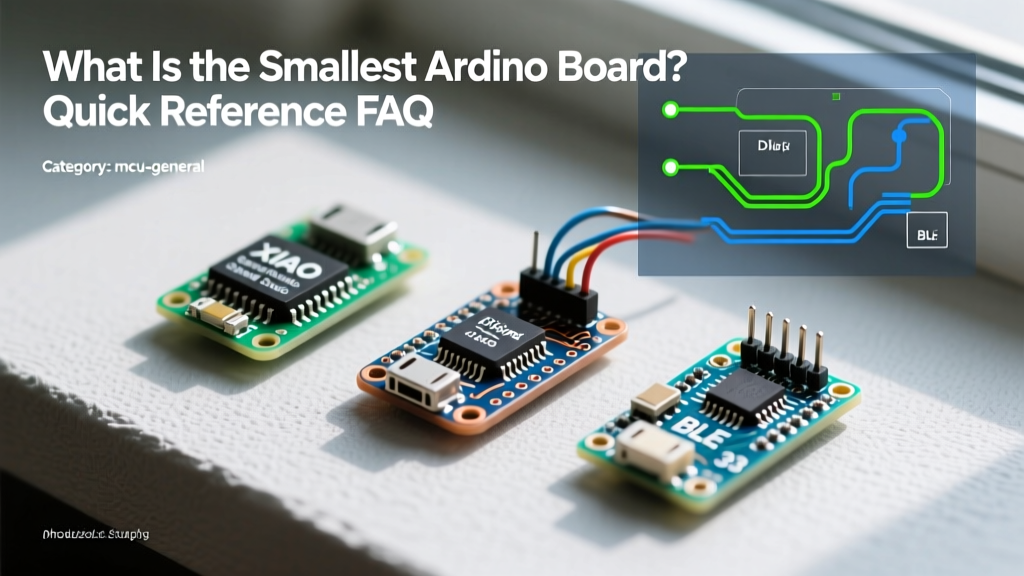
When makers and engineers search for the smallest Arduino board, the answer depends on whether you prioritize raw physical footprint or modern 32-bit processing power. In terms of pure physical dimensions, the legacy Digispark ATtiny85 holds the crown at a microscopic 18 x 15mm (excluding its USB-A prongs). However, for modern, high-performance IoT and sensor applications in 2026, the Seeed Studio XIAO series (measuring just 21 x 17.5mm) is universally recognized as the smallest viable, fully-featured 32-bit Arduino-compatible development board.
This quick reference guide breaks down the exact specifications, real-world pricing, edge cases, and hardware failure modes of the most popular micro-boards on the market, helping you choose the right silicon for your space-constrained embedded projects.
Quick Comparison Matrix: Micro-Controller Footprints
Below is a side-by-side comparison of the top ultra-compact boards compatible with the Arduino IDE. Prices reflect average market rates for authentic units in 2026.
| Board Model | Core MCU | Dimensions | Flash / SRAM | Typical Price | Best Use Case |
|---|---|---|---|---|---|
| Digispark | ATtiny85 (8-bit) | 18 x 15mm | 8KB / 512B | $2 - $4 | Simple keystroke injectors, basic LED drivers |
| Seeed XIAO SAMD21 | Cortex-M0+ (32-bit) | 21 x 17.5mm | 256KB / 32KB | $5 - $6 | Low-power wearables, tiny sensor nodes |
| Seeed XIAO ESP32-C3 | RISC-V (32-bit) | 21 x 17.5mm | 4MB / 400KB | $6 - $8 | Miniature Wi-Fi/BLE IoT devices |
| TinyZero | SAMD21G18A | 20 x 20mm | 256KB / 32KB | $24 - $28 | Square wearables, e-textiles |
| Arduino Nano (Baseline) | ATmega328P | 18 x 45mm | 32KB / 2KB | $22 (Official) | Prototyping, breadboard standard |
Deep Dive: Top Contenders for Space-Constrained Builds
1. Seeed Studio XIAO Series (The Modern Champion)
The XIAO (pronounced 'shao') series has completely disrupted the microcontroller market. Measuring exactly 21 x 17.5mm, it packs a 32-bit ARM Cortex-M0+ (SAMD21) or a RISC-V ESP32-C3 into a footprint smaller than a standard postage stamp. According to the Seeed Studio XIAO documentation, the board features 11 digital/analog pins, an onboard USB-C connector, and castellated pads for direct PCB soldering.
- Power Budget: The onboard LDO can theoretically output up to 600mA at 3.3V. However, in real-world enclosed projects, thermal throttling occurs if you draw more than 300mA continuously without active airflow.
- Edge Case / Failure Mode: The USB-C connector lacks deep mechanical anchoring into the PCB. If your project involves frequent cable plugging/unplugging or mechanical stress, the port will eventually shear off the pads. Solution: Apply a bead of UV-curable solder mask or hot glue around the USB-C housing base for strain relief.
2. Digispark ATtiny85 (The Legacy Sub-$3 Option)
Originally launched via Kickstarter over a decade ago, the Digispark remains the absolute smallest Arduino board by sheer millimeter count. It utilizes the 8-bit ATtiny85 and plugs directly into a USB-A port without a cable.
- Limitations: With only 8KB of Flash and 512 bytes of SRAM, you cannot run modern libraries like FastLED or complex I2C sensor arrays. It is strictly for bare-metal logic, simple PWM, and HID keyboard emulation.
- Edge Case / Failure Mode: The raw PCB edge acting as a USB-A plug wears down after 20-30 insertions, leading to enumeration failures. Furthermore, getting the bootloader to work on Windows 11 often requires manual intervention with Zadig to replace default USB drivers with libusb-win32, otherwise the Arduino IDE will throw a
digispark bootloader not founderror.
3. TinyZero (The Square Wearable Alternative)
Developed by TinyCircuits, the TinyZero measures a perfectly square 20 x 20mm. As noted in the SparkFun TinyZero overview, it is designed specifically for stacking with ultra-thin displays and sensor shields via 30-pin micro-connectors.
- Pricing Reality: At roughly $25, it is significantly more expensive than the XIAO. You are paying for the proprietary stacking ecosystem and the square form factor, which is ideal for smartwatch or badge prototypes.
4. Arduino Nano (The Baseline Standard)
While not the smallest, the official Arduino Nano (18 x 45mm) is the benchmark against which all micro-boards are measured. If you are using cheap third-party Nano clones (often priced around $4), be highly cautious of the onboard AMS1117-5.0 voltage regulators. Many clone manufacturers substitute these with lower-spec components that overheat and shut down when input voltage exceeds 9V or current draw surpasses 150mA.
Critical Hardware & Soldering Considerations
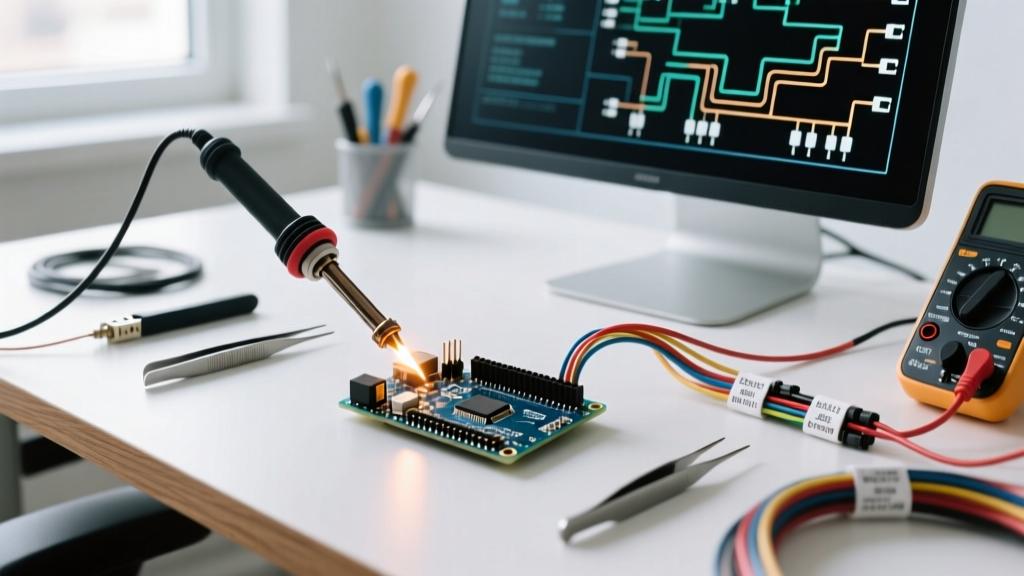
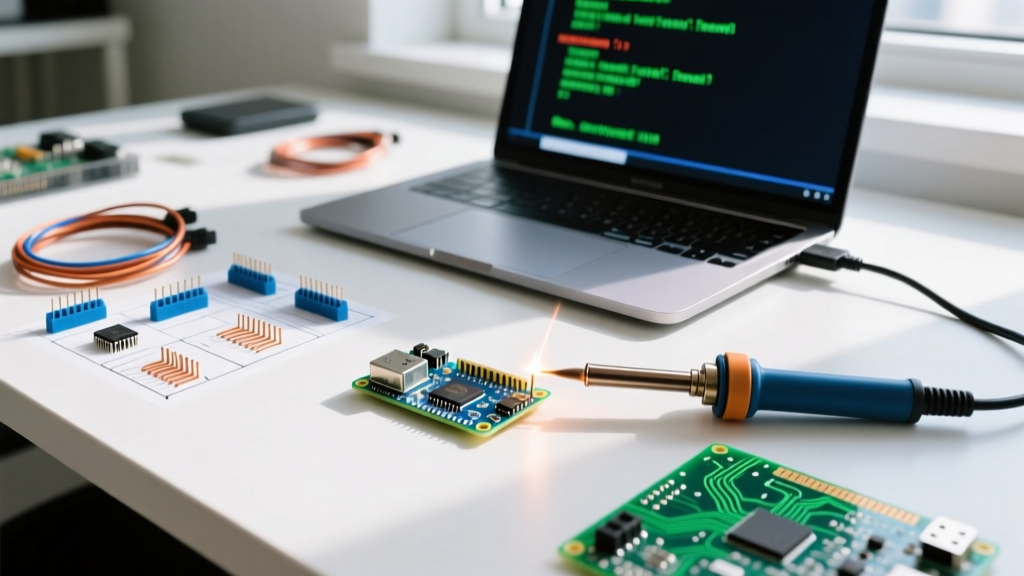
Working with the smallest Arduino boards requires a shift in assembly techniques. Standard through-hole soldering is out; micro-SMD and fine-pitch castellated pad soldering are in.
Mastering Castellated Holes
Boards like the XIAO feature castellated holes (metalized half-holes on the PCB edge) allowing you to solder the module flat against your custom carrier board. The pad pitch is typically 1.27mm, but the ESP32-S3 variant drops to 0.65mm pitch in some areas.
- Flux is Mandatory: Do not attempt this with just rosin-core solder. Apply a high-tack, no-clean flux gel (such as Amtech NC-559-V2-TF) to the pads before heating.
- Iron Temperature: Set your soldering station (e.g., Hakko FX-888D) to 320°C. Use a micro-bevel tip and 0.3mm diameter solder wire.
- Drag Soldering: For 0.65mm pitch pads, use the drag-soldering technique with a wide chisel tip and rely on surface tension to prevent bridging. Keep solder wick (2.0mm width) on standby to clear any accidental shorts.
Frequently Asked Questions (FAQ)
Can I program these micro-boards with the standard Arduino IDE?
Yes. The Arduino IDE 2.x supports all these boards via the Boards Manager. For the Seeed XIAO, you must add the Seeed Studio JSON URL to your Additional Boards Manager URLs in the IDE preferences, then install the 'Seeed SAMD Boards' or 'Seeed ESP32 Boards' package. The Digispark requires installing the 'Digistump AVR Boards' package via a separate JSON link.
How do I handle power delivery on sub-20mm boards?
Space constraints mean these boards lack large bulk capacitors. If your project includes high-current transient loads (like a GSM module or a servo motor), the onboard LDO will brown out, causing the MCU to reset. Actionable fix: Always place a 100µF ceramic capacitor and a 470µF electrolytic capacitor on your custom carrier board's 3.3V/5V rail, as close to the XIAO's power input pins as physically possible.
Is the Arduino Nano Every smaller than the classic Nano?
No. The Nano Every shares the exact same 18 x 45mm footprint as the classic Nano. If you need official Arduino hardware in a smaller footprint, you must look at the Arduino Nano 33 BLE Sense, which maintains the 18x45mm size but offers vastly superior 32-bit processing and onboard IMU sensors, though it still dwarfs the XIAO series in overall volume.
What is the best way to recover a bricked XIAO bootloader?
If a faulty sketch crashes the USB stack, the XIAO will disappear from your PC's device manager. To force it into bootloader mode: locate the tiny 'Reset' pad on the board. Use tweezers to short the Reset pad to the adjacent GND pad twice in rapid succession (double-tap). The onboard LED will pulse gently, indicating the bootloader is active and ready to receive a new sketch via the Arduino IDE.