
The Literal and Philosophical Meaning of Arduino
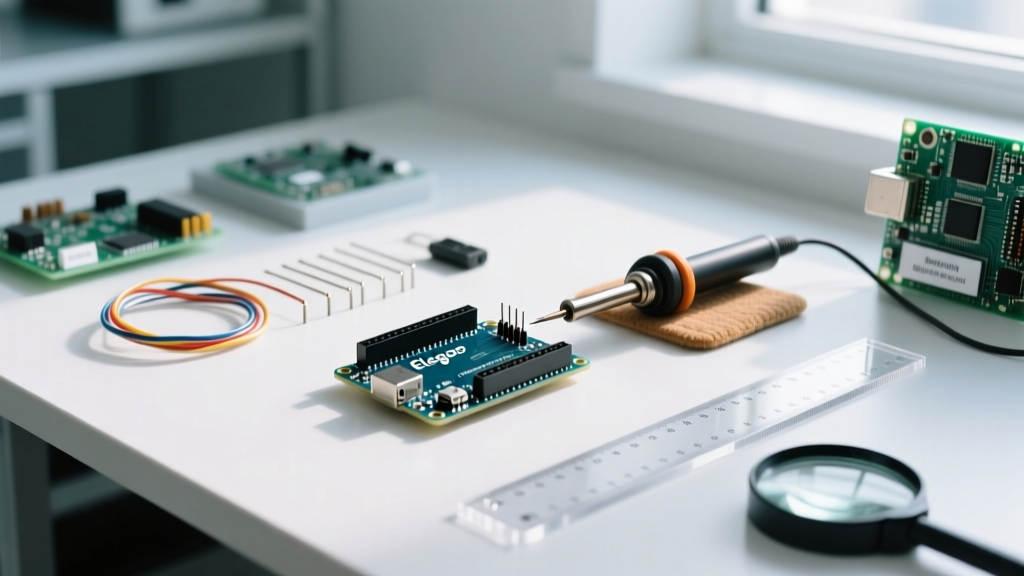
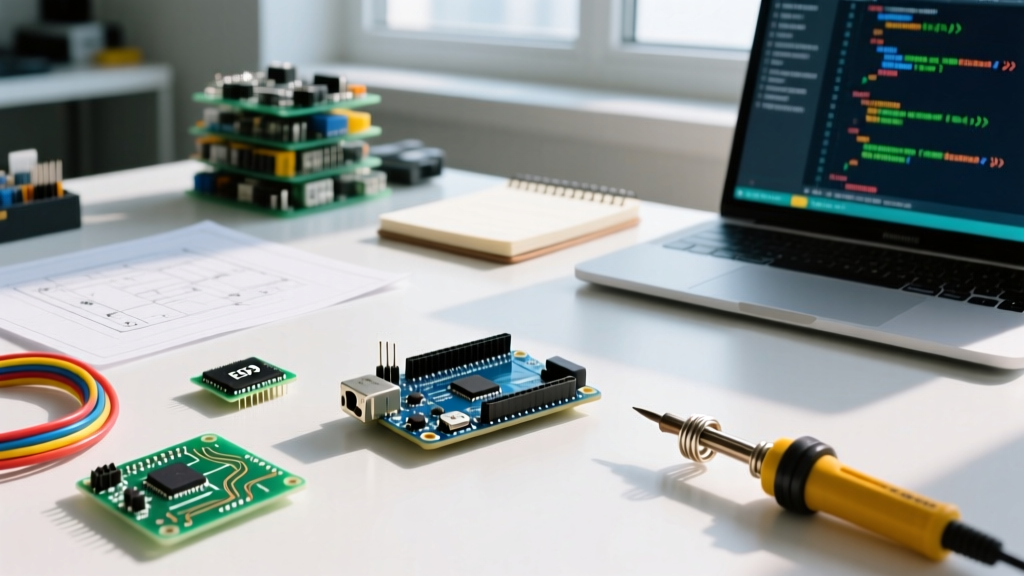
When beginners first enter the world of embedded systems, they often ask a fundamental question: what is the actual meaning of Arduino? On a purely literal level, Arduino is an open-source electronics platform based on easy-to-use hardware and software. However, to veteran makers and electrical engineers, the meaning of Arduino extends far beyond a simple blue printed circuit board. It represents a paradigm shift in how hardware is designed, shared, and iterated upon.
Historically, microcontroller programming required expensive proprietary programmers, complex toolchains, and deep knowledge of register-level C programming. Arduino disrupted this by abstracting the hardware layer. By wrapping complex AVR and ARM instructions into simple C++ functions like digitalWrite() and analogRead(), it democratized embedded electronics. According to the Open Source Hardware Association (OSHWA), true open-source hardware means the design files, schematics, and bill of materials (BOM) must be publicly available. Arduino embraced this philosophy early on, releasing their schematics under a Creative Commons Attribution Share-Alike license, allowing anyone to manufacture their own boards.
'Arduino is not just a board; it is a global ecosystem of makers, educators, and engineers sharing knowledge to lower the barrier of entry for physical computing.'
Hardware Architecture: What 'Arduino' Means on the Workbench
To understand the meaning of Arduino in a practical sense, we must look at the hardware evolution. The platform is anchored by its microcontroller units (MCUs), but the ecosystem has fractured into several distinct categories. Below is a breakdown of what 'Arduino' means across different hardware tiers in the modern maker space.
| Hardware Tier | Representative Board | Core MCU | Typical Price (USD) | Primary Use Case |
|---|---|---|---|---|
| Legacy / Classic | Uno R3 | ATmega328P (8-bit AVR) | $15 - $27 | Basic prototyping, education, simple I/O |
| Modern Core | Uno R4 Minima | Renesas RA4M1 (32-bit ARM Cortex-M4) | $20 | High-speed math, DAC output, CAN bus |
| IoT / Wireless | Nano ESP32 | ESP32-S3 (Dual-core Xtensa) | $21 | Wi-Fi/Bluetooth, web servers, smart home |
| Third-Party Clone | Generic Uno Clone | ATmega328P + CH340G USB-UART | $6 - $12 | Budget projects, disposable prototypes |
The transition from the 8-bit ATmega328P to the 32-bit Renesas RA4M1 in the Uno R4 series marks a significant shift in the meaning of Arduino hardware. It is no longer just a slow, 5V-tolerant educational toy; it is a capable industrial prototyping tool featuring a 12-bit DAC, a hardware CAN bus, and a 48 MHz clock speed.
The Software Layer: Arduino IDE and Core Libraries
The software ecosystem is where the true meaning of Arduino comes to life for developers. The Arduino Integrated Development Environment (IDE) acts as the bridge between human logic and machine execution. In recent years, the IDE has undergone a massive architectural overhaul. The legacy Java-based IDE 1.8.x has been replaced by the modern IDE 2.x, which is built on the Eclipse Theia framework and utilizes the Language Server Protocol (LSP) via clangd.
This means modern Arduino programming includes features previously reserved for professional software engineering: real-time code completion, inline error highlighting, and integrated debugging via JTAG/SWD probes. Furthermore, the ArduinoCore-avr repository on GitHub maintains the underlying C/C++ abstraction layers, ensuring that functions like millis() and Serial.print() behave consistently across hundreds of different board definitions.
Community Resource Roundup: Where the Ecosystem Thrives
You cannot define the meaning of Arduino without acknowledging its community. The platform's survival and dominance in the maker space are entirely due to the millions of developers contributing to forums, libraries, and open-source projects. Here is a curated roundup of the most vital community resources you should bookmark.
1. The Official Arduino Forum and Documentation
The Arduino Forum remains the most comprehensive repository of troubleshooting knowledge on the internet. With over a million registered users, it is the first place to look when dealing with obscure compilation errors or hardware quirks. The official Arduino Documentation Hub has also been completely revamped, offering interactive API references and step-by-step tutorials for the newer R4 and Portenta families.
2. Essential Third-Party Libraries
The Arduino Library Manager hosts over 5,000 community-driven packages. While the official libraries cover basic sensors, the community has built highly optimized frameworks for complex tasks:
- FastLED: The undisputed king of addressable LED control. It uses direct port manipulation and hardware-specific timing loops to drive WS2812B and APA102 LEDs without blocking the main CPU thread.
- Adafruit_GFX & Adafruit_SSD1306: The standard for monochrome OLED and TFT display rendering. The GFX library provides a unified graphics API, making it trivial to port code between a tiny 0.96-inch I2C OLED and a massive SPI TFT screen.
- PubSubClient: The backbone of Arduino IoT projects, providing a lightweight, robust MQTT client for communicating with brokers like Mosquitto or AWS IoT Core.
3. Simulation and Virtual Prototyping
Before committing to physical wiring, the community heavily relies on Wokwi. Wokwi is a free, browser-based simulator that accurately emulates the ESP32, ATmega328P, and Raspberry Pi Pico. It allows developers to write Arduino code, wire virtual components, and even simulate Wi-Fi networks, completely redefining how rapid prototyping is done without a physical workbench.
Edge Cases and Real-World Troubleshooting
Understanding the meaning of Arduino also means understanding its failure modes. Because the hardware is open-source, the market is flooded with cheap clones. While clones keep the hobby accessible, they introduce specific edge cases that every maker must know how to navigate.
The Clone Dilemma: CH340G vs. ATmega16U2
Official Arduino Unos use an ATmega16U2 microcontroller as a USB-to-Serial bridge. This chip natively supports USB CDC protocols, meaning it plugs into Windows, macOS, and Linux and is immediately recognized as a COM port. Budget clones, however, replace this $2.50 chip with a $0.30 CH340G or CH340C chip to cut costs.
If you plug a CH340 clone into a modern Windows 11 or macOS Sonoma machine without the specific driver, you will encounter the most infamous error in the Arduino community:
avrdude: stk500_recv(): programmer is not responding
avrdude: stk500_getsync() attempt 10 of 10: not in sync: resp=0x00
The Fix: This error does not mean your board is dead. It simply means the OS lacks the CH340 driver. Download the latest signed CH340 driver from the manufacturer (WCH), install it, and manually select the correct COM port in the Arduino IDE 2.x board manager. Additionally, clones often ship with older bootloaders that upload at 57600 baud instead of the standard 115200 baud. If the sync error persists after driver installation, change the upload speed in the IDE's board parameters.
Frequently Asked Questions
Is Arduino considered a real engineering tool or just a toy?
While it began as an educational tool, the meaning of Arduino has evolved. With the introduction of the Portenta H7 (featuring an STM32H747 dual-core processor) and the Arduino Pro line, the platform is actively used in industrial automation, environmental monitoring, and commercial IoT deployments. The abstraction layer saves engineers hundreds of hours in initial prototyping.
What is the difference between Arduino and Raspberry Pi?
Arduino is a microcontroller platform designed to run a single, repetitive loop of code in real-time without an operating system. Raspberry Pi is a single-board computer running a full Linux OS, capable of multitasking, running databases, and outputting HDMI video. They are complementary: a Raspberry Pi often acts as the 'brain' or server, while an Arduino acts as the 'nervous system' reading sensors and driving motors.
Can I use C++ standard libraries in Arduino?
Yes, but with caveats. The Arduino IDE uses the GCC AVR or ARM toolchain, which supports standard C++ features like classes, templates, and inheritance. However, the Standard Template Library (STL) is partially restricted on 8-bit AVR boards due to severe RAM limitations (e.g., the ATmega328P only has 2KB of SRAM). Using heavy STL containers like std::vector on an Uno will quickly lead to memory fragmentation and stack collisions. On 32-bit boards like the ESP32 or Uno R4, standard C++ STL is fully supported and highly recommended.