
Bridging the Gap: Python with Arduino in 2026
Integrating Python with Arduino hardware remains one of the most powerful paradigms in modern edge computing and DIY electronics. Whether you are feeding real-time sensor telemetry into a Pandas DataFrame, running PyTorch inference on a Raspberry Pi while triggering Arduino relays, or simply building a custom data logger, the bridge between C++ and Python is almost universally the Serial (UART) protocol or the Firmata standard.
However, this bridge is fraught with hardware-level quirks, OS-specific driver conflicts, and memory limitations. This comprehensive troubleshooting guide bypasses generic advice and dives deep into the exact failure modes, IC-level behaviors, and code-level fixes required to stabilize your Python-to-Arduino pipelines.
The DTR Auto-Reset Trap: Missing Initial Boot Data
One of the most frustrating issues when using pyserial in Python is missing the first 2–3 seconds of data sent by the Arduino upon connection. You open the port, but the Arduino seems to reboot, and your initial handshake or calibration data is lost.
The Hardware Root Cause
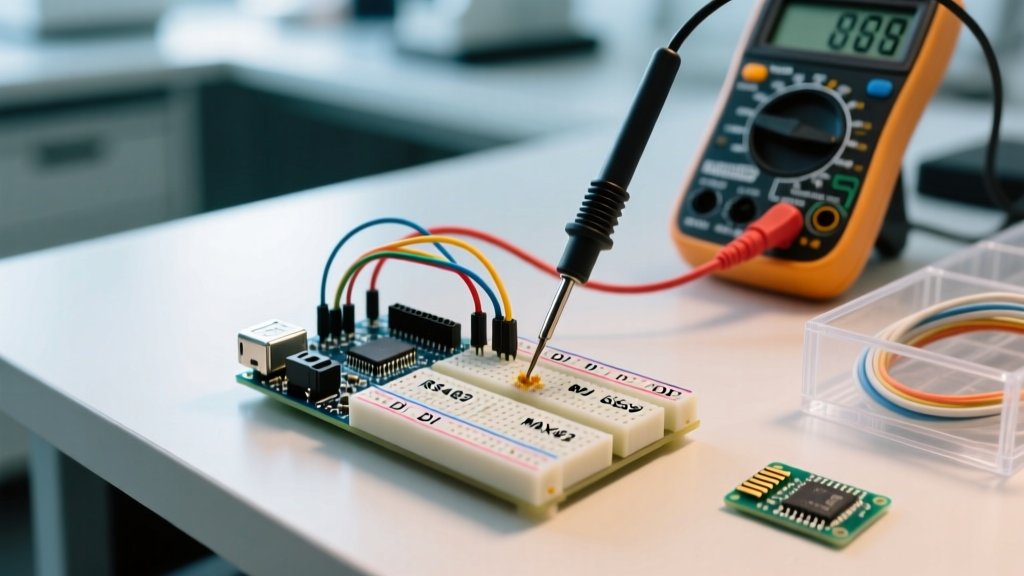
On classic boards like the Arduino Uno R3, the USB-to-Serial conversion is handled by the ATmega16U2 chip. To allow automatic sketch uploading without a physical reset button, the board routes the serial DTR (Data Terminal Ready) line through a 0.1µF capacitor directly to the ATmega328P's RESET pin. When Python opens the serial port via serial.Serial('COM3', 9600), the OS asserts the DTR line low, which momentarily pulls the RESET pin low, triggering a hardware reboot of the microcontroller.
The Python Fix
To prevent PySerial from asserting the DTR line and resetting the board, you must explicitly manipulate the handshake parameters upon instantiation. According to the official PySerial API documentation, you can disable this behavior:
import serial

# Disable DTR and RTS to prevent hardware auto-reset
ser = serial.Serial(
    port='/dev/ttyACM0',
    baudrate=115200,
    dsrdtr=False,
    rts=False,
    timeout=1
)

# Optional: manually toggle RTS if your specific OS requires it to stabilize
ser.rts = True
Hardware Alternative: If you are deploying a permanent installation (e.g., a remote weather station) and cannot rely on software flags due to OS driver overrides, solder a 10µF electrolytic capacitor between the RESET and GND pins on the Arduino header. This absorbs the DTR voltage spike and physically prevents the auto-reset.
Port Lockouts and the macOS 'cu' vs 'tty' Trap
Operating systems handle serial device files differently, and using the wrong path will cause Python scripts to hang indefinitely without throwing an exception.
Linux: Permission Denied Errors
On Ubuntu and Debian-based systems, serial ports like /dev/ttyACM0 or /dev/ttyUSB0 are owned by the dialout group. If your Python script throws a PermissionError: [Errno 13] Permission denied, do not run your script with sudo. Instead, add your user to the group permanently:
sudo usermod -a -G dialout $USER
# Log out and log back in for group changes to take effect
macOS: The Indefinite Hang
When plugging an Arduino into a Mac, the /dev/ directory populates with two device files per board: one starting with tty. and one starting with cu. (Call-Up). Always use the cu. device in Python. The tty. devices are configured for incoming connections and will block Python's serial.Serial() call indefinitely if the Arduino isn't actively sending data the millisecond the port opens.
Rule of Thumb: In macOS, always target/dev/cu.usbmodem14201(or similar) for outgoing Python serial connections, reservingttyexclusively for incoming modem emulation.
Baud Rate Drift, Timeouts, and Buffer Overflows
Matching the baud rate in the Arduino Serial.begin() and the Python serial.Serial() constructor is obvious. What is rarely discussed is the relationship between baud rate, Python's read timeout, and the internal 64-byte hardware serial buffer of the ATmega328P.
If your Python script is busy processing a heavy machine learning model and fails to poll the serial buffer, the Arduino's 64-byte buffer will overflow, silently dropping incoming sensor data. Here is a matrix for configuring PySerial timeouts based on your baud rate and application loop speed.
| Baud Rate | Max Bytes/Sec | Recommended PySerial Timeout | Best Use Case |
|---|---|---|---|
| 9600 | ~960 | timeout=1 (Blocking) |
Basic sensor polling, slow telemetry |
| 57600 | ~5,760 | timeout=0.5 |
Standard PID control loops |
| 115200 | ~11,520 | timeout=0.1 or Non-blocking |
High-speed data logging, oscilloscopes |
| 1000000 | ~100,000 | timeout=None + Threading |
Raw ADC streaming (Requires Uno R4 / Teensy) |
Note: The classic Arduino Uno R3 (ATmega16U2) struggles to maintain stable 1,000,000 baud over USB due to hardware UART dividers. If you need 1Mbps streaming to Python, upgrade to the Arduino Uno R4 Minima (~$27), which uses the Renesas RA4M1 ARM Cortex-M4 chip with native USB CDC support, eliminating the serial bottleneck entirely.
Byte Encoding Mismatches: The Python 3 TypeError
A frequent error when parsing Arduino data in modern Python (3.10+) is the TypeError: can't convert 'bytes' object to str implicitly.
The Arduino Serial library transmits raw bytes (usually ASCII/UTF-8). PySerial's readline() method returns a byte string (e.g., b'23.45\r\n'). If you attempt to pass this directly into float() or log it to a standard text file, Python will crash.
# INCORRECT: Causes TypeError
raw_data = ser.readline()
temperature = float(raw_data)

# CORRECT: Decode and strip whitespace/CRLF
temperature = float(ser.readline().decode('utf-8').strip())
For high-throughput applications where string decoding consumes too much CPU, configure the Arduino to send raw binary structs using Serial.write(), and use Python's built-in struct.unpack() module to parse the bytes directly into floats and integers.
StandardFirmata Sync Failures on Nano Clones
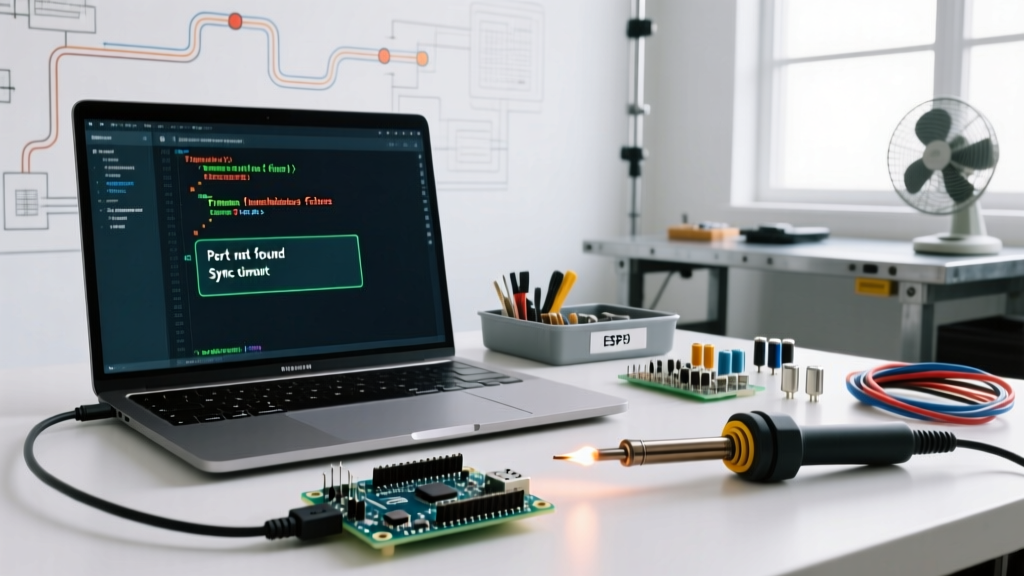
Using pyFirmata2 (the modern, actively maintained fork of pyFirmata for Python 3.12+) is an excellent way to control Arduino pins without writing custom C++ serial parsers. However, users frequently encounter BoardNotResponding or silent sync timeouts when using cheap clone boards.
The Flash Memory Bottleneck
The StandardFirmata.ino sketch compiles to roughly 11.5 KB to 12.8 KB of flash memory, depending on the board definition.
- Authentic Arduino Nano / Uno (ATmega328P): Has 32 KB of flash. Firmata uploads and syncs perfectly.
- Cheap AliExpress Nano Clones (ATmega168): Many sub-$4 clones use the older ATmega168 chip, which only has 16 KB of flash. While the IDE might force the upload, the Firmata bootloader will immediately crash or fail the Python handshake due to memory corruption.
The Fix: If you must use constrained hardware, flash StandardFirmataPlus or strip down the boards.h definition in the Firmata library to exclude I2C and Servo support, freeing up ~3 KB of flash. For production Python-Firmata pipelines, migrate to the Arduino Nano Every (~$20), which features the ATmega4809 chip with 48 KB of flash and native I2C buffering, ensuring rock-solid Firmata synchronization.
Real-World Troubleshooting Matrix
Use this diagnostic matrix to quickly isolate your specific Python with Arduino failure mode.
| Symptom in Python Terminal | Probable Root Cause | Expert Fix |
|---|---|---|
SerialException: [Errno 13] could not open port |
Port locked by Arduino IDE Serial Monitor or OS permissions. | Close IDE Serial Monitor. On Linux, add user to dialout group. |
| Data starts with garbage chars, then stabilizes. | Arduino bootloader outputting debug data at 19200 baud before sketch starts. | Add time.sleep(2) in Python after opening port to wait for bootloader timeout. |
pyFirmata2.exceptions.BoardNotResponding |
Firmata sketch failed to upload, or board is resetting due to DTR. | Verify StandardFirmata is uploaded. Set dsrdtr=False in PySerial backend. |
| Python GUI (Tkinter/PyQt) freezes entirely. | Blocking ser.read() called on the main UI thread. |
Move serial reading to a threading.Thread or use asyncio with serial_asyncio. |
Summary
Successfully running Python with Arduino requires looking past the software and understanding the physical layer. By managing the DTR reset line, respecting OS-specific device file naming conventions, matching baud rates to buffer capacities, and accounting for ATmega flash memory limits, you can transform a fragile prototype into a robust, production-grade data acquisition system. Always rely on the pyFirmata2 repository for modern Python compatibility, and never underestimate the value of a properly configured PySerial timeout.