
The Architecture of ESP32 Bluetooth Failures
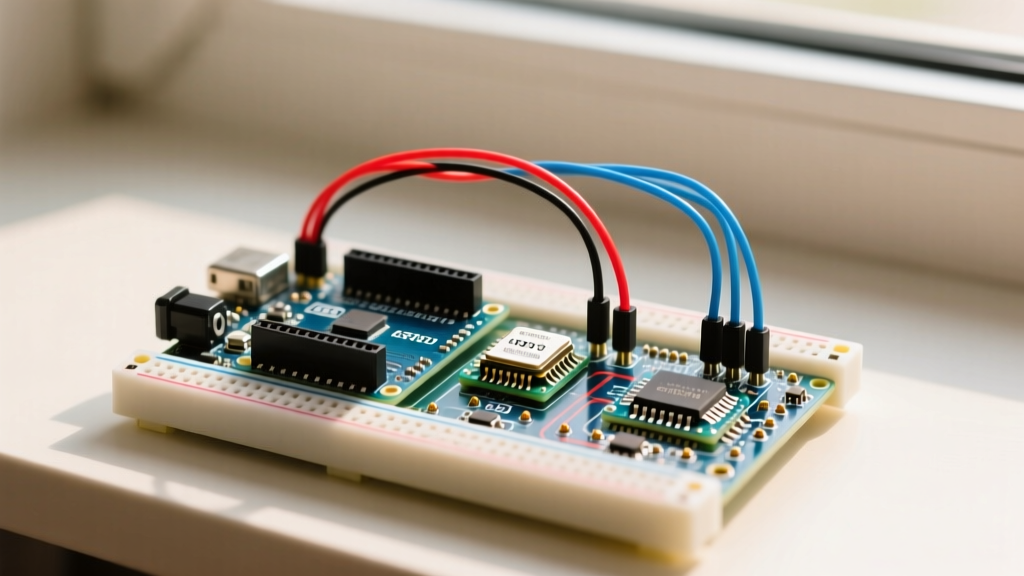
When integrating the esp32 dev module bluetooth capabilities into a DIY project, makers frequently encounter a wall of cryptic compilation errors, memory panics, and invisible pairing timeouts. The ESP32 is famous for its dual-mode Bluetooth support, but this flexibility comes with significant firmware overhead. Unlike simpler microcontrollers, the ESP32 requires careful management of flash partitions, RAM allocation, and RF coexistence protocols.
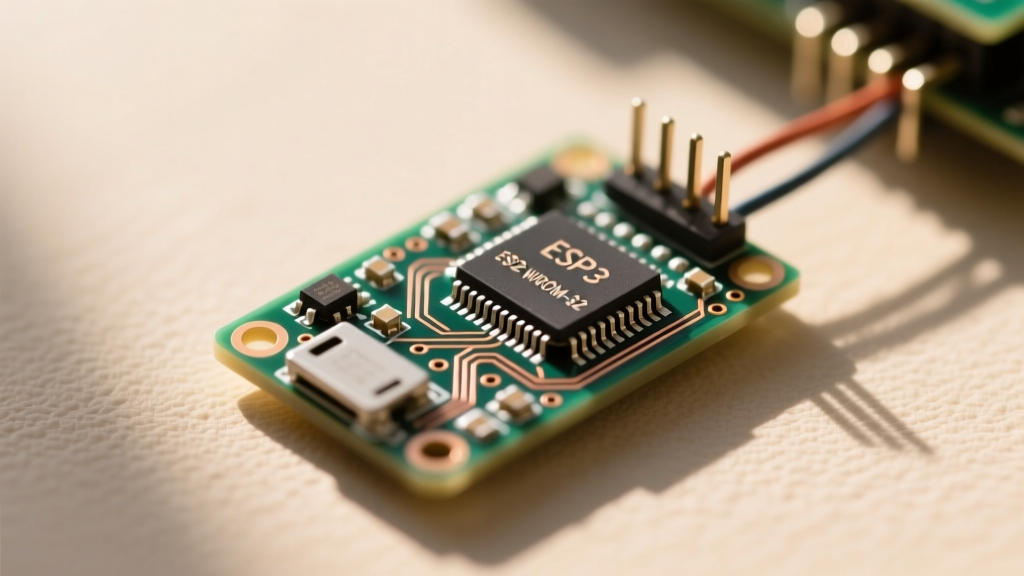
Before diving into code, it is critical to understand the hardware limitations of your specific dev board. A common point of failure is selecting the wrong chip variant for your needs. The original ESP32 (including ESP32-WROOM-32D and ESP32-WROVER-E) supports both Bluetooth Classic (BR/EDR) and Bluetooth Low Energy (BLE 4.2). However, newer variants like the ESP32-S3, ESP32-C3, and ESP32-C6 only support BLE 5.0. If you are attempting to use Classic Bluetooth Serial (SPP) or A2DP audio on an ESP32-S3 dev module, the code will either fail to compile or silently fail at runtime. Always verify your silicon revision in the Arduino IDE board manager.
Arduino IDE Compilation Errors: Partition Schemes and Flash
The most frequent hurdle when enabling the esp32 dev module bluetooth stack is the dreaded Sketch too big or Binary sketch size exceeds maximum error. This happens because the Arduino IDE defaults to a partition scheme optimized for minimal flash usage, which simply cannot accommodate the massive Bluedroid Bluetooth stack.
Fixing the Partition Scheme
The default 'Default 4MB with spiffs' partition allocates roughly 1.2MB to the application. The Classic Bluetooth stack alone can consume over 1.5MB of flash space. To resolve this:
- Open the Arduino IDE and navigate to Tools > Partition Scheme.
- Select Huge APP (3MB No OTA/1MB SPIFFS). This expands your application partition to 3MB, providing ample room for the BT stack, your sketch, and OTA updates are sacrificed (which is fine for local USB debugging).
- If you are using a 16MB flash variant (like the ESP32-WROVER), select 16M Flash (3MB APP/9MB FATFS).
Transitioning to NimBLE for Memory Savings
If you only need BLE and are struggling with RAM limitations (the ESP32 has roughly 520KB of usable SRAM), you should abandon the default Bluedroid stack. According to the official Espressif Arduino Core repository, Bluedroid consumes over 100KB of RAM just to initialize. By switching to the NimBLE stack via Tools > BLE Stack in the Arduino IDE (available in core v2.0.0 and newer), you can reclaim up to 70KB of SRAM, drastically reducing the chance of heap allocation failures during runtime.
Classic BT vs. BLE Coexistence Crashes
Attempting to run Bluetooth Classic and BLE simultaneously on the esp32 dev module bluetooth radio is a primary cause of the Guru Meditation Error: Core 0 panic'ed (Interrupt wdt timeout). The ESP32 uses a single 2.4GHz RF frontend and a shared baseband processor. While the hardware technically supports dual-mode, the firmware scheduler often fails to allocate time-slices evenly, leading to watchdog resets.
Expert Tip: If your application strictly requires BLE (e.g., sensor telemetry to a smartphone), explicitly disable Classic Bluetooth in the Arduino IDE to free up the baseband scheduler. Go to Tools > Bluetooth Mode and select BLE instead of Bluetooth (Dual Mode).
Furthermore, Wi-Fi and Bluetooth share the exact same antenna and RF circuitry. If you are streaming data over Wi-Fi while maintaining a BLE connection, packet collisions will occur. You must configure the coexistence preference in your setup loop using the ESP-IDF API:
#include "esp_coexist.h"
void setup() {
  esp_coexist_preference_set(ESP_COEXIST_PREFER_WIFI);
}
This snippet tells the MAC layer to prioritize Wi-Fi packets, preventing the Wi-Fi stack from dropping connections during heavy Bluetooth advertising.
Fixing 'Device Not Found' and Pairing Timeouts
Another major pain point with the esp32 dev module bluetooth stack is when the ESP32 is advertising, but smartphones or PCs cannot see the device. This is rarely a hardware defect and almost always a software configuration or privacy feature issue.
BLE MAC Address Randomization
Modern BLE stacks utilize Resolvable Private Addresses (RPA) to prevent device tracking. If your ESP32 is generating a new, randomized MAC address every time it reboots, your smartphone's OS may silently block or ignore the advertisements. To force a static public MAC address for reliable pairing, you must configure the BLE device address type in your initialization code:
#include "esp_bt_device.h"
#include "esp_gap_ble_api.h"

void setup() {
  // Force Public MAC Address
  esp_ble_addr_type_t addr_type = BLE_ADDR_TYPE_PUBLIC;
  esp_ble_gap_set_addr_type(addr_type);
}
Transmit Power and Antenna Keep-Out Zones
If the device is visible but drops connections when moved a few feet away, inspect your physical hardware layout. The PCB trace antenna on the ESP32-WROOM-32D requires a strict 'keep-out' zone. If you have mounted the dev module inside a metal enclosure, or if copper pours on your custom shield board are placed directly beneath the antenna, the RF signal will be grounded out. Additionally, you can programmatically boost the BLE transmit power to the maximum 9dBm limit:
esp_ble_tx_power_set(ESP_BLE_PWR_TYPE_DEFAULT, ESP_PWR_LVL_P9);For deeper RF configuration parameters, refer to the Espressif ESP-IDF Bluetooth API documentation.
Diagnostic Matrix: Error Codes to Solutions
Use the following troubleshooting table to quickly map your specific esp32 dev module bluetooth failure to the correct architectural fix.
| Observed Symptom | Root Cause Analysis | Arduino IDE / Code Fix |
|---|---|---|
Sketch too big during upload | Default 1.2MB partition cannot fit the Bluedroid BT stack. | Change Partition Scheme to 'Huge APP (3MB No OTA)'. |
Guru Meditation Error: Core 0 panic | Watchdog timeout due to Wi-Fi and BT RF coexistence collision. | Set coexistence preference to Wi-Fi; disable unused BT modes. |
| Smartphone cannot find BLE device | BLE Privacy feature randomizing MAC address on every reboot. | Force BLE_ADDR_TYPE_PUBLIC via GAP API. |
| Classic Serial (SPP) fails on ESP32-S3 | ESP32-S3 silicon lacks Classic Bluetooth hardware. | Migrate code to NimBLE or switch to an original ESP32-WROOM board. |
| Connection drops at 2 meters | Antenna interference or default low TX power setting. | Clear PCB keep-out zone; set TX power to ESP_PWR_LVL_P9. |
assert failed: tls_ble_client | Heap memory exhaustion during BLE GATT server initialization. | Switch to NimBLE stack; reduce GATT characteristic count. |
Advanced Debugging via Serial Monitor
When standard troubleshooting fails, you must enable the internal Bluetooth debug logs. By default, the Arduino core suppresses BT stack logging to save serial bandwidth. To expose the underlying Bluedroid or NimBLE state machine, navigate to Tools > Core Debug Level and select Verbose.
Set your Serial Monitor baud rate to 115200. You will now see real-time HCI (Host Controller Interface) logs. If you see HCI_ERROR_CODE_CONN_FAILED_TO_BE_ESTABLISHED, it indicates that the connection parameters (interval, latency, timeout) requested by your ESP32 are being rejected by the central device (like an iPhone). You must widen your connection parameter windows in the esp_gap_ble_update_conn_params() function call to comply with strict Apple and Android BLE design guidelines. For comprehensive BLE parameter guidelines, review the Random Nerd Tutorials ESP32 BLE guide, which provides excellent baseline configurations for cross-platform compatibility.
Final Thoughts on ESP32 RF Stability
Mastering the esp32 dev module bluetooth stack requires shifting your mindset from simple code logic to system-level resource management. By correctly sizing your flash partitions, choosing the appropriate BT stack (NimBLE vs. Bluedroid), and respecting the physical limitations of the 2.4GHz RF frontend, you can transform an unstable prototype into a robust, production-ready IoT device. Always isolate variables—test BLE without Wi-Fi first, verify your silicon variant, and leverage the ESP-IDF APIs when the Arduino wrapper falls short.