
The Anatomy of the ESP32 Bluetooth No Memory Error
When developing wireless IoT projects, few errors are as frustrating as the ESP32 Bluetooth no memory error. Whether you are building a BLE sensor node or a Classic Bluetooth audio receiver, the ESP32's dual-core architecture and 520KB of SRAM can quickly become a bottleneck. The Espressif Bluetooth stack is notoriously resource-heavy, and without precise configuration, your sketch will fail either during compilation or at runtime.
To solve this, we must first diagnose whether you are facing a link-time memory overflow or a runtime heap exhaustion.
Compilation vs. Runtime Failures
- Link-Time (IRAM/DRAM Overflow): You see errors like
region 'iram0_0_seg' overflowed by X bytesorDRAM segment data does not fit. This happens because the default Bluedroid stack pushes too many Interrupt Service Routines (ISRs) into the limited 128KB Instruction RAM (IRAM). - Runtime (Heap Exhaustion): Your code compiles, but upon calling
btStart()or initializing a BLE server, the serial monitor spits outE (xxx) BT_BTM: No memory for..., followed by aGuru Meditation Erroror a silent reboot. This indicates the 320KB Data RAM (DRAM) heap is fragmented or fully consumed by the Bluetooth controller and host stack.
Strategy 1: Switch from Bluedroid to NimBLE (The 80% Fix)
The default Arduino ESP32 core uses Bluedroid, a massive stack originally designed for Android. Bluedroid consumes upwards of 120KB to 150KB of RAM just to initialize. If your project only requires Bluetooth Low Energy (BLE), you are wasting critical memory on Classic Bluetooth (BR/EDR) and unused BLE roles.
The most effective configuration change is migrating to NimBLE-Arduino, a lightweight, highly configurable stack ported from Apache Mynewt.
Expert Insight: NimBLE reduces the BLE memory footprint by up to 75%. By stripping away Classic Bluetooth and optimizing the host/controller interface, you can reclaim enough DRAM to run complex tasks like HTTPS requests or local OLED rendering simultaneously.
Implementing NimBLE in Arduino IDE
Install the NimBLE-Arduino library via the Library Manager. Replace your standard <BLEDevice.h> includes with <NimBLEDevice.h>. The API is nearly identical, but the memory savings are immediate.
#include <NimBLEDevice.h>
// Initialize with minimal footprint
NimBLEDevice::init("ESP32_Sensor");
NimBLEDevice::setSecurityAuth(true, true, true);
Strategy 2: Reclaiming Memory via Stack Configuration
If you must use Bluedroid (e.g., you need Classic Bluetooth for A2DP audio or SPP), you must aggressively prune the stack configuration using the ESP32's sdkconfig or PlatformIO build flags. Disabling unused roles prevents the stack from allocating memory buffers for features you aren't using.
PlatformIO Build Flags for Memory Pruning
In your platformio.ini, append the following build flags to disable unused BLE roles. This prevents the controller from reserving heap space for scanning or central operations if your device is strictly a peripheral.
[env:esp32dev]
platform = espressif32
board = esp32dev
framework = arduino
build_flags =
    -D CONFIG_BT_NIMBLE_ROLE_PERIPHERAL=y
    -D CONFIG_BT_NIMBLE_ROLE_CENTRAL=n
    -D CONFIG_BT_NIMBLE_ROLE_OBSERVER=n
    -D CONFIG_BT_NIMBLE_ROLE_BROADCASTER=y
    -D CONFIG_BT_BLE_42_FEATURES_SUPPORTED=y
    -D CONFIG_BT_BLE_50_FEATURES_SUPPORTED=n
Memory Footprint: Bluedroid vs. NimBLE
Understanding the exact RAM allocation helps you budget your application logic. The following table illustrates the approximate memory consumption on an ESP32-WROOM-32 module running a basic BLE GATT server with three characteristics.
| Stack / Configuration | IRAM Usage (ISRs) | DRAM Heap Usage | Total RAM Footprint | Compilation Success Rate |
|---|---|---|---|---|
| Default Bluedroid (BLE + Classic) | ~45 KB | ~135 KB | ~180 KB | Low (Frequent IRAM overflow) |
| Bluedroid (BLE Only, Pruned) | ~30 KB | ~90 KB | ~120 KB | Medium |
| NimBLE (Default) | ~18 KB | ~35 KB | ~53 KB | High |
| NimBLE (Pruned Roles) | ~14 KB | ~22 KB | ~36 KB | Very High |
Strategy 3: Resolving Flash Partition Errors
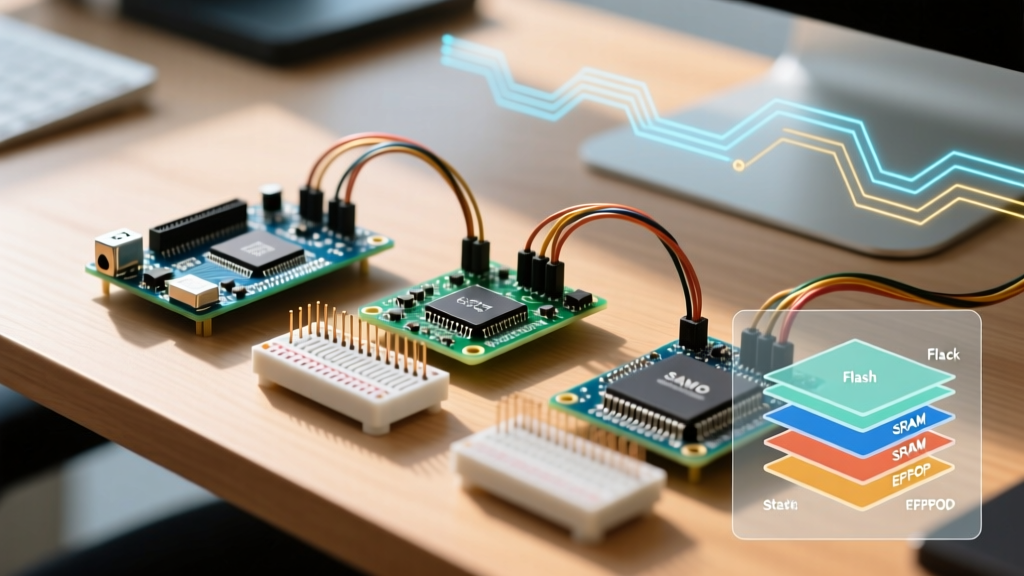
Sometimes the "no memory" error is not about RAM, but Flash storage. When enabling Bluetooth alongside WiFi and a large application binary, the default 1.2MB or 1.4MB APP partition fills up, resulting in a Sketch too big or Flash memory overflow error during the upload phase.
Configuring a Custom Partition Table
To fix this, you must define a custom partition table that sacrifices SPIFFS/LittleFS space for a larger application binary. Create a file named partitions.csv in your sketch folder:
# Name,   Type, SubType, Offset,  Size, Flags
nvs,      data, nvs,     0x9000,  0x5000,
otadata,  data, ota,     0xe000,  0x2000,
app0,     app,  ota_0,   0x10000, 0x200000,
app1,     app,  ota_1,   0x210000,0x1E0000,
spiffs,   data, spiffs,  0x3F0000,0x10000
According to the Espressif Partition Table Documentation, this configuration allocates a massive 2MB to app0, easily accommodating the Bluetooth stack and your application logic, while leaving minimal space for OTA updates and filesystem storage.
Strategy 4: Advanced IRAM Optimization via sdkconfig
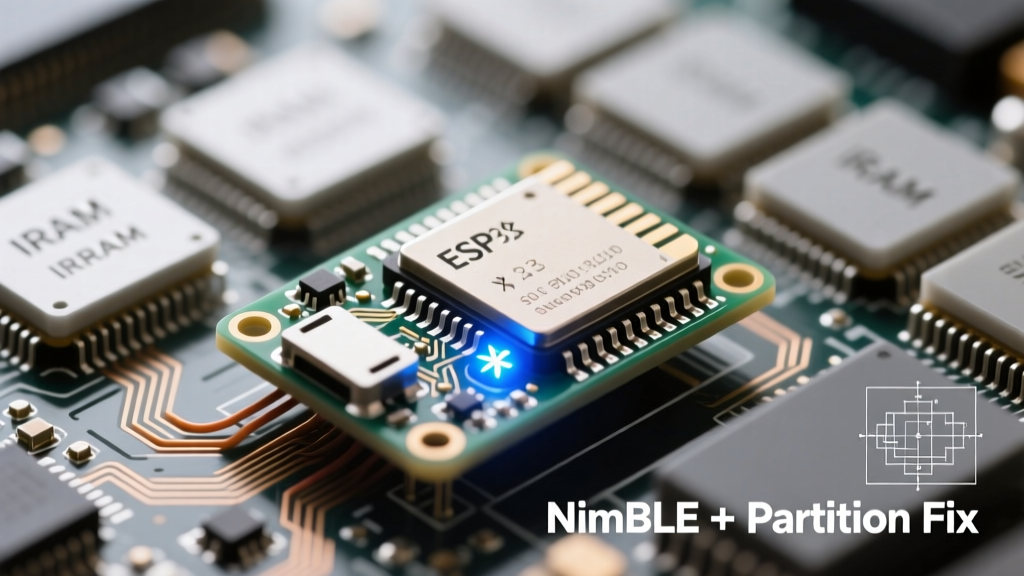
If you are still hitting the iram0_0_seg overflow during compilation, you need to move specific Bluetooth functions out of IRAM and into Flash (mapped via cache). This is a delicate balancing act: if an ISR is moved to Flash and a cache miss occurs during an interrupt, the ESP32 will crash with a Cache disabled but cached memory region accessed panic.
However, the Espressif Bluetooth API Guide notes that certain non-critical BT controller tasks can be safely relocated. In PlatformIO, use the board_build.cmake_extra_args or a custom sdkconfig file to disable IRAM allocation for specific features:
- Disable
CONFIG_BT_CTRL_BLE_ADV_REPORT_FLOW_CTRLif you don't need strict flow control on advertising reports. - Set
CONFIG_BT_CTRL_BLE_SCAN_DUPLtonif your application handles duplicate filtering in software, saving the hardware filter buffer memory.
Handling Runtime Heap Fragmentation
Even if you have enough total DRAM, the ESP32's heap can become fragmented. Bluetooth operations frequently allocate and free small blocks of memory for packet buffers. Over time, this creates "holes" in the heap. When the Bluetooth stack requests a contiguous block of memory for a new connection event and cannot find it, it throws a runtime "No memory" error and crashes.
The MALLOC_CAP Solution
Espressif provides specialized memory allocation functions to combat this. Instead of using standard malloc() for your application's large buffers (like audio buffers or JSON parsing arrays), use heap_caps_malloc(size, MALLOC_CAP_SPIRAM) if your ESP32 module includes PSRAM (like the ESP32-WROVER). If you are using a standard ESP32-WROOM without PSRAM, allocate large, long-lived buffers before initializing the Bluetooth stack. This forces the BT stack to allocate its dynamic buffers in the remaining fragmented spaces, preventing it from stealing contiguous blocks your application might need later.
Diagnostic Checklist for ESP32 Bluetooth Memory Issues
- Check Free Heap: Always call
ESP.getFreeHeap()before and afterbtStart(). If free heap drops below 40KB, your application will likely experience instability. - Disable Unused Radios: If you only need BLE, ensure Classic Bluetooth is entirely disabled in the core settings or NimBLE config.
- Reduce MTU Size: The default BLE MTU (Maximum Transmission Unit) negotiation can allocate large buffers. Force the MTU to 23 or 64 bytes using
NimBLEDevice::setMTU(64)to save heap space. - Monitor Stack Watermarks: Use
uxTaskGetStackHighWaterMark(NULL)inside your loop to ensure the Bluetooth task isn't starving your main loop of stack memory.
Final Thoughts on ESP32 Memory Management
The ESP32 Bluetooth no memory error is rarely a hardware limitation; it is almost always a configuration oversight. By understanding the distinction between IRAM, DRAM, and Flash partitions, and by migrating to modern, lightweight stacks like NimBLE, you can build robust, memory-efficient wireless devices. Always profile your heap usage during development, and treat the Bluetooth stack as a modular component that must be pruned to fit your specific architectural needs.