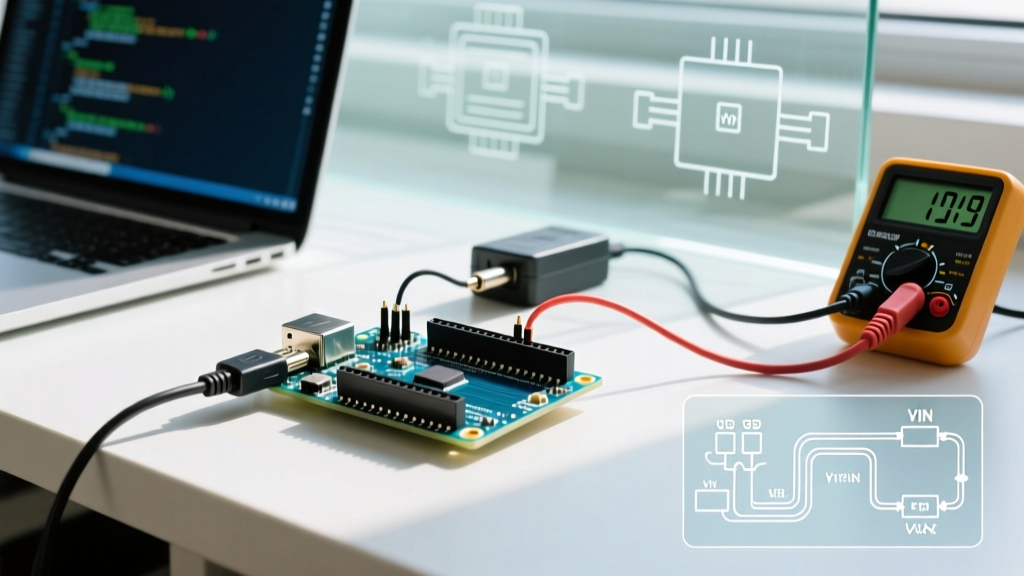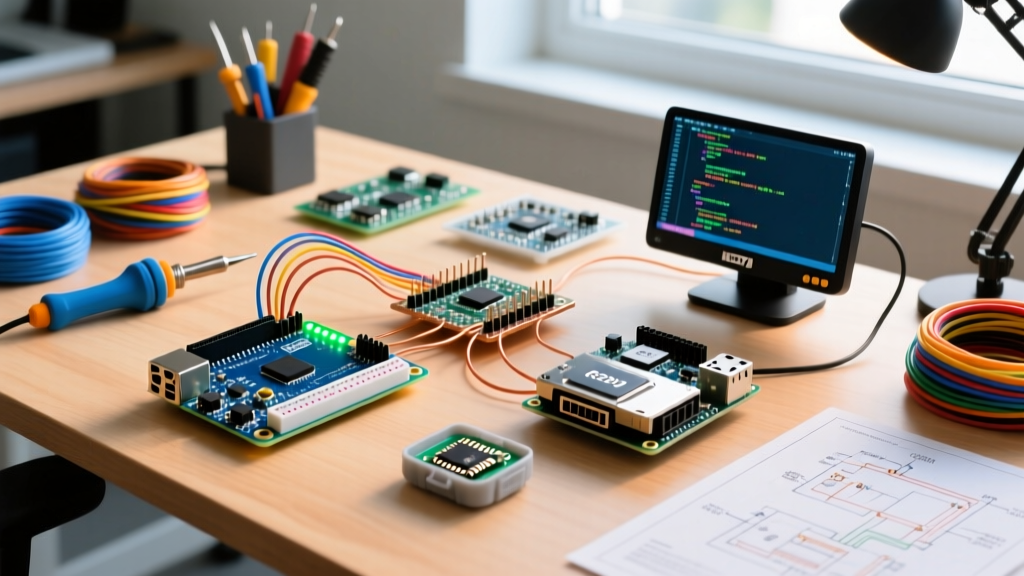

The Core Divide: Microcontroller vs. Microprocessor in 2026
When architecting a mixed-signal embedded system, the Arduino vs RPi debate remains one of the most heavily discussed topics in maker forums, engineering Discords, and university labs. However, as we move through 2026, the conversation has matured. It is no longer a simplistic "beginner vs. advanced" binary. Instead, the community now frames the choice around deterministic timing, power envelopes, and operating system overhead.
This community resource roundup synthesizes insights from professional embedded engineers, open-source maintainers, and advanced hobbyists to provide a definitive decision framework. Whether you are deploying a remote environmental sensor or a computer-vision robotic arm, understanding the hardware realities and failure modes of both ecosystems is critical.
Hardware Reality: 2026 Specification Matrix
Before diving into software ecosystems, we must establish the physical baselines. The community frequently benchmarks the latest flagship boards to determine their true operational boundaries. Below is a comparison matrix of the most commonly debated boards in the current landscape.
| Board Model | Architecture | Clock Speed | Idle Power Draw | Boot Time | Approx. Price (USD) |
|---|---|---|---|---|---|
| Arduino Uno R4 WiFi | Renesas RA4M1 (Cortex-M4) | 48 MHz | ~15 mA (active idle) | < 50 ms | $27.50 |
| Raspberry Pi 5 (8GB) | BCM2712 (Cortex-A76) | 2.4 GHz | ~2.5 W (idle) | 15 - 30 s | $80.00 |
| Raspberry Pi Zero 2 W | BCM2710A1 (Cortex-A53) | 1.0 GHz | ~120 mA (idle) | 10 - 20 s | $15.00 |
| Arduino Nano 33 IoT | SAMD21 (Cortex-M0+) | 48 MHz | ~3 mA (sleep modes) | < 20 ms | $18.00 |
Note: Power measurements assume a stable 5V USB input with no peripheral loads. Deep sleep configurations on SAMD and Renesas chips can drop current to the microamp range, a physical impossibility for Linux-based SBCs without external power-gating circuitry.
Community Consensus: When to Choose Arduino
The Arduino ecosystem is universally championed by the community for hard real-time control and ultra-low-power deployments. When a system requires microsecond-accurate interrupt handling, a general-purpose operating system (OS) introduces unacceptable jitter.
Deterministic Timing and Bare-Metal Access
According to discussions on the Arduino Uno R4 Family documentation and embedded engineering forums, the Renesas RA4M1 chip allows direct register manipulation. If you are reading high-frequency quadrature encoders or generating precise PWM signals for motor control, the Arduino environment (or PlatformIO) provides bare-metal access without OS-level context switching delays.
The Power Envelope Advantage
For battery-operated or solar-harvesting nodes, Arduino boards are the undisputed winners. A community-developed weather station using an Arduino Nano 33 IoT, combined with a TPL5110 power timer, can achieve an average current draw of under 10 µA, allowing a single 18650 Li-ion cell to power the node for over two years. Attempting this with a Raspberry Pi would require massive solar arrays and complex supercapacitor buffering.
Community Insight: "If your project spends 99% of its life asleep and 1% of its life transmitting a 12-byte payload via LoRa, putting a Raspberry Pi in the field is an architectural failure. Use an MCU." — Embedded Systems Discord, #hardware-architecture channel
Community Consensus: When to Choose Raspberry Pi
The Raspberry Pi ecosystem dominates when the project demands high-level compute, complex networking, or heavy multimedia processing. The introduction of the Raspberry Pi 5 has further widened the compute gap, making it a viable edge-server for industrial IoT.
Computer Vision and Machine Learning
Running OpenCV, TensorFlow Lite, or ROS 2 (Robot Operating System) requires a full Linux environment and substantial RAM. As highlighted in the official Raspberry Pi 5 launch announcement, the BCM2712 processor offers a 2-3x CPU performance increase over its predecessor. This allows for real-time object detection using a Pi Camera Module 3 at 30+ FPS, a task that would require expensive, dedicated AI accelerator shields on an Arduino.
Complex Networking and Database Management
If your project requires hosting a local web server, managing a SQLite database, or running Docker containers for edge computing, the Raspberry Pi is the only logical choice. The community heavily utilizes the Pi Zero 2 W for headless MQTT brokers and local Home Assistant servers due to its low cost and full Linux capabilities.
The Bridge: Raspberry Pi Pico and the RP2350
No modern Arduino vs RPi roundup is complete without addressing the Raspberry Pi Pico series. The release of the Raspberry Pi Pico 2 featuring the RP2350 chip has blurred the lines between the two camps. The RP2350 offers a dual-core Cortex-M33 (and optionally RISC-V) architecture, providing immense MCU horsepower with the familiar Arduino IDE or MicroPython support. It is the community's top recommendation for projects that need Pi-level peripheral handling (like high-speed PIO state machines) but Arduino-level power consumption.
Edge Cases & Failure Modes: Expert Troubleshooting
Theoretical specifications rarely tell the whole story. Experienced makers plan for failure modes. Here is how the two ecosystems handle real-world abuse.
1. Power Loss and Storage Corruption
- Raspberry Pi (SD Card Corruption): The ext4 file system on a Pi's microSD card is highly susceptible to corruption during abrupt power loss. Community Fix: Advanced users implement a read-only root filesystem using
overlayroot, mounting only a specific/var/logpartition as writable, or boot entirely from an NVMe SSD via the Pi 5's PCIe lane to bypass SD card limitations. - Arduino (EEPROM/Flash Wear): Microcontrollers do not suffer from file system corruption, but their internal EEPROM and Flash memory have strict write-cycle limits (typically 10,000 to 100,000 cycles). Community Fix: Developers use wear-leveling libraries or offload high-frequency data logging to external FRAM (Ferroelectric RAM) chips via I2C, which offer virtually unlimited write cycles.
2. Peripheral Voltage Mismatches
A frequent beginner mistake is wiring 5V Arduino sensors directly to the 3.3V GPIO pins of a Raspberry Pi. While the Pi's GPIO is notoriously fragile and easily destroyed by 5V logic, modern Arduino boards (like the Nano 33 IoT and Portenta H7) operate at 3.3V. Always verify the logic level of your specific MCU board before bridging systems.
The Hybrid Architecture: Best of Both Worlds
In complex robotics and industrial automation, the community standard is not to choose one over the other, but to combine them. This is known as the Master-Slave Hybrid Architecture.
- The Brain (Raspberry Pi): Handles path planning, SLAM (Simultaneous Localization and Mapping), Wi-Fi communication, and high-level decision making via Python/C++.
- The Nervous System (Arduino): Connected via UART or USB Serial. It runs a tight, deterministic loop reading encoders, executing PID control loops for motors, and triggering hardware interrupts for emergency stops.
- The Protocol: The community heavily relies on lightweight serialization protocols like Micro-ROS or custom COBS (Consistent Overhead Byte Stuffing) framed serial packets to ensure robust communication between the Linux SBC and the bare-metal MCU.
Final Decision Framework
Use this rapid checklist to finalize your hardware selection for your next build:
- Choose Arduino if: You need battery life measured in months, microsecond interrupt latency, instant boot times, or are working in environments where SD card corruption is a liability.
- Choose Raspberry Pi if: You need to run a GUI, process video streams, host a database, run Docker containers, or interface with USB peripherals requiring complex Linux drivers.
- Choose Both if: You are building a mobile robot, CNC machine, or drone where high-level compute must safely interface with high-power, real-time motor drivers.
By leveraging the strengths of both ecosystems, the modern maker can engineer systems that are both computationally brilliant and physically resilient.