
The Hidden Workflow Cost of 'Cheap' Microcontroller Kits
Prototyping microcontroller circuits is an exercise in managing friction. When engineers and makers search for an arduino starter kit review, they typically focus on component quantity or price per LED. However, from a workflow optimization perspective, the true cost of a starter kit is measured in debugging hours, driver troubleshooting, and hardware limitations that stall momentum. In 2026, the maker ecosystem has matured, and the gap between a 'box of parts' and a 'prototyping accelerator' is defined by component utility, USB-serial reliability, and documentation architecture.
This guide evaluates the market's leading kits not by counting resistors, but by analyzing how their hardware choices impact your development lifecycle. We will dissect the USB-serial bottleneck, evaluate module utility, and establish a framework for selecting a kit that accelerates your path from breadboard to PCB.
The USB-Serial Bottleneck: ATmega16U2 vs. CH340G
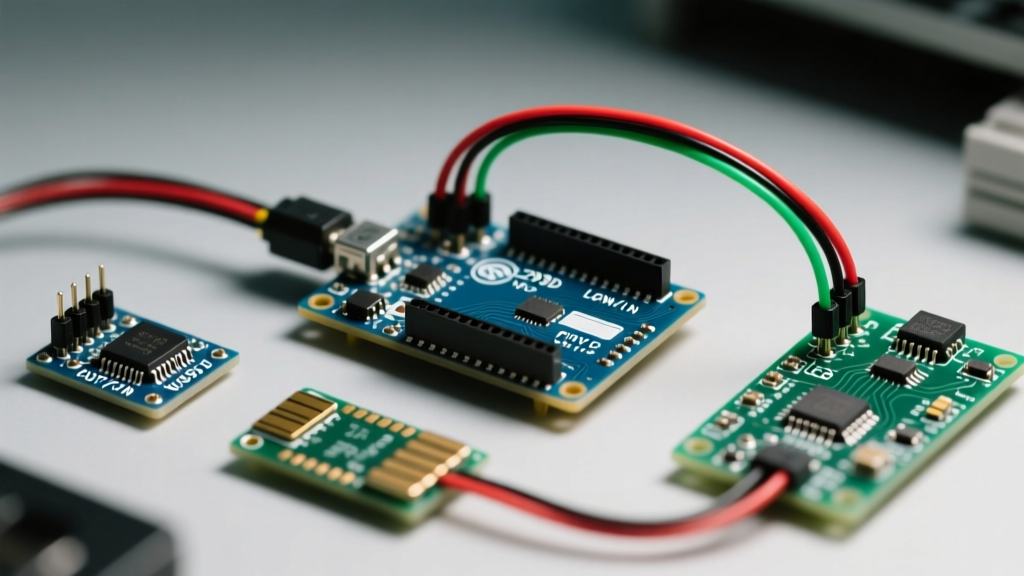
The most critical workflow disruption in MCU development occurs before a single line of code is compiled: establishing a stable serial connection. The official Arduino Uno R3 utilizes the ATmega16U2 microcontroller as a USB-to-serial converter. This chip natively enumerates on Windows, macOS, and Linux without requiring third-party drivers, ensuring a seamless plug-and-play experience.
Conversely, budget clone kits universally substitute this with the CH340G or CH340C chip to save approximately $2.50 per board. While functional, the CH340 series introduces severe workflow friction. According to SparkFun's CH340 driver guide, users frequently encounter unsigned driver blocks on Windows 11 and kernel-level enumeration failures on macOS Sequoia. Spending 45 minutes troubleshooting a 'Port Not Found' error in the Arduino IDE destroys the rapid iteration loop essential for early-stage prototyping.
Workflow Rule #1: If your hourly rate (or the value of your time) exceeds $15/hour, the $60 premium for an official board with native USB enumeration pays for itself on the first driver-related roadblock.
Component Utility: Parallel vs. I2C Architectures
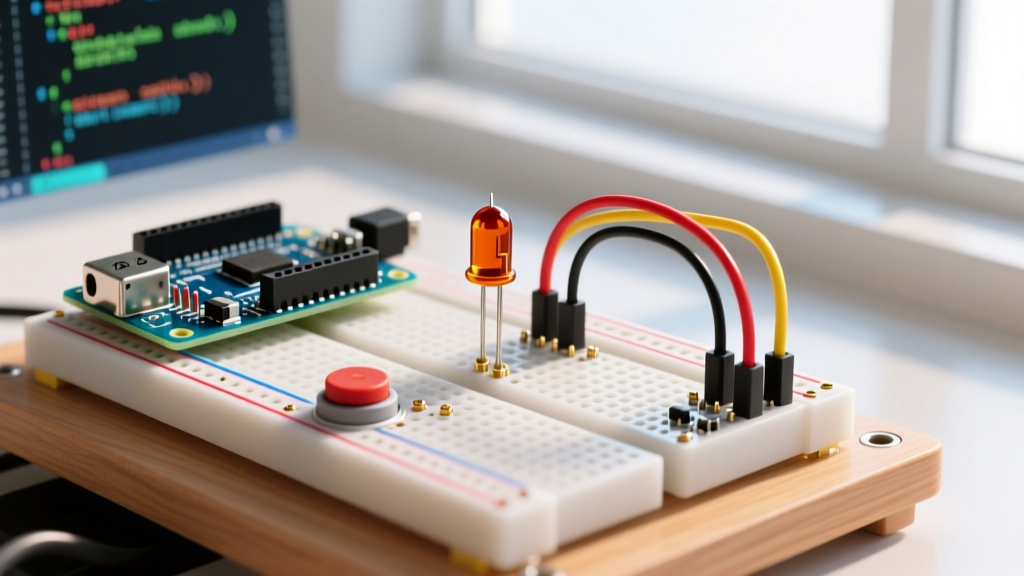
Most generic kits include a standard 16x2 character LCD. Wiring a parallel LCD requires 6 digital GPIO pins, a 10kΩ potentiometer for contrast control, and 16 jumper wires. This creates a 'spaghetti wiring' effect that increases the probability of loose connections and breadboard contact fatigue.
Workflow-optimized kits, such as the Freenove Ultimate or Elegoo Super Starter, include an I2C backpack soldered to the LCD. This reduces the wiring to four pins (VCC, GND, SDA to A4, SCL to A5 on the Uno R3) and eliminates the need for a contrast potentiometer. As noted in the official Arduino getting started documentation, minimizing breadboard complexity directly correlates with faster debugging and higher iteration speeds. When evaluating a kit, always verify the inclusion of I2C modules over raw parallel components.
The Relay Module Trap: Active-LOW vs. Active-HIGH
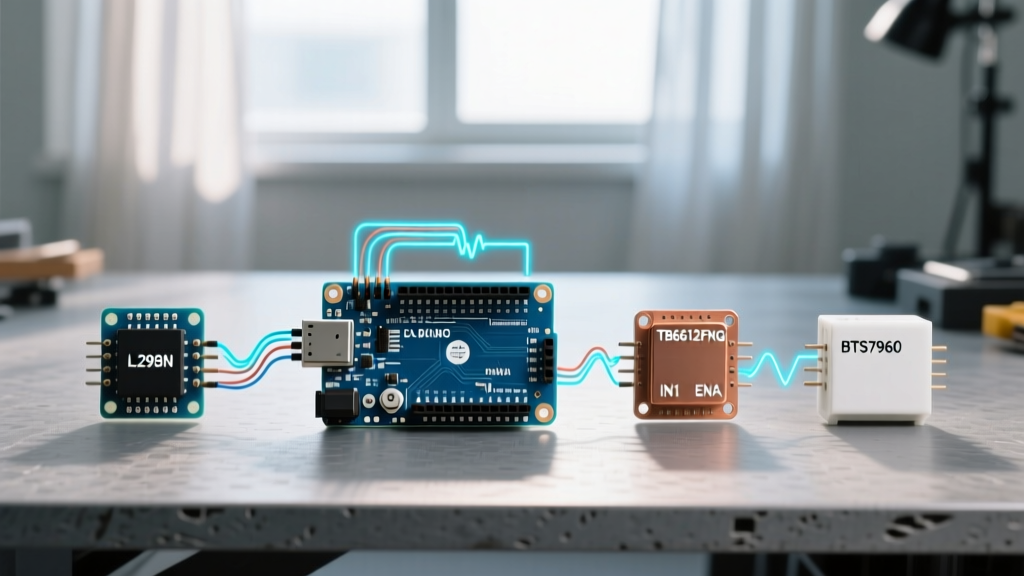
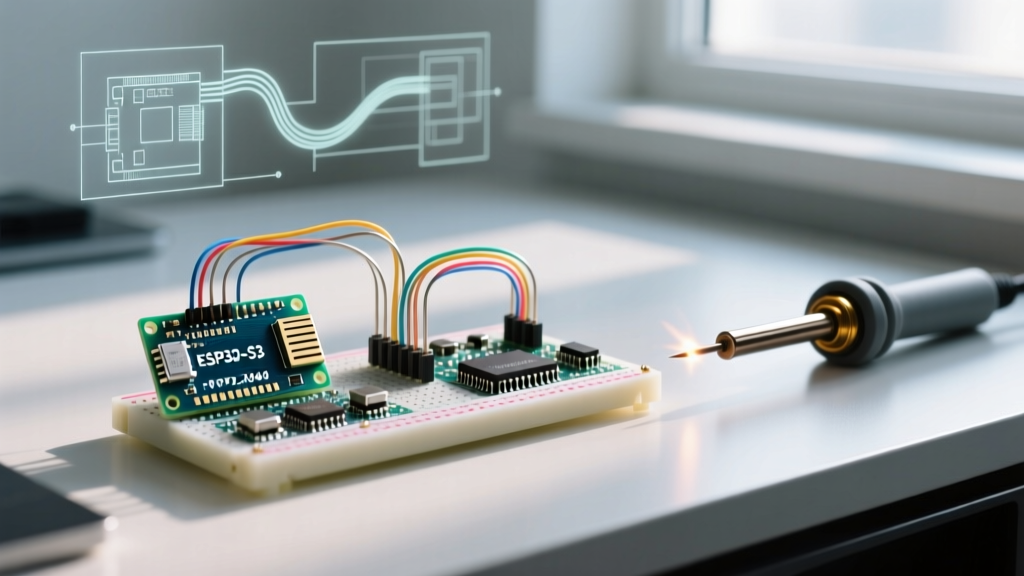
A subtle but destructive edge case found in budget kits is the inclusion of 5V Active-LOW relay modules. When driven by a 5V MCU like the Uno R3, they function adequately. However, modern workflows frequently integrate 3.3V logic boards like the ESP32 or Raspberry Pi Pico. Connecting a 5V Active-LOW relay to a 3.3V GPIO often results in the relay failing to trigger, or worse, backfeeding 5V into the 3.3V logic pin, degrading the MCU's silicon over time. Premium kits mitigate this by including opto-isolated relays or logic-level shifters, preserving your hardware inventory and preventing catastrophic debugging sessions.
2026 Kit Comparison Matrix: Workflow Impact Analysis
| Kit Model | Price Range (2026) | USB-Serial Chip | Display Tech | Workflow Rating |
|---|---|---|---|---|
| Arduino Official Starter Kit | $95 - $110 | ATmega16U2 (Native) | Parallel LCD (No I2C) | High (Reliability) / Med (Wiring) |
| Elegoo Super Starter UNO R3 | $35 - $45 | CH340G (Clone) | I2C LCD Included | Med (Reliability) / High (Utility) |
| Freenove Ultimate Starter | $55 - $65 | CH340C (Clone) | I2C LCD + OLED | High (Utility) / Med (Reliability) |
| Vilros Complete Starter | $40 - $50 | CH340G (Clone) | Parallel LCD | Low (High Friction) |
Breadboard and Jumper Wire Realities
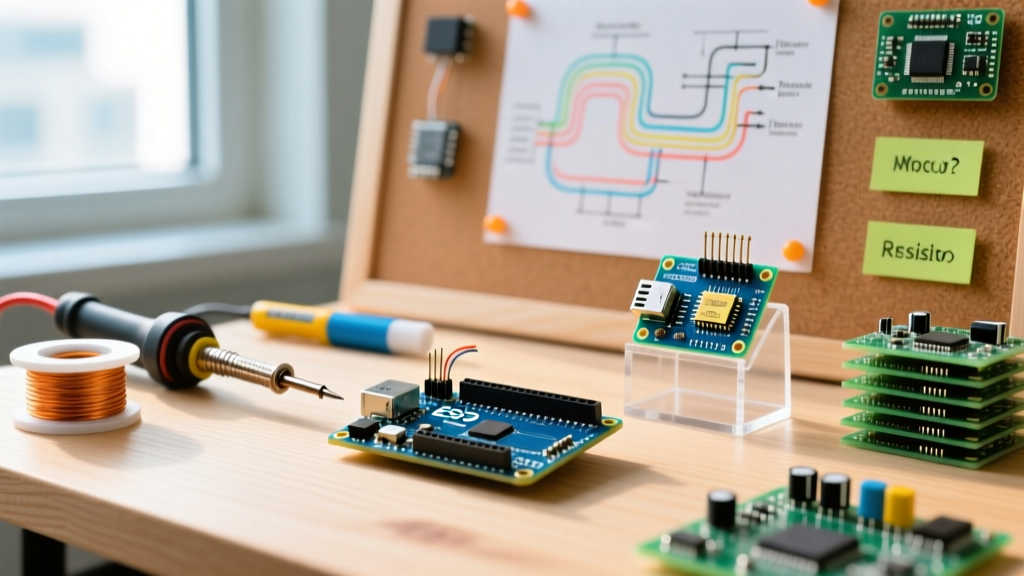
The physical layer of your prototype is where intermittent faults are born. Budget kits typically supply 28AWG stranded jumper wires and low-tensile-strength breadboards. According to Adafruit's breadboarding guide, cheap breadboards suffer from loose leaf-spring contacts that fail to grip component leads securely, leading to phantom open-circuits that mimic software bugs.
Furthermore, 28AWG wires exhibit noticeable voltage drop over lengths exceeding 15cm when drawing currents above 100mA (such as when powering multiple LEDs or small servos). A workflow-optimized approach requires upgrading to 24AWG solid-core jumper wires and investing in a high-quality breadboard with gold-plated contacts. If your chosen kit includes flimsy wires, immediately allocate $15 from your budget to purchase a premium wire set; the time saved from not chasing loose connections will vastly outweigh the cost.
The Modular Upgrade Strategy
Rather than seeking a single 'perfect' kit that contains every conceivable sensor, experienced engineers adopt a modular workflow strategy. Purchase a high-quality base kit (like the Elegoo or Freenove) for the passive components, breadboards, and basic ICs. Then, supplement it with targeted workflow tools:
- USB Logic Analyzer ($12): Essential for debugging I2C, SPI, and UART protocols when serial prints are insufficient.
- Breadboard Power Supply Module ($8): Provides clean 3.3V and 5V rails directly from a wall adapter, bypassing the current limits of your laptop's USB port.
- Digital Multimeter with Continuity Beep ($25): Non-negotiable for verifying breadboard traces and jumper wire integrity before uploading code.
Final Verdict: Optimizing for Iteration Speed
The ideal arduino starter kit review must look past the sheer volume of blinking LEDs and focus on the friction of the development cycle. If your workflow demands absolute zero-friction USB connectivity and you are willing to buy I2C modules separately, the Official Arduino Starter Kit remains the gold standard for hardware reliability. However, if you prioritize component utility, modern sensor arrays, and I2C-ready displays—and are comfortable spending 10 minutes installing CH340 drivers—the Freenove Ultimate Starter Kit offers the highest ROI for rapid prototyping in 2026. Optimize for iteration speed, eliminate physical layer variables, and your code will follow.