
The SRAM Bottleneck: Why Variable Sizing Dictates MCU Performance
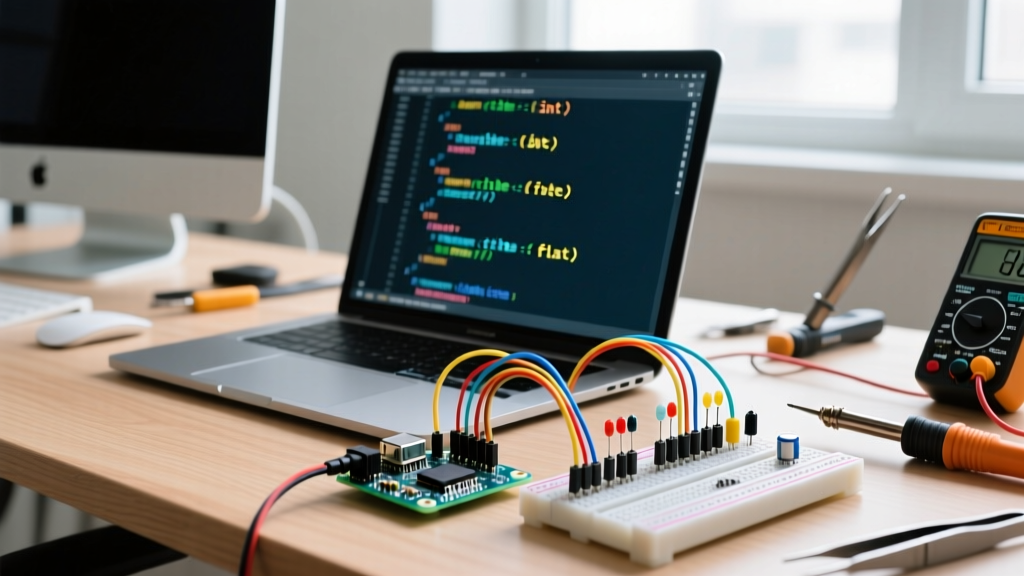
When developing for resource-constrained microcontrollers like the classic ATmega328P (found in the Arduino Uno R3), you are working with a strict 2KB SRAM ceiling. Every byte of memory is a premium asset. Yet, a common anti-pattern in maker workflows is treating the int data type as a universal default for everything from pin states to sensor thresholds. This approach not only bloats your memory footprint but also introduces severe execution penalties on 8-bit architectures.
Optimizing your workflow requires a fundamental shift in how you declare and manage Arduino variable types. By aligning your variable choices with the physical realities of the underlying silicon, you can shave microseconds off interrupt service routines (ISRs), prevent catastrophic integer overflow bugs, and ensure your code compiles cleanly across both legacy 8-bit AVR and modern 32-bit ARM boards.
Workflow Insight: Treating int as a universal default is the leading cause of silent memory leaks and execution lag in amateur Arduino sketches. Professional firmware engineers optimize variable types to shave off clock cycles and preserve heap space for dynamic allocations.
Arduino Variable Types: The Execution & Memory Matrix
Not all variables are created equal. The table below maps standard Arduino variable types to their memory footprint, value range, and approximate execution cost on an 8-bit AVR architecture (16 MHz clock). Understanding this matrix is the first step toward workflow optimization.
| Variable Type | Size (AVR) | Size (ESP32/ARM) | Value Range | AVR Math Penalty |
|---|---|---|---|---|
boolean / bool |
1 byte | 1 byte | true / false | Minimal (bitwise) |
byte / uint8_t |
1 byte | 1 byte | 0 to 255 | 1-2 clock cycles |
char / int8_t |
1 byte | 1 byte | -128 to 127 | 1-2 clock cycles |
int |
2 bytes | 4 bytes | -32,768 to 32,767 (AVR) | 2-4 clock cycles |
long / int32_t |
4 bytes | 4 bytes | -2B to 2B | ~15 clock cycles |
float |
4 bytes | 4 bytes | ±3.4028235E38 | ~35-40 cycles (Software) |
double |
4 bytes | 8 bytes | Same as float (AVR) | ~35-40 cycles (Software) |
The Architecture Shift: Why 32-Bit Boards Break Legacy Code
A critical workflow optimization in 2026 involves acknowledging the hardware shift from 8-bit to 32-bit architectures. The Renesas RA4M1 processor inside the Arduino Uno R4 Minima (retailing around $27.50) fundamentally changes how standard int variables behave. On the classic ATmega328P, an int is 16 bits. On the Uno R4 or any ESP32 board, an int is 32 bits.
If your workflow relies on bitwise operations or assumes an int will naturally overflow at 32,767, migrating your sketch to a 32-bit board will cause silent logic failures. To optimize your workflow for cross-platform portability, you must abandon ambiguous types and adopt explicit sizing.
The Solution: Standardizing with <stdint.h>
Professional embedded developers bypass the ambiguity of Arduino's legacy aliases by including the standard C library <stdint.h>. This ensures your variables consume the exact same memory and hold the exact same ranges regardless of whether you compile for an Uno R3, an ESP32-S3, or a Teensy 4.1.
- Use
uint8_tinstead ofbyteorbooleanfor pin states and flags. - Use
int16_twhen you specifically need a 16-bit signed integer (e.g., parsing raw I2C sensor data from an MPU6050). - Use
uint32_tformillis()andmicros()timestamps to prevent year-2038-style rollover bugs.
Optimization Strategy: Eliminating the Float Penalty
One of the most severe workflow bottlenecks on 8-bit AVR boards is the use of floating-point math. Because the ATmega328P lacks a hardware Floating Point Unit (FPU), any float or double operation forces the compiler to link a software emulation library. A simple floating-point multiplication can consume 35 to 40 clock cycles, compared to just 1 or 2 cycles for an 8-bit integer multiplication.
Actionable Fix: If you are reading a sensor that outputs a decimal value (like a BME280 temperature reading of 23.45°C), multiply the value by 100 and store it as an int16_t (2345). Perform all your PID control loops or threshold checks using integer math, and only insert the decimal point when formatting the string for the serial monitor or OLED display. This single workflow adjustment can reduce loop execution time by over 60% in math-heavy sketches.
Edge Cases: Integer Overflow and Sign Extension Bugs
Failing to match your variable type to your data's maximum expected value leads to integer overflow, a bug that is notoriously difficult to trace in complex state machines. Consider a scenario where you are calculating the total runtime of a pump in seconds using an int. On an AVR board, an int maxes out at 32,767 seconds (roughly 9.1 hours). At hour 10, the variable overflows into the negative range, instantly triggering a system fault.
Similarly, sign extension occurs when casting smaller signed types to larger types. If you cast a char holding a negative value to an int, the compiler pads the upper byte with 1s to preserve the sign. If you intended to treat that byte as raw hexadecimal data (e.g., 0xFF), the resulting int becomes 0xFFFF instead of 0x00FF. Always use unsigned variants (uint8_t, uint16_t) when handling raw bytes, SPI buffers, or I2C registers.
Advanced Memory Routing: PROGMEM and the F() Macro
Optimizing Arduino variable types isn't just about RAM; it's about keeping static data out of RAM entirely. String literals are the silent killers of SRAM. When you write Serial.println("System Initialized Successfully");, the compiler allocates 29 bytes of precious SRAM to hold that string at runtime.
To optimize your workflow, wrap all static serial outputs in the F() macro:
Serial.println(F("System Initialized Successfully"));
This forces the compiler to leave the string in the 32KB Flash memory (PROGMEM) and fetch it byte-by-byte during execution. For large lookup tables, such as sine waves for motor control or custom character arrays for LCDs, declare them with the PROGMEM attribute and use pgm_read_byte() to access them. This leaves your 2KB SRAM entirely free for dynamic buffers, stack operations, and local variables.
Summary Checklist for 2026 Firmware Workflows
Before compiling your next sketch, run through this optimization checklist:
- Audit all
intdeclarations: Can they be downcast touint8_torint16_t? - Verify timestamp variables: Are all
millis()trackers strictlyuint32_t? - Eliminate software floats: Are you using fixed-point integer math for sensor scaling?
- Wrap static strings: Is the
F()macro applied to all hardcoded serial and display text? - Check portability: Will your bitwise logic survive the jump from 16-bit AVR to 32-bit ARM?
By treating variable selection as a deliberate architectural decision rather than an afterthought, you will write cleaner, faster, and infinitely more portable firmware. For deeper syntax rules, always refer to the Arduino Official Language Reference to ensure your code aligns with the latest compiler standards.