
The Industrial Shift: Why Makers Need an Arduino PLC IDE
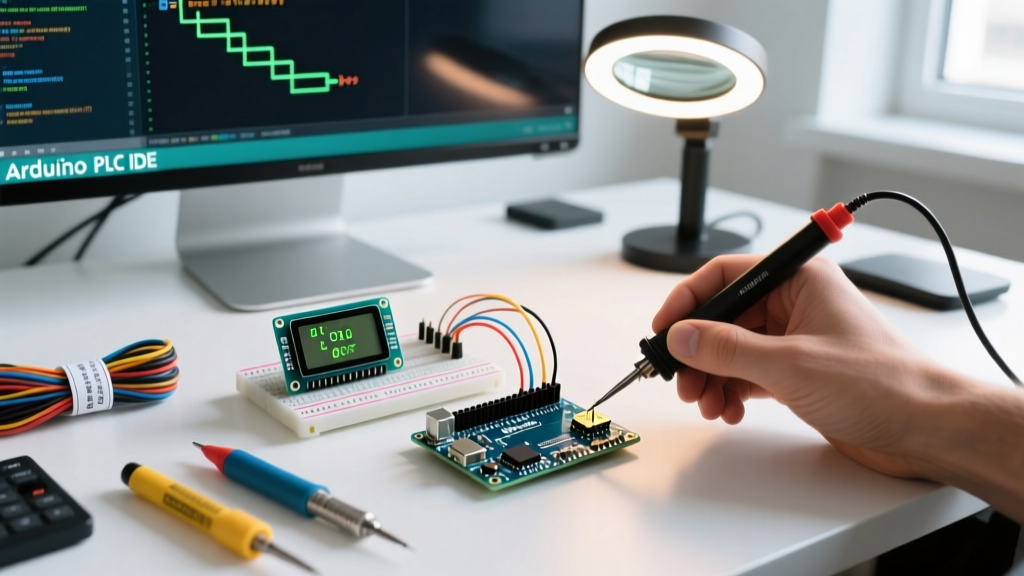
For years, the Arduino ecosystem has been dominated by C++ and the traditional Arduino IDE. However, as makers transition into industrial automation, building custom control panels, and managing 24V DC factory floors, standard C++ sketches fall short. Enter the Arduino PLC IDE concept: a development environment that supports the IEC 61131-3 standard, allowing engineers to program microcontrollers using Ladder Logic (LD), Function Block Diagrams (FBD), and Structured Text (ST).
While Arduino released its official PLC IDE to bridge this gap, the maker and open-source engineering communities have developed powerful, free alternatives. In this 2026 community resource roundup, we break down the best open-source Arduino PLC IDE alternatives, compatible hardware, and critical wiring practices to prevent catastrophic board failure in industrial environments.
Official vs. Open-Source: The 2026 Landscape
When deciding how to program your microcontroller for industrial tasks, you must weigh the convenience of official support against the flexibility of community-driven tools. Below is a comparison of the primary ecosystems available to automation engineers today.
| IDE / Platform | Cost (2026) | IEC 61131-3 Languages | Target Hardware | Best Use Case |
|---|---|---|---|---|
| Official Arduino PLC IDE | ~$99/year (Maker) | LD, FBD, ST, SFC, IL | Opta, Portenta PMC | Commercial deployments, enterprise support |
| OpenPLC Editor | Free (MIT License) | LD, FBD, ST, IL, SFC | Mega, Uno, ESP32, Pi | Community projects, education, retrofits |
| LDmicro | Free (Open Source) | LD (Ladder Logic only) | ATmega (Uno/Mega) | Simple relay replacement, legacy ATmega boards |
| Beremiz | Free (GPL) | LD, FBD, ST, SFC, IL | Linux-based MCUs, RPi | Complex structured text, advanced motion control |
Top Community-Driven Arduino PLC IDE Alternatives
1. OpenPLC: The Gold Standard for Open-Source Ladder Logic
If you are looking for a true, community-backed OpenPLC Project ecosystem, this is the undisputed champion. OpenPLC consists of two parts: the Editor (based on the PLCopen standard) and the Runtime. The community has built robust runtime firmware specifically for the Arduino Mega2560, Arduino Uno, and ESP32.
Information Gain: Unlike basic sketch uploads, OpenPLC runtime turns your Arduino into a Modbus TCP/IP slave. This means you can wire your Arduino to a commercial HMI (Human Machine Interface) like a Weintek or Red Lion panel, and the HMI will read/write to the Arduino's registers over Ethernet using standard industrial protocols.
2. LDmicro: Lightweight and Legacy-Friendly
For engineers who only need Ladder Logic and are working with older ATmega328P or ATmega2560 chips, LDmicro remains a staple. It compiles ladder diagrams directly into AVR assembly or C code, bypassing the need for a heavy runtime background process. This results in incredibly fast scan times (often under 2ms), which is critical for high-speed counting or rapid interlocking circuits.
3. Beremiz: For Advanced Structured Text Purists
While not strictly an 'Arduino' IDE, Beremiz is heavily used in the community for Linux-capable microcontrollers and SBCs (like the Raspberry Pi or Portenta X8) acting as PLCs. If your project requires complex mathematical algorithms or PID loops that are clunky to write in Ladder Logic, Beremiz's Structured Text (ST) compiler is unmatched in the open-source space.
Hardware Pairings: What Boards Actually Work?
You cannot safely run a standard Arduino Uno in a 24V industrial cabinet. The community has standardized around specific hardware configurations for PLC tasks:
- Arduino Opta (8I/14O): The official industrial PLC from Arduino. Powered by the STM32H747XI dual-core processor, it features native 8-24V DC isolated inputs and relay outputs. It is natively supported by the official Arduino PLC IDE and costs approximately $230 to $290 depending on the WiFi/RS485 variants.
- Arduino Mega2560 + Industrial Shield: The community favorite for budget PLCs. By pairing a Mega2560 with an optically isolated relay shield (like those from Industrial Shields or Sainsmart), you get massive I/O counts for under $80.
- Portenta Machine Control (PMC): Priced around $380, this board includes built-in thermocouple inputs, digital I/O, and analog outputs, making it a powerhouse for custom manufacturing rigs.
Critical Failure Modes: Isolation and Inductive Kickback
The most common reason community PLC projects fail in the field is electrical noise and improper isolation. When transitioning from a USB-powered desk setup to a 24V DIN-rail cabinet, you must account for the following:
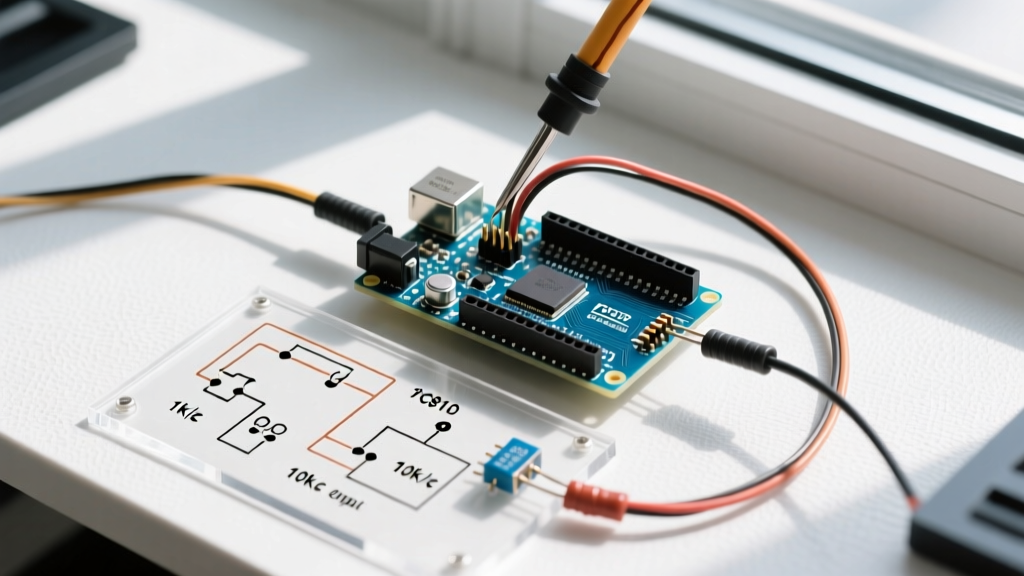
Expert Warning: Never connect 24V industrial proximity sensors directly to the GPIO pins of a standard Arduino. Even with a voltage divider, ground loops and transient voltage spikes will destroy the ATmega/STM32 silicon. Always use optocouplers (like the PC817) or dedicated 24V-to-5V logic level isolators.
Inductive Kickback: If your PLC is switching solenoids, contactors, or 24V DC motors, the collapsing magnetic field generates a massive reverse voltage spike. Without flyback diodes (e.g., 1N4007) wired in reverse parallel across the inductive load, this spike will arc across your relay contacts, weld them shut, or fry the ULN2003 driver chips on your shield.
Step-by-Step: Deploying OpenPLC to an Arduino Mega2560
Want to test community tools today? Follow this exact sequence to flash the OpenPLC runtime to a Mega2560. This guide relies on the OpenPLC v3 GitHub Repository maintained by Thiago Alves.
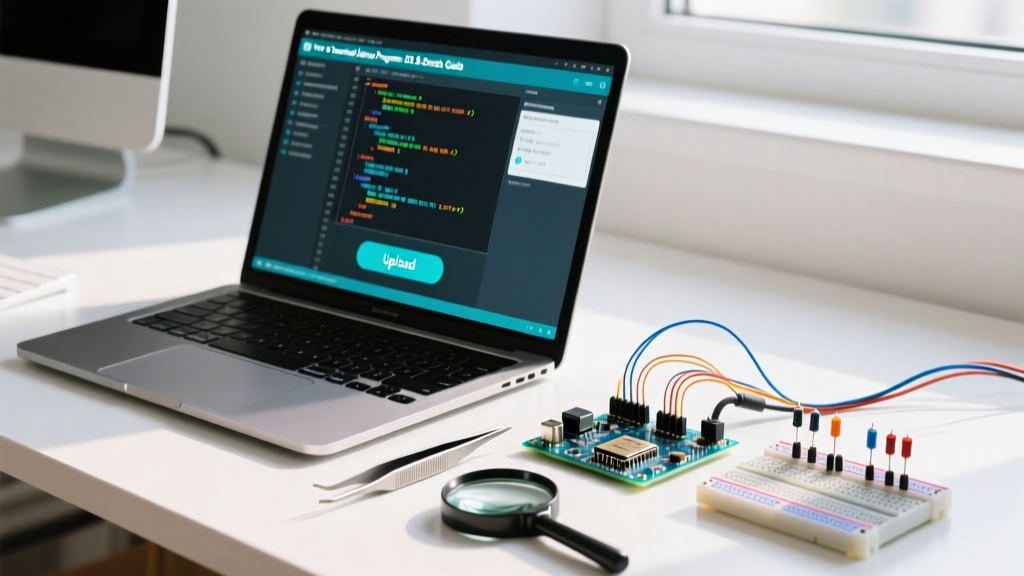
- Install the Standard Arduino IDE: You need the classic IDE installed to manage board definitions and serial ports.
- Download OpenPLC Editor: Grab the latest 2026 release from the OpenPLC website and install it on your Windows or Linux machine.
- Prepare the Firmware: Open the OpenPLC Editor, navigate to the 'Hardware' tab, and select 'Arduino Mega2560'. Click 'Upload Firmware to Board'.
- Serial Configuration: The Editor will prompt you for the COM port. Ensure your baud rate is set to 115200. The Editor compiles the custom runtime and flashes it via AVRDUDE.
- Write Your Logic: Create a new project, draw a simple Ladder Logic start/stop seal-in circuit using the XIC (Examine If Closed) and OTE (Output Energize) coils.
- Deploy to Runtime: Click 'Upload to Device'. The Editor communicates with the flashed runtime via USB-Serial and injects the compiled logic matrix without requiring a full board re-flash.
Community Forums & GitHub Repos to Bookmark
To stay updated on IEC 61131-3 implementations for microcontrollers, bookmark these community hubs:
- r/PLC on Reddit: While dominated by Allen-Bradley and Siemens professionals, searching 'Arduino' or 'OpenPLC' yields incredible wiring diagrams and cabinet build logs from veteran automation engineers.
- OpenPLC Discord Server: The fastest place to get help with Modbus TCP mapping and custom function block creation.
- GitHub - Arduino-PLC-Shield Repositories: Search for open-source KiCad files for custom PLC shields featuring isolated RS-485 (MAX485 chips) and 4-20mA analog input circuits using the ADS1115 ADC.
Frequently Asked Questions
Can I use the official Arduino PLC IDE with a standard Uno or Mega?
No. The official Arduino PLC IDE is strictly licensed and configured for their industrial line, specifically the Arduino Opta and Portenta Machine Control. For standard AVR boards, you must use community alternatives like OpenPLC or LDmicro.
How fast is the scan time on an Arduino-based PLC?
Using OpenPLC on an Arduino Mega2560, a typical 100-rung Ladder Logic program will execute in roughly 5 to 15 milliseconds. On the STM32-based Arduino Opta, scan times drop to sub-millisecond levels, making it viable for high-speed packaging machinery.
Is it safe to use Arduino PLCs in commercial manufacturing?
For prototyping, educational test rigs, and low-voltage custom automation, yes. However, for safety-critical systems (e.g., emergency stop circuits, press brakes, or life-safety systems), you must use certified Safety PLCs (like Siemens S7-1500F or Allen-Bradley GuardLogix) that meet SIL3/PLe ISO 13849 standards. Community Arduino setups lack the redundant hardware voting architectures required for safety certification.