
The Enduring Legacy of the MPU6050 in 2026
Despite the influx of newer 9-DOF and AI-enhanced IMUs like the BNO08X, the TDK InvenSense MPU6050 remains a cornerstone of the maker community in 2026. Combining a 3-axis gyroscope and a 3-axis accelerometer with a dedicated Digital Motion Processor (DMP), it offers an unbeatable price-to-performance ratio (often under $3 per module). However, extracting reliable, drift-free quaternion data from this sensor requires navigating a maze of I2C quirks, MEMS calibration tolerances, and library choices. This community resource roundup curates the most reliable, battle-tested libraries, wiring practices, and troubleshooting frameworks developed by the open-source hardware community.
Hardware Realities: Wiring and Logic Level Shifting
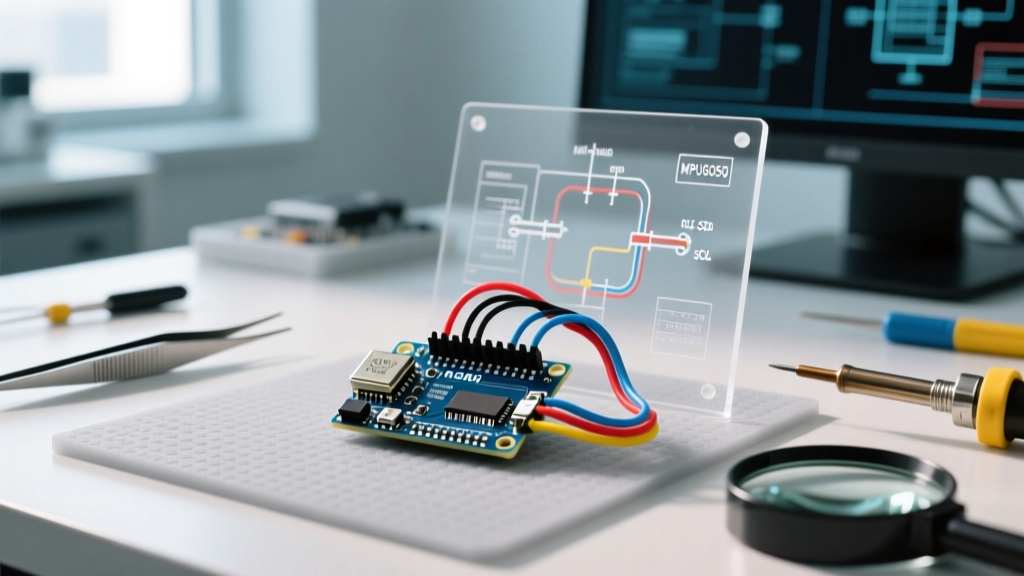
Before diving into software, we must address the most common hardware failure point in MPU6050 projects: logic level mismatching. The MPU6050 operates strictly at 3.3V. While many cheap breakout boards include a basic 3.3V voltage regulator for the VCC pin, they rarely include bi-directional logic level shifters for the I2C data lines.
The 5V Arduino Uno/Mega Trap
Connecting the SDA and SCL pins directly to a 5V Arduino Uno without level shifting forces 5V logic into the sensor's 3.3V I2C bus. While the MPU6050 might survive this initially, it accelerates silicon degradation and causes intermittent I2C bus lockups.
- The Proper Fix: Use a bi-directional logic level shifter (like the
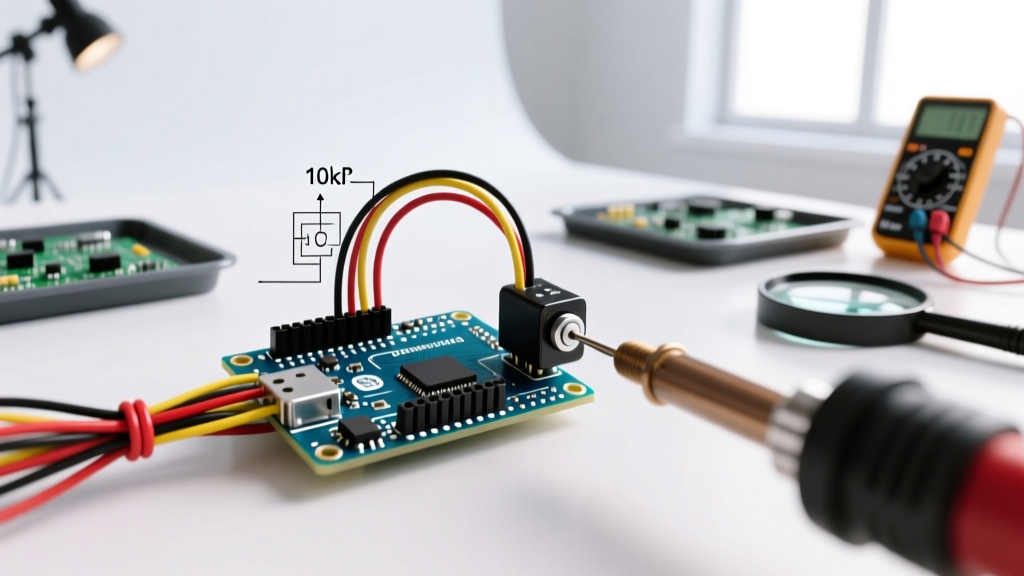
BSS138MOSFET-based modules or theTI TXS0108E). - The Pull-Up Rule: Ensure you have 4.7kΩ pull-up resistors on both SDA and SCL lines, tied to the 3.3V reference, not 5V. The Arduino Wire library reference assumes internal pull-ups, but for high-speed I2C (400kHz) required by the DMP, external 4.7kΩ resistors are mandatory.
- I2C Addressing: Tie the
AD0pin to GND for the default address0x68, or to 3.3V for0x69. Leaving AD0 floating can cause address jitter.
The Community Library Ecosystem
The raw data from the MPU6050 is noisy and suffers from gyroscope drift. To achieve stable orientation tracking, the community relies on either the onboard DMP or external sensor fusion algorithms. Here are the top community-maintained libraries for 2026.
1. Jeff Rowberg’s i2cdevlib (The Gold Standard)
Jeff Rowberg's i2cdevlib remains the undisputed champion for advanced MPU6050 integration. It is the only library that reliably uploads the proprietary DMP v6.12 firmware to the sensor's internal memory. The DMP handles complex sensor fusion (combining accel and gyro data) internally, outputting highly stable Quaternions at up to 200Hz without bogging down the Arduino's main CPU.
Community Tip: The DMP requires the Arduino to read the 1024-byte FIFO buffer precisely when an interrupt fires. If your mainloop()contains blocking code (likedelay()or longSerial.print()statements), the FIFO will overflow, resulting in catastrophic orientation jumps. Always use hardware interrupts on Pin 2 (INT0) to trigger FIFO reads.
2. Adafruit MPU6050 Library
For makers who do not need complex 3D quaternion math and simply want reliable raw data or basic Euler angles, the Adafruit MPU6050 library is the most accessible entry point. It integrates seamlessly with the Adafruit Unified Sensor API, making it trivial to swap the MPU6050 for a BNO055 or LSM6DSOX later in your project without rewriting your core logic. However, it does not utilize the onboard DMP, meaning you must implement your own Madgwick or Mahony filter on the Arduino if you want drift-free 3D tracking.
3. SimpleMPU6050 (Lightweight Alternative)
When programming ATtiny85 or Arduino Nano boards with severe SRAM constraints (2KB or less), i2cdevlib's massive memory footprint becomes a problem. The community-developed SimpleMPU6050 library strips away the DMP firmware and focuses purely on raw I2C register reads. It pairs perfectly with lightweight, integer-based complementary filters for basic balancing robots or gesture mice.
Library Comparison Matrix
| Library | DMP Support | SRAM Footprint | Learning Curve | Best Use Case |
|---|---|---|---|---|
| i2cdevlib | Yes (v6.12) | High (~2.5KB) | Steep | Drones, VR Trackers, 3D Telemetry |
| Adafruit MPU6050 | No | Medium (~1.2KB) | Low | Tilt sensors, basic motion triggers |
| SimpleMPU6050 | No | Low (~0.5KB) | Medium | ATtiny projects, simple balancing bots |
The Calibration Imperative: Eliminating MEMS Drift
A frequent complaint on maker forums is "my MPU6050 drifts by 10 degrees on the Z-axis." This is not a software bug; it is a physical reality of MEMS manufacturing tolerances. Every MPU6050 requires unique offset calibration.
The Community Calibration Routine
Do not rely on the factory defaults stored in the ROM. The community standard practice involves running a calibration sketch (often included as IMU_Zero in the i2cdevlib examples) that performs the following:
- Place the sensor on a perfectly level, vibration-free surface.
- Collect 500 to 1,000 raw samples at rest.
- Calculate the mean deviation from the ideal values (e.g., Accelerometer Z should read exactly +16384 at 1G; Gyroscopes should read 0 on all axes).
- Write these calculated offsets to the sensor's active offset registers using functions like
setXAccelOffset()andsetZGyroOffset(). - Store these specific integer values in your Arduino's EEPROM so they persist across reboots.
Skipping this step guarantees that your DMP sensor fusion algorithm will constantly fight a phantom bias, leading to integrator windup and eventual drift.
Advanced Troubleshooting: I2C Bus Lockups
In electrically noisy environments (like brushed-motor RC cars or CNC machines), the MPU6050 can experience I2C bus lockups. The sensor's internal state machine hangs, and the Arduino's Wire.requestFrom() function blocks indefinitely, crashing your sketch.
Implementing the Watchdog & Bus Clearing
To build a robust, commercial-grade device, implement the timeout feature introduced in modern versions of the Arduino Wire library:
Wire.setWireTimeout(3000, true);
This sets a 3,000-microsecond timeout. If the I2C bus hangs, the Wire library will abort the transaction rather than freezing the MCU. Furthermore, the community recommends toggling the SCL pin manually (bit-banging 9 clock cycles) in your setup routine to force any stuck I2C slaves to release the SDA line before initializing the MPU6050.
Final Verdict for Makers
The Arduino MPU6050 ecosystem in 2026 is mature, heavily documented, and incredibly powerful—provided you respect the hardware constraints. For 90% of advanced spatial tracking projects, Jeff Rowberg’s i2cdevlib combined with proper 3.3V logic shifting and rigorous EEPROM-stored calibration remains the ultimate community-approved stack. For simpler tilt-detection or educational projects, the Adafruit ecosystem offers a frictionless onboarding experience. Whichever route you choose, prioritize hardware stability and interrupt-driven FIFO reading to unlock the true potential of this legendary 6-DOF sensor.