
Bridging Desktop Logging Concepts to Embedded C++
When software engineers transition from Python or Linux environments to embedded systems, they frequently search for an Arduino disk log rotating file handler example. In desktop development, frameworks provide built-in classes (like Python's logging.handlers.RotatingFileHandler) to automatically manage log file sizes, archive old data, and prevent disk exhaustion. However, microcontrollers do not have an underlying operating system to manage file descriptors or atomic directory updates.
Terminology Note: In the MCU ecosystem, the term "disk" refers to either external SPI/SDIO SD cards (formatted as FAT32/exFAT) or internal/QSPI flash memory partitions (formatted as LittleFS or SPIFFS). Implementing log rotation requires manual C++ logic to monitor file sizes, close streams, and shift filenames.
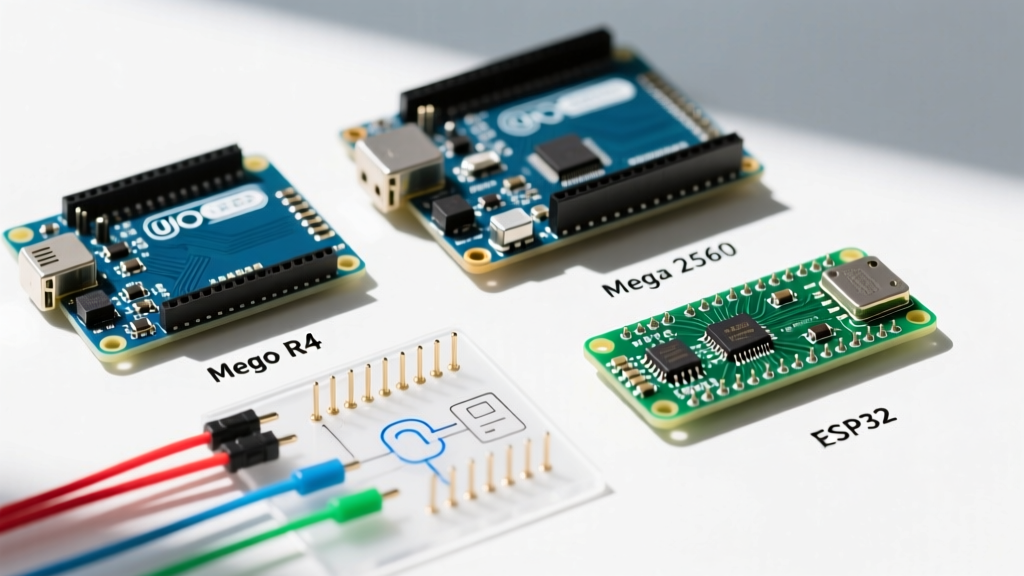
This quick reference guide provides a production-ready architecture for rotating logs on platforms like the ESP32-S3, Teensy 4.1, and Arduino Mega, alongside critical hardware endurance considerations for 2026 data logging projects.
Quick Reference: File System Comparison for Log Rotation
Choosing the right file system dictates how safely your rotating file handler will operate, especially during unexpected power loss.
| File System | Storage Medium | Power-Loss Resilience | Wear Leveling | Best Use Case |
|---|---|---|---|---|
| FAT32 | SD / microSD Cards | Poor (Directory corruption risk) | Hardware-dependent (SD controller) | High-capacity logging (GBs), removable data |
| LittleFS | Internal / QSPI Flash | Excellent (Power-loss resilient) | Software-based (Dynamic) | ESP32/Pico internal config & small log rotation |
| SPIFFS | Internal Flash | Poor (Deprecated) | Software-based (Static) | Legacy ESP8266 projects (Avoid for new designs) |
The C++ Implementation: Rotating Logger Class
Below is a robust, object-oriented approach to creating a rotating file handler using the standard Arduino SD Library. For high-speed applications on Teensy or ESP32, consider swapping SD.h for the highly optimized SdFat library by Bill Greiman.
Core Logic Flow
- Check Size: Before writing, check if the active log file exceeds the defined byte threshold (e.g., 1MB).
- Close Stream: The file must be explicitly closed before any rename operations can occur.
- Cascade Renames: Delete the oldest file (
log_3.csv), renamelog_2.csvtolog_3.csv, and so on. - Reopen: Open a fresh file handle for the active log.
Code Example
#include <SD.h>
#include <SPI.h>

#define CHIP_SELECT 5
#define MAX_LOG_SIZE 1048576  // 1 MB
#define MAX_FILES 3
#define BASE_NAME "log_"

class RotatingLogger {
private:
  File activeFile;
  String baseName;
  int maxFiles;
  unsigned long maxSize;

  void rotateFiles() {
    activeFile.close();

    // Delete oldest
    String oldest = baseName + String(maxFiles) + ".csv";
    if (SD.exists(oldest.c_str())) SD.remove(oldest.c_str());

    // Cascade renames
    for (int i = maxFiles - 1; i > 0; i--) {
      String src = baseName + String(i) + ".csv";
      String dst = baseName + String(i + 1) + ".csv";
      if (SD.exists(src.c_str())) SD.rename(src.c_str(), dst.c_str());
    }

    // Rename active to 1
    String active = baseName + "0.csv";
    String first = baseName + "1.csv";
    if (SD.exists(active.c_str())) SD.rename(active.c_str(), first.c_str());

    // Reopen active
    activeFile = SD.open(active.c_str(), FILE_WRITE);
  }

public:
  RotatingLogger(String name, int files, unsigned long size)
    : baseName(name), maxFiles(files), maxSize(size) {}

  bool begin() {
    if (!SD.begin(CHIP_SELECT)) return false;
    String active = baseName + "0.csv";
    activeFile = SD.open(active.c_str(), FILE_WRITE);
    return activeFile;
  }

  void log(String data) {
    if (!activeFile) return;
    if (activeFile.size() >= maxSize) rotateFiles();
    activeFile.println(data);
    activeFile.flush(); // Ensure data is written to physical media
  }
};

RotatingLogger logger(BASE_NAME, MAX_FILES, MAX_LOG_SIZE);

void setup() {
  Serial.begin(115200);
  if (logger.begin()) Serial.println("Logger Initialized");
}

void loop() {
  logger.log("Sensor,23.5,1013," + String(millis()));
  delay(1000);
}
Hardware & Endurance Considerations
A common failure mode in embedded logging is SD card burnout. Standard consumer microSD cards use TLC (Triple-Level Cell) NAND and lack robust wear-leveling algorithms for continuous, small-block write operations. If you are deploying an ESP32 FATFS/LittleFS storage node or an Arduino SD logger in an industrial setting, adhere to these hardware guidelines:
- Industrial SLC Cards: Use Single-Level Cell (SLC) cards like the Swissbit S-56u or ATP Industrial microSD. They cost roughly $40–$80 for 8GB but offer 100x the write endurance of consumer cards.
- High Endurance TLC: For budget-constrained projects, the SanDisk High Endurance or Western Digital Purple QD101 lines are designed for dashcams and continuous loop recording (priced around $15 for 64GB in 2026).
- RAM Buffering: To extend SD card life, buffer 4KB–8KB of log data in the MCU's SRAM or PSRAM, and write to the SD card in large, sequential chunks rather than calling
flush()on every single line.
FAQ: Edge Cases & Troubleshooting
Q: What happens if the MCU loses power during the SD.rename() cascade?
A: FAT32 directory updates are not atomic. If power is cut while the FAT table is updating, you may end up with orphaned clusters or missing directory entries. To mitigate this, advanced implementations use a "shadow index" file (e.g., index.json) that maps logical log names to physical filenames. On boot, the MCU reads the index to determine the true state of the files, bypassing reliance on the FAT32 directory structure alone. Alternatively, use internal LittleFS, which features a power-loss resilient journaling mechanism.
Q: Why does my ESP32 crash with a "Guru Meditation Error" during log rotation?
A: File renaming and deletion on SPI SD cards can block the SPI bus for hundreds of milliseconds. If you are running Wi-Fi or Bluetooth tasks on the ESP32, this bus contention can starve the RTOS network tasks, triggering a watchdog reset. Solution: Move the logging and rotation logic to a dedicated FreeRTOS task pinned to Core 0, and use a thread-safe queue (e.g., xQueueSend) to pass log strings from your Wi-Fi task on Core 1.
Q: Can I use SPIFFS for rotating logs on the ESP8266?
A: You can, but you absolutely should not. SPIFFS lacks true directory support and simulates folders poorly, making cascading renames incredibly slow and prone to severe fragmentation. Espressif officially deprecated SPIFFS in favor of LittleFS. LittleFS supports true directories, atomic renames, and dynamic wear leveling, making it the only acceptable choice for internal flash log rotation on Espressif chips.
Q: How do I handle file fragmentation on FAT32 over long deployments?
A: Rotating files inherently causes fragmentation because the MCU is constantly deleting and rewriting files of varying sizes at the end of the partition. Over months of operation, write speeds will degrade, leading to missed sensor readings. To prevent this, pre-allocate the log files on a PC before inserting the SD card into the Arduino. Create empty 1MB files (log_1.csv, log_2.csv) on your desktop. The Arduino will then simply overwrite the existing contiguous clusters rather than asking the SD controller to allocate new, fragmented blocks.