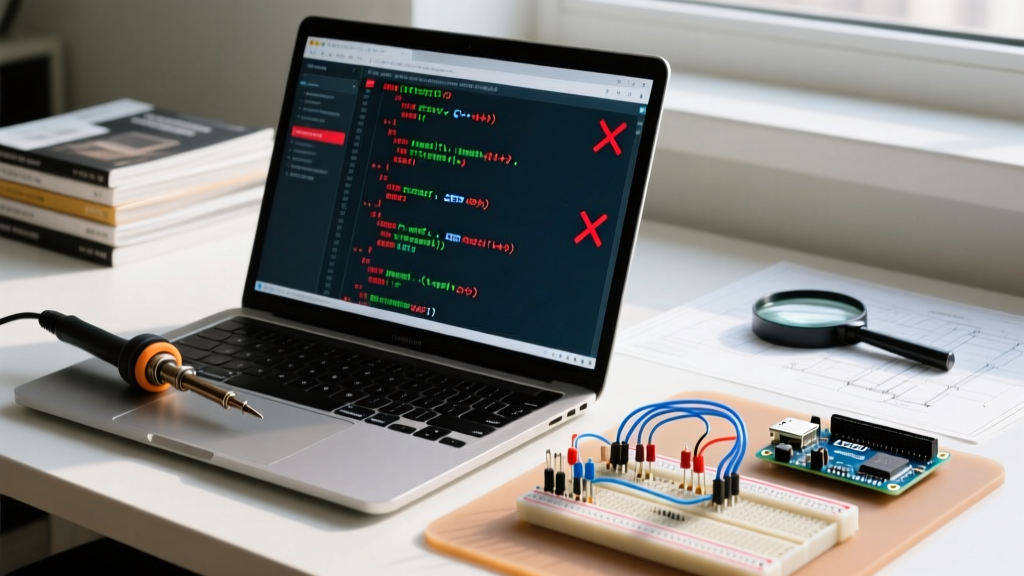

The "Outdated PDF" Problem in Modern Arduino Development
If you have ever searched for an Arduino programming PDF to learn C++ for microcontrollers or to find a quick syntax cheat sheet, you have likely encountered a massive hurdle: the internet is archived with outdated tutorials. Many of the most popular PDF guides circulating in maker forums and university repositories were written between 2014 and 2018. They target the legacy ATmega328P (Arduino Uno R3) and rely on deprecated libraries, direct register manipulation, and outdated memory management techniques.
When you attempt to compile this legacy code in the modern Arduino IDE 2.3+ (the standard for 2026), the underlying GCC toolchain throws aggressive compilation errors. Furthermore, the industry shift toward ARM-based boards like the Arduino Uno R4 Minima ($20) and the Nano ESP32 ($21) means that hardware-specific PDF code will instantly fail. This guide serves as your error-fix manual, translating outdated Arduino programming PDF snippets into modern, architecture-agnostic C++ code that compiles cleanly on today's hardware.
⚠️ 2026 Compiler Warning: The modern Arduino IDE utilizes a stricter GCC ARM toolchain. Legacy C-style casts and implicit type conversions found in older PDFs will now trigger fatal compilation halts rather than simple warnings.Error 1: Direct Port Manipulation Failures (AVR vs ARM)
The PDF Code:
DDRB |= (1 << 5); // Set Pin 13 as output
PORTB |= (1 << 5); // Set Pin 13 HIGH
The Modern IDE Error:
error: 'DDRB' was not declared in this scopeerror: 'PORTB' was not declared in this scope
The Diagnosis & Fix:
Almost every older Arduino programming PDF teaches direct port manipulation to bypass the overhead of the digitalWrite() function. On the legacy ATmega328P, Pin 13 maps directly to Port B, Bit 5. However, if you upload this to an Arduino Uno R4 (which uses the Renesas RA4M1 ARM Cortex-M4), the PORTB register does not exist. According to the Renesas RA4M1 Hardware Manual, GPIO is managed via Port Pmn Pin Function Select registers, making raw AVR bitwise operations completely invalid.
The 2026 Fix: To maintain the speed of direct manipulation without breaking cross-architecture compatibility, use the digitalWriteFast() macro or architecture-agnostic HAL (Hardware Abstraction Layer) calls. If you must use direct registers, wrap them in preprocessor directives:
#if defined(__AVR_ATmega328P__)
  DDRB |= (1 << 5);
  PORTB |= (1 << 5);
#elif defined(ARDUINO_UNOR4_MINIMA)
  R_PORT4->PDR |= (1 << 5); // Renesas specific
  R_PORT4->PODR |= (1 << 5);
#endif
Error 2: Deprecated I2C Wire.h Syntax on ESP32
The PDF Code:
Wire.begin(21, 22); // SDA, SCL for old ESP8266/ESP32 PDFsThe Modern IDE Error:
no matching function for call to 'TwoWire::begin(int, int)'note: candidate expects 0 arguments, 2 provided
The Diagnosis & Fix:
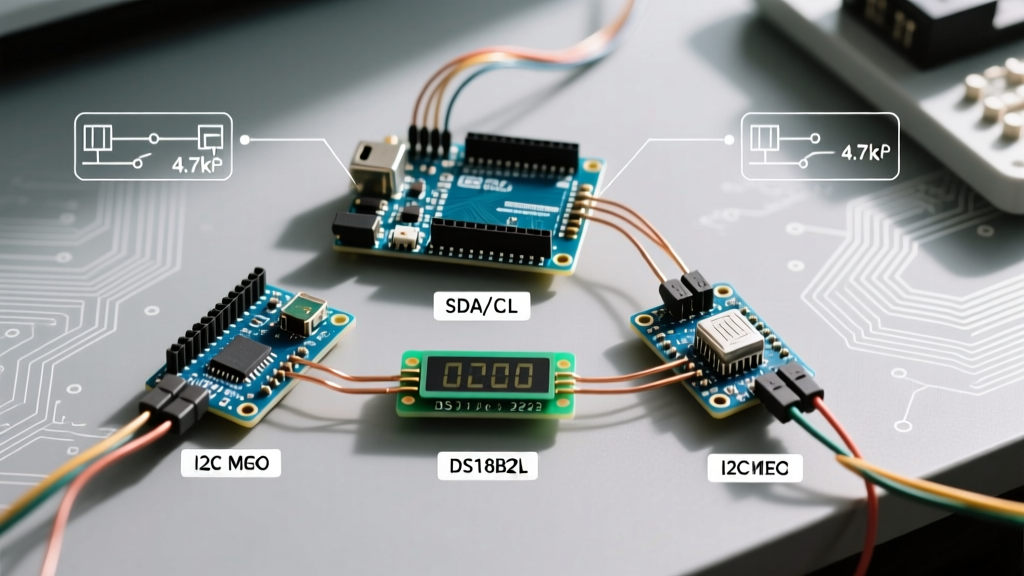
Many PDF guides focusing on IoT projects hardcode I2C pins based on the original ESP32 DevKit V1. In 2026, most developers use the ESP32-S3 or ESP32-C3. The I2C peripheral matrix on modern Espressif chips allows almost any GPIO to act as SDA/SCL, but the standard Arduino Wire.h implementation has been updated to strictly enforce the ESP32-S3 Technical Reference Manual routing protocols. Passing raw integers into Wire.begin() is deprecated in the latest ESP32 Arduino Core (v3.x).
The 2026 Fix: Define your pins using standard constants and utilize the updated initialization sequence. Always check the official Arduino Language Reference for the latest Wire library signatures.
#include

#define I2C_SDA 8
#define I2C_SCL 9

void setup() {
  // Modern ESP32-S3 I2C initialization
  Wire.begin(I2C_SDA, I2C_SCL);
  Wire.setClock(400000); // Explicitly set 400kHz Fast Mode
}
Error 3: String Class Memory Leaks and Heap Fragmentation
The PDF Code:
String payload = "";
for(int i=0; i<100; i++) { payload += String(i) + ","; }
The Modern IDE Error (Runtime):
Region 'ram' overflowed by X bytes(Compile time) ORGuru Meditation Error: Core 1 panic'ed (Unhandled debug exception)(Runtime reboot)
The Diagnosis & Fix:
Older PDFs frequently use the String object for serial parsing and HTTP payloads. On an ATmega328P with only 2KB of SRAM, dynamic memory allocation via the String class causes rapid heap fragmentation, leading to silent reboots. While modern boards like the Nano ESP32 boast 512KB of SRAM, sloppy memory management in legacy PDF code will still trigger watchdog timer (WDT) resets when handling large MQTT or JSON payloads in 2026.
The 2026 Fix: Abandon dynamic String concatenation. Use fixed-size character arrays (char[]) or the std::string library with pre-allocated memory reserves. If you must use Arduino String, utilize the reserve() function to allocate a contiguous block of memory upfront.
// Prevents heap fragmentation by allocating memory once
String payload;
payload.reserve(256);

for(int i=0; i<100; i++) {
  payload += i;
  payload += ',';
}
Troubleshooting Matrix: PDF Code vs Modern IDE
Use this quick-reference matrix to identify and patch legacy code found in outdated Arduino programming PDFs.
| Legacy PDF Code Snippet | Modern IDE Error / Symptom | 2026 Architecture Fix |
|---|---|---|
PROGMEM const char myStr[] |
Warning: Deprecated PROGMEM syntax on ARM | Use constexpr char myStr[] or __attribute__((section(".rodata"))) |
analogReference(INTERNAL); |
Not declared in scope (Uno R4 / ESP32) | Use analogReference(AR_INTERNAL1V5); (Renesas specific) |
Serial.print(F("Text")); |
F() macro redundant / causes warnings on ESP32 | Remove F() macro; ESP32 stores all const strings in Flash by default |
attachInterrupt(0, ISR, FALLING); |
Interrupt 0 maps to wrong pin on modern boards | Always use digitalPinToInterrupt(pin) macro |
How to Vet an Arduino Programming PDF Before Coding
Before you spend hours copying code from a third-party PDF tutorial, run it through this 2026 viability checklist to save yourself from hours of debugging:
- Check the Publication Date: If the PDF was published before 2021, assume all direct hardware register calls (
PORTx,DDRx,PINx) are invalid for anything other than an Uno R3. - Verify the Target Board: Does the PDF explicitly state it is for the ESP32-S3, Uno R4, or Nano RP2040 Connect? If it only mentions the "Arduino Uno," you will need to refactor all timing and memory code.
- Scan for Deprecated Libraries: Look for references to
ESP8266WiFi.hor early versions ofPubSubClient. Modern projects should useWiFiS3.h(for Uno R4) orWiFi.h(for ESP32) alongside the modernArduinoMqttClientlibrary. - Look for the F() Macro: If a PDF heavily relies on the
F()macro for flash memory storage, it was written for 8-bit AVR chips. Applying this logic to 32-bit ARM boards is redundant and clutters your codebase.
Advanced Debugging: Using Serial Output with PDF Snippets
When adapting legacy PDF code, the most critical tool at your disposal is the Serial Monitor. Older tutorials often omit robust error handling in their setup() functions. In 2026, you should never initialize peripherals without verifying their state via Serial feedback.
void setup() {
  Serial.begin(115200);
  while (!Serial) { delay(10); } // Wait for native USB serial (Uno R4 / ESP32)

  Serial.println("Booting Modernized Code...");

  // Always verify I2C bus state after initializing legacy Wire code
  Wire.begin();
  Wire.setWireTimeout(25000, true); // Prevent infinite I2C hangs
  Serial.println("I2C Bus Initialized with Timeout Protection");
}
Conclusion
An Arduino programming PDF can be a fantastic offline reference for learning C++ logic, control structures, and basic circuit theory. However, treating these documents as copy-paste code repositories in 2026 is a recipe for compilation failures and hardware lockups. By understanding the architectural shift from 8-bit AVR to 32-bit ARM and RISC-V, and by applying modern memory management and HAL principles, you can successfully modernize any legacy tutorial code and keep your projects running flawlessly on today's cutting-edge microcontrollers.