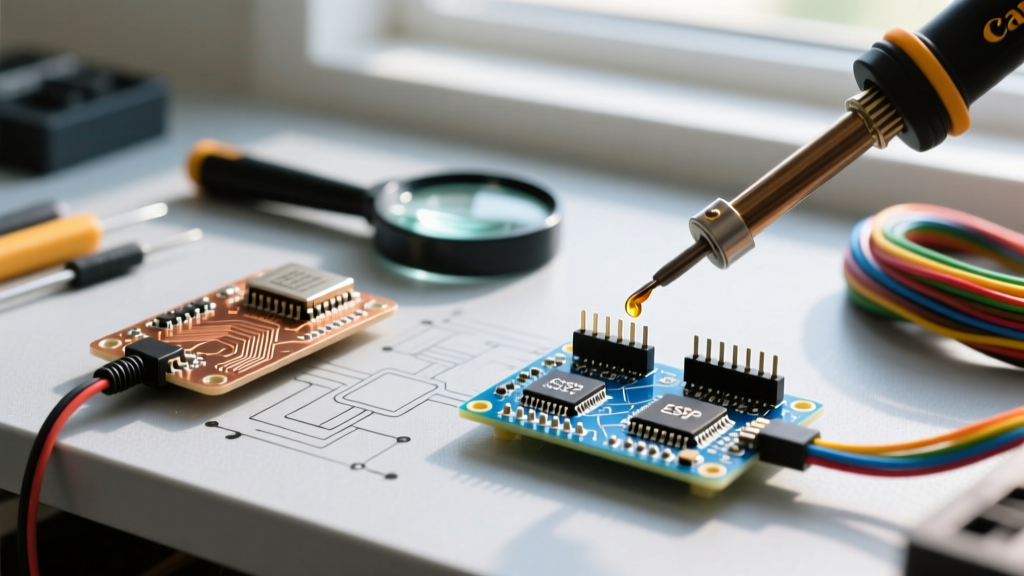

The Silicon Reality: Espressif SoCs vs. Board Manufacturing
When you decide to build an IoT project using an ESP32 with Arduino IDE, you are immediately confronted with a massive price disparity. A quick search yields generic development boards for $3.50, while premium ecosystems like Adafruit or SparkFun command $25.00 to $35.00. To make an informed hardware decision, you must first understand the division of labor in the ESP32 ecosystem.
Espressif Systems manufactures the core System-on-Chip (SoC) modules, such as the ESP32-WROOM-32E or the newer ESP32-S3-WROOM-1. These modules contain the dual-core processor, Wi-Fi/Bluetooth radios, and RF shielding. Third-party manufacturers then design the carrier boards, adding the voltage regulators, USB-to-UART bridges, flash memory, and pin headers. The Arduino core software interacts primarily with the Espressif silicon, meaning a $4 clone and a $30 premium board will both successfully compile and run your C++ sketches. However, the physical hardware supporting that silicon dictates your project's reliability, power efficiency, and debugging experience.
Budget ESP32 Boards: The $3 to $7 Reality
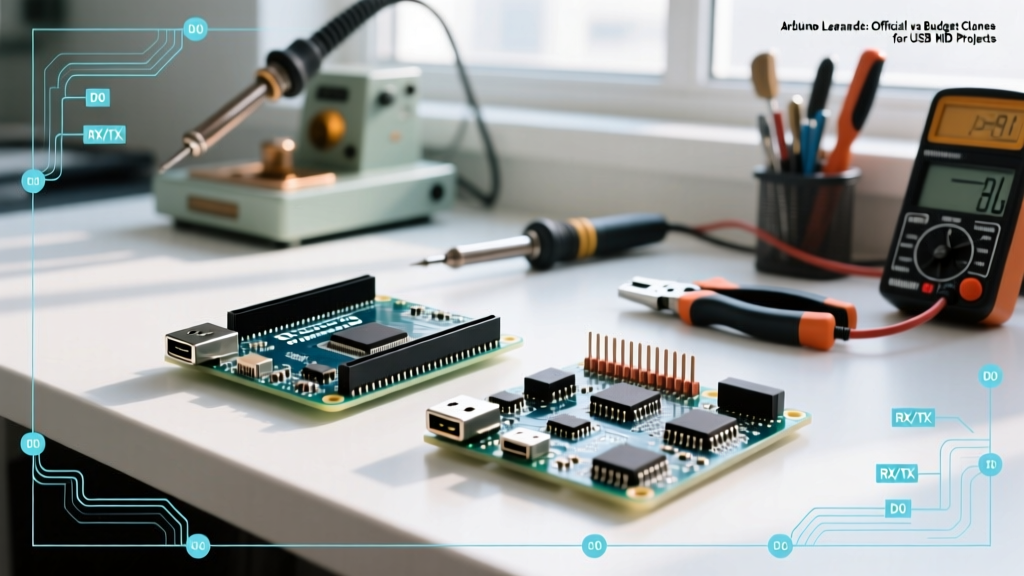
Generic boards (often branded by Amazon sellers like HiLetgo, KeeYees, or Diymore) dominate the hobbyist market. They are typically built around the original ESP32-WROOM-32E module and are fantastic for rapid prototyping on a breadboard.
Where Budget Boards Cut Costs
- Voltage Regulators (LDOs): Most clones use the AMS1117-3.3 linear dropout regulator. While cheap, it has a high quiescent current and poor thermal performance. If your project draws over 350mA (e.g., driving a strip of NeoPixels or powering a cellular modem), the AMS1117 will overheat, triggering a thermal shutdown or causing the ESP32 to brownout.
- USB-UART Bridging: Budget boards rely on the CH340C or CP2102 chips. The CH340C requires specific driver installations on older macOS versions and can exhibit flaky serial behavior on Linux at high baud rates, complicating Serial Monitor debugging.
- Manual Boot Modes: Generic boards often lack the auto-program circuit (which uses the RTS and DTR lines to pulse the EN and GPIO0 pins). This forces you into the frustrating 'Boot Button Dance'—manually holding the BOOT button while the Arduino IDE attempts to upload the sketch.
Premium ESP32 Boards: The $18 to $35 Advantage
Premium boards are engineered for deployment, battery operation, and seamless integration. They utilize advanced power management ICs, native USB architectures, and high-density connectors.
The Premium Hardware Advantage
- High-Efficiency Power Delivery: Boards like the Adafruit Feather ESP32 V2 ($24.95) use the AP2112K-3.3 LDO. This regulator boasts a 600mA output capacity with an ultra-low dropout voltage (250mV), ensuring stable power delivery even during Wi-Fi transmission spikes (which can momentarily draw 450mA).
- Integrated LiPo Management: Premium boards include dedicated charge controllers like the MCP73831, allowing you to plug in a 3.7V lithium-polymer battery and a USB cable simultaneously. The board seamlessly switches power sources and charges the battery safely.
- Native USB and HID Support: Premium boards built on the ESP32-S3 architecture (like the SparkFun ESP32-S3 Thing Plus) feature native USB OTG. This eliminates the need for a UART bridge chip entirely, reduces BOM costs, and allows the ESP32 to act as a native USB keyboard or mouse (HID) directly within the Arduino IDE.
- Ecosystem Connectors: The inclusion of STEMMA QT (Adafruit) or Qwiic (SparkFun) I2C connectors allows you to daisy-chain sensors without soldering, saving hours of wiring and reducing I2C bus capacitance issues.
Hardware Comparison Matrix
| Feature | Generic WROOM-32 Clone | Adafruit Feather ESP32 V2 | SparkFun ESP32 Thing Plus C |
|---|---|---|---|
| Approximate Price | $3.50 - $5.50 | $24.95 | $29.95 |
| Core Module | ESP32-WROOM-32E | ESP32-WROOM-32E | ESP32-WROOM-32E |
| Voltage Regulator | AMS1117-3.3 (Linear, High Heat) | AP2112K-3.3 (Low Dropout, 600mA) | AP2112K-3.3 (Low Dropout, 600mA) |
| USB-to-UART Bridge | CH340C or CP2102 | CP2102N (High reliability) | CP2102N (High reliability) |
| Auto-Program Circuit | Rarely (Requires manual BOOT) | Yes (Seamless uploads) | Yes (Seamless uploads) |
| LiPo Charging | No | Yes (MCP73831) | Yes (MCP73832) |
| Arduino IDE Board Select | DOIT ESP32 DEVKIT V1 | Adafruit Feather ESP32 V2 | SparkFun ESP32 Thing |
Configuring the Arduino IDE for Both Tiers
Whether you are using a $4 clone or a $30 premium board, the software foundation relies on the official Espressif Arduino Core. As of 2026, the Arduino IDE 2.x and 3.x environments handle this via the Boards Manager. For comprehensive documentation on core installation, refer to the official Espressif Arduino-ESP32 documentation.
Step-by-Step Board Manager Setup
- Open Arduino IDE and navigate to File > Preferences.
- In the 'Additional boards manager URLs' field, paste:
https://raw.githubusercontent.com/espressif/arduino-esp32/gh-pages/package_esp32_index.json - Open the Boards Manager (Ctrl+Shift+B or Cmd+Shift+B), search for 'esp32', and install the latest v3.x package by Espressif Systems.
Critical Menu Settings: Flash Mode and Partition Schemes
This is where budget and premium boards diverge in the IDE configuration:
- Flash Mode (QIO vs. DIO): Premium boards use high-quality SPI flash chips that support Quad I/O (QIO) at 80MHz, resulting in faster boot times and code execution. Budget clones often use cheaper flash silicon that fails on QIO, causing a boot loop. If your generic board constantly resets, change Tools > Flash Mode from QIO to DIO.
- Partition Scheme: If you are using OTA (Over-The-Air) updates, you must select Tools > Partition Scheme > Minimal SPIFFS (1.9MB APP with OTA/190KB SPIFFS). Budget boards with only 4MB of flash will fail OTA updates if the default partition scheme is used, as the OTA process requires two identical application partitions to exist simultaneously in flash memory.
Real-World Failure Modes: When Budget Boards Cost You More
Choosing a budget board for a remote, battery-powered deployment often leads to catastrophic field failures. Here are the two most common edge cases engineers face:
1. The 'Brownout Detector' Trap
E (1234) brownout_detector: Brownout detector was triggered
This error appears in the Serial Monitor when the 3.3V rail drops below 2.4V. On budget boards, the AMS1117 LDO cannot supply the instantaneous 400mA+ current spike required when the Wi-Fi radio initializes. The voltage sags, the brownout detector triggers, and the ESP32 resets in an infinite loop. The Fix: Solder a 470µF low-ESR tantalum capacitor directly across the 3.3V and GND pins on the budget board, or upgrade to a premium board with an AP2112K regulator.
2. RF Shielding and Antenna Degradation
While Espressif provides the metal RF shield on the WROOM module, the antenna trace on the carrier board is critical. Budget manufacturers frequently route the 50-ohm RF impedance trace incorrectly or place it too close to unshielded digital I/O pins, causing harmonic interference. This reduces Wi-Fi range from a theoretical 50 meters to less than 10 meters indoors. Premium boards follow strict impedance-matched PCB layout guidelines and carry FCC/CE certifications, guaranteeing the RF performance matches the silicon's datasheet. For a deep dive into certified hardware layouts, review the Adafruit Feather ESP32 V2 Learn Guide.
Verdict: Which Should You Choose?
Buy Budget ($3 - $7) if: You are prototyping on a breadboard, learning the Arduino IDE environment, building a stationary USB-powered project, or manufacturing a high-volume consumer product where you will design your own custom PCB and only need the raw ESP32-WROOM module.
Buy Premium ($18 - $35) if: You are deploying a battery-powered IoT sensor in the field, requiring LiPo charge management, utilizing I2C daisy-chaining via Qwiic/STEMMA, requiring native USB HID capabilities (ESP32-S3), or simply value the hours saved by not debugging CH340 driver conflicts and manual boot-button sequences.
Ultimately, mastering the ESP32 with Arduino IDE requires understanding that the software is only as reliable as the power delivery and RF layout of the hardware it runs on. Choose your carrier board based on your deployment environment, not just the price tag.
For the latest IDE releases and core updates, always ensure you are downloading from the official Arduino Software portal to maintain compatibility with the newest Espressif toolchains.