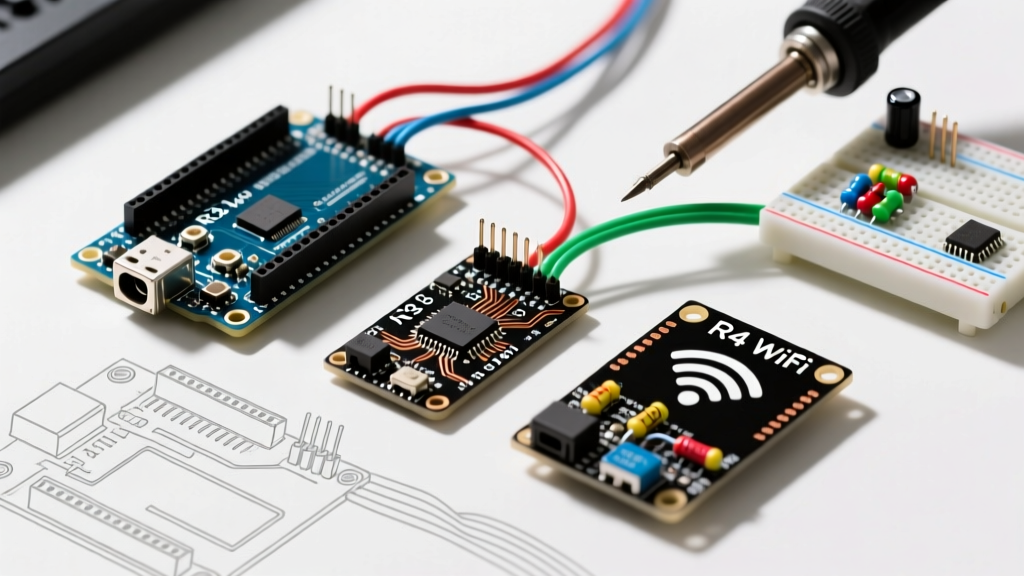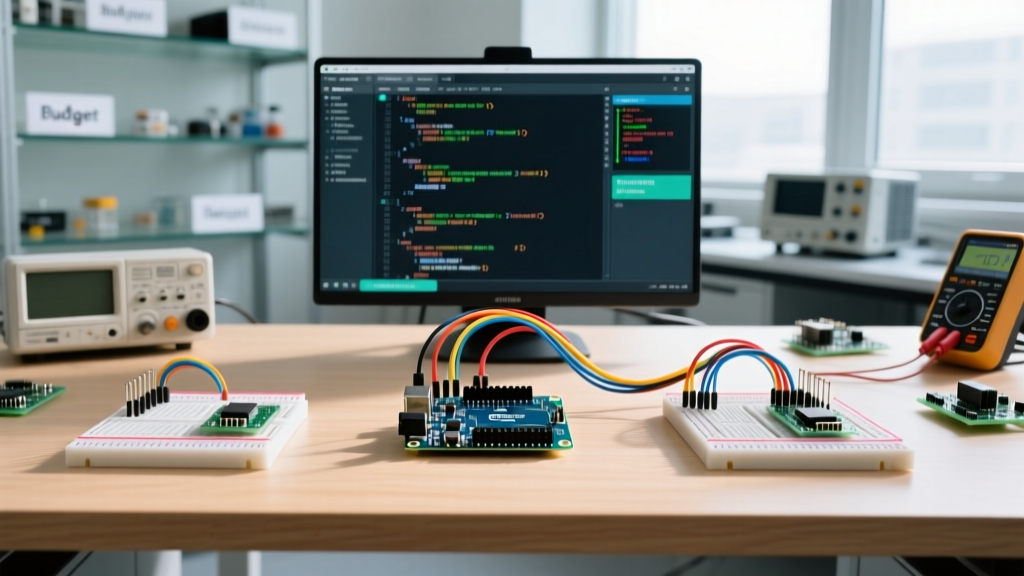

The Hardware Divide: Genuine Arduino Uno vs. Budget Clones
When it comes to Arduino Uno coding, the software is only half the battle. The physical silicon you compile your code against dictates your debugging experience, serial reliability, and ultimate project lifespan. In 2026, the market is flooded with $4 clones sitting right next to the $27.50 genuine Arduino Uno R3 (and the newer $20 R4 Minima). But does the hardware origin actually impact your coding workflow?
The short answer is yes. While a budget clone might successfully blink an LED, professional firmware development requires predictable timing, reliable serial handshakes, and robust power regulation. Let us break down the exact hardware and software differences between budget and premium setups.
Hardware Specification & Cost Matrix
| Feature | Premium: Genuine Uno R3 / R4 Minima | Budget: Generic CH340 Clone ($4 - $6) |
|---|---|---|
| USB-to-Serial IC | ATmega16U2 (Genuine LUFA Firmware) | WCH CH340C / CH340G (Often spoofed VID/PID) |
| 16MHz Oscillator | High-precision Crystal (±30ppm drift) | Cheap Ceramic Resonator (±0.5% drift) |
| Bootloader | Optiboot (512 bytes, WDT bug fixed) | Often ATmegaBOOT_16 (2KB, WDT bug present) |
| Voltage Regulator | NCP1117ST50T3G (High thermal tolerance) | Generic AMS1117-5.0 (Poor thermal pad) |
| Typical 2026 Price | $20.00 - $27.50 | $3.50 - $6.00 (Bulk AliExpress) |
Hidden Coding Friction: The USB-Serial Bottleneck
The most immediate impact on your Arduino Uno coding workflow occurs the moment you plug the board into your PC. Genuine boards utilize an ATmega16U2 microcontroller programmed as a USB-to-Serial converter. This chip enumerates natively on Windows 11, macOS Sequoia, and Linux without third-party drivers.
Budget clones use the WCH CH340 chip to cut costs. While functional, the CH340 ecosystem is plagued by driver issues. In 2026, Windows 11 24H2 strictly enforces driver signature verification. Many clone manufacturers spoof the FTDI or Arduino LLC Vendor IDs (VID) to avoid writing custom drivers. When Windows Update detects this spoofing, it silently replaces the driver with a dummy file, resulting in a "Code 43" Device Manager error. You will waste hours troubleshooting serial port timeouts in the IDE, only to realize the hardware is being blocked at the OS level.
Expert Insight: If you must use budget clones for a classroom or massive deployment, buy clones that explicitly advertise the CH340C with an external 12MHz crystal. The older CH340G relies on an internal oscillator that drifts with temperature, causing serial corruption during long data-logging sessions.
Timing is Everything: Oscillator Drift and Baud Rates
When writing firmware that relies on high-speed UART communication (e.g., talking to an ESP32 or a cellular modem), timing is critical. The ATmega328P microcontroller uses its main oscillator to calculate the baud rate divisor.
- Premium Genuine Boards: Use a 16MHz quartz crystal with a tight tolerance (typically ±30ppm). At 115,200 baud, the actual baud rate error is less than 0.2%, ensuring flawless packet transmission.
- Budget Clones: Frequently use 16MHz ceramic resonators to save $0.15 per unit. These resonators have a tolerance of ±0.5% (5000ppm). Combined with temperature fluctuations, the baud rate error can exceed 2.5%. According to the Microchip ATmega328P datasheet, an error margin above 2% will cause framing errors and dropped bytes at 115,200 baud.
If your Arduino Uno coding involves high-speed serial parsing, a budget clone will introduce intermittent, maddening bugs that do not exist in your code, but rather in the physical silicon's clock source.
Software Stacks: Free IDE vs. Premium Debugging Environments
Hardware aside, the environment where you write your C++ code drastically alters your productivity. The days of relying solely on Serial.println() for debugging are over for professional engineers.
The Free Route: Arduino IDE 2.x & PlatformIO
The standard Arduino IDE 2.3+ (powered by Eclipse Theia) offers excellent code completion via clangd and a built-in serial plotter. It is perfectly adequate for hobbyists. However, for serious firmware engineering, PlatformIO (via VS Code) is the undisputed free champion. PlatformIO allows you to manage dependencies via platformio.ini, integrate Git version control, and set up CI/CD pipelines using GitHub Actions to automatically compile your Uno code on every push.
The Premium Route: VisualGDB & Hardware Debugging
When you are dealing with complex Interrupt Service Routines (ISRs), memory leaks, or race conditions, software logging is too slow and alters the timing of your program. This is where premium tools like VisualGDB or Visual Micro Pro (ranging from $50 to $150 per license) become invaluable.
Because the ATmega328P lacks a dedicated JTAG/SWD interface, it uses a proprietary single-wire protocol called debugWIRE via the RESET pin. By pairing a premium IDE with an Atmel-ICE hardware debugger (~$99), you gain:
- Real-time Variable Inspection: Pause execution and view the exact state of registers and SRAM without injecting serial print statements.
- Hardware Breakpoints: Stop the CPU exactly when a specific memory address is written to, crucial for tracking down buffer overflows.
- Timing Profiling: Measure the exact microsecond execution time of your ISRs to ensure you are not blocking the main loop.
Callout: The Bootloader Watchdog Bug
Many budget clones ship with the legacy ATmegaBOOT_16 bootloader instead of the modern Optiboot. The older bootloader contains a known bug where it fails to clear the Watchdog Timer (WDT) reset flag. If your premium code utilizes the WDT to recover from freezes, a clone board will enter an infinite boot-loop upon resetting. Genuine boards and high-quality clones use Optiboot, which safely handles WDT resets and frees up 1.5KB of precious flash memory for your code.
Real-World Failure Modes: Power Regulation
Arduino Uno coding often involves controlling external peripherals like relay modules or solenoid valves. Beginners frequently power these via the board's Vin or DC barrel jack.
The genuine Uno utilizes a high-quality NCP1117 linear regulator with a robust thermal pad connected to the ground plane. A budget clone uses a generic AMS1117-5.0 with minimal copper pour. If you draw just 150mA from the 5V pin while supplying 12V to the barrel jack, the clone's regulator must dissipate over 1 Watt of heat. Without adequate thermal mass, the clone's regulator will hit thermal shutdown at around 45°C ambient temperature, causing your microcontroller to randomly brown-out and reset. Your code is fine; the hardware is failing under load.
Expert Verdict: Which Setup Should You Choose?
Your choice between budget and premium setups should be dictated by your project's end goal, not just your immediate wallet size.
- Choose Budget Clones ($4) If: You are a student learning basic logic, building a disposable proof-of-concept, or deploying a low-stakes indoor sensor node where you can easily swap the board if it fails. Stick to low baud rates (9600) and avoid drawing heavy current from the 5V rail.
- Choose Genuine / Premium ($25+) If: You are developing commercial firmware, utilizing high-speed serial communication, requiring hardware-level debugging via debugWIRE, or deploying the unit in an environment with temperature fluctuations. The $21 premium pays for itself the first time you avoid a three-day wild goose chase hunting down a serial framing error caused by a drifting ceramic resonator.
Ultimately, mastering Arduino Uno coding means understanding that your C++ instructions do not exist in a vacuum. They interact with physical crystals, silicon regulators, and USB controllers. Respecting the hardware limitations of your chosen board is the true mark of an embedded systems expert.