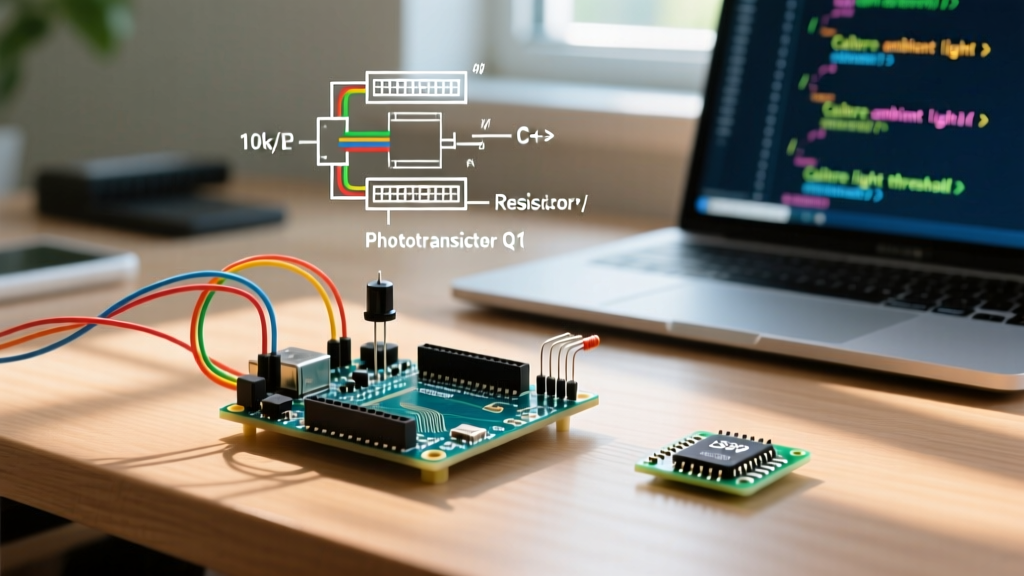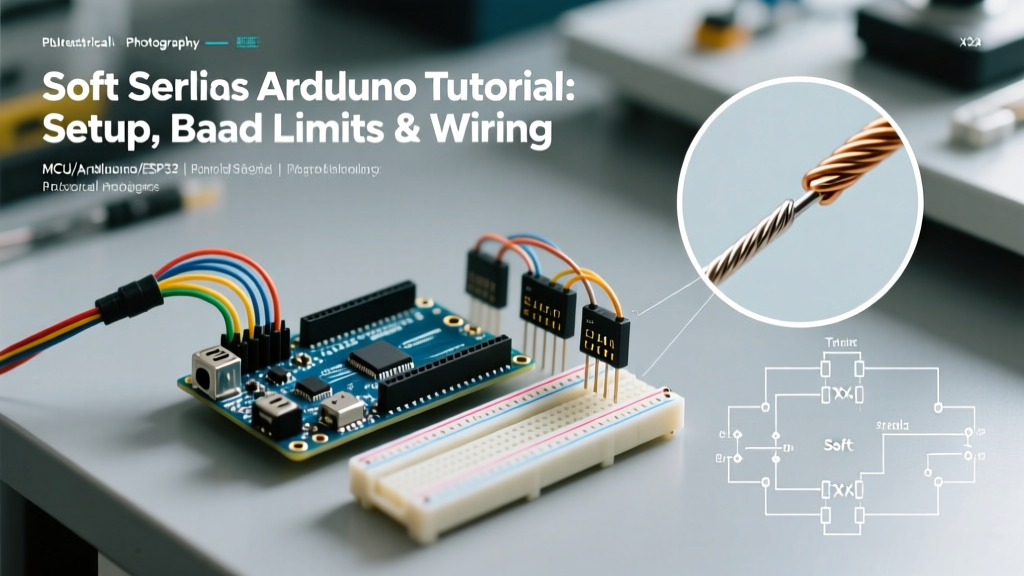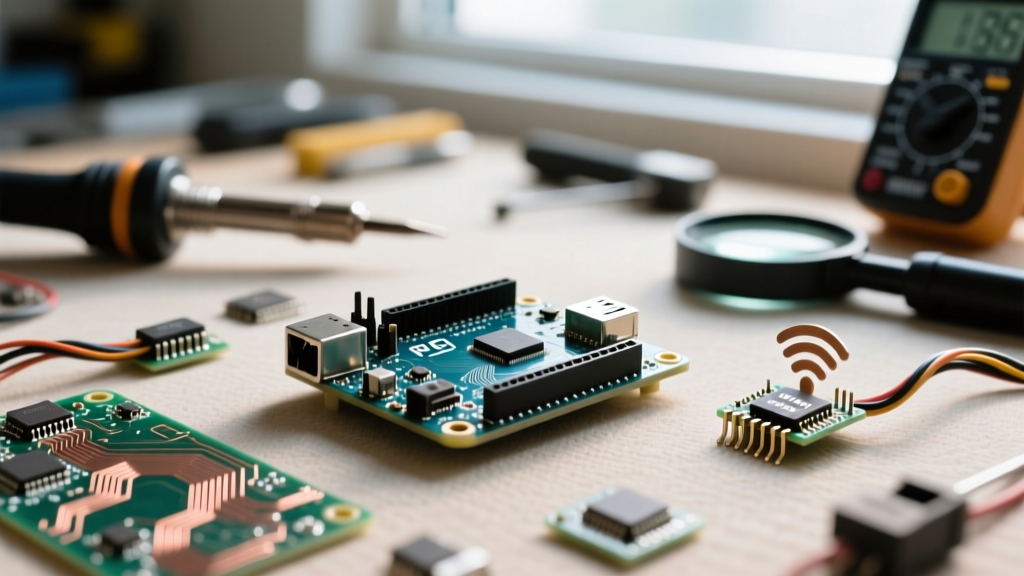

Upgrading your maker stack is an exciting milestone, but nothing halts a project faster than a silent failure in network connectivity. When troubleshooting a broken network stack, the intent behind an arduino restore_wifi query usually stems from one of three migration vectors: updating the Arduino IDE, migrating to a newer microcontroller core (like ESP32 v3.0), or transitioning from legacy UART-based Wi-Fi shields to native System-on-Chip (SoC) architectures. Restoring connectivity is rarely about rewriting your sketch from scratch; it is about identifying the exact layer of abstraction that broke during your upgrade.
The Anatomy of a Failed Wi-Fi Migration
In the Arduino ecosystem, Wi-Fi functionality is not a monolith. It is a fragile chain comprising the physical radio module, the onboard firmware (if applicable), the C++ hardware abstraction layer (HAL), and your user-level sketch. When you upgrade your Board Manager packages or migrate to a new PCB, you inherently risk breaking the handshake between these layers. A common scenario occurs when a developer updates the Arduino IDE to version 2.3.x, which automatically pulls the latest WiFiNINA or ESP32 core libraries. If the underlying radio firmware or the physical power delivery network is not upgraded in tandem, the sketch will compile perfectly but fail at runtime, often returning cryptic errors like WL_NO_SHIELD or entering an endless reboot loop.
Firmware Mismatches: The WiFiNINA Bottleneck
Boards like the Arduino Nano 33 IoT and the MKR WiFi 1010 utilize the u-blox NINA-W102 module. This module operates as a semi-independent network coprocessor. The Arduino sketch running on the main SAMD21 microcontroller communicates with the NINA module over SPI using the WiFiNINA library. The most frequent cause requiring an arduino restore_wifi intervention on these boards is a firmware mismatch. The WiFiNINA C++ library is strictly version-coupled to the firmware flashed on the NINA-W102 chip. If your library updates to expect firmware version 1.5.0, but your board is still running 1.3.0, the SPI handshake will fail silently, and the board will report that no Wi-Fi shield is attached.
Executing the FirmwareUpdater Tool
To restore Wi-Fi functionality after a library migration, you must synchronize the radio firmware. Follow this precise sequence in Arduino IDE 2.x:
- Disconnect all external peripherals and shields to prevent SPI bus contention.
- Navigate to Tools > WiFi101 / WiFiNINA Firmware Updater in the IDE menu.
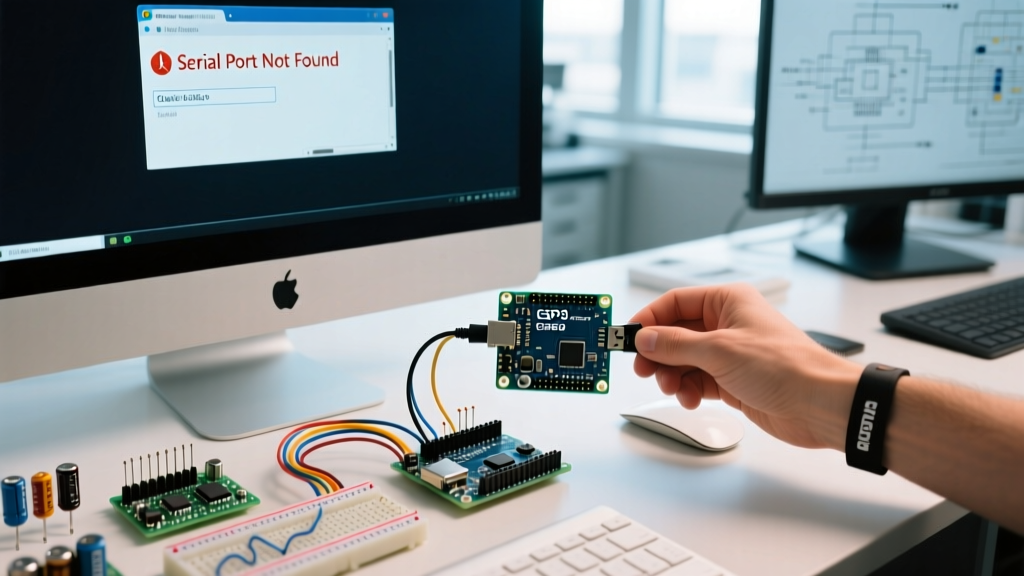
- Select your specific board model and the correct COM port.
- Choose the exact firmware version that matches your installed WiFiNINA library (check the library release notes on GitHub to verify the required binary).
- Flash the firmware and wait for the verification hash to confirm success.
For a comprehensive official walkthrough, refer to the Arduino WiFiNINA Firmware Updater Guide. Skipping the verification step is a common pitfall; an interrupted flash will brick the NINA module's network stack, requiring a full JTAG recovery.
Code-Level Upgrades: ESP32 Core v2 to v3 Migration
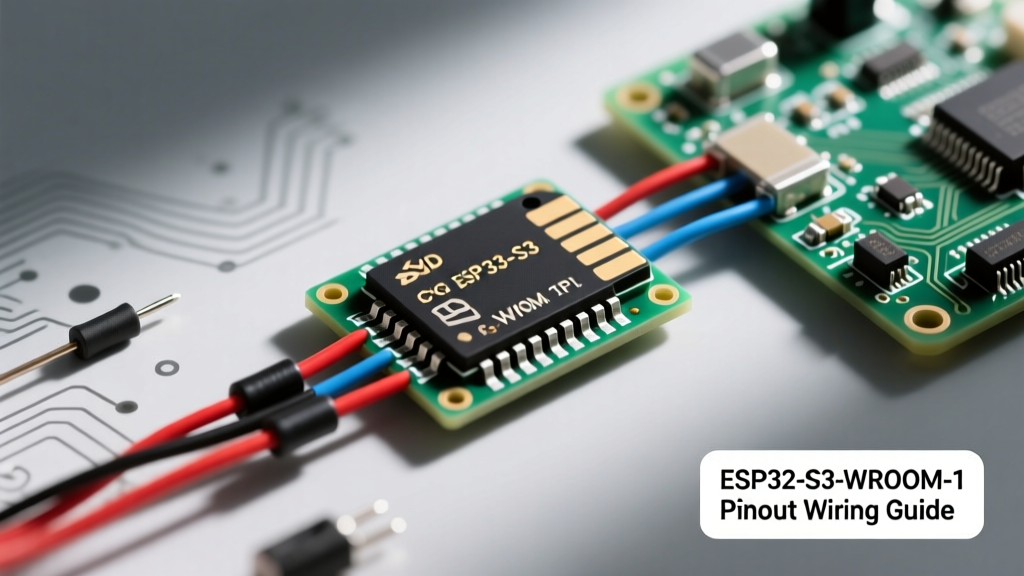
If your migration involves moving from the ESP32 Arduino Core version 2.0.x to the modern 3.0.x architecture, you will encounter breaking changes in the WiFi.h library. Espressif overhauled the underlying ESP-IDF (IoT Development Framework) to version 5.1, which fundamentally altered how Wi-Fi events and memory allocation are handled. Sketches that relied on deprecated blocking calls or legacy event handlers will fail to connect or will drop packets under load.
Deprecated Methods and Modern Replacements
Below is a migration matrix to help you update legacy ESP32 Wi-Fi sketches to comply with the v3.0 core standards:
| Legacy Method (Core v2.x) | Modern Replacement (Core v3.x) | Migration Impact & Notes |
|---|---|---|
WiFi.onEvent() (Legacy Signature) |
Network.onEvent() |
Network events are now decoupled from the WiFi class to support Ethernet and Thread. |
WiFi.disconnect(true) |
WiFi.disconnect(true, true) |
Second boolean parameter added to explicitly clear AP credentials from NVS storage. |
WiFi.mode(WIFI_STA) |
WiFi.mode(WIFI_MODE_STA) |
Enum definitions updated to align natively with ESP-IDF v5.1 MAC layer. |
WiFi.setSleep(WIFI_PS_NONE) |
WiFi.setSleep(false) |
Boolean abstraction introduced for simpler power management toggling. |
For deeper architectural insights, review the Espressif Arduino ESP32 Core Repository release notes, which detail the memory reallocation strategies required for stable Wi-Fi operation in the new core.
Hardware Migration: Power Delivery and Brownout Failures
Not all Wi-Fi failures are software-related. A massive category of post-upgrade connectivity loss occurs when makers migrate from a low-power setup to a board with an integrated, high-draw Wi-Fi radio, or when they add a standalone ESP-01 module to an existing Arduino Uno circuit. Wi-Fi radios exhibit extreme current transients during the initial RF calibration and TX burst phases. An ESP8266 can spike to 350mA, while an ESP32 can pull 240mA in microseconds. If your migration relies on a standard USB port or an onboard linear regulator (LDO) incapable of supplying this transient current, the voltage will droop below the radio's minimum operating threshold (typically 2.8V). This causes a brownout, triggering the hardware watchdog to reset the MCU before the Wi-Fi stack can initialize.
Expert Insight: If your serial monitor shows the Wi-Fi initialization sequence starting, but then abruptly resets with a
rst cause:4(watchdog timeout) or fails to print the IP address, you are almost certainly facing a power delivery brownout, not a code error.
The Hardware Fix: When migrating to high-draw Wi-Fi architectures, always solder a 470µF to 1000µF low-ESR electrolytic capacitor directly across the VCC and GND pins of the Wi-Fi module. This acts as a local energy reservoir, bridging the microsecond gaps that the main power supply cannot fill. Additionally, ensure your PCB traces for the power rails are at least 20 mils wide to minimize voltage drop over distance.
Diagnostic Checklist for Post-Upgrade Connectivity Loss
When your migration results in a disconnected state, avoid the temptation to immediately rewrite your network logic. Instead, run through this systematic diagnostic checklist to isolate the failure domain:
- Verify the HAL Library: Ensure you are not accidentally compiling against the legacy
WiFi101library when using a WiFiNINA board, or usingWiFiEspATon a native SoC. The compiler will often silently cast incorrect types if headers are mixed. - Check NVS Corruption: If you migrated a board that previously stored Wi-Fi credentials in Non-Volatile Storage (NVS) using an older core, the partition table may have shifted. Run an 'Erase All Flash Before Upload' command from the IDE tools menu to clear corrupted NVS partitions.
- Inspect RF Shielding and Antennas: If you migrated from a PCB antenna to an external U.FL connector, ensure the 0-ohm resistor bridging the PCB antenna path has been moved or desoldered. Leaving both paths active creates impedance mismatch and severe signal degradation.
- Monitor Serial Output at 115200 Baud: Native ESP32 boot logs output critical PHY (Physical Layer) initialization data at 115200 baud. If you are monitoring at 9600 baud, you will miss the exact hardware exception causing the Wi-Fi radio to abort.
- Validate Router Security Protocols: Older Arduino Wi-Fi libraries only support WPA2-PSK. If your network infrastructure was upgraded to WPA3-SAE during your project's lifecycle, the legacy handshake will be rejected by the router. You must enable WPA2/WPA3 transitional mode on your router or update to a board capable of 802.11w management frame protection.
By understanding the intricate dependencies between hardware power, radio firmware, and core libraries, you can transform a frustrating arduino restore_wifi troubleshooting session into a systematic, predictable upgrade process. Always document your core versions and firmware hashes in your project repository to ensure that future migrations remain seamless and reproducible.