
The Physics of Soldering: Beyond Simple Heat
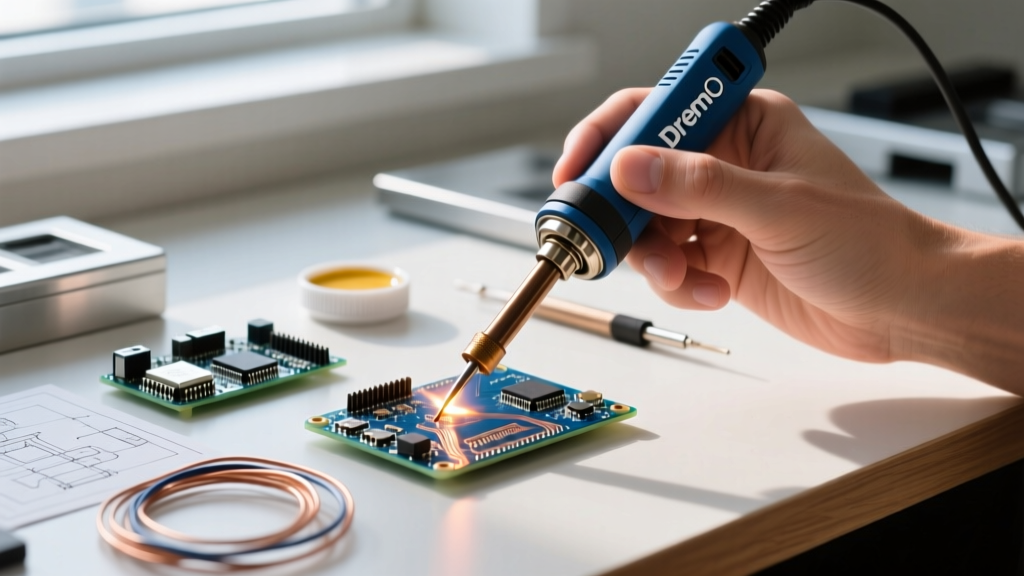
When asking what is a soldering iron, most beginners think of it as a simple heating element. From an engineering perspective, it is a localized thermal transfer instrument designed to melt a filler metal (solder) to create a metallurgical bond between components. However, the true metric of an iron's capability is not its maximum temperature, but its thermal recovery rate.
Wattage dictates thermal mass and recovery, not peak heat. A 40W mains-powered iron and a 65W USB-C smart iron can both be set to 320°C. But when the tip contacts a copper ground plane, the 40W iron's temperature will plummet to 220°C, resulting in a dull, unreliable cold joint. The 65W iron will inject Joule heating fast enough to maintain the 320°C setpoint, ensuring proper wetting and intermetallic compound (IMC) formation.
Categorizing the Tools: From Mains to Smart Irons
The market has evolved drastically. Here is how the tools break down in 2026:
1. Traditional Mains-Powered Irons
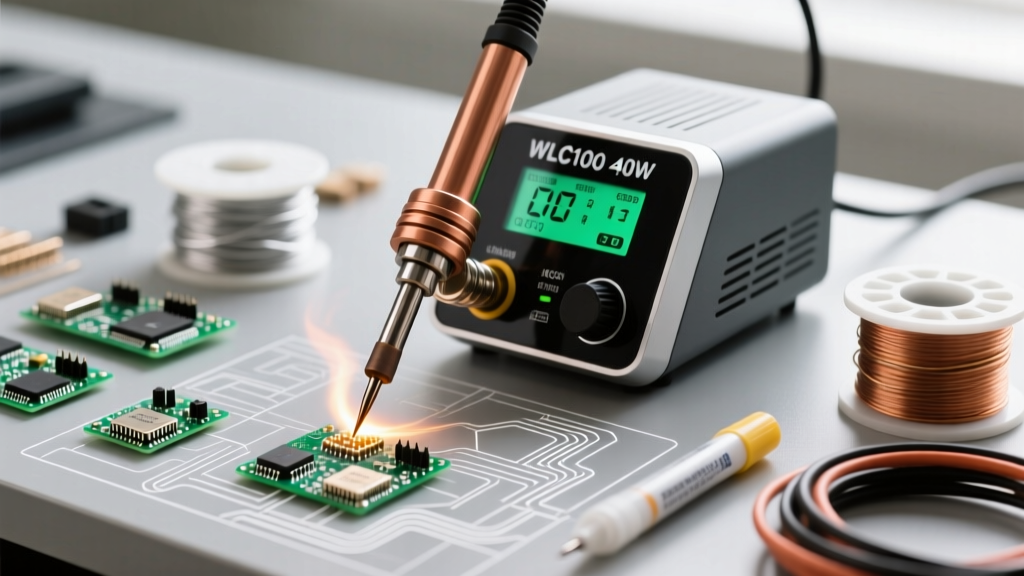
These plug directly into 120V/230V AC. Models like the Weller WLC100 (approx. $45) use a simple rheostat or basic triac dimmer. They suffer from massive thermal lag and lack closed-loop feedback. They are acceptable for basic plumbing or heavy-gauge wire tinning, but entirely unsuited for modern PCBs.
2. Closed-Loop Temperature Stations
Stations like the Hakko FX-888D ($115) or Pace ADS200 ($280) use a thermocouple or Curie-point sensor embedded in the tip. The station's PID controller reads the temperature 20+ times per second, pulsing the heater to maintain exact setpoints. This is the gold standard for professional benchwork.
3. USB-C PD Smart Irons
The most disruptive category. Irons like the Pinecil V2 ($26) and Sequre S60P ($35) utilize Power Delivery (PD) negotiation to pull 65W at 20V/3A from a laptop charger. Driven by RISC-V microcontrollers, they heat from room temperature to 320°C in under 8 seconds. According to SparkFun's soldering guides, rapid heat-up reduces the temptation to leave the iron idling at high temperatures, vastly extending tip life.
2026 Market Matrix: Top Irons Compared
| Model | Category | Max Power | Heat-Up (20°C to 320°C) | Replacement Tip Cost | Est. Price |
|---|---|---|---|---|---|
| Pinecil V2 | USB-C Smart | 65W (via PD) | ~6 seconds | $2.50 - $4.00 | $26.00 |
| Hakko FX-888D | Closed-Loop Station | 70W | ~25 seconds | $8.00 - $10.00 | $115.00 |
| JBC CD-2BQE | Premium Cartridge | 130W | ~2 seconds | $45.00 - $60.00 | $510.00 |
| TS101 | USB-C Smart | 65W | ~8 seconds | $3.00 - $5.00 | $35.00 |
Expert Tip Selection: The Geometry of Heat Transfer
Understanding what a soldering iron is also means understanding its consumable interface: the tip. Beginners default to conical (pencil) tips, which is a critical error for through-hole and general SMD work.
- Conical (e.g., TS-I): Minimal surface area. Terrible thermal transfer. Reserve strictly for 0402 SMD components or tight-pitch IC pins.
- Chisel (e.g., Hakko T18-D12 or TS-C4): The workhorse. The flat blade maximizes surface area contact with the pad and lead, ensuring rapid thermal equilibrium. Use a 2.4mm or 3.2mm chisel for 90% of tasks.
- Bevel (e.g., TS-BC2): Features a concave scoop at the angle. Essential for drag-soldering SOIC chips and holding a small reservoir of molten solder.
As detailed in Adafruit's comprehensive guide to excellent soldering, matching the tip geometry to the thermal mass of the joint is the single most important factor in preventing heat damage to sensitive silicon.
Solder Alloys and Thermal Profiles
To truly master what a soldering iron is capable of, you must pair it with the correct metallurgical alloy. The iron provides the energy; the alloy dictates the required thermal profile.
- Sn60/Pb40 (Eutectic): Melts at exactly 183°C. It transitions instantly from solid to liquid with no 'pasty' phase. Ideal for beginners and aerospace/medical applications where reliability is paramount. Set iron to 300°C - 320°C.
- Sn63/Pb37 (Eutectic): Nearly identical to 60/40 but with a slightly higher tin content. Melts at 183°C. Excellent wetting properties.
- SAC305 (Sn96.5/Ag3.0/Cu0.5): The industry standard lead-free alloy. Melts between 217°C and 220°C. It has a higher surface tension and requires aggressive fluxes to wet properly. Set iron to 340°C - 360°C. Note that SAC305 consumes iron tip plating roughly 40% faster than leaded solder, necessitating more frequent tip replacements.
- Sn42/Bi58 (Bismuth): A low-temperature alloy melting at just 138°C. Used for step-soldering or repairing heat-sensitive components. Requires a specialized low-temp iron setting and is notoriously brittle without proper underfill.
The Role of Firmware in Modern Smart Irons
The definition of a soldering iron has expanded into the software realm. Devices like the Pinecil V2 run IronOS, an open-source firmware that allows granular control over the thermal dynamics. Users can adjust the PID (Proportional-Integral-Derivative) tuning values, set motion-sensitivity sleep timers using the built-in accelerometer, and configure voltage thresholds to protect lithium batteries when powering the iron from a portable power bank. This level of customization was previously reserved for $500+ benchtop stations.
Preventing Catastrophic Tip Failure
Tips are constructed from a copper core (for thermal conductivity) plated with iron (to resist solder dissolution), and finally coated with chromium. Failure occurs when this iron plating oxidizes or dissolves.
Expert Rule: Never file or sand a modern soldering tip. Removing the iron plating exposes the copper core, which will dissolve into the solder pool within hours, destroying the tip and contaminating your joints.
The 'Tinning' Protocol
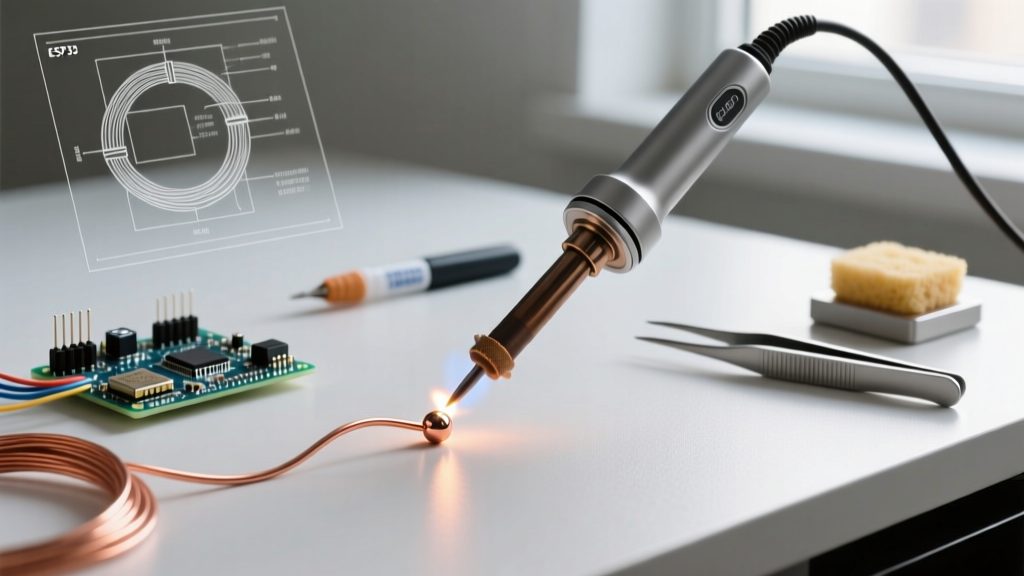
Always apply a thick layer of rosin-core solder to the tip immediately before powering off the station. This sacrificial layer oxidizes instead of the iron plating while the tool cools. When you power on next, simply wipe the oxidized sacrificial blob on a damp cellulose sponge or brass wire sponge, and re-tin with fresh solder.
Temperature Management for Lead-Free Alloys
If you are transitioning from 63/37 Leaded solder (melts at 183°C) to SAC305 Lead-Free (melts at 217°C-220°C), do not simply crank your iron to 400°C. High heat accelerates tip oxidation exponentially. Instead, set your station to 340°C-350°C, use a high-flux no-clean paste, and rely on a higher-wattage iron (65W+) to maintain thermal stability without exceeding safe thermal thresholds.
Frequently Asked Questions
Can I use a plumbing soldering iron for electronics?
No. Plumbing irons (like the 100W+ Weller SP series) lack precise temperature control and use massive, high-thermal-mass tips designed for copper pipes. They will instantly delaminate PCB pads and destroy semiconductor junctions.
Why does my solder ball up and refuse to stick?
This is a symptom of an oxidized tip or insufficient flux. The iron is hot enough to melt the alloy, but the oxidized layer acts as a thermal and chemical barrier, preventing wetting. Clean the tip, apply external liquid or paste flux, and try again.
How often should I change my sponge?
Replace your cellulose sponge when it begins to flake or tear. A degraded sponge can leave carbonized debris on your tip. Alternatively, switch to a coiled brass wire sponge, which doesn't require water and drops the tip temperature less drastically during cleaning.