
The Reality of Budget Soldering: Why Harbor Freight Tips Degrade
Harbor Freight has long been the go-to destination for DIYers, automotive technicians, and hobbyists needing affordable tools. As of 2026, their Chicago Electric 60W Adjustable Temperature Soldering Station (typically priced around $29.99 to $34.99) remains a staple in home workshops. However, the most common point of failure for these budget-friendly setups isn't the ceramic heating element or the transformer—it's the consumable tips. Understanding how to properly maintain and troubleshoot harbor freight soldering iron tips is the difference between a frustrating, cold-solder-joint nightmare and a reliable, long-lasting workstation.
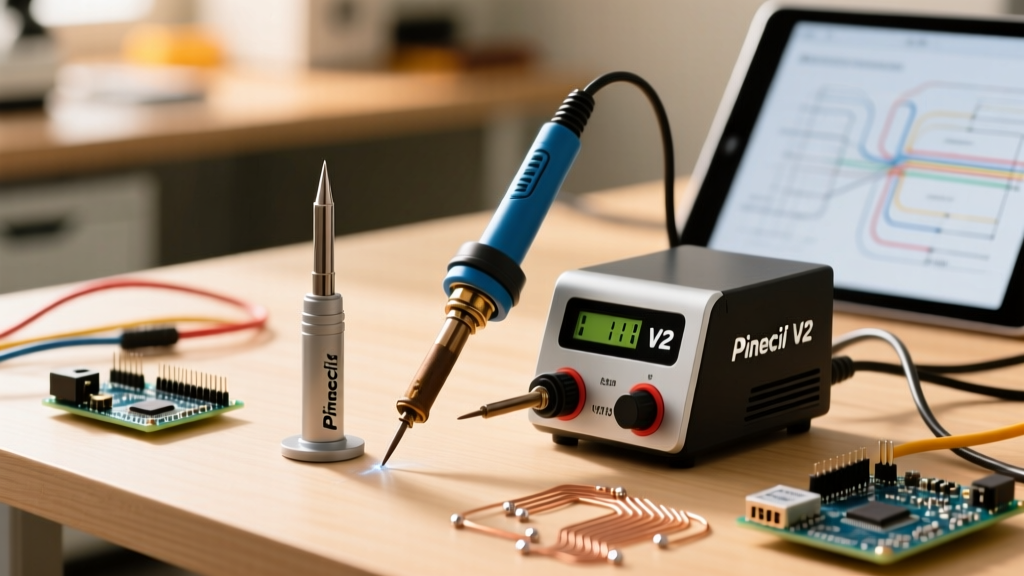
To effectively troubleshoot these tips, you first need to understand their metallurgy. Almost all adjustable stations sold at Harbor Freight utilize clones of the industry-standard 900M-T series tips. These are not solid metal; they are a high-thermal-conductivity copper core electroplated with a thin layer of iron, and finally coated in chromium to prevent solder from creeping up the shaft. When this microscopic iron plating oxidizes, is mechanically abraded, or is subjected to excessive thermal stress, the underlying copper is exposed. Once exposed, the molten solder dissolves the copper (a process known as copper leaching), creating deep pits that ruin the tip's geometry and thermal transfer capabilities.
Identifying Your Tip Ecosystem
Before attempting any restoration, identify which Harbor Freight iron you are using, as the maintenance approach varies slightly based on the mechanical coupling.
| Harbor Freight Iron Type | Tip Series / Form Factor | Mounting Mechanism | Common Failure Mode |
|---|---|---|---|
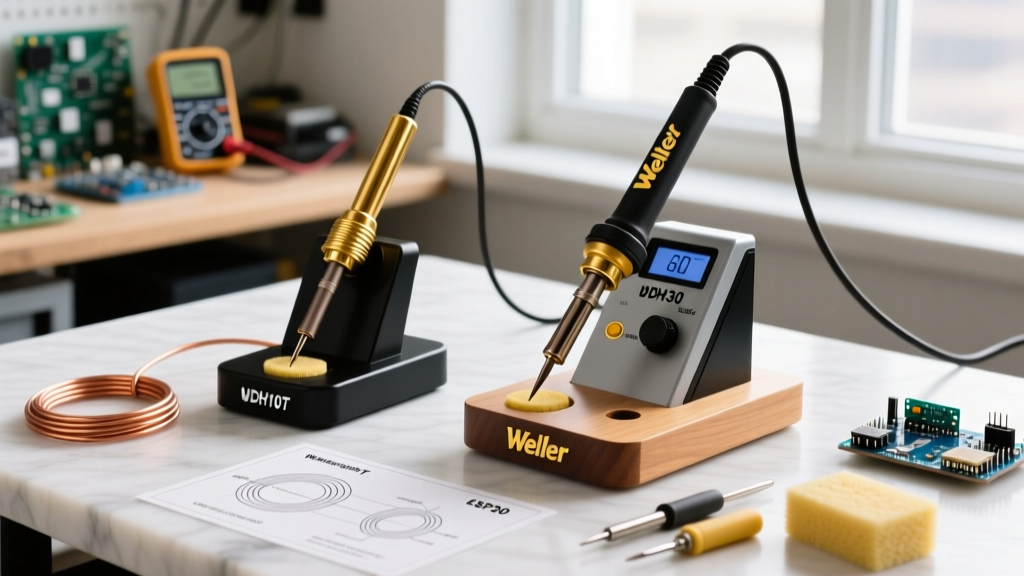
| 60W Adjustable Station (Chicago Electric) | 900M-T Series (Clones) | Sliding aluminum sleeve with set screw | Sleeve seizure & oxidation |
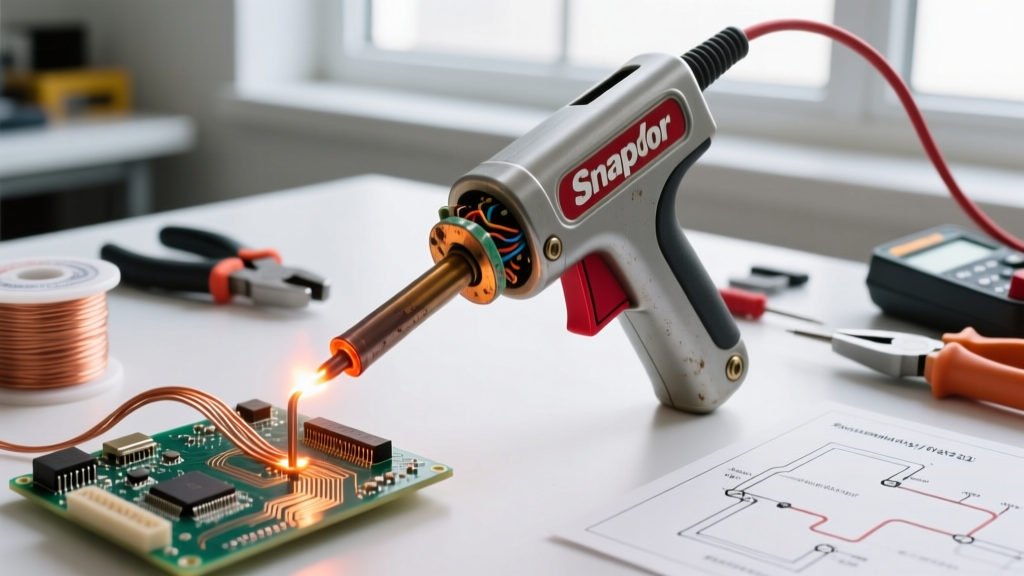
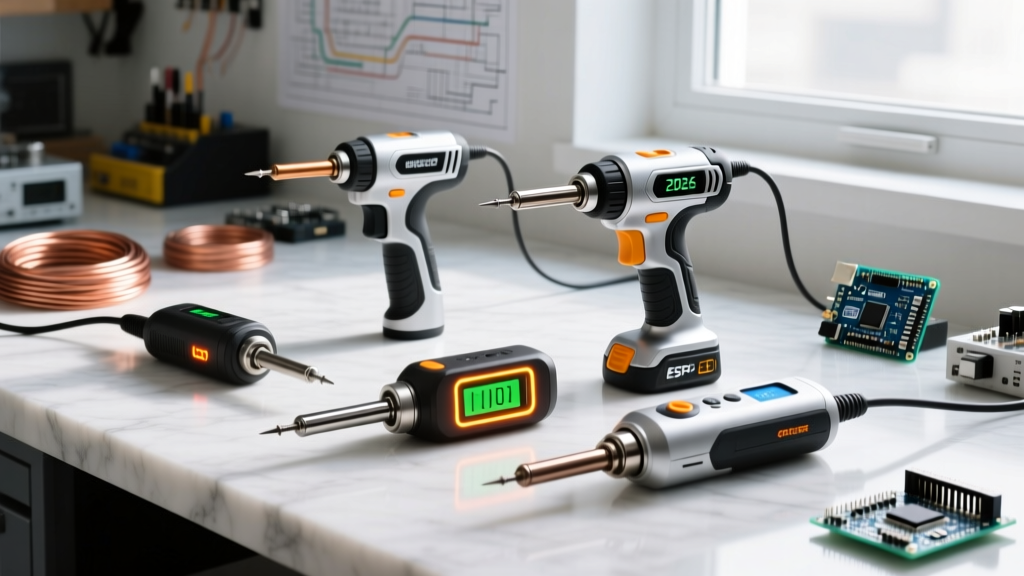
| 40W/100W Dual-Heat Soldering Gun | Proprietary Loop / Screw-on | Threaded barrel or wire loop | Thermal fatigue & bending |
| 15W/30W Corded Detail Irons | Fixed Conical / Chisel | Press-fit or set screw | Core burnout & pitting |
Troubleshooting Common Tip Failures
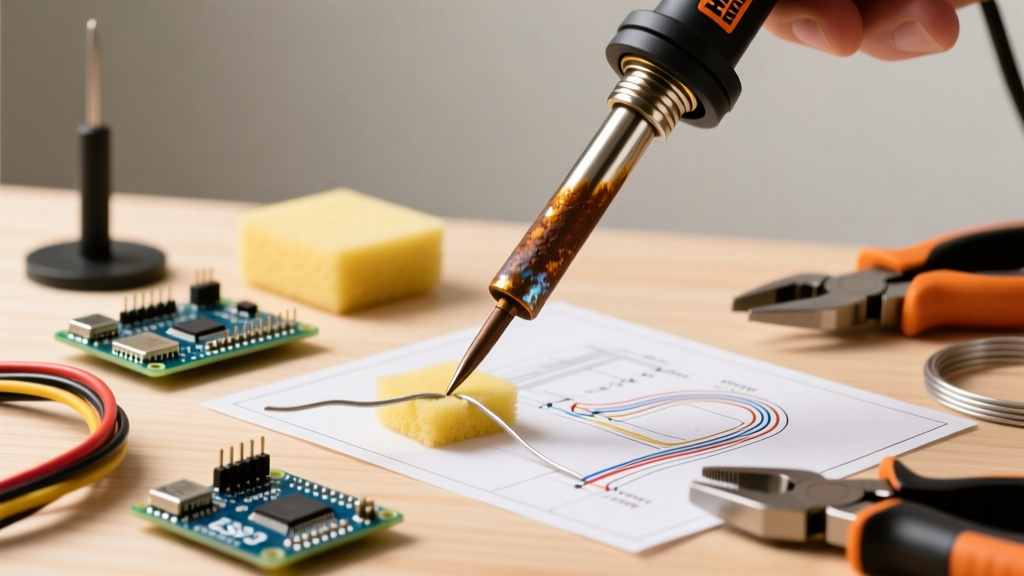
1. The 'Black Death' (Severe Oxidation)
Symptom: The working end of the tip turns dark gray or black. Solder balls up and rolls off the tip rather than wetting the surface. Heat transfer drops by up to 80%.
Cause: Leaving the iron at high temperatures (above 400°C / 752°F) without a protective blob of solder, or using highly acidic, low-quality flux that burns onto the iron plating.
The Fix: Never use sandpaper, a file, or steel wool. According to Hakko's official maintenance guidelines, abrasive materials will instantly strip the iron plating, permanently destroying the tip. Instead, use a chemical-mechanical approach:
- Drop the Temperature: Turn your station dial down to 300°C (572°F). High heat accelerates oxidation; you cannot clean a tip while it is actively burning.
- Brass Wool Scrub: Plunge the tip into a brass wire sponge (never steel, which is harder than the iron plating) 4 to 5 times to break the crust.
- Apply Tip Tinner: Use a commercial tip tinner (a mixture of phosphoric acid and solder powder, such as MG Chemicals 4900). Dip the hot, wiped tip into the tinner for 2 seconds. The acid strips the oxidation, and the powder instantly re-tins the surface.
- Wipe and Re-tin: Wipe on the brass sponge, then immediately apply fresh, high-quality 63/37 rosin-core solder to seal the surface.
2. Poor Heat Transfer (The Air Gap Issue)
Symptom: The tip looks perfectly shiny and well-tinned, but it takes 10+ seconds to melt solder on a standard through-hole pad. The station dial reads 380°C, but the tip feels like it's running at 250°C.
Cause: The 900M tips used in Harbor Freight stations are hollow cylinders that slide over a ceramic heating element. If the tip is not fully seated, or if oxidized debris is trapped inside the hollow sleeve, an insulating air gap forms between the ceramic heater and the copper core of the tip.
The Fix:
- Allow the station to cool completely to room temperature.
- Loosen the set screw on the aluminum sleeve and slide the sleeve off.
- Inspect the ceramic heater rod. If it has white, flaky oxidation, gently wipe it with a dry, lint-free cloth or a soft fiberglass scratch pen. Do not use liquids or solvents on the ceramic element.
- Slide the tip back onto the heater, ensuring it bottoms out completely against the sensor collar before replacing the sleeve.
3. Set Screw Seizure
Symptom: You need to change from a chisel tip to a fine conical tip for SMD work, but the set screw on the aluminum sleeve will not turn, or the sleeve itself is fused to the tip.
Cause: Flux vapors and extreme heat cause galvanic corrosion between the steel set screw, the aluminum sleeve, and the iron-plated tip.
The Fix: Do not use pliers to force the sleeve off; you will crush the hollow copper core of the tip and potentially snap the fragile ceramic heater element. Apply a single drop of penetrating oil (like PB Blaster or Liquid Wrench) directly to the set screw threads. Let it sit for 15 minutes. Power the iron on to 200°C for three minutes to expand the metals slightly, then power it off and let it cool. The thermal expansion and contraction cycle, combined with the penetrant, will usually break the corrosion bond.
The Physics of Soldering Temperatures
A major reason Harbor Freight users burn out their tips is a fundamental misunderstanding of temperature dials. Many DIYers crank the dial to the maximum 450°C (842°F) thinking it will 'heat up faster.' In reality, the thermal mass of the tip dictates the heat transfer, not just the ambient temperature of the iron.
Adhering to IPC soldering standards, the target temperature at the solder joint should be roughly 40°C above the liquidus temperature of your alloy. For standard 63/37 Sn/Pb solder (liquidus 183°C), a tip temperature of 315°C to 330°C is ideal. For lead-free SAC305 (liquidus 217°C), 350°C to 365°C is the sweet spot. Running your Chicago Electric station at 420°C+ doesn't make you faster; it simply vaporizes your flux instantly and accelerates the oxidation of the iron plating by a factor of four.
Expert Warning: Never use a wet cellulose sponge to clean your Harbor Freight tips. The rapid thermal shock of dropping a 350°C tip into room-temperature water causes micro-fractures in the iron plating. Over time, these fractures allow solder to reach the copper core, leading to catastrophic pitting. Always use a dry brass wire sponge.
Proactive Maintenance: The 'Purge and Tin' Protocol
Troubleshooting is reactive; maintenance is proactive. To get years of life out of budget 900M tips, implement the 'Purge and Tin' shutdown protocol every single time you turn off the station:
- Purge: While the iron is still at operating temperature, wipe it thoroughly on your brass sponge to remove all burnt flux residue and oxidized solder.
- Over-tin: Melt a large, generous blob of fresh, thick (0.031" or 0.062") rosin-core solder directly onto the working end of the tip. You want a massive, shiny teardrop of solder completely encapsulating the tip.
- Power Down: Turn the station off while the solder is still liquid. Do not wipe it again.
- Cooling: As the tip cools to room temperature, the solder solidifies, creating an airtight metallic seal that physically blocks oxygen from reaching the iron plating. When you power up the next day, simply wipe the cold, oxidized outer layer of that solder blob onto your brass sponge, revealing perfectly tinned, pristine metal underneath.
When to Abandon Ship: Recognizing Terminal Tip Failure
No amount of troubleshooting can reverse physical erosion. You must replace your Harbor Freight soldering iron tips if you observe any of the following terminal failure states:
- Visible Copper: If you see a reddish/brown hue anywhere on the working end, the iron plating is gone. The solder will rapidly eat away the copper, creating a concave crater that makes flat SMD pad soldering impossible.
- Deep Pitting: Small scratches are normal, but deep, jagged craters trap burnt flux and prevent uniform heat distribution across IC pins.
- Chromium Creep Damage: If the non-wetting chromium coating on the shaft begins to flake off and migrate toward the tip, it will contaminate your solder joints with chromium oxide inclusions, leading to brittle, unreliable connections that will fail NASA workmanship standards for reliability.
Harbor Freight's soldering ecosystem offers incredible value, provided you treat the tips as precision instruments rather than disposable hardware. By respecting the metallurgy, managing your thermal dials, and strictly adhering to the Purge and Tin protocol, a $3 replacement 900M tip can easily outlast a premium brand's tip that has been subjected to abuse and neglect.