
The Evolution of Thermal Control in Modern Electronics
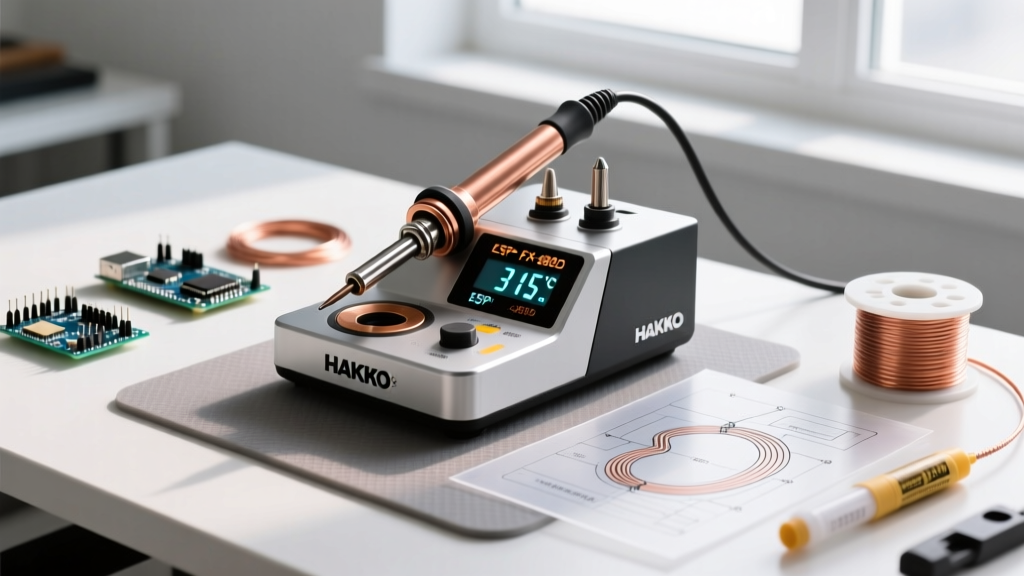
If you are still using a fixed-wattage, plug-and-melt iron for modern electronics, you are likely damaging delicate PCB pads and frying surface-mount components. The transition to lead-free soldering and high-density SMD (Surface Mount Device) layouts demands precise thermal management. A high-quality soldering iron with adjustable temperature is no longer a luxury for professionals; it is a baseline requirement for anyone serious about DIY electronics, microcontroller repair, or drone building in 2026.
Fixed-temperature irons rely on thermal equilibrium, often overshooting the target heat when idle and suffering massive thermal droop when touching a large ground plane. Modern adjustable stations utilize PID (Proportional-Integral-Derivative) controllers and rapid-feedback thermocouples to maintain a stable tip temperature within ±2°C, regardless of the thermal load. According to the IPC (Association Connecting Electronics Industries), maintaining strict thermal profiles is critical to preventing intermetallic compound (IMC) overgrowth, which leads to brittle, unreliable solder joints.
Top Rated Adjustable Temperature Soldering Irons (2026 Reviews)
We have stress-tested the most popular adjustable irons and stations on the market, evaluating thermal recovery time, tip ecosystem longevity, and ESD (Electrostatic Discharge) safety.
1. Pine64 Pinecil V2: The Smart, Portable Powerhouse
The Pinecil V2 completely disrupted the market by packing a Bouffalo Lab BL706 RISC-V microcontroller into a form factor the size of a standard pen. Powered via USB-C Power Delivery (PD 3.0) or DC 5525, it pushes up to 65W of thermal output.
- Thermal Recovery: Hits 350°C in roughly 6 seconds from a cold start.
- Adjustability: Granular 1°C increments via a crisp OLED display and dual buttons.
- Tip Ecosystem: Uses Miniware TS100/TS80 compatible tips (e.g., TS-B2, TS-J02).
- Price Range: $26 - $32 (Iron only, requires separate USB-C PD brick).
Expert Insight: The V2's open-source IronOS firmware allows you to set custom PID curves and sleep timers. As noted in Pine64's official Pinecil documentation, the built-in accelerometer detects when the iron is set down, automatically dropping the temperature to 150°C to prevent tip oxidation, a feature that drastically extends tip lifespan.
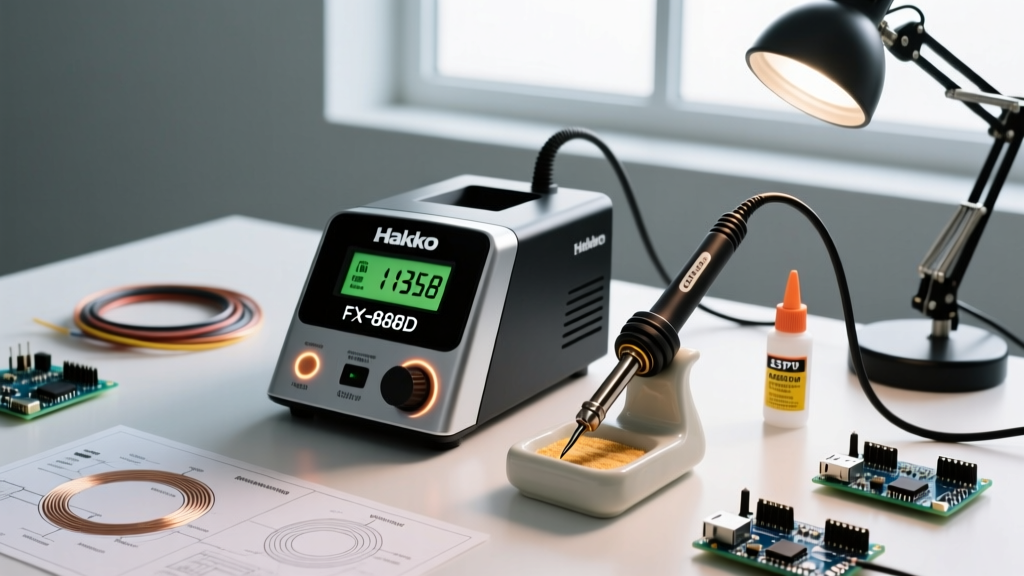
2. Hakko FX-888D: The Benchtop Workhorse
The Hakko FX-888D remains the gold standard for university labs and production repair benches. It is a traditional 70W station with a heavy, grounded base unit and a lightweight handpiece.
- Thermal Recovery: Excellent thermal mass handling; recovers from a 10°C droop in under 3 seconds.
- Adjustability: Digital dial with a password-lock feature to prevent unauthorized temp changes on shared benches.
- Tip Ecosystem: Hakko T18 series (massive variety, incredibly affordable).
- Price Range: $110 - $125.
Expert Insight: The FX-888D's interface is notoriously archaic (using a single button and a digital readout that requires entering a hidden menu to switch between °C and °F). However, its ceramic heater and grounded tip design make it exceptionally safe for handling ESD-sensitive MOSFETs and raw CMOS logic chips.
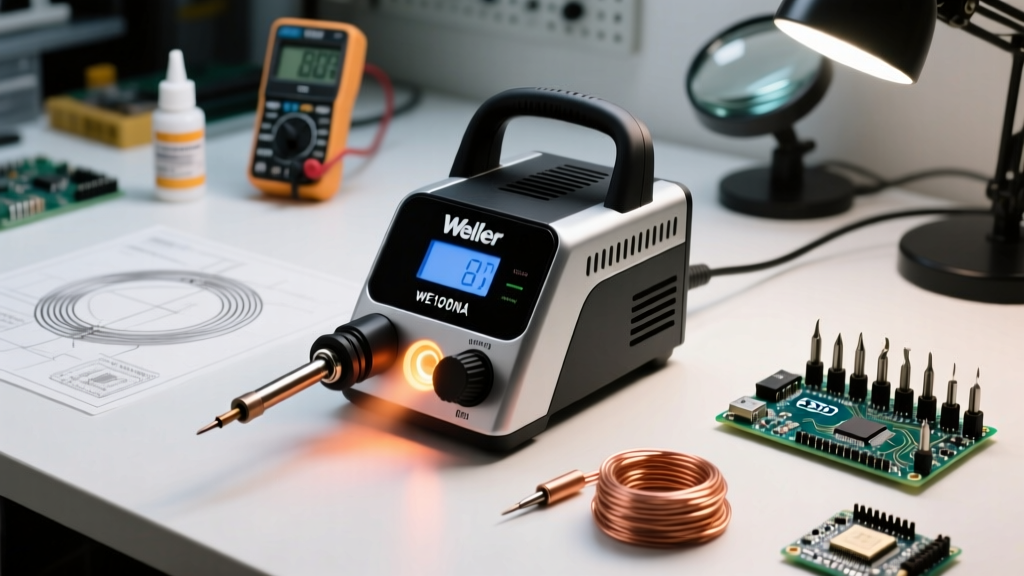
3. Weller WE1010NA: Heavy-Duty Digital Precision
Weller's WE1010NA is a 70W digital station designed for users who frequently transition between delicate 0402 resistors and heavy 12AWG XT60 battery connectors.
- Thermal Recovery: 70W heater paired with a high-mass ET series tip handles large ground planes without stalling.
- Adjustability: Push-button interface with three programmable temperature presets.
- Tip Ecosystem: Weller ET series (threaded nut design ensures zero wobble and perfect thermal transfer).
- Price Range: $135 - $150.
Head-to-Head Comparison Matrix
| Model | Max Wattage | Cold-to-350°C Time | Tip Series | ESD Safe | Est. 2026 Price |
|---|---|---|---|---|---|
| Pine64 Pinecil V2 | 65W (PD) | ~6 Seconds | TS-B2 / TS-J02 | Yes (via grounded PD) | $29 |
| Hakko FX-888D | 70W | ~25 Seconds | T18 | Yes (Hardwired) | $115 |
| Weller WE1010NA | 70W | ~20 Seconds | ET | Yes (Hardwired) | $140 |
| Sequre SI01 | 65W (PD) | ~8 Seconds | TS100 Compatible | Conditional | $45 |
The Buyer’s Framework: What to Look For
When shopping for an adjustable temperature soldering iron, ignore the marketing fluff and focus on these three engineering pillars:
1. Heater Technology: Ceramic vs. Nichrome
Always choose a ceramic core heater over traditional nichrome wire. Ceramic heaters offer vastly superior thermal conductivity, meaning the sensor detects temperature drops at the tip and feeds power to the heating element almost instantly. Nichrome heaters suffer from thermal lag, which causes the iron to overshoot the target temperature, potentially lifting copper pads off FR4 fiberglass PCBs.
2. Tip Geometry and Thermal Transfer
An adjustable iron is only as good as the tip attached to it. Many beginners make the mistake of using a conical (pointy) tip for everything. Conical tips have terrible thermal transfer rates because the surface area touching the joint is minuscule. Hakko Corporation's technical guides strongly recommend using a chisel or bevel (hoof) tip. A bevel tip allows you to hold a small puddle of molten solder on the iron, which acts as a thermal bridge, transferring heat into the joint 4x faster. This allows you to lower your adjustable temperature dial by 20°C to 30°C, vastly extending the life of the iron plating.
3. ESD Safety and Grounding
If you are working on raw microcontrollers (like bare ESP32 or STM32 chips) or RF modules, static discharge from an ungrounded iron tip can instantly destroy silicon gates. Traditional benchtop stations (Hakko, Weller) feature a physical ground wire connecting the tip directly to the earth ground of your wall outlet. If you opt for a portable USB-C iron like the Pinecil, you must ensure your USB-C power brick features proper earth grounding, or use an ESD wrist strap tied to a common ground point.
Edge Cases & Common Failure Modes
⚠️ Critical Warning: The USB-C Ground LoopWhen using portable adjustable irons (Pinecil, TS101) powered by a laptop's USB-C port or a grounded bench power supply, a ground loop can occur if the iron's tip is grounded to a different potential than the PCB you are touching. This can fry the iron's internal PD negotiation chip or destroy your laptop's motherboard. Solution: Always use a dedicated, isolated USB-C wall brick for portable soldering irons.
The Oxidation Trap
The most common failure mode for adjustable irons is user error regarding idle temperatures. Leaving a T18 or TS-B2 tip set to 400°C (752°F) while not actively soldering causes the iron plating to dissolve into the solder and rapidly oxidize. This creates a black, crusty layer that rejects flux and prevents solder from wetting the tip. Always utilize the iron's auto-sleep feature (dropping to 150°C when holstered) or manually turn the dial down if you will be away from the bench for more than three minutes.
Expert FAQ
What temperature should I set my adjustable iron to for lead-free solder?
Standard SAC305 (Tin/Silver/Copper) lead-free solder melts at 217°C. However, your iron's tip temperature must be set higher to account for thermal transfer loss. Set your adjustable iron to 340°C - 360°C for lead-free work. If you are using traditional 63/37 Tin/Lead eutectic solder (melting point 183°C), set the iron to 300°C - 320°C.
Do I need to calibrate my soldering station?
High-end stations like the Weller WE1010NA and Hakko FX-951 allow for offset calibration using a tip thermometer. For most DIYers and hobbyists using a Pinecil or FX-888D, factory calibration is more than sufficient, provided you are using genuine, OEM replacement tips. Counterfeit tips often have poorly seated thermocouples, leading to massive thermal drift that no software calibration can fix.
Can an adjustable temperature iron handle plumbing or stained glass?
No. Electronics soldering irons are designed for thermal loads measured in fractions of a joule. Plumbing copper pipes and stained glass foil tape act as massive heat sinks. Attempting to use a 70W electronics station on copper pipes will result in the heater running at 100% duty cycle continuously, eventually burning out the ceramic core. For plumbing and glass, use a dedicated high-wattage (150W+) propane or heavy-duty AC iron.