
Welcome to the Ecosystem: Beyond the Blue Board
If you have spent any time in the maker, robotics, or IoT space, you have inevitably encountered the term. But moving past the surface-level definition requires diving into a sprawling, open-source ecosystem. At its core, the platform is a combination of three distinct elements: the physical microcontroller boards, the integrated development environment (IDE) used to write code, and the massive global community that maintains the underlying C/C++ libraries. Whether you are automating a greenhouse or building a custom MIDI controller, understanding how these pieces interact is the first step toward mastery.
Community Search Insight: "What is a arduino?"
While grammatically it should be "an Arduino," this exact search phrase remains one of the most common entry points for beginners on search engines. The intent is always the same: a desire to understand how a simple piece of fiberglass and silicon can control the physical world.
The 2026 Hardware Lineup: Choosing Your Core
The days when the platform was defined solely by the 8-bit ATmega328P are long gone. Today's hardware lineup leverages 32-bit ARM Cortex and dual-core Xtensa architectures, offering immense processing power while maintaining backward compatibility with legacy shields. Below is a breakdown of the current staple boards you will encounter in community projects this year.
| Board Model | Core MCU | Flash / RAM | Avg. Price (USD) | Best Use Case |
|---|---|---|---|---|
| Uno R4 WiFi | Renesas RA4M1 + ESP32-S3 | 256KB / 32KB | $33.00 | IoT dashboards, LED matrices |
| Nano ESP32 | ESP32-S3 (Dual-core) | 8MB / 512KB | $25.50 | Edge AI, wireless sensor nodes |
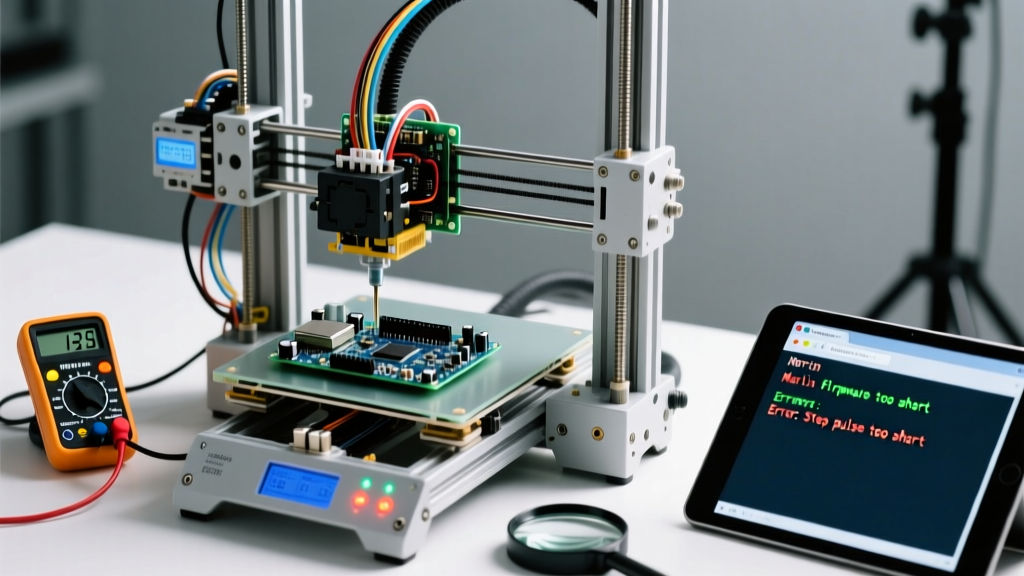
| Mega 2560 | ATmega2560 (8-bit AVR) | 256KB / 8KB | $45.00 | 3D printers (Marlin firmware) |
| Nano Every | ATmega4809 (8-bit AVR) | 48KB / 6KB | $12.50 | Low-cost, space-constrained builds |
The shift toward the Renesas RA4M1 in the Uno R4 series was a massive leap for the community, introducing a 48MHz ARM Cortex-M4F with a hardware floating-point unit. Meanwhile, the integration of the ESP32-S3 into the official Nano form factor has bridged the gap between traditional AVR development and modern Wi-Fi/Bluetooth Low Energy (BLE) requirements.
Top Community Hubs for Support and Inspiration
When you hit a compilation error or a wiring paradox, the official Arduino Documentation is your first stop. However, the real magic happens in the community forums where edge cases are solved daily.
- The Official Arduino Forum (forum.arduino.cc): Categorized meticulously by hardware family and software libraries. The 'Networking, Protocols, and Devices' subforum is an invaluable resource for debugging I2C and SPI bus conflicts.
- Reddit (r/arduino & r/esp32): Ideal for quick troubleshooting and project showcases. The community here is highly active in diagnosing power-delivery issues, such as brownouts caused by drawing too much current from the onboard 5V regulator.
- Hackaday.io: The premier destination for deep-dive project logs. If you want to see how a maker reverse-engineered a proprietary protocol using a logic analyzer and an Arduino, this is where the detailed write-ups live.
- Discord Maker Servers: Real-time help for firmware flashing issues, particularly useful when dealing with complex build environments like PlatformIO.
Must-Bookmark Open-Source Libraries
The true power of the ecosystem lies in its open-source libraries. Instead of writing raw register-level code to drive a display, the community has abstracted the heavy lifting. Here are the essential libraries every maker should have in their toolkit:
1. FastLED (v3.9+)
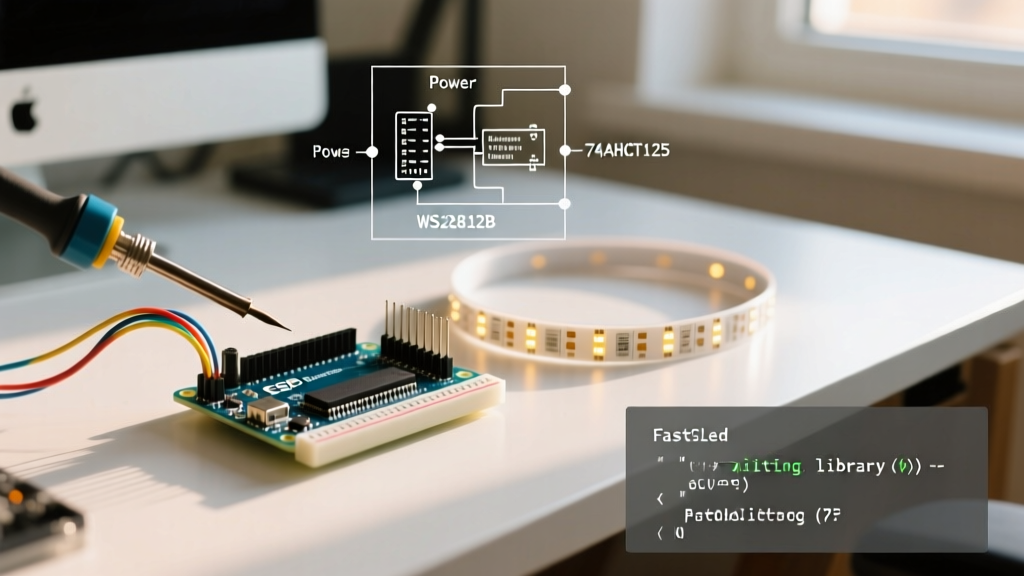
While the Adafruit NeoPixel library is great for basic tasks, FastLED is the undisputed king of addressable LED manipulation. It utilizes hardware-specific DMA (Direct Memory Access) on newer boards like the Nano ESP32, allowing for flicker-free, high-framerate animations even while the microcontroller is handling Wi-Fi interrupts.
2. ArduinoJson (v7)
Essential for any IoT project communicating via MQTT or REST APIs. The transition to version 7 brought significant memory allocation improvements, replacing the older StaticJsonDocument with a more memory-efficient JsonDocument that dynamically grows, reducing the RAM fragmentation that plagued older 8-bit boards.
3. Adafruit GFX
The backbone of almost every OLED and TFT display project. Its standardized drawing primitives (lines, circles, bitmaps) mean that if you write code for a 1.3-inch SH1106 OLED, you can port it to a 2.8-inch ILI9341 TFT with only a single line change in your initialization code.
Real-World Edge Cases & Troubleshooting
Theory is clean; hardware is messy. Here are specific failure modes and edge cases frequently discussed in community roundups:
The Clone Board USB-Serial Dilemma
To keep costs down, many third-party clone boards replace the expensive FTDI or Atmega16U2 USB-to-Serial chips with cheaper alternatives. The most common is the WCH CH340G, and more recently, the CH9102X. While functional, these require specific drivers on Windows 11. If your board is not showing up in the Device Manager, or if it throws a 'Code 10' error, you are likely experiencing a driver signature enforcement issue. Always download the latest signed drivers directly from the WCH manufacturer site rather than relying on third-party driver aggregators.
Bootloader Corruption and ISP Recovery
If you accidentally upload a sketch that utilizes the hardware UART pins (D0 and D1) in a way that floods the serial buffer on startup, you may find the board impossible to reprogram via USB. The auto-reset circuit fails to trigger the Optiboot bootloader in time. The fix: Do not throw the board away. Use a second Arduino as an ISP (In-System Programmer) connected to the 6-pin ICSP header. By using the avrdude command-line tool under the hood of the IDE, you can burn a fresh bootloader directly to the flash memory, bypassing the corrupted UART entirely.
Frequently Asked Questions
Can I use an Arduino for a commercial product?
Yes. The hardware reference designs are licensed under Creative Commons Attribution Share-Alike (CC-BY-SA), meaning you can manufacture and sell your own derivative boards as long as you share your schematics. The core software libraries are mostly LGPL, allowing you to link them to proprietary, closed-source commercial firmware without being forced to open-source your own business logic.
Should I use the official IDE or PlatformIO in 2026?
For beginners and quick prototyping, the official Arduino IDE 2.3+ is excellent, featuring a much-improved autocomplete and integrated serial plotter. However, for complex projects involving multiple files, version control (Git), and custom build flags, the community overwhelmingly recommends PlatformIO integrated into Visual Studio Code. It handles library dependencies automatically and compiles significantly faster.
Final Thoughts
Understanding the platform goes far beyond blinking an LED. It is about tapping into a decade-long accumulation of open-source knowledge, hardware revisions, and community-driven problem solving. By leveraging the right hardware for your specific constraints, utilizing battle-tested libraries, and knowing where to find expert troubleshooting advice, you transition from simply asking what the platform is, to actively shaping what it can do.