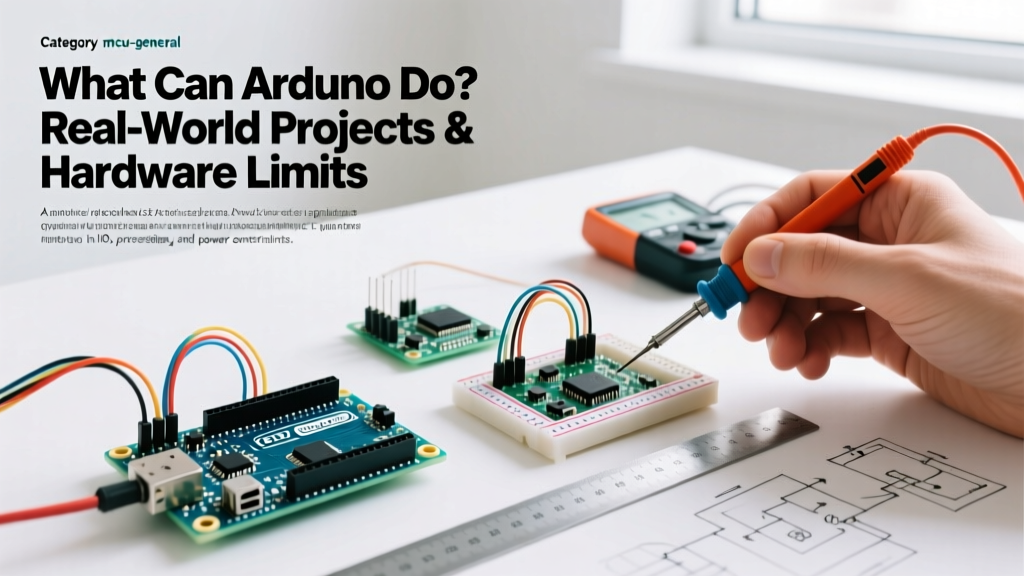

The Ultimate Quick Reference: What Can Arduino Do?
When engineers, students, and makers ask, "What can Arduino do?", the answer has evolved dramatically. Historically limited to blinking LEDs and reading basic analog sensors via the 8-bit ATmega328P, the modern Arduino ecosystem in 2026 encompasses 32-bit ARM Cortex-M7 processors, native Wi-Fi/BLE, and Edge AI capabilities. However, understanding both the expansive capabilities and the hard physical limits of these microcontroller units (MCUs) is critical for preventing hardware failure and project scope creep.
This quick reference guide breaks down real-world applications, hardware boundaries, and technical specifications to help you architect your next embedded system correctly.
Engineering Rule of Thumb: Arduino excels at real-time hardware interfacing, low-power sensor polling, and actuator control. It is not designed for heavy graphical rendering, high-frequency RF synthesis, or direct mains-voltage switching.
2026 Arduino Architecture Comparison Matrix
To understand what the platform can do, we must differentiate between the board families. Here is how the current flagship boards compare for specific project scopes:
| Board Model | Core MCU | Clock Speed | SRAM / Flash | Best Use Case | Approx. Price |
|---|---|---|---|---|---|
| Uno R4 Minima | Renesas RA4M1 (32-bit) | 48 MHz | 32 KB / 256 KB | General logic, 12-bit ADC sensing | $27.50 |
| Nano ESP32 | ESP32-S3 (Dual-core) | 240 MHz | 512 KB / 8 MB | IoT, Wi-Fi/BLE telemetry | $21.00 |
| Nano 33 BLE Sense | nRF52840 (Cortex-M4F) | 64 MHz | 256 KB / 1 MB | TinyML, audio classification | $36.00 |
| Portenta H7 | STM32H747 (Dual-core) | 480 MHz | 1 MB / 2 MB | Industrial Edge AI, vision | $115.00 |
Core Capabilities in the Field
Precision Sensor Integration & Data Logging
Arduino boards are exceptional at aggregating environmental data. Using the I2C and SPI buses, a single Uno R4 can poll environmental sensors like the Bosch BME280 (temperature, humidity, pressure) or the InvenSense MPU6050 (6-axis IMU) at high frequencies. With the upgrade to 12-bit Analog-to-Digital Converters (ADCs) on the Uno R4 series, analog sensor resolution has increased from 1,024 steps (10-bit on the old R3) to 4,096 steps, allowing for highly precise voltage and current monitoring in battery management systems.
Motor Control & Robotics Actuation
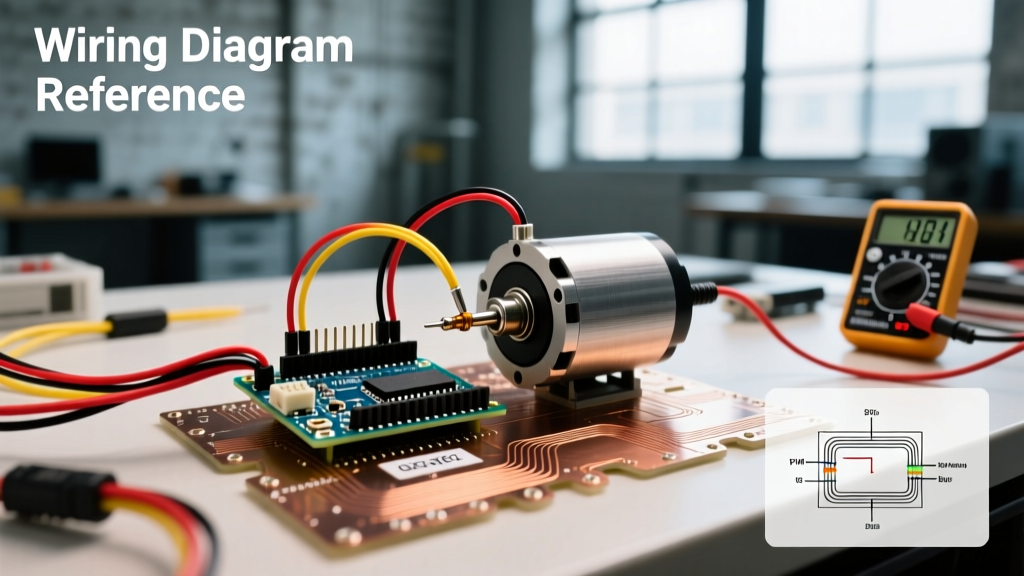
What can Arduino do in robotics? It serves as the low-level logic brain. By utilizing Pulse Width Modulation (PWM) pins, the MCU can dictate motor speed and servo positioning. However, a critical design rule is to never drive motors directly from the MCU pins. Modern designs utilize dedicated H-bridge drivers like the Texas Instruments DRV8871. Unlike the outdated L298N drivers that suffer from a 2V internal voltage drop and high heat dissipation, the DRV8871 uses MOSFET technology, offering high efficiency and handling up to 3.6A continuous current for brushed DC motors.
IoT & Wireless Telemetry
With the integration of the Nano ESP32 and the MKR WiFi 1010, Arduino natively handles MQTT protocols, HTTP REST requests, and WebSocket connections. Makers can program these boards to push sensor telemetry to cloud dashboards like Grafana or AWS IoT Core with sub-second latency, bridging the gap between bare-metal hardware and enterprise cloud infrastructure.
Hard Limits: What Arduino Cannot Do
Understanding failure modes and edge cases is just as important as knowing the capabilities. Pushing an MCU beyond its silicon limits results in erratic behavior, brownouts, or permanent silicon damage.
- Direct AC Mains Switching: Arduino operates at 3.3V or 5V DC. It cannot directly switch 120V/240V AC loads. Attempting to do so will cause catastrophic arcing and destruction. You must use optically isolated relays or solid-state relays (SSRs) with proper flyback diodes.
- Real-Time High-Res Video Processing: While the Portenta H7 can interface with camera modules for basic blob detection or QR code reading via OpenMV, standard Arduino boards lack the RAM and bus speed to encode, decode, or stream raw 1080p video. For computer vision, an SBC (like a Raspberry Pi 5) or a dedicated AI accelerator is required.
- High-Frequency RF Synthesis: Arduino cannot natively generate raw radio frequency signals (e.g., 433 MHz or 2.4 GHz) directly from its GPIO pins due to clock speed limitations. Dedicated RF transceiver ICs (like the Semtech SX1276 for LoRa) are mandatory for wireless transmission.
Frequently Asked Questions (FAQ)
Can Arduino run Python or AI models?
Yes, but with caveats. Standard AVR boards (Uno R3) cannot run Python efficiently. However, boards based on the RP2040 or ESP32 can run MicroPython. Furthermore, for AI, the Nano 33 BLE Sense supports TensorFlow Lite for Microcontrollers (TinyML). You can train a neural network on your PC to recognize specific audio keywords or accelerometer gestures, compile it into a C++ array, and flash it to the Arduino to run inference locally without an internet connection.
How many I2C sensors can I connect to one Arduino bus?
The I2C protocol theoretically supports 127 addresses, but the physical limit is dictated by bus capacitance. The I2C specification enforces a maximum bus capacitance of 400 pF. If you daisy-chain too many sensors or use long wires, the signal edges degrade, causing data corruption. Solution: Use a TCA9548A I2C Multiplexer (approx. $3.50). This chip splits your single I2C bus into 8 isolated channels, bypassing the capacitance limit and allowing you to connect dozens of sensors with identical I2C addresses.
What is the true current limit of an Arduino I/O pin?
According to the Microchip ATmega328P datasheet, the absolute maximum current per I/O pin is 40 mA. However, operating at the absolute maximum degrades the silicon and causes voltage sag. The recommended continuous current is 20 mA per pin. Additionally, the total current drawn from all VCC and GND pins combined must not exceed 200 mA. If your project requires driving high-current LED strips or relays, always use logic-level MOSFETs (like the IRLZ44N) to switch the load.
Why is my PWM frequency causing motor whine?
By default, most Arduino PWM pins operate at roughly 490 Hz. This frequency falls squarely within the human hearing range, causing audible whining in coils and motors. Pins 5 and 6 on the classic Uno operate at 980 Hz. To eliminate acoustic noise in motor control applications, you can reconfigure the internal hardware timers via code to push the PWM frequency to 31.25 kHz, which is well above human hearing.
2026 Project Cost Quick Reference
Budgeting for embedded prototypes requires accounting for more than just the MCU. Here is a realistic cost breakdown for common project tiers in 2026:
| Project Tier | Core Board | Essential Peripherals | Estimated Total BOM |
|---|---|---|---|
| Basic Data Logger | Uno R4 Minima ($27.50) | MicroSD Module, BME280, RTC | $45.00 - $55.00 |
| Smart Home IoT Node | Nano ESP32 ($21.00) | 5V PSU, Relay Module, Temp Probe | $35.00 - $45.00 |
| Edge AI Vibration Monitor | Nano 33 BLE Sense ($36.00) | Industrial Accelerometer, LiPo Charger | $65.00 - $80.00 |
| Industrial Vision System | Portenta H7 ($115.00) | Portenta Vision Shield, M12 Lens | $210.00 - $240.00 |
For deeper technical specifications, pinout diagrams, and core library references, always consult the Arduino Official Documentation. Understanding the exact electrical characteristics of your chosen board ensures that your project transitions smoothly from a breadboard prototype to a reliable, deployed embedded system.