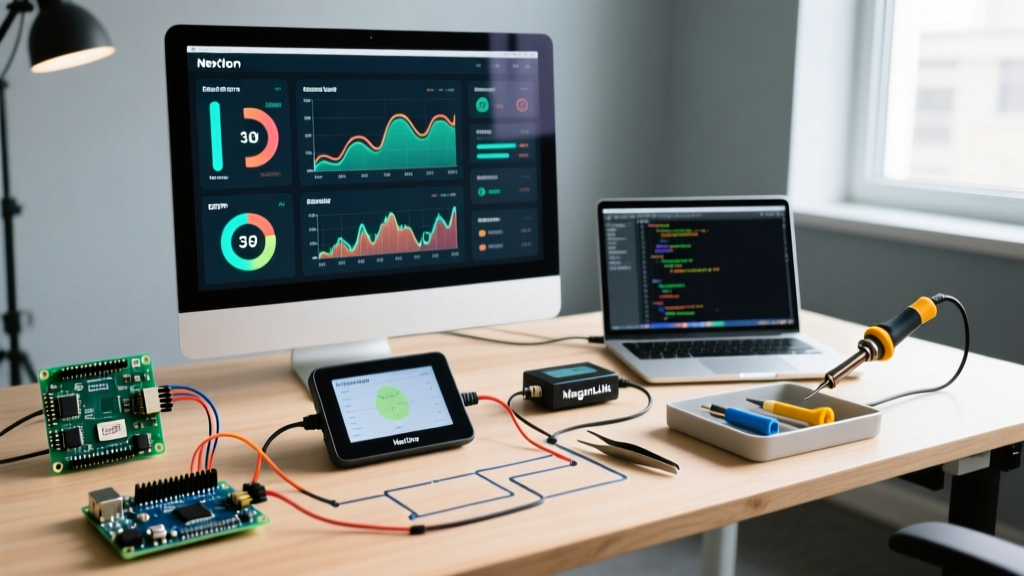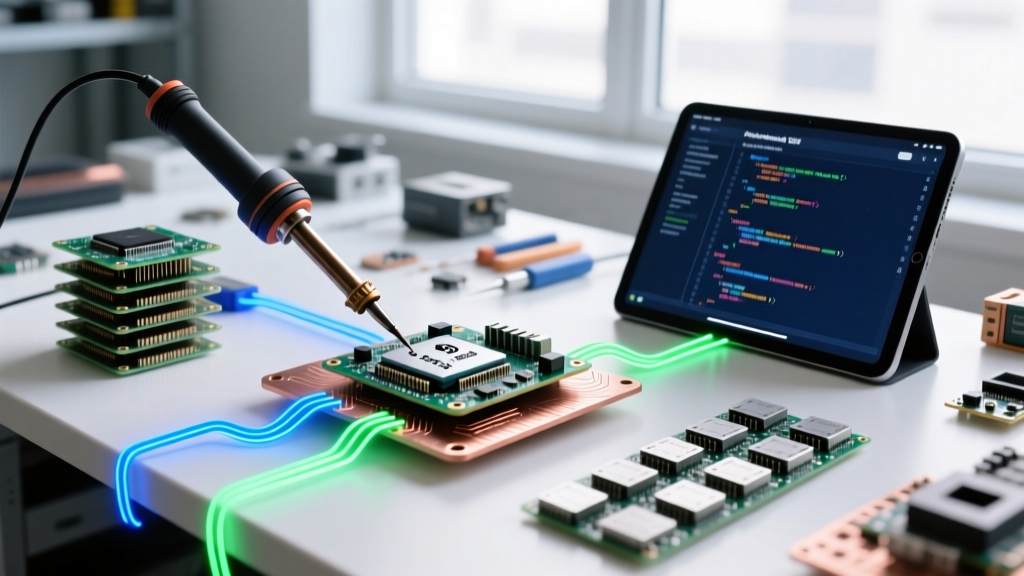

The Intersection of Qualcomm Silicon and the Arduino Ecosystem
As edge AI and advanced robotics projects mature in 2026, many makers and embedded engineers find themselves outgrowing standard 8-bit and 32-bit Cortex-M microcontrollers. The demand for neural processing units (NPUs), high-bandwidth MIPI-CSI camera interfaces, and native Wi-Fi 6/Bluetooth 5.3 radios has pushed the community toward Qualcomm's Snapdragon IoT and Robotics platforms. However, abandoning the massive Qualcomm Arduino ecosystem—comprising thousands of shields, libraries, and the familiar Wiring-based C++ paradigm—is rarely an option.
This community resource roundup bridges the gap between Qualcomm's high-performance silicon (like the QRB5165 and QCA4020) and the Arduino development environment. Whether you are trying to map an Arduino R3 shield to a 96Boards Low-Speed Expansion Header or compiling micro-ROS nodes for a Snapdragon-powered robot, this guide provides the exact hardware adapters, software toolchains, and troubleshooting frameworks you need.
The Hardware Bridge: 96Boards and Snapdragon Integration
Qualcomm does not manufacture boards with the native Arduino Uno R3 footprint. Instead, their development kits (such as the DragonBoard series and Thundercomm TurboX kits) rely on the 96Boards standard established by Linaro. The 96Boards Consumer and Enterprise editions feature a 40-pin Low-Speed Expansion Header that contains the necessary GPIO, I2C, SPI, and UART lines to drive Arduino shields.
The 1.8V Logic Level Hurdle
The most critical hardware edge case when merging Qualcomm Snapdragon SoCs with Arduino shields is logic voltage. Qualcomm's modern IoT SoCs operate at 1.8V logic levels to minimize power consumption and support high-speed interfaces. Conversely, 90% of legacy Arduino shields expect 5V or 3.3V logic. Directly connecting a 5V Arduino motor shield to a Qualcomm RB5 development board will instantly destroy the Snapdragon SoC's GPIO bank.
To solve this, the community relies on 96Boards Mezzanine Arduino Shield Adapters. These adapter boards utilize bi-directional level-shifting ICs (typically the Texas Instruments TXS0108E or TXB0108) to safely translate the 1.8V Qualcomm signals to the 5V Arduino shield headers. When sourcing an adapter in 2026, ensure it features auto-direction sensing and dedicated MOSFET-based level shifters for the I2C lines, as standard push-pull shifters will corrupt I2C ACK/NACK signals.
2026 Hardware Comparison Matrix: Qualcomm IoT vs. Standard MCU
| Platform | Core Silicon | Logic Voltage | Approx. Price (2026) | Best Use Case |
|---|---|---|---|---|
| Thundercomm RB5 | Qualcomm QRB5165 (8 Gen 1 AI) | 1.8V | $499 - $599 | Autonomous ROS2 Robots, Edge Vision |
| Qualcomm QCA4020 Dev Kit | QCA4020 (Cortex-M4 + Wi-Fi/BT/Zigbee) | 1.8V / 3.3V | $99 - $129 | Smart Home IoT, Mesh Sensor Networks |
| Arduino Portenta H7 (Baseline) | STM32H747 (Dual Cortex-M7/M4) | 3.3V | $115 - $135 | Industrial Motor Control, Standard PLC |
Essential Community SDKs and Toolchains
Because Qualcomm chips run complex operating systems (Linux, Android, or advanced RTOS), you cannot simply open the standard Arduino IDE, select a COM port, and click 'Upload'. The community has developed specific wrappers and frameworks to bring Arduino-like functionality to Qualcomm silicon.
1. Zephyr RTOS and the Arduino API Wrapper
For Qualcomm's Cortex-M based IoT chips (like the QCA4020 and QCA4024), the Zephyr RTOS Project is the gold standard. The community has built Arduino-API compatibility layers over Zephyr's POSIX subsystem. This allows you to use standard functions like digitalWrite(), analogRead(), and Wire.begin() while Zephyr handles the underlying Qualcomm QAPI (Qualcomm API) hardware abstraction.
2. micro-ROS for Snapdragon Robotics
If you are using a high-end Qualcomm Snapdragon Robotics platform (like the RB5 or RB6), the Arduino IDE is replaced by the micro-ROS framework. Makers use the micro-ROS agent running on the Qualcomm's Linux host to communicate with standard Arduino MCUs (like the Nano RP2040 Connect) acting as sensor nodes. This hybrid architecture lets the Snapdragon handle SLAM and computer vision, while the Arduino handles real-time PWM motor commutation.
3. The Qualcomm Developer Network (QDN) IoT SDK
For bare-metal or FreeRTOS development on Qualcomm IoT chips, the Qualcomm Developer Network provides the QCA402x SDK. While not strictly an 'Arduino Core', the community has written extensive Python and Bash scripts to convert standard Arduino .ino sketches into C++ modules that compile against the Qualcomm FreeRTOS toolchain.
Step-by-Step: Safely Interfacing a 5V Shield with the RB5
Follow this exact procedure to interface a standard 5V Arduino relay or motor shield with a Qualcomm DragonBoard RB5 without causing catastrophic hardware failure.
- Procure the Correct Mezzanine: Purchase a 96Boards Arduino Shield Adapter equipped with TXS0108E level shifters. Avoid passive resistor-divider adapters, as they cannot handle high-speed SPI or I2C clock stretching.
- Verify the Power Budget: The RB5 Low-Speed Expansion header provides a 1.8V rail limited to 200mA. If your Arduino shield requires more than 200mA (e.g., a shield with an onboard ESP8266 or multiple relays), you must inject external 5V power directly into the shield's VIN pin and disable the VCC jumper on the Mezzanine adapter.
- Configure the Pinmux (Device Tree): Qualcomm SoCs multiplex GPIO pins for various high-speed interfaces. Before your Arduino sketch can toggle a pin, you must apply a Device Tree Overlay (DTO) in the Qualcomm Linux kernel to disable the default I2C/UART muxing on the 40-pin header and expose them as raw GPIOs to the user-space
sysfsorlibgpiodlibraries. - Map the GPIOs: Use the community-maintained
96boards-gpio-maplibrary in your C++ code to translate Arduino pin numbers (e.g., D4) to the specific Qualcomm Linux GPIO chip and line offsets.
Real-World Edge Cases and Troubleshooting
Expert Warning: I2C Bus Capacitance
When using a Mezzanine adapter to shift Qualcomm 1.8V I2C lines to a 5V Arduino shield, the level-shifting MOSFETs and the shield's long traces introduce parasitic capacitance. If your I2C sensors (like the BME280 or MPU6050) are failing to initialize or returning corrupted data, reduce the I2C clock speed in your code from 400kHz (Fast Mode) to 100kHz (Standard Mode) usingWire.setClock(100000);. This gives the shifted signals enough time to rise past the logic-high threshold.
Brownouts and Kernel Panics
A common failure mode in the Qualcomm Arduino community is the 'Brownout Kernel Panic'. This occurs when a maker connects an Arduino motor shield directly to the 96Boards header and commands a high-torque DC motor. The sudden current spike (often exceeding 500mA) drags the Qualcomm SoC's internal voltage regulators down, triggering an immediate hardware reset and corrupting the eMMC filesystem. Always use opto-isolated relay shields or power motor shields via a dedicated external BEC (Battery Eliminator Circuit).
Frequently Asked Questions (FAQ)
Can I use the standard Arduino IDE Board Manager for Qualcomm Snapdragon?
No. The standard Arduino IDE Board Manager supports 8-bit AVR, SAMD, and specific ARM Cortex-M cores (via Arduino Mbed). Snapdragon SoCs run Linux or Android. You must use the 96Boards GPIO libraries via C++ in a Linux IDE (like VS Code) or use the Zephyr RTOS Arduino API wrapper for Qualcomm's Cortex-M IoT chips.
Are there any native Qualcomm Arduino shields?
Qualcomm does not manufacture Arduino shields. However, third-party RF engineering firms produce Qualcomm-certified antenna evaluation shields that plug into standard Arduino headers to test Wi-Fi 6E and Bluetooth 5.3 throughput on Qualcomm IoT reference designs.
What is the best alternative if I need Qualcomm AI but want native Arduino support?
If you require an NPU but demand native Arduino IDE support without Linux overhead, look into the Arduino Nicla Vision or the Portenta H7 with the Vision Shield. While they use STM32 silicon rather than Qualcomm, they offer integrated machine learning capabilities via TensorFlow Lite for Microcontrollers, bridging the gap between simple MCUs and heavy Snapdragon edge-computers.