
The Anatomy of an Include Error in Modern Microcontroller Development
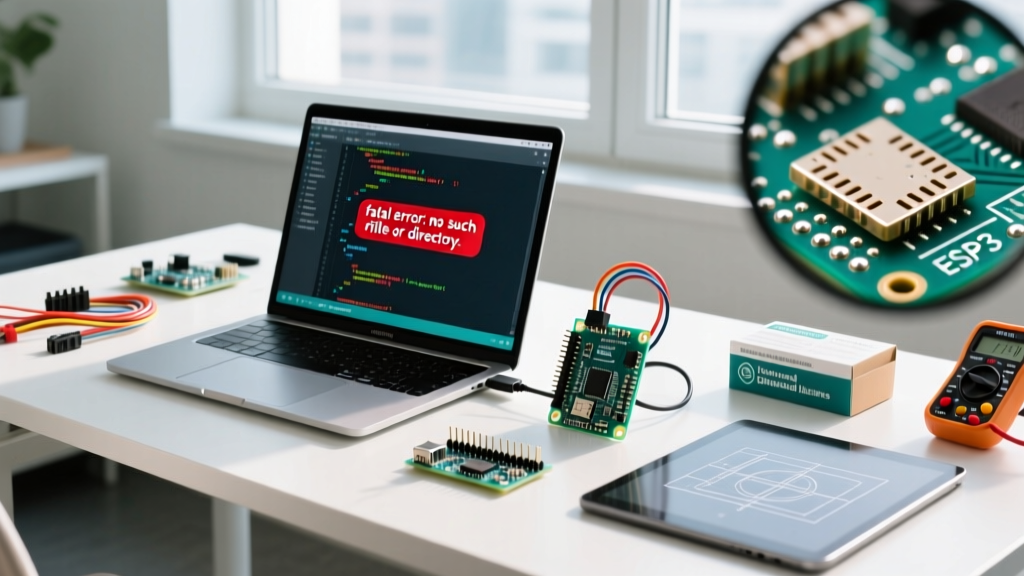
Every embedded developer, from hobbyists building home automation nodes to engineers prototyping industrial sensors, has encountered the dreaded compilation halt: fatal error: Arduino.h: No such file or directory. As of 2026, with the Arduino IDE 2.3.x series and advanced environments like PlatformIO dominating the workspace, the way we include Arduino libraries and core headers has evolved. Yet, missing header errors remain the number one support ticket in maker forums.
When you attempt to include Arduino core files or third-party libraries, the compiler relies on a strict chain of directory paths and preprocessor directives. If a single link in that chain breaks—whether due to a mismatched file extension, an unconfigured build flag, or a misunderstood IDE quirk—the build fails. This comprehensive troubleshooting guide dissects the exact failure modes of #include directives in the Arduino ecosystem and provides actionable, step-by-step fixes.
Common 'Include Arduino' Error Codes and Root Causes
Before diving into environment-specific fixes, it is crucial to identify the exact error signature. The table below maps the most frequent missing header errors to their underlying root causes.
| Error Message | Environment | Root Cause | Primary Fix |
|---|---|---|---|
Arduino.h: No such file or directory |
Arduino IDE / CLI | Using a .c extension instead of .cpp, or missing core board definitions. |
Rename file to .cpp or reinstall the board core via Boards Manager. |
Wire.h: No such file or directory |
Any | Attempting to compile for a board that lacks native I2C hardware support without a software fallback. | Verify board selection or include a software I2C library like SoftwareWire. |
fatal error: Adafruit_NeoPixel.h... |
PlatformIO / VS Code | Library declared in code but missing from platformio.ini dependencies. |
Add the library to the lib_deps array in the configuration file. |
| Red squiggles (IntelliSense) but successful compile | VS Code (PlatformIO) | C/C++ Extension cannot resolve the dynamic include paths generated by the build system. | Run the PlatformIO 'Rebuild IntelliSense Index' task. |
Scenario 1: The '.ino' Illusion and Custom C++ Files
One of the most persistent points of confusion stems from how the Arduino IDE handles .ino files versus standard C++ files. According to the official Arduino sketch build process, the IDE's preprocessor automatically concatenates all .ino files in your sketch folder and silently injects #include <Arduino.h> at the very top of the resulting temporary file.
Because of this hidden automation, many developers assume that Arduino.h is globally available to all files in their project. It is not. When you create a custom module—say, motor_controller.cpp—and attempt to use functions like digitalWrite() or delay() without explicitly including the core header, the compiler throws a missing reference error.
The Fix: Explicit Inclusion and Header Guards
Every custom .cpp file in your Arduino project must explicitly declare the Arduino core header. Furthermore, your corresponding header files (.h) should utilize standard C++ guards to prevent duplicate inclusion errors.
// motor_controller.cpp
#include <Arduino.h> // Mandatory for custom .cpp files
#include 'motor_controller.h'

void initMotor(uint8_t pin) {
    pinMode(pin, OUTPUT);
}
// motor_controller.h
#ifndef MOTOR_CONTROLLER_H
#define MOTOR_CONTROLLER_H

#include <stdint.h>

// Use extern 'C' if this header might be called from a pure C file
#ifdef __cplusplus
extern 'C' {
#endif

void initMotor(uint8_t pin);

#ifdef __cplusplus
}
#endif

#endif // MOTOR_CONTROLLER_H
Pro Tip: Never use #include <Arduino.h> inside a .h header file if you can avoid it. It drastically increases compilation times and risks namespace collisions. Include it only in the implementation (.cpp) files.
Scenario 2: PlatformIO and VS Code Dependency Nightmares
For professional firmware development in 2026, PlatformIO within VS Code is the industry standard. However, PlatformIO abandons the Arduino IDE's 'include everything in the global sketchbook' philosophy in favor of strict, project-level dependency management. If you simply copy-paste code from an Arduino tutorial that attempts to include Arduino libraries like #include <SPIFFS.h> or #include <PubSubClient.h>, PlatformIO will block the build.
Configuring platformio.ini for Flawless Inclusion
To resolve missing library errors in PlatformIO, you must declare your dependencies in the platformio.ini manifest. The PlatformIO Library Manager will automatically fetch, cache, and inject the correct include paths into the GCC compiler flags.
[env:esp32dev]
platform = espressif32
board = esp32dev
framework = arduino

; Explicitly declare libraries to fix include errors
lib_deps =
    knolleary/PubSubClient@^2.8
    adafruit/Adafruit NeoPixel@^1.12.0
    bblanchon/ArduinoJson@^7.0.3

; Fix edge-case inclusion issues with specific build flags
build_flags =
    -D CORE_DEBUG_LEVEL=3
    -I lib/custom_modules
If you are using a local, unzipped library stored in your project's lib/ folder, ensure the folder structure is correct. PlatformIO requires the library to be in its own subdirectory (e.g., lib/MyCustomLib/MyCustomLib.h). If you place the .h file directly in the root of lib/, the include resolver will fail to map it correctly.
Scenario 3: The C vs. C++ Trap (Name Mangling)
A highly specific edge case occurs when developers integrate legacy C code or pure C drivers (like low-level I2C sensor drivers) into an Arduino project. If your C file (sensor_driver.c) attempts to #include <Arduino.h>, the compilation will violently fail. Arduino.h is a C++ header; it contains C++ constructs like classes, function overloading, and templates that a standard C compiler cannot parse.
Expert Insight: The Arduino ecosystem is fundamentally built on C++. While you can write pure C code for performance-critical ISRs (Interrupt Service Routines), those files must remain isolated from the Arduino core API. If you need to call an Arduino function from a C file, you must create a C++ wrapper and expose it using the extern 'C' linkage specification.
Creating a C-Compatible Wrapper
Instead of including Arduino headers in your C file, create a bridge:
// arduino_bridge.cpp
#include <Arduino.h>

extern 'C' void toggle_led_c_wrapper() {
    digitalWrite(LED_BUILTIN, !digitalRead(LED_BUILTIN));
}
// sensor_driver.c
// No Arduino includes here!
extern void toggle_led_c_wrapper(void);

void read_sensor() {
    // Pure C logic
    toggle_led_c_wrapper();
}
Scenario 4: Manual ZIP Library Inclusion Failures
While the Arduino IDE v2 Library Manager handles 95% of modern dependencies, you will occasionally need to include Arduino libraries from GitHub ZIP archives. A frequent error occurs when the downloaded ZIP contains a nested folder structure (e.g., repo-name-master/src/library.h).
If you use the IDE's 'Add .ZIP Library' feature on a poorly structured archive, the IDE may fail to parse the library.properties file, resulting in the library being completely ignored by the compiler. To fix this:
- Extract the ZIP file manually.
- Locate the folder containing the
library.propertiesandsrcdirectory. - Move that specific folder into your
Documents/Arduino/libraries/directory. - Restart the Arduino IDE to force a rebuild of the library index cache.
For PlatformIO users, the equivalent fix is utilizing the lib_extra_dirs directive in platformio.ini to point directly to your external repository clone.
Diagnostic Checklist: When the Compiler Still Fails
If you have applied the fixes above and the compiler still cannot find your included Arduino headers, run through this definitive diagnostic checklist:
- Verify the Board Core: In Arduino IDE 2.x, open the Boards Manager and ensure the core for your specific MCU (e.g.,
arduino:avroresp32:esp32) is installed and up to date. A corrupted core installation will strip the system ofArduino.h. - Check for Hidden Characters: Copy-pasting code from PDFs or certain websites often introduces non-breaking spaces or invisible Unicode characters around the
#includedirective. Delete the line entirely and type it manually. - Clear the Build Cache: The Arduino CLI and IDE cache compiled objects. A stale cache can cause phantom include errors. In the IDE, use Sketch > Clean Sketch (or delete the
.pio/buildfolder in PlatformIO) to force a clean slate. - Validate Include Syntax: Ensure you are using angle brackets
< >for system and library-manager-installed libraries, and double quotes' 'for local project files. While GCC is forgiving, strict build environments will reject mismatched bracket syntax.
Mastering the Include Path
Troubleshooting missing headers is less about memorizing error codes and more about understanding the toolchain's file resolution logic. Whether you are relying on the automated preprocessor of the Arduino IDE or the strict dependency graphs of PlatformIO, treating your #include directives with the same rigor as your hardware wiring will eliminate compilation bottlenecks. For deeper insights into managing complex dependencies, consult the PlatformIO Library Manager Quickstart to automate your include paths entirely.