
Diagnostic Triage: Hardware vs. Firmware vs. Code
When your ESP32 MicroPython project fails, the root cause usually falls into one of three buckets: power delivery, firmware mismatch, or blocking code. Unlike standard Arduino C++, MicroPython introduces a garbage-collected heap and runs atop the FreeRTOS real-time operating system. This guide bypasses generic advice and targets the specific failure modes of the ESP32-WROOM-32, ESP32-S3, and ESP32-C3 architectures.
Flashing Timeouts: Timed Out Waiting for Packet Header
Before you can troubleshoot code, you must successfully flash the firmware. The A fatal error occurred: Failed to connect to ESP32: Timed out waiting for packet header error is a rite of passage for makers.
The USB-UART Bridge Bottleneck
Dev boards typically use either the CP2102 or CH340 USB-to-UART bridge. CH340 chips are notorious for dropping packets at high baud rates on Windows and macOS if the driver is outdated. Furthermore, many cheap USB-C cables are charge-only and lack the D+/D- data lines required for serial communication.
The Fix: Use the manual boot sequence. Hold the BOOT button, press and release the EN (Reset) button, then release the BOOT button. This forces the ESP32 ROM bootloader into download mode. If using the command line, explicitly set the baud rate to 460800 and specify the port to bypass auto-detection delays:
esptool.py --port COM3 --baud 460800 write_flash -z 0x1000 esp32.bin
The Boot Loop: Brownouts and Guru Meditation Errors
Flashing the firmware or running Wi-Fi code often triggers a boot loop. Let us dissect the two most notorious serial monitor outputs you will encounter.
1. Brownout Detector Triggered
The Error: Brownout detector was triggered followed by a continuous restart cycle.
The Cause: The ESP32 Wi-Fi radio draws current spikes up to 500mA during transmission. If your USB cable has high resistance or your PC USB port limits current, the onboard voltage regulator drops below 2.4V, triggering the hardware brownout reset. The Espressif ESP32 Datasheet explicitly warns about these transient power demands.
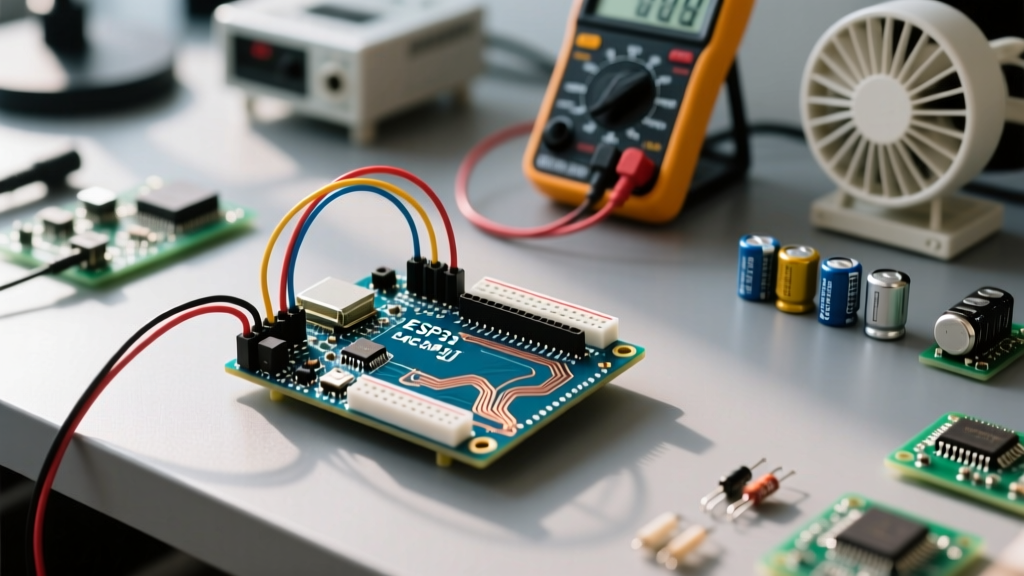
The Fix: Solder a 100µF to 470µF electrolytic capacitor directly across the 5V and GND pins on the dev board to act as a local energy reservoir. For permanent installations, bypass the onboard AMS1117 LDO and power the 3.3V pin directly from a high-quality buck converter.
2. Guru Meditation Error (WDT Panic)
The Error: Guru Meditation Error: Core 1 panic'ed (Interrupt wdt timeout on CPU1)
The Cause: The ESP32 runs FreeRTOS under the hood. The hardware Watchdog Timer (WDT) expects the Idle Task to run periodically to reset the timer. If you write a tight while True: loop without yielding, the OS starves, and the WDT reboots the chip to prevent a permanent lockup.
The Fix: Never write a blocking loop. Always include a sleep statement to yield to the background RTOS tasks.
import time
while True:
    read_sensor()
    time.sleep_ms(10) # Yields to FreeRTOS, prevents WDT panic
Conquering ENOMEM: Heap Fragmentation and SPIRAM
The MemoryError: memory allocation failed (often seen as OSError: [Errno 12] ENOMEM) is the most common software crash in ESP32 MicroPython. The base ESP32 has 520KB of SRAM, but the MicroPython heap is typically restricted to around 110KB-200KB to leave room for the Wi-Fi/BT stacks and FreeRTOS.
The Garbage Collection Trap
If you are dynamically creating strings, concatenating HTML, or parsing JSON in a loop, the heap fragments. When the interpreter cannot find a contiguous block of RAM for a new object, it crashes. Inject import gc and call gc.collect() before memory-intensive operations. The MicroPython ESP32 Quick Reference details how to inspect the heap state programmatically.
import gc
import micropython

def check_ram():
    gc.collect()
    free_mem = gc.mem_free()
    alloc_mem = gc.mem_alloc()
    print(f'Free: {free_mem}, Allocated: {alloc_mem}')
    micropython.mem_info()
The SPIRAM Firmware Fix
If your board has an 8MB PSRAM chip (like the ESP32-CAM or custom dev boards), ensure you flashed the GENERIC_SPIRAM firmware variant. Standard firmware ignores external PSRAM, leaving you bottlenecked by internal SRAM. With SPIRAM enabled, the heap expands to nearly 4MB, virtually eliminating ENOMEM errors for web servers and audio buffers.
Wi-Fi Stack Crashes: OSError -202 and DNS Failures
Connecting to a router using network.WLAN(network.STA_IF) is straightforward, but maintaining the connection in a production environment is where MicroPython struggles.
The Phantom Disconnect
If your ESP32 drops Wi-Fi after 30-60 minutes and throws OSError: -202 (EIO - Input/Output error) or fails DNS resolution, the TCP/IP stack has likely run out of memory buffers due to unclosed sockets.
The Fix: Always use explicit socket.close() calls. Furthermore, implement a ping-based watchdog in your code rather than relying solely on wlan.isconnected(), which only checks the MAC-layer association, not the IP-layer routing.
import socket

def is_internet_alive():
    try:
        # Attempt a quick TCP handshake to a known IP
        addr = socket.getaddrinfo('1.1.1.1', 53)[0][-1]
        s = socket.socket()
        s.settimeout(2.0)
        s.connect(addr)
        s.close()
        return True
    except OSError:
        return False
ImportError and the LittleFS vs. FAT File System
Uploading code via Thonny or mpremote sometimes results in ImportError: no module named 'main', even when the file is visible in the directory.
Modern ESP32 MicroPython builds default to the LittleFS file system instead of FAT. LittleFS is power-loss resilient but handles file naming and caching differently. If you formatted the flash using an older FAT-based tool, MicroPython will mount it but fail to read the bytecode correctly.
The Fix: Wipe the flash completely using esptool.py erase_flash before installing the latest .bin firmware. This forces MicroPython to initialize a fresh LittleFS partition table on the first boot. For deeper insights into file system quirks, consult the MicroPython Official FAQ.
MicroPython ESP32 Toolchain Matrix
Choosing the right tool to upload and debug your scripts is critical for avoiding file system corruption and serial timeouts.
| Tool | Best For | Known Quirks |
|---|---|---|
| Thonny IDE | Beginners, visual file management | Can corrupt LittleFS on sudden USB disconnects |
| mpremote | CLI automation, mounting local dirs | Requires Python 3.7+ on host machine |
| ampy | Legacy CI/CD pipelines | Deprecated; struggles with ESP32-S3 USB-JTAG |
| esptool.py | Flashing .bin firmware, erasing flash | Does not handle .py script uploads |
By understanding the intersection of FreeRTOS, hardware power limits, and MicroPython's garbage collector, you can transform the ESP32 from a frustrating prototyping toy into a rock-solid production microcontroller.