
Bridging the Gap: ROS on Arduino in 2026
Integrating the Robot Operating System (ROS) with Arduino microcontrollers remains a foundational skill for robotics engineers and advanced makers. Whether you are building an autonomous differential drive rover or a multi-jointed robotic arm, running ROS on Arduino allows low-level hardware to communicate seamlessly with high-level navigation stacks like Nav2 or MoveIt. However, the bridge between a desktop Linux environment and a bare-metal microcontroller is fraught with communication bottlenecks.
As of 2026, the ecosystem has largely transitioned from the legacy ROS 1 rosserial package to the ROS 2 native micro-ROS framework. Despite this evolution, developers consistently encounter three major categories of errors: serial synchronization failures, SRAM memory panics, and transport agent drops. This guide provides deep-level diagnostic frameworks to isolate and resolve these specific failure modes.
The Protocol Divide: rosserial vs. micro-ROS
Before diagnosing an error, you must identify the underlying transport protocol. Legacy rosserial uses a custom serial multiplexing protocol over UART/USB, while micro-ROS utilizes the standard DDS-XRCE (eXtremely Resource Constrained Environments) protocol, enabling native ROS 2 topic and service compatibility.
| Feature | rosserial (ROS 1 Legacy) | micro-ROS (ROS 2 Standard) |
|---|---|---|
| Transport Layer | Custom Serial over UART/USB | DDS-XRCE (Serial, UDP, TCP) |
| Default Baud Rate | 57600 bps | 115200 bps (Serial) |
| Memory Footprint | ~2KB SRAM minimum | ~15KB SRAM minimum (varies by QoS) |
| Primary Error Mode | Lost Sync / Handshake Timeout | Agent Ping Failure / MTU Mismatch |
Error 1: The Infamous 'Lost Sync' Handshake Failure
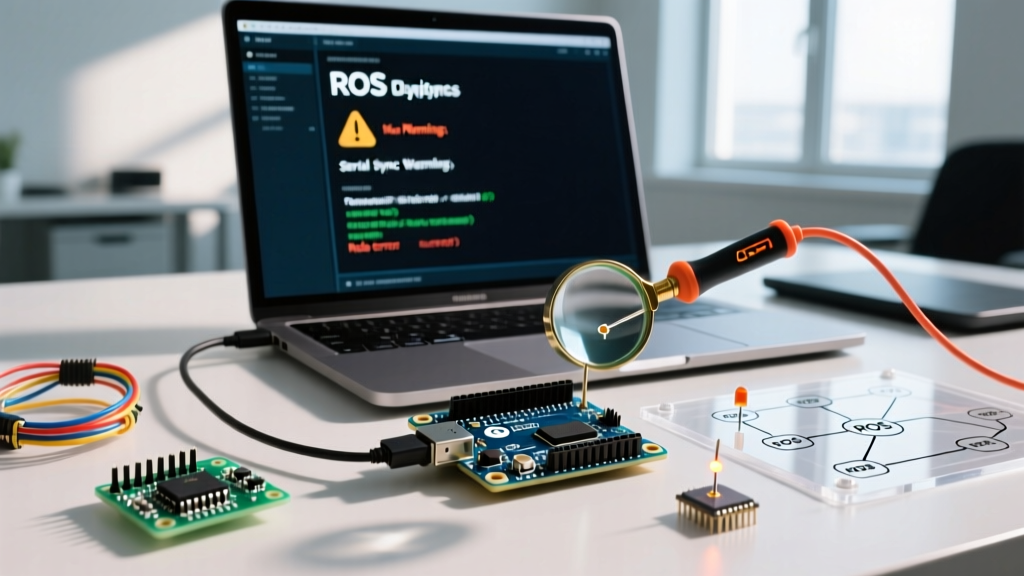
If you are maintaining legacy hardware or working with constrained ATmega328P boards, you will inevitably encounter the rosserial sync error. This occurs when the host PC's serial_node.py cannot establish a reliable packet boundary with the Arduino.
[ERROR] [170543211.123] [rosserial_arduino]: Unable to sync with device; possible link problem or link software version mismatch or target hardware reset loop.
Diagnostic Flow for Sync Failures
- Rule Out the Hardware Reset Loop: The Arduino Uno R3 and Nano clones utilize the DTR (Data Terminal Ready) line to trigger a reset via a 0.1µF capacitor. If your C++ sketch crashes or draws too much current on the 5V rail (exceeding the onboard NCP1117 regulator's ~800mA limit), the board will brown-out and reset continuously. Measure the 5V pin with a multimeter; if it dips below 4.8V during node initialization, your peripheral load is too high.
- Verify Baud Rate Alignment: The default
rosserialbaud rate is 57600. If your sketch explicitly callsSerial.begin(115200);but your launch file defaults to 57600, the handshake will fail. Force the baud rate in your Arduino setup function using the hardware abstraction layer:nh.getHardware()->setBaud(115200);and update your ROS launch parameters accordingly. - Buffer Starvation: If the Arduino's main
loop()contains blocking delays (e.g.,delay(1000)or blocking I2C sensor reads), the serial buffer overflows beforenh.spinOnce()can process the handshake ping. Ensurenh.spinOnce()is called at least every 10 milliseconds.
Error 2: SRAM Overflows and Node Registration Timeouts
Microcontrollers operate with severely limited Static RAM (SRAM). When running ROS on Arduino, every publisher, subscriber, and message buffer allocates directly from this pool. If you exceed the limit, the Arduino will not throw a standard segmentation fault; instead, the stack will collide with the heap, causing silent reboots or corrupted ROS node registration.
Board-Specific Memory Constraints
| Board Model | MCU Architecture | Total SRAM | Safe ROS Buffer Allocation | Approx. Cost (2026) |
|---|---|---|---|---|
| Arduino Uno R4 Minima | ARM Cortex-M4F | 32 KB | ~12 KB total payload | $20.00 |
| Arduino Nano 33 BLE Sense | nRF52840 | 256 KB | ~100 KB (safe for micro-ROS) | $38.00 |
| Arduino Portenta H7 | STM32H747 (Dual Core) | 1 MB | ~400 KB (Full DDS support) | $115.00 |
The Fix: For constrained boards like the Uno R4, you must manually restrict the publisher and subscriber queue depths. By default, rosserial attempts to allocate buffers that may exceed available memory. Instantiate your NodeHandle with explicit limits:
// Limit to 5 publishers, 5 subscribers, 16-byte input buffer, 16-byte output buffer
NodeHandle nh(10, 10, 16, 16);
For micro-ROS users on ARM Cortex boards, utilize the rmw_uros custom allocator to monitor heap usage during the setup() phase, ensuring the DDS participant creation does not exhaust the heap before the agent connects.
Error 3: micro-ROS Agent Connection Drops (ROS 2)
In modern ROS 2 Humble or Iron environments, micro-ROS relies on a middleware agent running on the host PC to translate XRCE packets into standard DDS traffic. A common error is the agent successfully pinging the Arduino initially, but dropping the connection when high-frequency sensor data (like IMU or LiDAR arrays) is published.
Diagnosing MTU and QoS Mismatches
This failure is almost always tied to the Maximum Transmission Unit (MTU) size or inappropriate Quality of Service (QoS) profiles. Serial links do not handle packet fragmentation well. If your sensor_msgs/Imu or custom array message exceeds the default serial MTU (often 512 bytes), the XRCE client on the Arduino will silently drop the packet.
- Step 1: Increase the serial MTU in your Arduino sketch before initializing the agent. Use
set_mtu(1024)in the micro-ROS initialization sequence. - Step 2: Adjust the QoS profile on both the Arduino publisher and the ROS 2 subscriber. For high-frequency telemetry over serial, use
RMW_QOS_POLICY_RELIABILITY_BEST_EFFORT. UsingRELIABLEforces the microcontroller to maintain an acknowledgment queue, which rapidly exhausts SRAM and triggers a watchdog reset. - Step 3: Verify the agent transport. If using UDP over Wi-Fi (e.g., via an Arduino Nano 33 IoT), ensure your router's multicast routing is enabled, as DDS relies heavily on multicast for node discovery. Alternatively, force unicast discovery via a custom
DEFAULT-RMW_IMPLEMENTATIONXML profile.
Hardware-Level Signal Verification
When software diagnostics fail, you must isolate the physical layer. Clone Arduino boards often use CH340 or CP2102 USB-to-UART bridge chips that struggle to maintain stable timing at baud rates above 115200 bps under heavy CPU load.
Connect a logic analyzer (such as a Saleae Logic Pro 8 or a $15 FX2LA clone) to the TX and RX pins on the Arduino's ICSP header or digital pins 0 and 1. Trigger on the falling edge of the serial line. If you observe jitter exceeding 2% on the bit-width timing, the microcontroller's internal oscillator is drifting, or the USB bridge is dropping bytes. In this scenario, switch to an external hardware UART module (like an FTDI FT232RL breakout board, typically $8) and bypass the onboard USB bridge entirely.
Frequently Asked Questions
Why does my Arduino node show up in 'rosnode list' but publish no data?
This indicates the serial handshake succeeded, but the execution loop is blocking. Ensure you are not using delay() in your sketch. Replace blocking delays with non-blocking millis() timers, and verify that nh.spinOnce() is executing at the top of every loop iteration to flush the outbound serial buffer.
Can I run micro-ROS on an ATmega328P (Uno R3)?
Technically, no. The micro-ROS Arduino library requires an ARM Cortex-M or ESP32 architecture due to the memory overhead of the DDS-XRCE client and the need for 32-bit integer support. The ATmega328P's 2KB SRAM and 8-bit architecture cannot support the ROS 2 middleware stack. Stick to rosserial for legacy AVR boards, or upgrade to an Uno R4 Minima.
How do I handle ROS time synchronization on boards without an RTC?
Microcontrollers lack Real-Time Clocks. You must implement a time synchronization callback. In rosserial, the host PC automatically pushes ROS time to the Arduino. In micro-ROS, you must explicitly enable the rmw_uros_sync_session function during setup to align the microcontroller's millis() counter with the ROS 2 graph's ros_time, preventing TF (Transform) tree extrapolation errors in navigation stacks.