
The Hidden Pitfalls of Global Maker Kits
As the maker movement continues to expand globally in 2026, manufacturers like Elegoo, Rexqualis, and official Arduino distributors have heavily localized their packaging and documentation. Many users searching for an Arduino starter kit multi language guide encounter a specific set of frustrating roadblocks. While having a manual in Spanish, French, Japanese, or German is excellent for accessibility, the intersection of localized operating systems, non-ASCII file paths, and auto-translated technical documentation creates unique compilation and wiring errors.
This troubleshooting guide bypasses generic advice and targets the exact failure modes associated with multi-language Arduino environments, from IDE backend crashes to clone-board driver mismatches.
1. Non-ASCII Username Compilation Failures
The most common catastrophic failure when setting up a multi-language kit on a localized Windows or macOS machine is the avrdude or arduino-cli pathing error. If your OS user profile contains accented characters, Cyrillic, Kanji, or specific regional characters (e.g., C:\Users\José\Documents\Arduino or /Users/田中/Library), the underlying C++ compiler toolchain will often fail to parse the file path during compilation.
The Symptom
You click 'Upload' and receive an error resembling: Cannot run program "C:\Users\Jos?\AppData\Local\Arduino15\packages\arduino\tools\avrdude". The IDE fails to locate its own temporary build folders.
The Fix: Portable Sketchbook Relocation
- Open the Arduino IDE and navigate to File > Preferences.
- Locate the Sketchbook location field.
- Change this path to a strictly ASCII directory on your root drive, such as
C:\Arduino_Sketches. - Next, you must move the IDE's core configuration folder. Close the IDE, and move the
Arduino15folder from your localizedAppDataorLibrarydirectory toC:\Arduino15. - Open the
preferences.txtfile inside that folder with a basic text editor and ensure thesketchbook.pathmatches your new ASCII directory.
Expert Note: According to the official Arduino IDE v2 Troubleshooting documentation, the IDE relies on a Go-based backend that occasionally struggles with UTF-8 encoding in Windows environment variables. Forcing an ASCII path resolves 99% of these localized OS compilation crashes.
2. CH340G Driver Localization & Port Grey-Outs
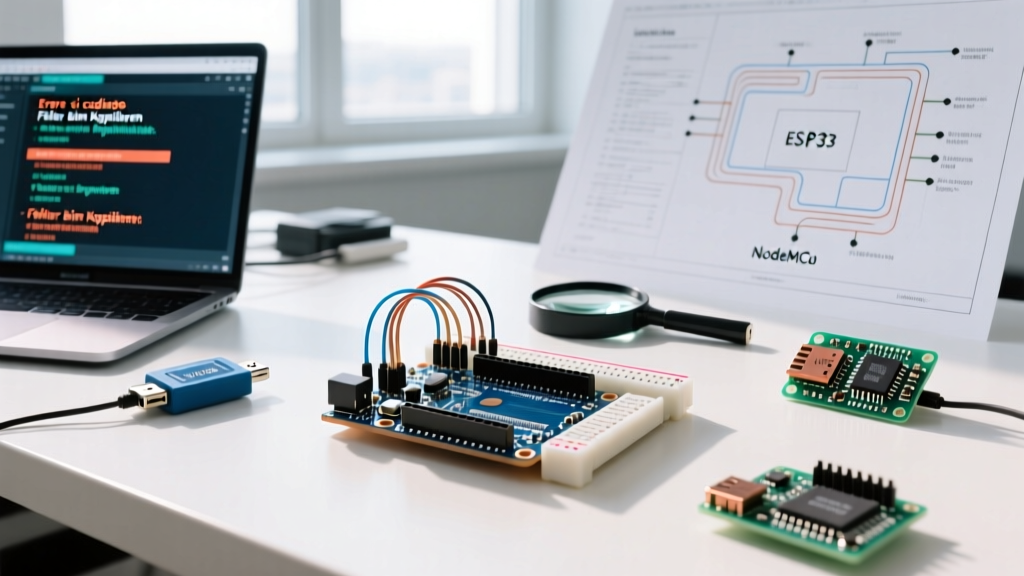
Most third-party multi-language kits (especially those marketed with 7-language manuals) do not use the official ATmega16U2 USB-to-Serial chip. Instead, they utilize the WCH CH340G clone chip to keep costs under $35 USD. The problem arises because the driver CD or localized QR code in the manual often points to a Chinese-only WCH download page, leading users to install outdated or incorrect drivers for Windows 11 or macOS Sonoma.
Comparison: Official vs. Clone USB Interfaces
| Feature | Official Kit (ATmega16U2) | Multi-Language Clone Kit (CH340G) |
|---|---|---|
| Hardware Cost Impact | Adds ~$8 to kit price | Adds ~$1 to kit price |
| Driver Requirement | Native OS Support (Plug & Play) | Manual WCH Driver Install Required |
| Common Failure Mode | Firmware corruption (rare) | Port greyed out / Code 43 Error |
| Multi-Language Manual Accuracy | High (Native English) | Low (Often auto-translated) |
The Fix: Clean CH340 Driver Installation
Do not use the driver link provided in the localized printed manual. Instead, source the signed driver directly from a trusted Western distributor to ensure compatibility with 2026 OS security kernels.
- Open your OS Device Manager (Windows) or System Information (macOS).
- Plug in the Uno R3 clone. If it shows as
USB2.0-Serialwith a yellow warning triangle, the localization driver failed. - Download the official signed driver package via the SparkFun CH340 Driver Guide.
- Install the
CH341SER.EXE(Windows) or the signed.pkg(macOS), then physically disconnect and reconnect the USB-B cable. - The IDE Tools > Port menu will now correctly display
COM[X] (USB-SERIAL CH340).
3. Translated Manual Pinout Discrepancies
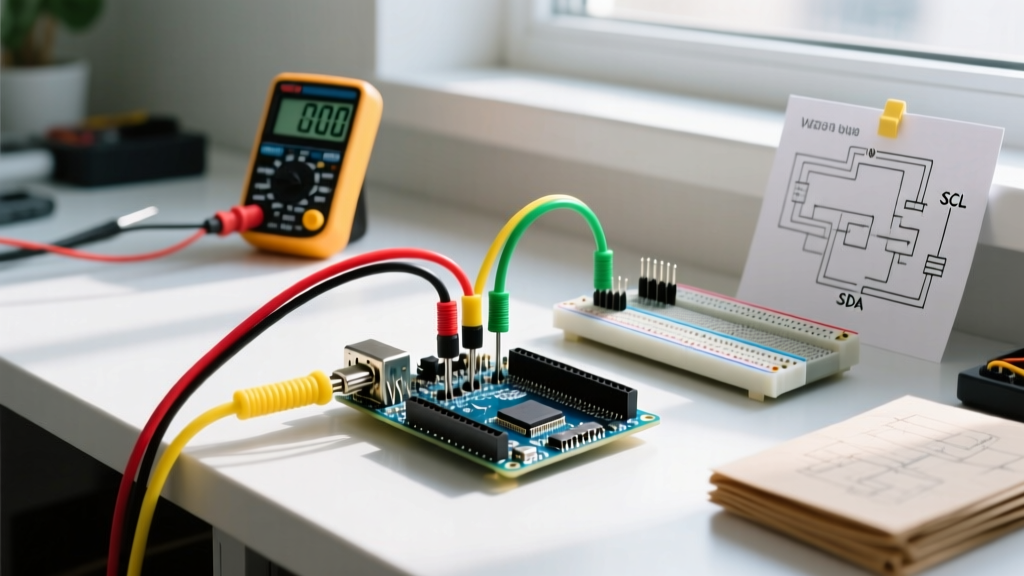
Auto-translation software has improved, but technical electronics manuals still suffer from dangerous localization errors. When a manufacturer translates an English manual into French, German, or Spanish, the text is often updated, but the Fritzing wiring diagrams are not. Worse, technical terms like 'Register Select' or 'Potentiometer' are sometimes mistranslated into regional slang that confuses beginners.
Common Manual Translation Errors to Watch For
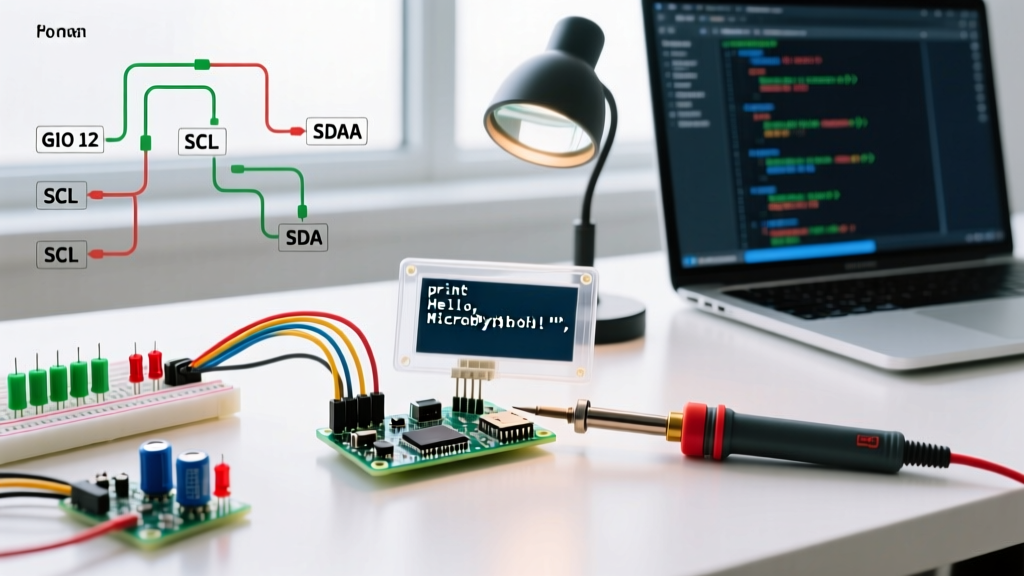
- The 1602 LCD 'RS' Pin Error: In several localized Elegoo manuals, the 'RS' (Register Select) pin on the 1602 LCD is translated to a term that implies 'Reset'. Users mistakenly wire this to the Arduino's physical RESET pin, causing the board to boot-loop endlessly. Fix: Always wire RS to Digital Pin 12, regardless of the translated label.
- Ultrasonic Sensor Voltage Mismatches: Some translated manuals for the HC-SR04 sensor omit the warning about 5V vs 3.3V logic. If you are using the multi-language kit with an ESP32 add-on, wiring the Echo pin directly to a 3.3V GPIO without a voltage divider will fry the pin. Fix: Use a 1kΩ / 2kΩ resistor divider for the Echo pin on 3.3V boards.
- Color-Coded Jumper Wire Confusion: Manuals translated for regions with different electrical standards sometimes swap the descriptions for 'Ground' (Black/Blue) and 'Neutral' (which doesn't apply to DC logic). Always verify GND connections via the board's silkscreen, never the translated wire color chart.
4. Arduino IDE 2.x Display Language Bugs
Arduino IDE 2.3.x allows users to change the interface language via the Command Palette (Ctrl+Shift+P > Configure Display Language). While this is great for navigating the UI, changing the IDE language on localized operating systems can corrupt the settings.json file, specifically breaking the Serial Monitor's baud rate memory.
The Symptom
Your sketch initializes Serial at 115200, but every time you open the Serial Monitor, it defaults to 9600 or displays garbled text (mojibake) because the IDE's localized character encoding (e.g., ISO-8859-1 instead of UTF-8) overrides the serial stream.
The Fix: Force UTF-8 Serial Encoding
- Close the Arduino IDE completely.
- Navigate to
C:\Users\[YourUser]\.arduinoIDE\(or the equivalent~/.arduinoIDE/on Linux/macOS). - Open
settings.jsonin a code editor like VS Code or Notepad++. - Search for the
"serial.port.encoding"parameter. If it is missing or set to a regional encoding, manually add or change it to:"serial.port.encoding": "utf8". - Save the file and restart the IDE. The Serial Monitor will now correctly parse multi-language debug strings sent from your sketch.
For deeper software diagnostics, refer to the Arduino Error Checking Support Hub to learn how to enable verbose output for compilation and uploads, which is essential when tracking down localized pathing bugs.
Quick Diagnostic Matrix
| Symptom | Likely Multi-Language Cause | Immediate Action |
|---|---|---|
avrdude: ser_open(): can't open device |
Non-ASCII characters in Windows temp folder path. | Move Arduino15 folder to C:\Arduino15. |
| Board shows as 'Unknown USB Device' | Wrong regional CH340 driver installed. | Uninstall via Device Manager, use SparkFun link. |
| LCD 1602 shows solid white boxes | Translated manual wired RS to Reset pin. | Move RS wire to Digital Pin 12; adjust contrast pot. |
| Serial Monitor outputs '' or squares | IDE language pack altered default encoding. | Edit settings.json to force UTF-8 encoding. |
Frequently Asked Questions
Can I just use the English manual instead of the multi-language one?
Yes, and it is highly recommended. Most third-party kit manufacturers host a master English PDF on their official website or GitHub repository. The English versions are the 'source of truth' and are updated first when hardware revisions change (e.g., swapping a generic transistor for a specific MOSFET).
Why does my localized macOS block the CH340 driver?
macOS Sonoma and Sequoia enforce strict kernel extension (kext) policies. If you downloaded the driver from a localized, non-verified third-party site, Apple's Gatekeeper will silently block it. Always use the signed package provided by major distributors like SparkFun or Adafruit, and ensure you grant 'Security & Privacy' permissions in System Settings after installation.
Do official Arduino kits have multi-language support?
The official Arduino Starter Kit (Model K000007) includes a physical project book that is primarily in English, though Arduino provides localized digital supplements and community translations on their forums. The hardware in official kits uses the ATmega16U2 chip, entirely bypassing the CH340 driver issues common in budget multi-language clone kits.