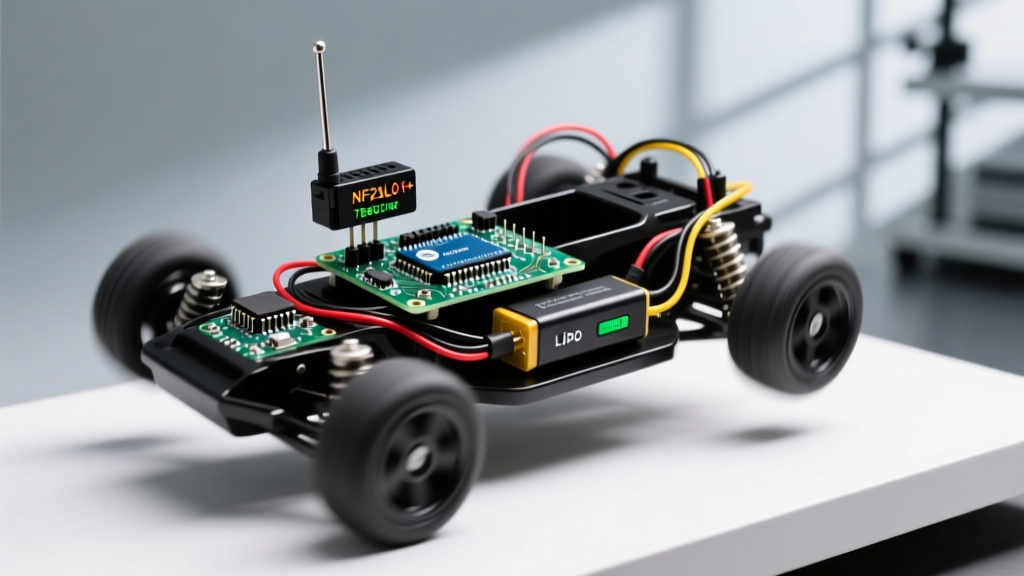

The Fragmentation of Arduino HttpClient Libraries
When developers search for an Arduino HttpClient solution to connect microcontrollers to REST APIs, they quickly encounter a deeply fragmented ecosystem. Unlike standardized desktop environments, the Arduino ecosystem does not rely on a single, unified HTTP library. Instead, the term 'HttpClient' refers to three distinct library implementations depending on your target silicon: the native Espressif HTTPClient.h for ESP32/ESP8266, the official Arduino LLC ArduinoHttpClient.h for WiFiNINA and Ethernet shields, and various community forks for RP2040 and SAMD architectures.
Understanding these compatibility boundaries is critical in 2026. A sketch that flawlessly executes an HTTPS GET request on an ESP32-S3 will immediately fail to compile on an Arduino Nano 33 IoT, not due to syntax errors, but because of underlying architectural differences in how network clients and TLS handshakes are managed. This guide dissects the compatibility matrix, memory constraints, and SSL/TLS edge cases across the most popular maker boards.
Board Compatibility and Library Matrix
The first step in any IoT project is matching your hardware's SRAM and network peripheral to the correct HTTP library. Below is a definitive compatibility matrix for modern microcontrollers.
| Microcontroller / Board | Primary Library | Usable SRAM for Payloads | TLS 1.2 / 1.3 Support | Chunked Transfer Encoding |
|---|---|---|---|---|
| ESP32 (WROOM/S3/C3) | HTTPClient.h (Native) |
~250KB (Standard) / 4MB+ (PSRAM) | Full (via MbedTLS) | Native & Robust |
| ESP8266 (NodeMCU/Wemos) | ESP8266HTTPClient.h |
~40KB (Highly fragmented) | TLS 1.2 only (BearSSL) | Partial / Buggy |
| Arduino Nano 33 IoT / MKR | ArduinoHttpClient.h |
~20KB (SAMD21 limits) | TLS 1.2 (via NINA FW) | Wrapper-dependent |
| Arduino Portenta H7 | ArduinoHttpClient.h |
~1MB+ (Cortex-M7) | Full (via MbedTLS) | Native & Robust |
| Arduino Nano RP2040 Connect | ArduinoHttpClient.h |
~200KB (Shared with NINA) | TLS 1.2 (via NINA FW) | Wrapper-dependent |
Deep Dive: ESP32 Native vs. Arduino LLC Wrapper
The most common compatibility trap occurs when developers attempt to port code between the ESP32 and official Arduino WiFi boards. The fundamental difference lies in object instantiation and client injection.
The ESP32 Native Approach
On the ESP32, the Espressif Arduino Core bundles a highly optimized, native HTTPClient class. It handles the TCP connection, TLS handshake, and HTTP header parsing internally. You simply call http.begin(url) and http.GET(). This abstraction is convenient but hides the underlying WiFiClientSecure object, making custom certificate injection slightly more rigid.
The ArduinoHttpClient Wrapper Approach
Conversely, the official ArduinoHttpClient library is a protocol wrapper. It does not manage the network connection itself. Instead, it requires you to inject a pre-configured network client (like WiFiSSLClient or EthernetClient) into its constructor.
Expert Insight: If you are building a cross-platform codebase that must compile on both ESP32 and Arduino Nano 33 IoT, avoid the native ESP32HTTPClient. Instead, use theArduinoHttpClientwrapper on both platforms by instantiatingWiFiClientSecureon the ESP32 andWiFiSSLClienton the NINA boards, passing them into the unified wrapper.
SSL/TLS Certificate Compatibility and Edge Cases
HTTP is effectively dead in modern IoT; HTTPS is mandatory. However, TLS compatibility is where most Arduino HttpClient implementations fail in production.
ESP32: Root CA Verification vs. Insecure Mode
The ESP32 utilizes MbedTLS for cryptographic operations. A standard TLS 1.2 handshake on an ESP32-WROOM-32 consumes approximately 45KB of RAM just for the certificate chain verification.
- The Edge Case: If your ESP32 sketch is already consuming 200KB+ of SRAM for local buffers, initiating an HTTPS request will trigger a Guru Meditation Error (Core 1 panic) due to heap allocation failure during the handshake.
- The Fix: Use
http.setInsecure()strictly for development. For production, extract the exact Root CA (e.g., ISRG Root X1 for Let's Encrypt) and pass it viahttp.setCACert(root_ca_pem). Avoid passing full certificate bundles, as parsing them exhausts the heap.
WiFiNINA Boards: The Firmware Bottleneck
Boards like the Nano 33 IoT and MKR WiFi 1010 offload TLS processing to the u-blox NINA-W102 co-processor. The HttpClient library on the main SAMD21 chip merely sends AT commands to the NINA module.
The critical compatibility issue here is the NINA firmware version. If your board ships with NINA firmware v1.4.5 or older, it will lack the modern Root CAs required to connect to AWS IoT, Azure, or modern Let's Encrypt endpoints. You must update the co-processor firmware using the official NINA firmware repository and the Arduino IDE's WiFiNINA updater tool before your HttpClient sketch will successfully complete a TLS handshake.
Memory Limitations and Payload Streaming
A frequent failure mode when using Arduino HttpClient libraries is attempting to download large JSON payloads or OTA binary files using the getString() or responseBody() methods. These methods attempt to allocate a contiguous block of SRAM equal to the payload size plus string termination overhead.
The Streaming Solution for ESP32
If you are parsing a 150KB JSON response from a weather API or smart home hub on an ESP32 without PSRAM, getString() will crash the device. Instead, you must stream the payload directly into a parser like ArduinoJson using the getStreamPtr() method.
- Initialize the Request: Call
http.begin(url)and verify the response code is200. - Acquire the Stream: Call
WiFiClient* stream = http.getStreamPtr();. This returns a pointer to the underlying TCP stream without buffering the payload in RAM. - Parse on the Fly: Pass the stream directly to ArduinoJson's
DeserializationError error = deserializeJson(doc, *stream);. - Close the Connection: Call
http.end()to release the socket and TLS context back to the heap.
Chunked Transfer Encoding Incompatibilities
Modern REST APIs frequently use HTTP 1.1 Chunked Transfer Encoding to stream data without a predefined Content-Length header.
- ESP32: Handles chunking natively at the TCP layer. The
getStreamPtr()method automatically de-chunks the data, presenting a clean stream to the parser. - ESP8266: The legacy
ESP8266HTTPClientstruggles with chunked encoding when combined with BearSSL. It often drops the connection prematurely or returns truncated strings. If you must use an ESP8266, force the API server to disable chunked encoding or use a proxy. - ArduinoHttpClient (NINA): Supports chunking, but the internal buffer is limited to 256 bytes. Large chunked responses will result in severe latency as the SAMD21 repeatedly polls the NINA module over SPI for tiny data fragments.
Actionable Migration Checklist: ESP8266 to ESP32
If you are upgrading a legacy IoT product from the ESP8266 to the ESP32-S3 in 2026, follow this compatibility checklist to refactor your HttpClient implementation:
- Include Headers: Change
#include <ESP8266HTTPClient.h>to#include <HTTPClient.h>. - Client Injection: The ESP8266 required passing a
WiFiClientSecureintohttp.begin(client, url). The ESP32 native library prefershttp.begin(url)and manages the secure client internally, though the injection method is still supported for advanced proxy routing. - Fingerprint Deprecation: Remove all SHA-1 fingerprint validation code (
http.setFingerprint()). SHA-1 is cryptographically broken and rejected by modern servers. Replace it withhttp.setCACert()using PEM-formatted Root CA strings. - Timeout Adjustments: The ESP8266 default timeout is notoriously short (5 seconds), causing failures on high-latency cellular networks. Explicitly set
http.setTimeout(15000);on the ESP32 for robust 4G/LTE gateway compatibility.
Summary
Mastering the Arduino HttpClient requires looking past the simple GET/POST examples provided in basic tutorials. True reliability in 2026 demands a strict alignment between your chosen microcontroller's SRAM architecture, the specific HTTP library flavor it supports, and a disciplined approach to TLS certificate management and memory streaming. By respecting the boundaries of the NINA firmware, leveraging ESP32 stream pointers, and avoiding contiguous memory allocations, you can build IoT endpoints that survive the rigors of production environments.