
The Core Architecture: What Are the 2 Functions in Arduino IDE?
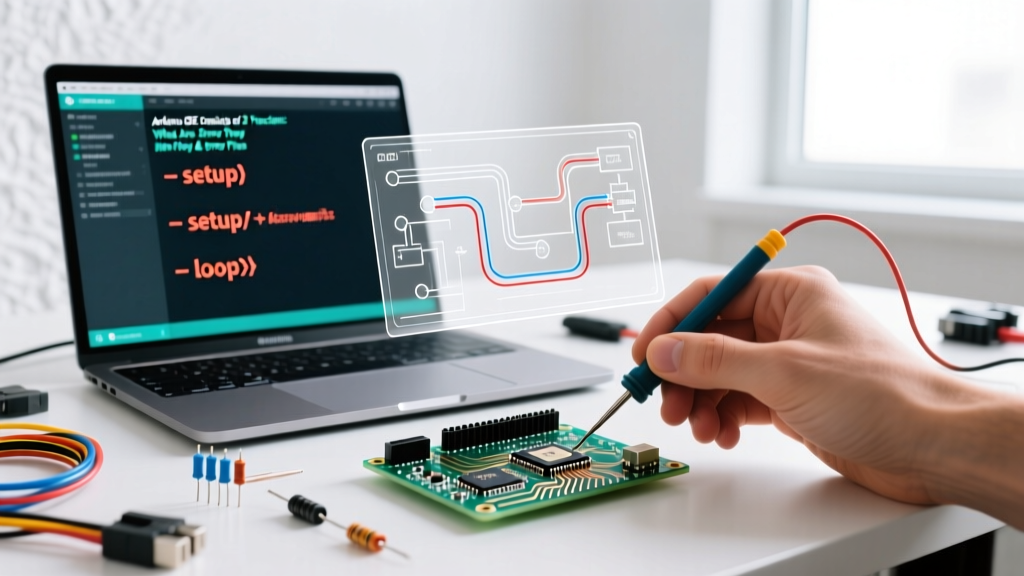
When beginners search for the answer to 'the Arduino IDE consists of 2 functions, what are they?', the direct answer is setup() and loop(). However, understanding why these two functions exist—and why the compiler throws catastrophic errors when they are misused—requires looking under the hood of the Arduino build process.
Unlike standard C++ programs that require a main() entry point, the Arduino IDE abstracts this away. According to the official Arduino programming documentation, the IDE automatically links your sketch to a hidden main.cpp file within the Arduino core library. This hidden file essentially runs the following logic:
int main(void) {
    init();
    setup();
    for (;;) {
        loop();
        if (serialEventRun) serialEventRun();
    }
    return 0;
}
Because the underlying GCC compiler expects this exact structure, deleting, renaming, or placing code outside of these two functions will immediately result in compilation failures. Below, we break down both functions and provide an expert-level error fix guide for the most common issues encountered in Arduino IDE 2.x.
1. void setup() - The Initialization Phase
The setup() function is called exactly once when the microcontroller powers on or resets. It is used to initialize variables, set pin modes, and start communication libraries. As detailed in the Arduino Language Reference for setup(), this function must be present in your sketch, even if it is completely empty.
Common Setup Errors & Fixes
- Case-Sensitivity Compilation Errors: C++ is strictly case-sensitive. Writing
void Setup()orvoid SETUP()will cause the linker to fail because the hiddenmain.cppis specifically looking for the lowercasesetupsymbol. - Missing Serial Initialization: A frequent runtime logic error (not a compiler error) is forgetting
Serial.begin(115200);inside setup. In 2026, with the prevalence of high-speed USB-C serial bridges like the CH340 and CP2102N, failing to set the correct baud rate in both the code and the Serial Monitor will result in garbage characters or silent failures. - Floating Pin States: Forgetting to declare
pinMode(pin, INPUT_PULLUP);in setup leaves the microcontroller's internal pins in a high-impedance state, causing erraticdigitalRead()behavior due to electromagnetic interference.
2. void loop() - The Execution Engine
The loop() function is the heartbeat of your sketch. As the Arduino loop() reference explains, this function runs continuously, allowing the microcontroller to poll sensors, update outputs, and manage communication protocols like I2C or SPI indefinitely.
Common Loop Errors & Fixes
- Blocking Code Traps: Using
delay()or tightwhile()loops insideloop()halts the microcontroller. This prevents background tasks (like WiFi stack management on the ESP32 or NeoPixel timing) from executing. - Heap Fragmentation (ATmega328P): Declaring
Stringobjects dynamically inside theloop()function causes severe heap fragmentation. The ATmega328P only has 2KB of SRAM. Continuously allocating and deallocating memory will eventually cause the sketch to crash or freeze after a few hours of runtime. Fix: Use fixed-sizechararrays or declareStringvariables globally.
The Master Error Matrix: Compilation & Runtime Fixes
When you violate the structural rules of the two core functions, the arduino-cli backend throws specific errors. Use this diagnostic table to identify and fix your code.
| Compiler / Runtime Error | Root Cause | Exact Fix |
|---|---|---|
undefined reference to 'setup' |
The setup function is missing, misspelled, or incorrectly capitalized. | Ensure your code contains exactly void setup() { } with a lowercase 's'. |
expected unqualified-id before '{' token |
Executable code or stray brackets are placed outside of setup() and loop(). | Move all logic, if statements, and function calls inside the boundaries of setup or loop. |
redefinition of 'void loop()' |
You have accidentally pasted or typed the loop function signature twice. | Search the IDE (Ctrl+F) for void loop and delete the duplicate block. |
Guru Meditation Error: Core 1 panic'ed (TWDT) |
ESP32 Task Watchdog Timer triggered because loop() blocked for >5 seconds. | Inject yield(); or delay(1); inside any while() loops waiting for sensors or serial data. |
exit status 1 (with missing bracket context) |
Mismatched curly braces { } causing the compiler to lose track of function scope. |
Use the IDE's auto-format tool (Ctrl+T) to visually align and identify the missing bracket. |
Advanced Troubleshooting: When Setup and Loop Collide
As projects scale from simple LED blink sketches to complex IoT nodes using LoRa or MQTT, the interaction between initialization (setup) and execution (loop) becomes a primary source of bugs.
The I2C Initialization Deadlock
If you are using I2C sensors (like the BME280 or MPU6050) and call Wire.begin() in setup(), but the sensor is physically disconnected, the microcontroller may hang indefinitely trying to pull the SDA line high. This makes it appear as though the loop() function never starts.
Expert Fix: Always implement a timeout or a hardware presence check insetup()before initializing I2C peripherals. Use theWire.setWireTimeout(25000, true);function (available in modern AVR and ESP32 cores) to prevent the microcontroller from locking up during the setup phase.
ESP32 Watchdog Resets in the Loop Function
Modern microcontrollers like the ESP32 run a Real-Time Operating System (FreeRTOS) in the background. The loop() function actually runs as a task on Core 1. If your code enters an infinite polling loop waiting for a WiFi connection or a specific UART byte, the FreeRTOS Task Watchdog Timer (TWDT) assumes the core has crashed and forcefully reboots the chip.
Example of Bad Code:
void loop() {
  // This will trigger a Guru Meditation Error on ESP32
  while(Serial.available() == 0) {
    // CPU is locked, background tasks starve
  }
}
The Corrected Code:
void loop() {
  while(Serial.available() == 0) {
    yield(); // Hands control back to FreeRTOS momentarily
  }
}
Summary Checklist for Sketch Architecture
To ensure your code compiles cleanly and runs indefinitely without memory leaks or watchdog resets, verify these rules before hitting the Upload button:
- Verify the Big Two: Ensure exactly one
void setup()and onevoid loop()exist, properly spelled in lowercase. - Scope Check: Confirm no executable logic exists in the global scope (outside the curly braces of the two main functions).
- Memory Safety: Audit your
loop()for dynamicStringcreations. Replace them withsnprintf()andchararrays for production firmware. - Non-Blocking Logic: Replace
delay()withmillis()based state machines to keep the loop function responsive to interrupts and communication protocols.
Mastering the distinct roles of setup() and loop() is the dividing line between a beginner who copies code and an embedded engineer who writes robust, production-ready firmware. By understanding the hidden main.cpp architecture and respecting the hardware limitations of SRAM and watchdog timers, you can eliminate 99% of structural errors in the Arduino IDE.