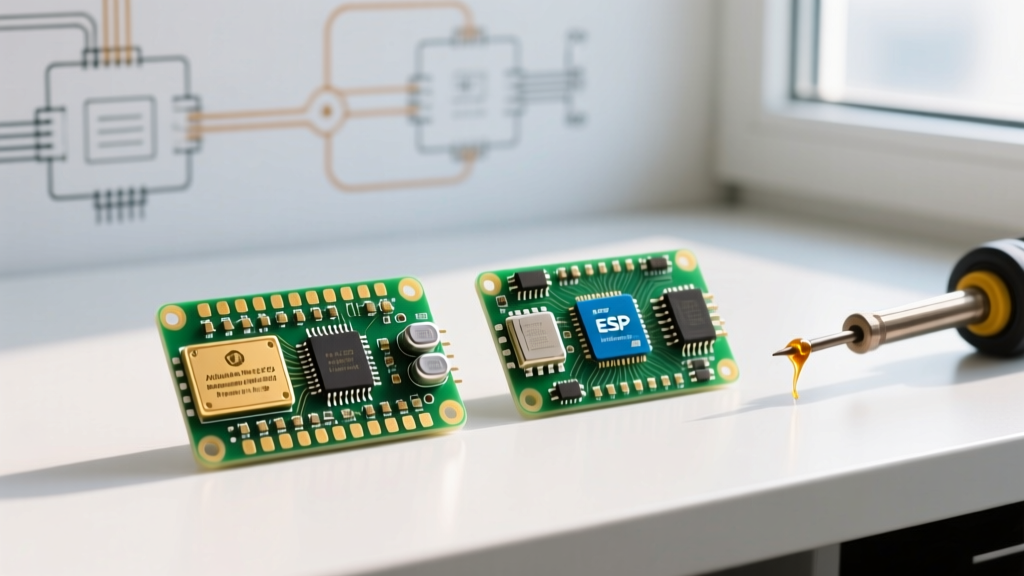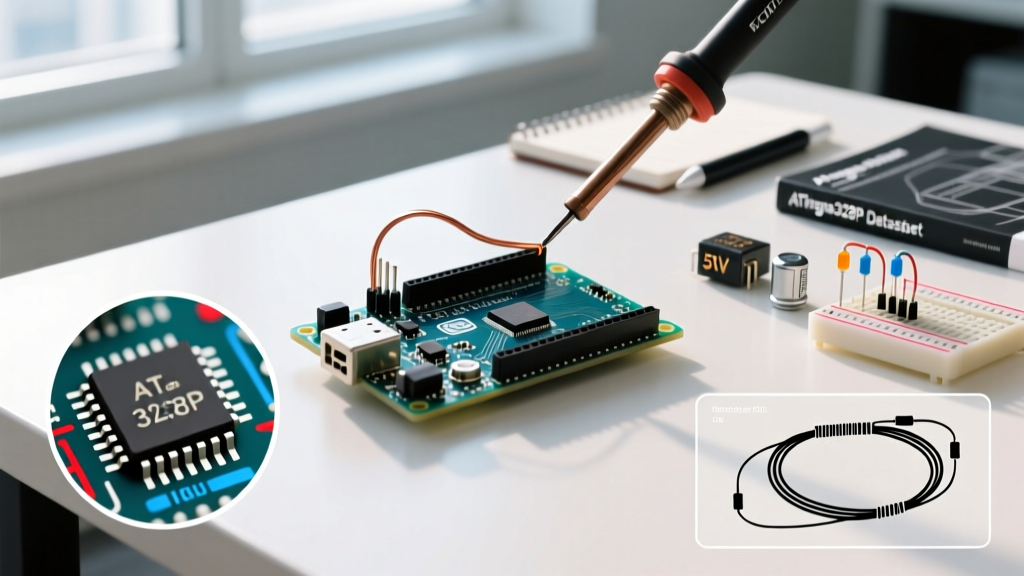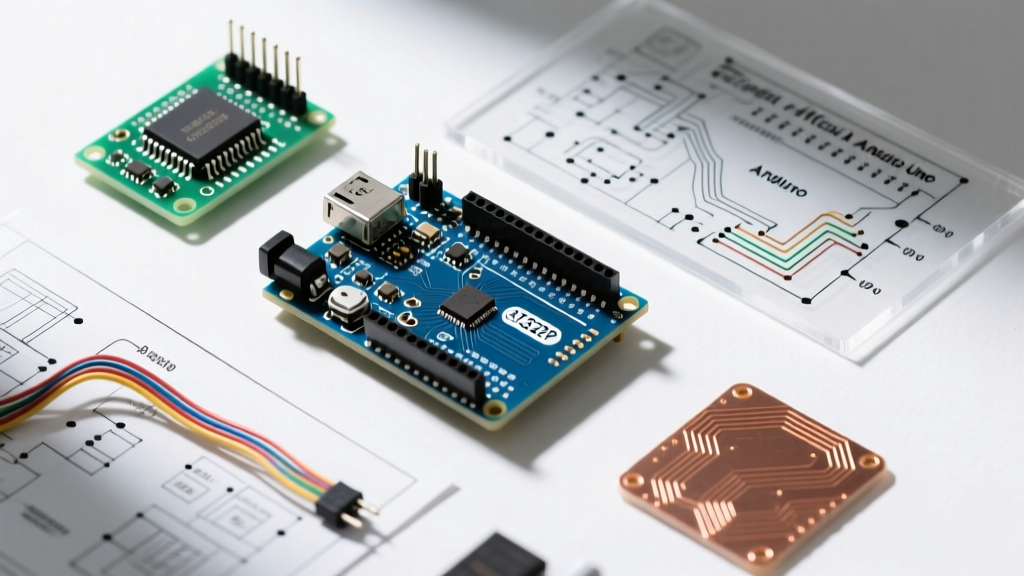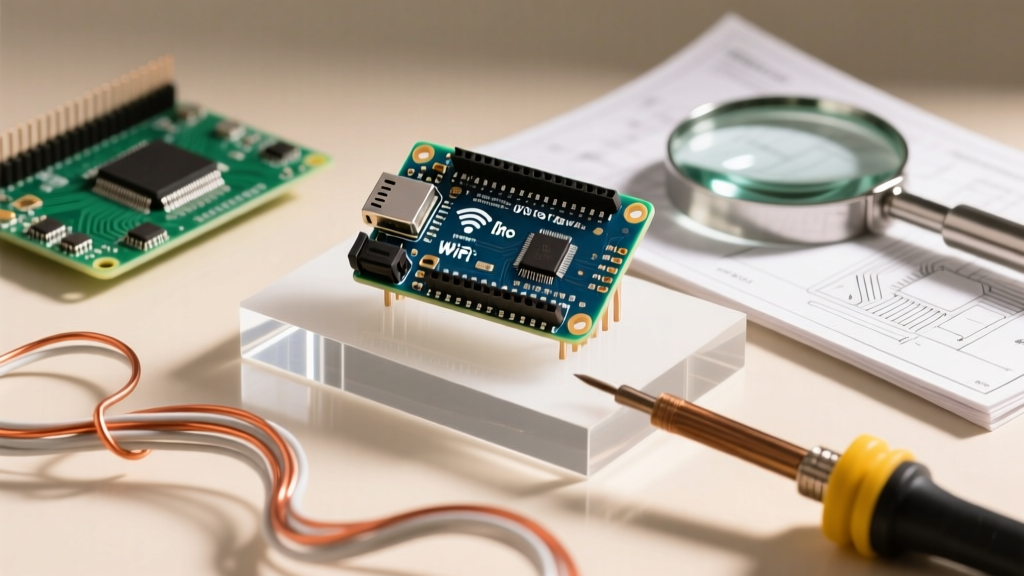

Integrating wireless connectivity into the world's most famous microcontroller board is a rite of passage for makers. However, searching for an Arduino Uno with WiFi reveals a fragmented landscape. Unlike modern SoC boards, the classic Uno was never designed with native wireless capabilities, forcing developers to rely on external modules, shields, and third-party libraries. With the release of the Arduino Uno R4 WiFi, the paradigm shifted, introducing a native ESP32-S3 coprocessor. Yet, thousands of legacy projects and budget-conscious builders still pair classic Uno R3 boards with ESP-01S modules.
This guide dissects the library ecosystems, community support networks, and real-world troubleshooting realities for both approaches in 2026. Whether you are leveraging the official WiFiS3 library or wrestling with AT firmware on a classic board, understanding where to find reliable code and expert help is critical to your project's success.
The Two Paths to an Arduino Uno with WiFi
Before diving into community resources, we must establish the hardware context. The library you choose—and the forum you post to—depends entirely on which hardware path you have taken.
| Feature | Arduino Uno R4 WiFi (Native) | Classic Uno R3 + ESP-01S Module |
|---|---|---|
| Approx. Cost (2026) | $27.50 (Board only) | $26.50 ($24 Uno + $2.50 ESP-01S) |
| WiFi Silicon | ESP32-S3 (Integrated Coprocessor) | ESP8285 (External UART Module) |
| Primary Library | WiFiS3 / ArduinoIoTCloud |
WiFiEspAT / Blynk |
| Community Maturity | Growing (Official Arduino focus) | Mature but fragmented (Decade-old threads) |
| Primary Comm. Hub | Arduino Forum (Uno R4 Category) | Reddit, StackOverflow, GitHub Issues |
Library Ecosystem: What Actually Works?
The biggest hurdle in adding WiFi to an Uno is software abstraction. The community has built dozens of wrappers, but only a few are actively maintained and reliable for production-grade IoT prototypes.
1. The Native Route: WiFiS3 and ArduinoIoTCloud
If you are using the Uno R4 WiFi, the WiFiS3 library is your foundation. Developed officially by Arduino, it mirrors the familiar WiFiNINA API, making migration from older Nano 33 IoT boards seamless. The community support for this library is heavily centralized on the Arduino Forum's Uno R4 category.
For rapid IoT deployment, the community overwhelmingly recommends the ArduinoIoTCloud library. It abstracts away MQTT and TLS handshake complexities, allowing you to sync variables to the Arduino Cloud dashboard with minimal code. However, community members frequently note that the ArduinoIoTCloud library consumes roughly 35% of the R4's 256KB flash memory, which is a vital consideration for data-heavy local logging projects.
2. The Classic Route: WiFiEspAT and PubSubClient
Pairing a classic Uno R3 with an ESP-01S requires bridging the AVR's limited RAM (2KB) with the ESP's TCP/IP stack. The most robust community-vetted approach in 2026 is flashing the ESP-01S with standard Espressif AT firmware and using the WiFiEspAT library on the Uno.
For MQTT messaging, the community gold standard remains the PubSubClient library by Nick O'Leary. While not WiFi-specific, it is the backbone of 90% of Uno-based smart home projects. A common community pitfall: PubSubClient's default MQTT packet buffer is 256 bytes. When Uno users attempt to send large JSON payloads to Home Assistant, the message silently drops. The community fix is manually editing PubSubClient.h to increase MQTT_MAX_PACKET_SIZE to 512 or 1024 bytes.
Community Support & Troubleshooting Hubs
When your code compiles but the serial monitor spits out gibberish, knowing where to ask for help saves hours of frustration. The support ecosystem varies wildly based on your hardware.
- Arduino Official Forum: Best for Uno R4 WiFi hardware defects,
WiFiS3bugs, and OTA (Over-The-Air) update failures. The presence of official Arduino moderators ensures accurate, authoritative answers. - Reddit (r/arduino & r/esp8266): The premier destination for classic Uno + ESP-01S wiring disasters and power supply issues. The community here excels at hardware-level debugging and schematic reviews.
- GitHub Issues (Specific Repos): If you are using third-party wrappers like
BlynkorWiFiEspAT, the GitHub Issues tab is often more active than the main documentation. Searching closed issues for "ESP-01S baud rate" will yield immediate community-provided fixes.
Expert Tip: When asking for help on forums regarding a classic Uno and ESP-01S setup, always state the exact baud rate configured in your AT firmware and the baud rate initialized in your
Serial.begin()statement. Baud rate mismatches account for nearly 60% of all 'module not responding' forum posts.
Real-World Failure Modes & Community Fixes
Theoretical library documentation rarely covers the physical realities of breadboard prototyping. Here are the most common failure modes reported by the community, along with their proven solutions.
The 3.3V Power Brownout (Classic Uno + ESP-01S)
The ESP-01S can draw peak currents of 170mA to 250mA during RF transmission bursts. The classic Arduino Uno R3's onboard 3.3V voltage regulator (often an LP2985 or similar) is typically rated for a maximum of 150mA. When the ESP module attempts to connect to a router, the voltage sags below 2.8V, triggering a brownout reset loop.
The Community Fix: Do not power the ESP-01S directly from the Uno's 3.3V pin. The community standard practice is to use a dedicated AMS1117-3.3 LDO breakout board (costing roughly $0.50), powered from the Uno's 5V or VIN pin, to supply clean, high-current 3.3V to the module's VCC and CH_PD pins.
Logic Level Shifting Neglect
The Uno R3 operates at 5V logic, while the ESP-01S and the Uno R4 WiFi's coprocessor headers expect 3.3V. Feeding 5V into the ESP's RX pin will eventually degrade or destroy the silicon. While the Uno R4 handles level shifting internally for its coprocessor, classic Uno builders must use a bidirectional logic level converter or a simple resistor voltage divider (e.g., 1kΩ and 2kΩ) on the Uno's TX line.
The Elephant in the Room: Should You Just Use an ESP32?
No discussion about an Arduino Uno with WiFi is complete without addressing the community's most frequent advice: "Just buy an ESP32 DevKit." A standard ESP32-WROOM-32 dev board costs around $6.00, features dual-core processing, native WiFi/Bluetooth, and boasts 520KB of SRAM. For standalone IoT projects, the community universally agrees that the ESP32 is superior in cost, performance, and library support (via the ESP32 Arduino Core).
However, the Uno form factor remains relevant when you need to stack legacy shields (like the Adafruit Motor Shield V2) or when you are teaching beginners who need the robust, over-voltage protected I/O pins of the classic Uno architecture. In these specific scenarios, the Uno R4 WiFi or a classic Uno paired with an ESP module remains a vital, well-supported tool in the maker's arsenal.