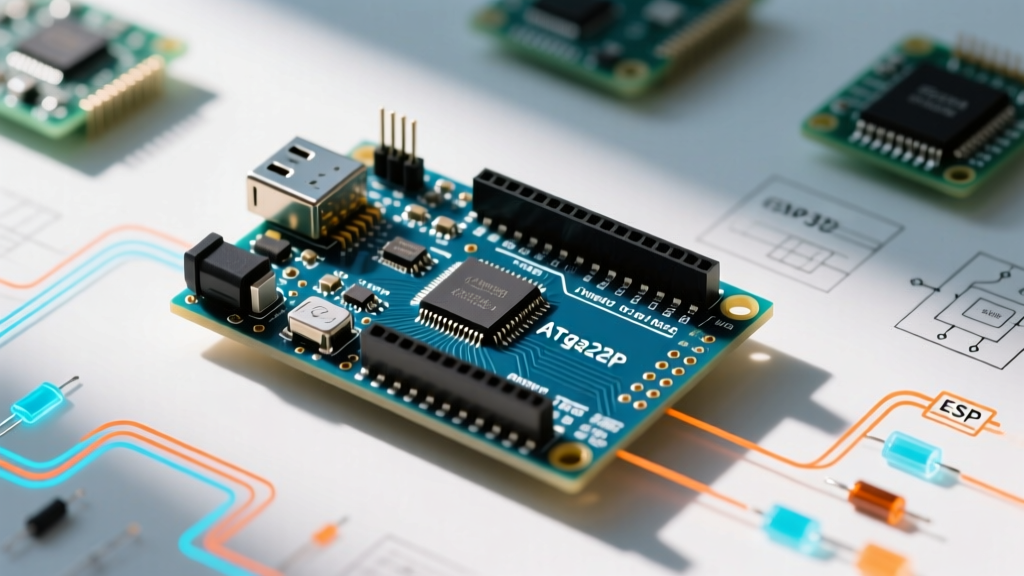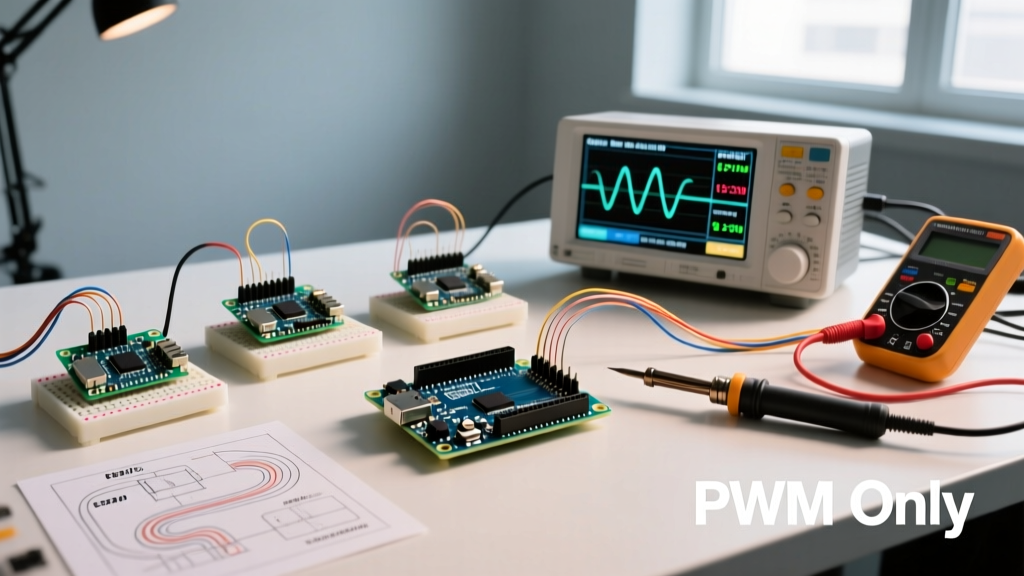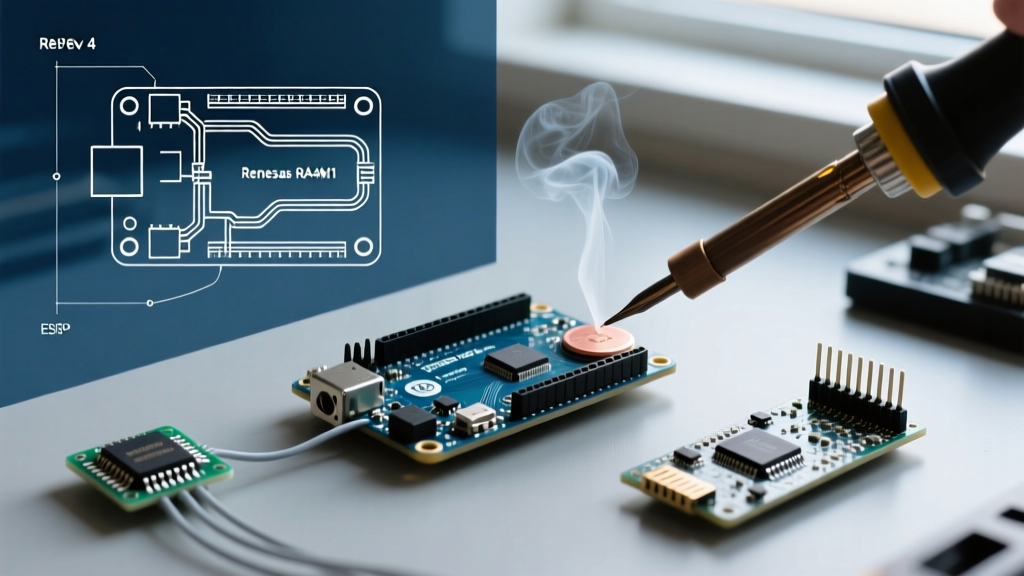

The transition from the legendary ATmega328P to the 32-bit Renesas RA4M1 Arm Cortex-M4 core marked a massive paradigm shift for the maker community. As we navigate the hardware landscape in 2026, the Arduino Uno Rev 4 (commonly referred to as the R4 series) has firmly established itself not just as a standalone microcontroller, but as the center of a vastly expanded, modernized ecosystem. Whether you are building a CAN bus-enabled robotics rover or a cloud-connected environmental monitor, understanding the broader ecosystem of shields, software tools, and library support is critical for project success.
The Core Hardware: Minima vs. WiFi
Before diving into the peripheral ecosystem, it is essential to understand the two primary nodes of the Rev 4 hardware family. Arduino split the lineup to serve both purists who want raw, unadulterated processing power and IoT developers who need immediate wireless connectivity.
| Feature | Uno R4 Minima | Uno R4 WiFi |
|---|---|---|
| Primary MCU | Renesas RA4M1 (Arm Cortex-M4) | Renesas RA4M1 (Arm Cortex-M4) |
| Clock Speed | 48 MHz | 48 MHz |
| Wireless Coprocessor | None | ESP32-S3 (Wi-Fi & Bluetooth 5) |
| Onboard Peripherals | SWD Debug Header | 12x8 LED Matrix, Qwiic Connector, Op-Amp |
| Target Use Case | Motor control, DSP, legacy shield upgrades | IoT dashboards, edge computing, data logging |
Both boards share the same core architecture and pinout, ensuring that custom PCBs designed for the Minima will physically and electrically interface with the WiFi variant without requiring board respins.
Shield Compatibility and the 5V Tolerance Advantage
The most significant ecosystem advantage the Arduino Uno Rev 4 holds over competitors like the ESP32 or the Nano 33 IoT is its native 5V logic level. While the internal Renesas RA4M1 operates at 3.3V, Arduino engineered a custom hardware voltage translation layer on the board. This means you can plug in legacy 5V shields without frying the microcontroller or needing external logic level shifters.
Top Tier Shield Pairings in 2026
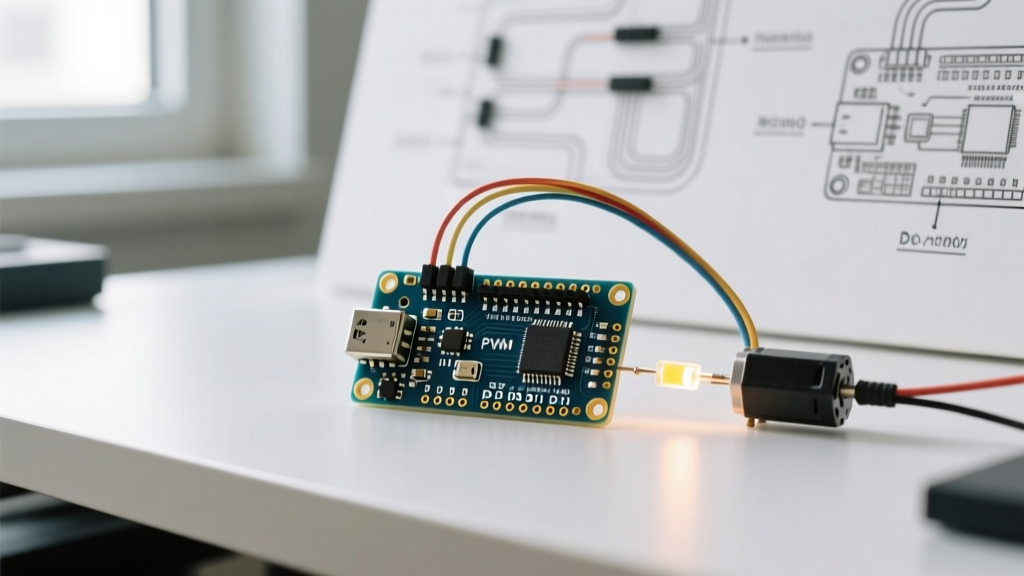
- Arduino Motor Shield Rev3: The Rev 4’s 48 MHz clock allows for much smoother PWM generation for motor control. The dual full-bridge driver (L298) operates flawlessly on the R4, and the increased SRAM (32 KB vs the R3's 2 KB) allows you to implement complex PID control loops without memory overflow.
- Adafruit CAN-BUS FeatherWing (via MCP2515): While the RA4M1 has an internal CAN controller, it requires an external transceiver like the SN65HVD230. If you are using legacy SPI-based CAN shields, the R4’s hardware SPI pins (D11, D12, D13) are perfectly mapped, and the
mcp2515library has been fully patched for Arm Cortex-M compatibility. - SparkFun Qwiic / Adafruit Stemma QT: The Uno R4 WiFi features a built-in I2C Qwiic connector. This eliminates the need for messy jumper wires when integrating BME680 environmental sensors or VL53L1X Time-of-Flight distance sensors directly into the ecosystem.
Hardware Warning: While the digital I/O pins are 5V tolerant, the analog input pins (A0-A5) on the Uno Rev 4 are strictly limited to 3.3V. Feeding a 5V analog signal into A0 will permanently damage the Renesas ADC. Always use a voltage divider for 5V analog sensors.
Software Ecosystem: IDE 2.0 and Cloud Integration
The hardware is only half the story. The Arduino Uno Rev 4 ecosystem is deeply intertwined with Arduino IDE 2.x and the Arduino Cloud platform. The shift to an Arm Cortex-M4 core unlocked professional-grade debugging features that were previously impossible on the AVR-based R3.
Live Debugging via SWD
On the Uno R4 Minima, the 6-pin SWD (Serial Wire Debug) header is exposed near the USB port. By connecting a compatible debug probe like the J-Link EDU, developers can set hardware breakpoints, step through C++ code line-by-line, and inspect memory registers in real-time within IDE 2.0. This drastically reduces troubleshooting time for complex state machines and interrupt service routines (ISRs).
The ESP32-S3 Bridge Architecture
For the WiFi variant, the ecosystem relies on a dual-core approach. The Renasas RA4M1 handles the real-time physics, sensor polling, and actuator control, while the ESP32-S3 acts as a network coprocessor. They communicate via a high-speed internal UART bridge. Using the ArduinoIoTCloud library, developers can map local variables to cloud dashboards without writing a single line of ESP-IDF networking code.
Library Support and Edge Cases: Porting from R3
Moving to the Rev 4 ecosystem requires navigating a few architectural landmines. Because the board uses an Arm core instead of an 8-bit AVR, legacy code relying on direct hardware manipulation will fail to compile or cause silent runtime errors.
Common Failure Modes and Solutions
- Direct Port Manipulation: Code utilizing
PORTD = B10101010;or#include <avr/io.h>will break. Solution: Refactor to usedigitalWriteFast()or standarddigitalWrite()which the R4 core heavily optimizes. - Timer Interrupts: Libraries relying on AVR Timer1 (like the legacy
TimerOnelibrary) are incompatible. Solution: Use the officialFspTimerlibrary or the hardware-agnosticIntervalTimerAPI provided in the R4 core. - PWM Resolution: The R4 defaults to 8-bit PWM for backward compatibility, but the hardware supports 12-bit resolution. Solution: Call
analogWriteResolution(12);in your setup loop to unlock 4,096 discrete steps for ultra-smooth LED dimming or proportional valve control.
Cost Analysis and Sourcing in 2026
Supply chain stabilization over the last few years has made the Arduino Uno Rev 4 highly accessible. Below is the current market pricing for genuine boards and essential ecosystem accessories as of early 2026.
| Component | Estimated Retail Price (USD) | Ecosystem Value |
|---|---|---|
| Arduino Uno R4 Minima | $21.50 | High (Best entry point for 32-bit Arm) |
| Arduino Uno R4 WiFi | $28.90 | Exceptional (Includes ESP32-S3 & LED Matrix) |
| J-Link EDU Mini (SWD Probe) | $18.00 | Crucial for Minima hardware debugging |
| SN65HVD230 CAN Transceiver | $3.50 | Required to unlock native RA4M1 CAN bus |
Note: Beware of clone boards priced under $12. While they may replicate the pinout, they often omit the custom 5V-to-3.3V logic translation ICs, which will result in immediate destruction of the Renesas MCU if a 5V shield is attached.
Final Verdict: Who is the Rev 4 For?
The Arduino Uno Rev 4 ecosystem is no longer just a beginner's learning tool; it is a robust prototyping and low-volume production platform. The introduction of the R4 series successfully bridged the gap between the simplicity of the Uno form factor and the raw computational power demanded by modern edge-AI and DSP applications.
- Choose the Minima if: You are building robotics, need hardware SWD debugging, or require a 12-bit DAC for analog signal generation without the overhead of wireless networking.
- Choose the WiFi if: You are designing IoT telemetry nodes, need the Qwiic ecosystem for rapid sensor integration, or want the visual debugging benefits of the onboard 12x8 LED matrix.
Frequently Asked Questions
Does the Arduino Uno Rev 4 support native USB HID?
Yes. Unlike the R3, which required an ATmega16U2 workaround to emulate a keyboard or mouse, the RA4M1 features native USB. You can use the standard Keyboard.h and Mouse.h libraries directly, making it an excellent choice for custom macro pads and HID controllers.
Can I use the 5V pin to power high-draw motors?
No. The 5V pin on the Rev 4 is tied to the USB VBUS or the onboard 5V regulator, which is capped at roughly 500mA. For high-draw motors or high-torque servos, you must use an external BEC (Battery Eliminator Circuit) or a dedicated motor shield with its own power terminal block.
Is the 12-bit DAC available on all analog pins?
No. The true 12-bit Digital-to-Analog Converter is hardcoded to a single pin (typically mapped to A0/DAC0). The other analog pins can simulate analog output via 12-bit PWM, but they do not output a true continuous voltage wave without an external low-pass RC filter.