
The Legacy of the ATmega328P (And Why It Is Time to Move)
For over a decade, the Arduino Uno Rev 3 has been the undisputed workhorse of the DIY electronics and prototyping world. Built around the Microchip ATmega328P, this 8-bit AVR microcontroller running at 16MHz introduced millions to embedded systems. However, as we navigate the hardware landscape of 2026, the limitations of the Uno Rev 3 are no longer just quirks—they are active bottlenecks. With only 2KB of SRAM, 32KB of Flash memory, and a 10-bit ADC, attempting to run modern sensor fusion algorithms, IoT telemetry stacks, or complex RTOS (Real-Time Operating System) tasks on this board often results in stack overflows and watchdog resets.
Furthermore, the economics have shifted. An official Arduino Uno Rev 3 retails for roughly $27.50, while high-performance alternatives like the Raspberry Pi Pico or ESP32-S3 DevKitC can be acquired for $4 to $8. Migrating your legacy platform to a modern 32-bit MCU is no longer just an upgrade; it is a financial and technical necessity. This guide provides a comprehensive, engineer-level roadmap for migrating your hardware and firmware away from the Uno Rev 3.
Target Platform Selection Matrix
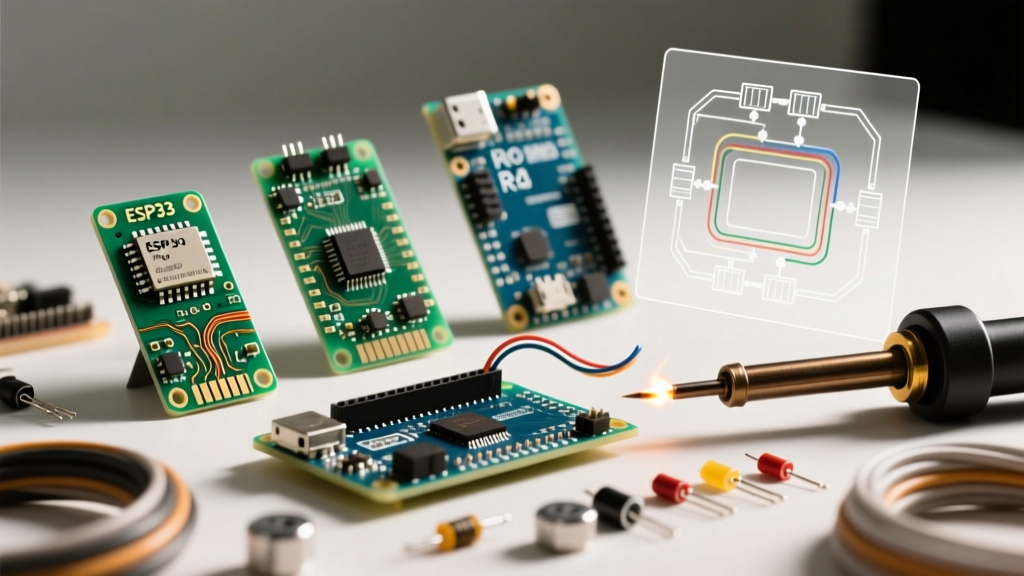
Choosing the right destination board depends entirely on your project's end goal. Below is a technical comparison of the Uno Rev 3 against the three most common migration targets in 2026.
| Feature | Arduino Uno Rev 3 (Legacy) | Arduino Uno R4 Minima | Raspberry Pi Pico (RP2040) | ESP32-S3-DevKitC |
|---|---|---|---|---|
| Core Architecture | 8-bit AVR (ATmega328P) | 32-bit Arm Cortex-M4 (Renesas RA4M1) | 32-bit Dual-Core Arm Cortex-M0+ | 32-bit Dual-Core Xtensa LX7 |
| Clock Speed | 16 MHz | 48 MHz | 133 MHz (Overclockable to 250+) | 240 MHz |
| SRAM / Flash | 2 KB / 32 KB | 32 KB / 256 KB | 264 KB / 2 MB (External) | 512 KB / 8 MB+ (External) |
| Native Logic Level | 5.0V (TTL) | 5.0V (Mostly 5V tolerant) | 3.3V (Strict) | 3.3V (Strict) |
| ADC Resolution | 10-bit (6 channels) | 14-bit (6 channels) | 12-bit (3 channels) | 12-bit (Non-linear extremes) |
| Approx. Cost (2026) | $27.50 | $20.00 | $4.00 - $6.00 | $7.00 - $10.00 |
Hardware Migration: The 5V vs 3.3V Logic Trap
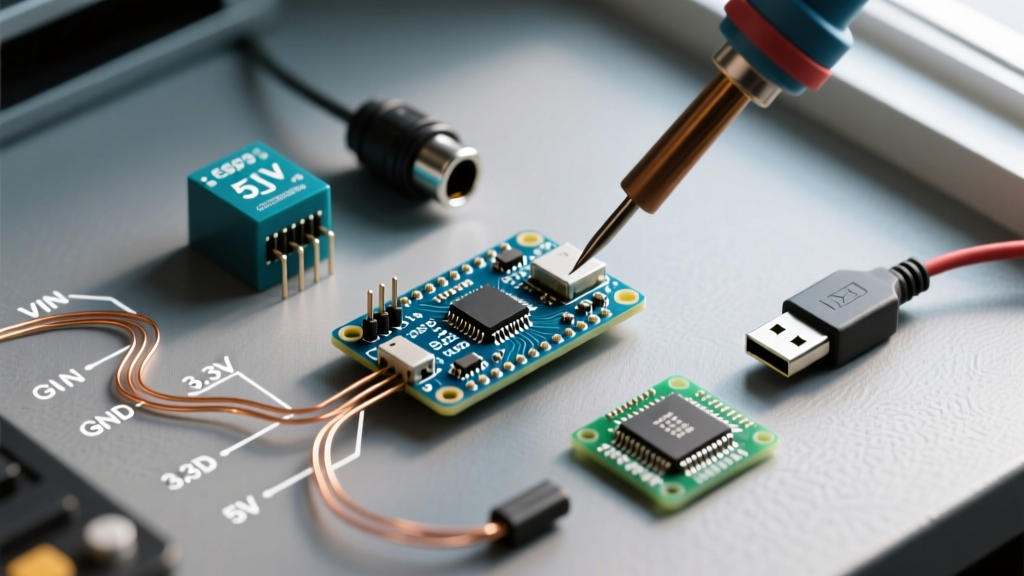
The single most common failure mode when migrating from the Arduino Uno Rev 3 to a modern MCU is logic level mismatching. The Uno Rev 3 operates at 5V logic. If you output a HIGH signal from a Rev 3, it sends 5V down the wire. Modern boards like the Raspberry Pi Pico and ESP32-S3 operate strictly at 3.3V. Feeding 5V into a 3.3V GPIO pin will instantly destroy the silicon.
Auditing Your 5V Peripherals
Before writing a single line of new code, audit your hardware. Many legacy sensors and actuators are hardcoded for 5V:
- HC-SR04 Ultrasonic Sensors: The Echo pin outputs 5V. You must use a voltage divider (e.g., 2kΩ and 3.3kΩ resistors) to drop the Echo signal to ~3.1V before it reaches the Pico or ESP32.
- Standard 16x2 I2C LCDs: Most legacy I2C backpacks require 5V for the backlight and logic. More dangerously, many of these backpacks include 4.7kΩ pull-up resistors tied to 5V on the SDA/SCL lines. Plugging this directly into a 3.3V board will backfeed 5V into your MCU's I2C bus, potentially frying the internal I2C peripheral.
- DS18B20 Temperature Sensors: While the sensor itself can run on 3.3V, if your legacy breadboard wiring ties the 4.7kΩ pull-up resistor to the Uno's 5V rail, you must physically move that resistor to the 3.3V rail of your new board.
Expert Tip: For complex migrations involving multiple 5V I2C and SPI shields, do not rely on resistor dividers. Invest in a dedicated bidirectional logic level converter utilizing BSS138 MOSFETs (such as the SparkFun BOB-12009 or generic TXS0108E breakouts). They cost roughly $1.50 to $3.00 and safely translate entire buses without signal degradation at high baud rates.
Software Porting: Breaking Changes in the Arduino IDE
While the Arduino IDE abstracts much of the hardware, migrating your C++ sketches from the 8-bit AVR architecture to 32-bit ARM or Xtensa architectures requires addressing several fundamental API differences.
1. ADC Resolution and analogRead()
The ATmega328P features a 10-bit Analog-to-Digital Converter, meaning analogRead() returns values from 0 to 1023. The RP2040 and ESP32 use 12-bit ADCs, returning values from 0 to 4095. If your legacy code uses hardcoded thresholds (e.g., if (sensorVal > 800)), your new board will behave erratically.
The Fix: Insert analogReadResolution(10); in your setup() function. This forces the 32-bit board's API to scale the 12-bit hardware reading down to a 10-bit software output, preserving your legacy math.
2. The EEPROM Emulation Problem
The Uno Rev 3 possesses 1KB of true, hardware-level EEPROM. Developers frequently used <EEPROM.h> to save calibration data or network credentials. Neither the RP2040 nor the ESP32 have physical EEPROM; they emulate it using a reserved sector of their external SPI Flash memory.
- For Raspberry Pi Pico: The
EEPROM.put()andEEPROM.get()functions work via the Pico core, but you must callEEPROM.commit()after writing, or the data will only exist in RAM and will be lost on power cycle. - For ESP32-S3: The legacy EEPROM library is deprecated. You must migrate to the
<Preferences.h>library, which utilizes the Non-Volatile Storage (NVS) partition. This requires rewriting your save/load functions to use key-value pairs (e.g.,preferences.putFloat('calib', 1.05)) instead of raw memory addresses.
3. Interrupt Pin Limitations
On the Arduino Uno Rev 3, hardware external interrupts are strictly limited to pins D2 and D3 via attachInterrupt(). Modern 32-bit MCUs are far more flexible. The ESP32-S3 and RP2040 allow you to attach hardware interrupts to almost any GPIO pin. When redesigning your PCB or breadboard layout, you are no longer forced to route interrupt-driven encoders or flow sensors to specific header pins.
Power Delivery: Barrel Jack vs. USB-C
A frequently overlooked aspect of platform migration is power topology. The Uno Rev 3 utilizes a 2.1mm center-positive barrel jack, accepting 7V-12V, which is then dropped to 5V by an onboard NCP1117-5.0 linear regulator. This regulator is highly inefficient; feeding it 12V at a 500mA load will cause it to dissipate 3.5W of heat, often triggering thermal shutdown.
Modern boards like the Raspberry Pi Pico and ESP32 DevKits rely almost exclusively on USB power (5V via Micro-USB or USB-C). If your legacy project is powered by a 9V battery or a 12V wall adapter, you cannot plug this directly into the raw VIN pins of a Pico or ESP32 without an external buck converter (like an LM2596 module set to 5V). Always map your power delivery tree before swapping the brain of your project.
Step-by-Step Migration Workflow
- Audit I/O and Memory: Tally your required GPIOs, hardware UARTs, and SRAM usage. If your Uno sketch uses more than 1.5KB of SRAM, skip the Uno R4 Minima and jump straight to the Pico or ESP32.
- Identify 5V Components: Highlight every sensor and shield on your schematic that requires 5V logic or power.
- Integrate Level Shifters: Wire BSS138 logic level converters between the new 3.3V MCU and any 5V I2C/SPI peripherals.
- Port and Compile: Open the sketch in Arduino IDE 2.x, select the new board manager core, and compile. Address deprecated library warnings (e.g., swapping the legacy
Wire.hbuffer limits if applicable). - Validate ADC and Timing: Use an oscilloscope or logic analyzer to verify that PWM frequencies and ADC thresholds match your physical requirements. The Espressif ESP32-S3 Technical Reference notes that default PWM frequencies differ vastly from the AVR's 490Hz default.
Frequently Asked Questions
Can I just stack my old Uno Rev 3 shields onto a Raspberry Pi Pico?
Physically, the Pico does not use the standard Arduino shield footprint. You will need a Pico-to-Arduino shield adapter board. More importantly, you must verify that the shield does not backfeed 5V logic into the Pico's 3.3V pins. Motor shields with optocouplers are generally safe; I2C displays and 5V logic gates are not.
Why is my I2C bus failing intermittently on the new 3.3V board?
I2C requires pull-up resistors. The Uno Rev 3 often relied on the internal 20kΩ-50kΩ pull-ups of the ATmega328P, or the pull-ups on the shield itself. 3.3V MCUs have weaker internal pull-ups. For reliable I2C communication at 100kHz or 400kHz on a Pico or ESP32, you must add external 4.7kΩ or 2.2kΩ pull-up resistors tied to the 3.3V rail on both SDA and SCL lines.
Is the Arduino Uno R4 WiFi a better migration path than the ESP32?
The Uno R4 WiFi ($27.50) offers a drop-in physical replacement with 5V tolerance and an ESP32-S3 coprocessor for wireless tasks. It is excellent for users who want to keep legacy 5V shields without level shifters. However, for pure IoT deployments where size, power consumption, and cost are priorities, a standalone ESP32-S3 or Pico W remains the superior engineering choice in 2026.