
The Hidden Costs of Platform Migration
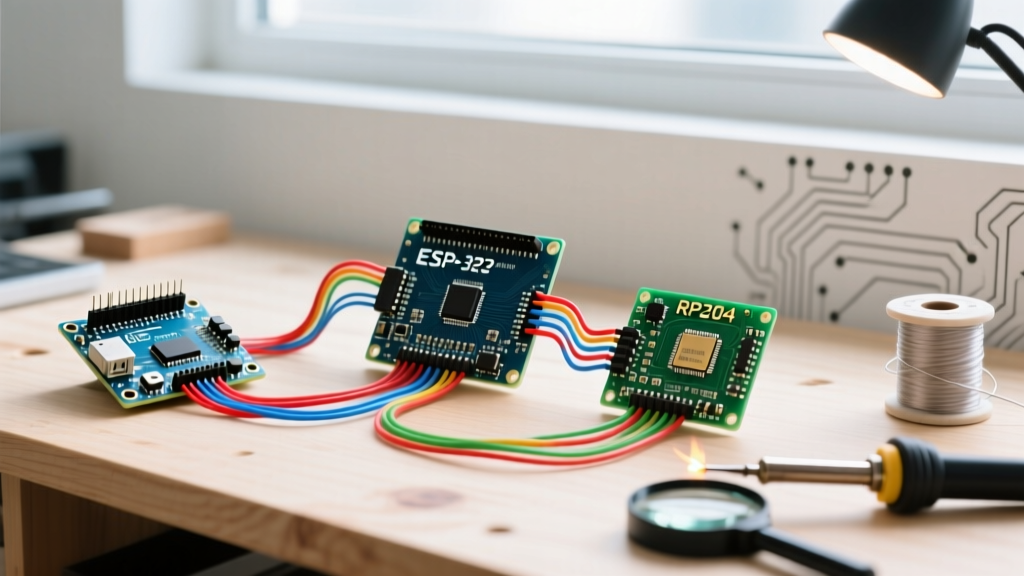
In the maker and embedded engineering communities, there is a persistent trend of migrating away from the classic AVR-based boards toward newer, cheaper, and more powerful alternatives like the ESP32-S3 or the Raspberry Pi RP2040. On paper, the migration makes sense: you get dual-core processors, built-in WiFi 6 or BLE 5.0, and a fraction of the cost. However, when engineering teams and educators actually execute a platform migration, they frequently hit severe hardware and ecosystem walls.
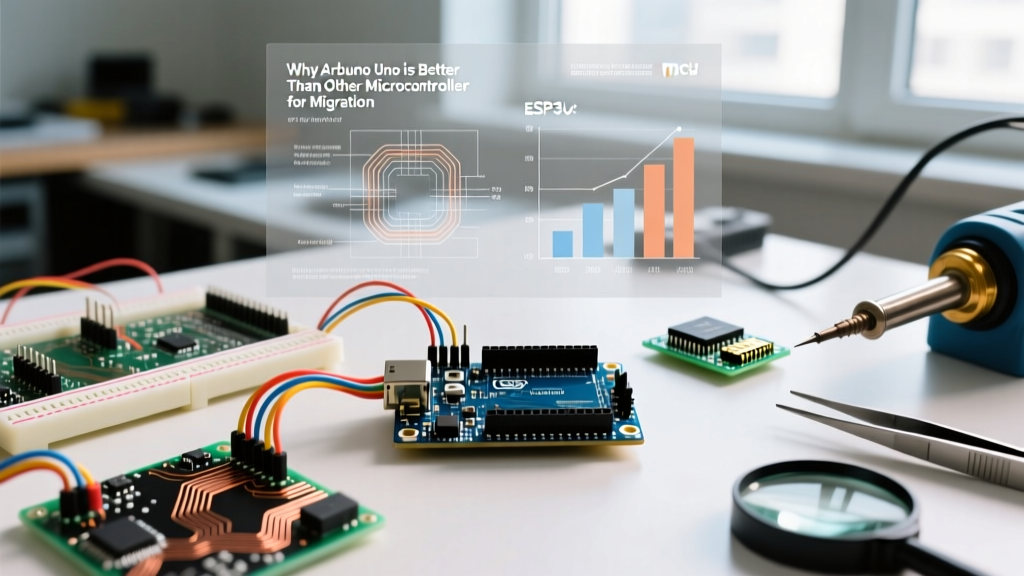
Understanding why the Arduino Uno is better than other microcontrollers requires looking past raw clock speeds and RAM. Whether you are deploying the legacy Uno R3 (ATmega328P) or the modern Uno R4 Minima and WiFi (Renesas RA4M1), the platform offers unmatched frictionless development, native 5V logic tolerance, and an unrivaled shield ecosystem. As of 2026, while newer chips boast impressive specs, the Uno remains the superior baseline for rapid prototyping, educational fleets, and industrial shield integration.
The 5V Logic Tolerance Advantage
The most immediate failure mode when migrating from an Arduino Uno to an ESP32 or Raspberry Pi Pico is the logic level mismatch. The Uno operates natively at 5V. The ESP32 and RP2040 operate at 3.3V, and their GPIO pins are generally not 5V tolerant.
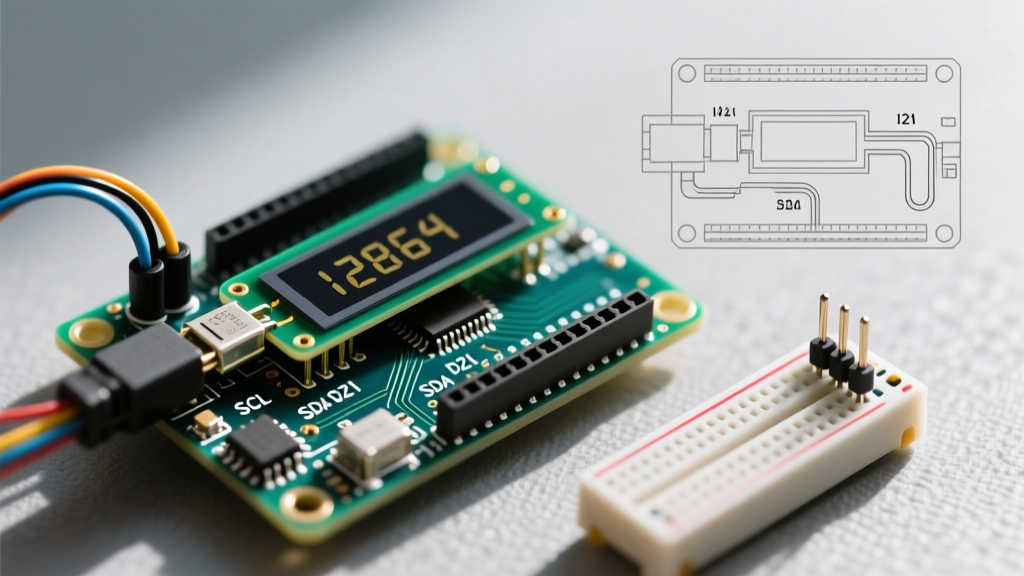
If you are migrating a project that utilizes legacy 5V sensors, I2C displays, or industrial relays, connecting them directly to a 3.3V microcontroller will degrade the silicon over time or cause immediate catastrophic failure. To fix this, engineers must introduce bidirectional logic level shifters.
- Component Cost: Adding a TXB0106 or CD4050 level shifter IC adds $1.20 to $2.50 per board in BOM costs.
- Parasitic Capacitance: Level shifters introduce propagation delays and parasitic capacitance, which can corrupt high-speed SPI or I2C buses running above 400kHz.
- Board Real Estate: On custom PCBs, level shifting requires additional routing, decoupling capacitors, and space, negating the physical footprint advantage of smaller ESP32 modules.
The Arduino Uno R4 maintains backward compatibility with 5V shields while internally running the Renesas RA4M1 core at 3.3V, utilizing built-in hardware voltage translation on specific pins. This hybrid approach eliminates the need for external level-shifting circuitry, saving weeks of PCB revision cycles.
Hardware Ecosystem and Shield Compatibility Matrix
The physical form factor of the Arduino Uno has been the industry standard since 2011. With over 1,500 commercially available shields, migrating to a non-Uno form factor requires designing custom adapter boards or abandoning modular expansion entirely.
| Feature | Arduino Uno R4 WiFi | ESP32-DevKitC V4 | Raspberry Pi Pico W |
|---|---|---|---|
| Native Form Factor | Standard Uno R3 Footprint | Dual-inline breadboard (Non-standard) | DIP-40 Breadboard (Non-standard) |
| Shield Compatibility | 100% Native (with 5V/3.3V switching) | Requires Custom Adapter Shield | Requires Custom Adapter Shield |
| Native Logic Level | 5V Tolerant I/O | 3.3V (Strict) | 3.3V (Strict) |
| Debugging Header | Standard SWD / ICSP | USB-JTAG (Requires specific software) | SWD (Requires soldering/pins) |
| Typical 2026 Retail Price | $27.50 | $6.00 - $9.00 | $6.00 |
While the ESP32 and Pico win on raw unit price, the engineering hours required to design, test, and manufacture a custom shield adapter for a 3.3V board often eclipse the $21 price difference per unit in low-to-medium volume production runs.
ADC Predictability vs. Non-Linearity
When migrating sensor-heavy projects (like environmental monitoring or analog joystick arrays), the Analog-to-Digital Converter (ADC) performance is critical. This is an area where the Arduino Uno consistently outperforms newer, flashier microcontrollers.
The ESP32 ADC Trap
The ESP32 features a 12-bit ADC, but it is notoriously non-linear. According to the official Espressif hardware design guidelines, the ADC accuracy degrades significantly near the upper voltage limits. Even with 11dB attenuation, the readable range is effectively capped around 2.6V to 2.8V, meaning you lose a massive chunk of your resolution if your sensor outputs between 2.8V and 3.3V. Furthermore, the ESP32 ADC is highly susceptible to WiFi radio noise, requiring complex software oversampling and Kalman filtering just to get stable readings.
The Uno R3 and R4 ADC Advantage
The classic Uno R3 (ATmega328P) features a 10-bit ADC that, while lower in resolution, is highly linear and predictable across the entire 0-5V range. The newer Uno R4 upgrades this to a 14-bit ADC via the Renesas RA4M1, offering immense resolution with hardware-level oversampling and a dedicated DAC. For precision analog work, the Uno requires zero software compensation compared to the ESP32. For deeper technical specifications on the R4's analog subsystem, refer to the Arduino Uno R4 WiFi documentation.
The Boot Pin Strapping Headache
One of the most frustrating edge cases in platform migration is dealing with boot strapping pins. Microcontrollers like the ESP32 and ESP8266 use specific GPIO pins to determine the boot mode (e.g., booting from flash vs. entering UART download mode).
Expert Insight: If you migrate a relay-control circuit from an Arduino Uno to an ESP32 and happen to wire your relay to GPIO 12 or GPIO 0, the relay's pull-down or pull-up state during power-on will force the ESP32 into flash mode. The board will fail to boot, and the system will hang silently.
The Arduino Uno does not expose boot-critical strapping pins to the user-facing digital headers. You can wire relays, motors, and inductive loads to any digital pin (D0-D13) without worrying about accidentally bricking the boot sequence. This hardware-level safety net saves countless hours of debugging in educational environments and rapid prototyping scenarios.
True Cost of Migration Analysis
When evaluating why the Arduino Uno is better than other microcontrollers for fleet or curriculum migration, we must calculate the Total Cost of Ownership (TCO), not just the silicon price.
- Curriculum Rewrite Costs: Migrating an educational lab from Uno to Pico requires rewriting hundreds of tutorials, updating pinout diagrams, and retraining staff on MicroPython or C++ SDKs instead of the standardized Arduino IDE.
- Hardware Debugging: The Raspberry Pi Pico datasheet highlights the RP2040's PIO (Programmable I/O) capabilities. While powerful, debugging PIO state machines requires specialized logic analyzers and deep knowledge of hardware timing, whereas the Uno's straightforward AVR/ARM execution is easily debugged with standard serial prints and basic oscilloscopes.
- Supply Chain Stability: The Arduino Uno form factor is manufactured by dozens of third-party clones and official partners globally, ensuring that if one supply chain dries up, pin-compatible replacements are instantly available without PCB redesigns.
Frequently Asked Questions (FAQ)
Should I migrate my Uno R3 project to the Uno R4?
Yes, if you need more RAM (32KB vs 2KB), a faster clock (48MHz vs 16MHz), or native USB-C. The Uno R4 Minima is a drop-in hardware replacement for 95% of R3 shields, though you must verify that your specific code does not rely on direct AVR register manipulation (e.g., PORTB or TIMSK1), as the R4 uses an ARM Cortex-M4 architecture.
Is the ESP32-C6 a better alternative for 5V projects?
The ESP32-C6 offers WiFi 6 and Zigbee, but it remains a 3.3V logic device. You will still require level shifters to interface with legacy 5V industrial equipment, maintaining the hardware friction that the Arduino Uno inherently avoids.
Can I use 3.3V sensors with the Arduino Uno R3?
Yes. While the Uno R3 outputs 5V, most modern 3.3V I2C sensors (like the BME280) have 5V-tolerant I2C lines, or you can simply use a basic I2C level shifter module. However, for analog sensors, you must use a voltage divider to step the 3.3V output down to a safe range for the Uno's 5V analog reference, or change the analog reference pin to 3.3V.