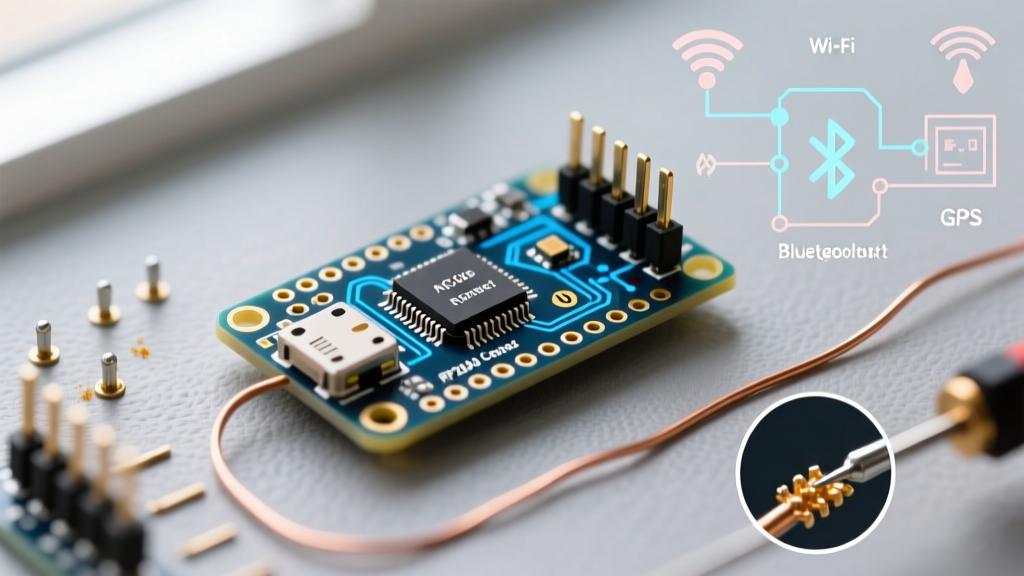

The Quad-Chip Architecture: Beyond a Standard Microcontroller
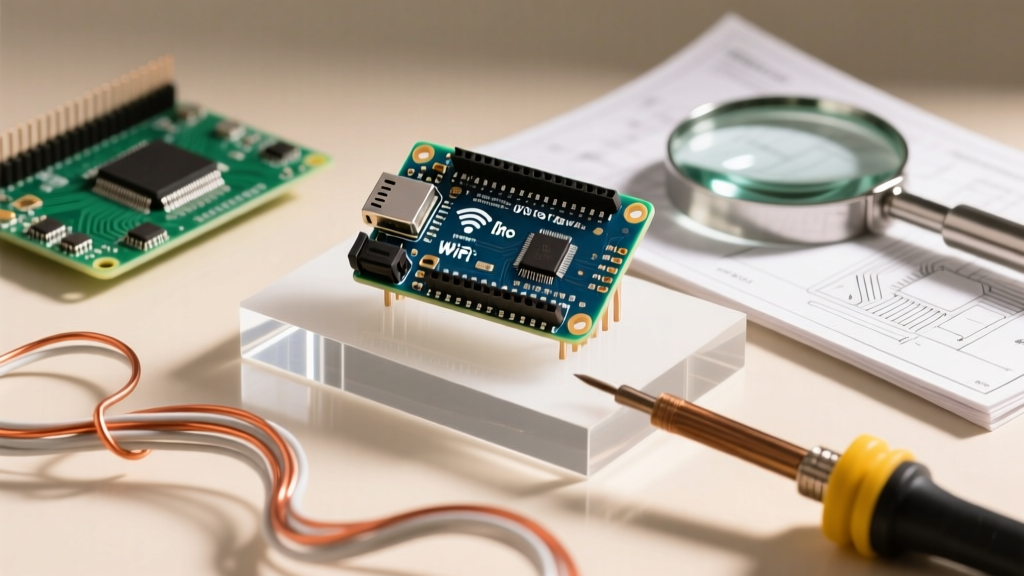
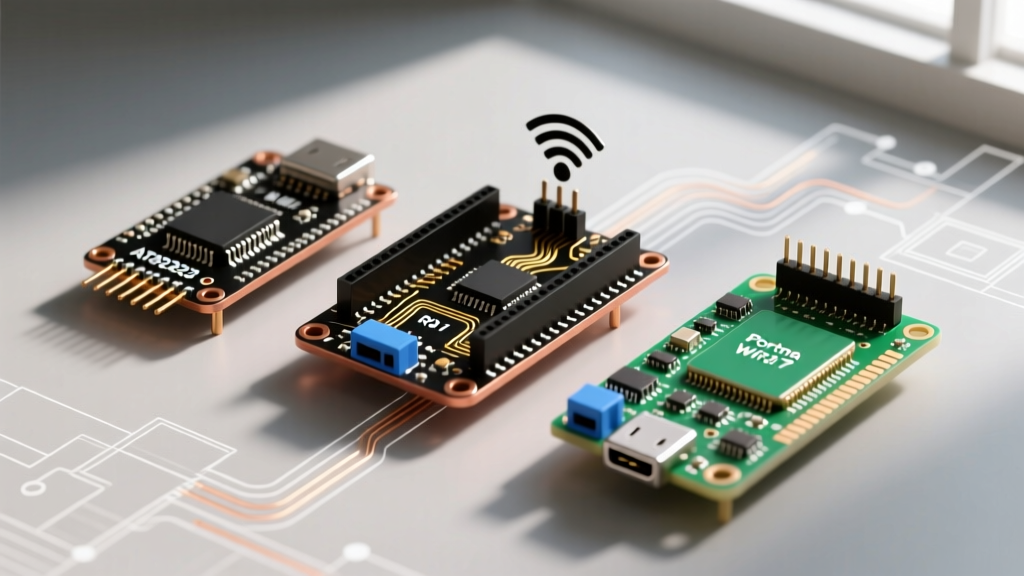
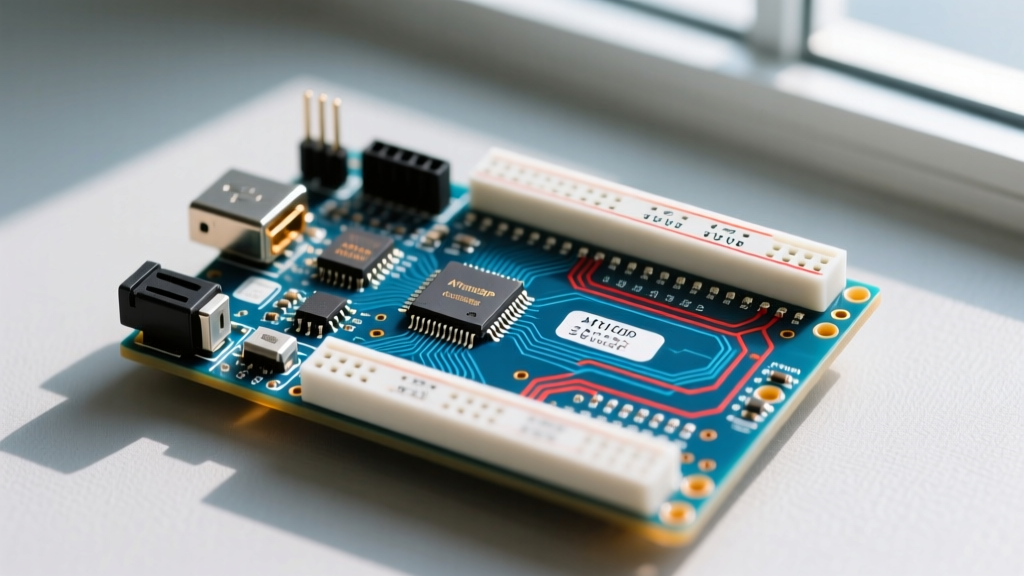
When evaluating development boards for secure IoT edge computing in 2026, the Arduino Nano RP2040 Connect remains a uniquely engineered piece of hardware. Unlike standard microcontroller boards that rely on a single system-on-chip (SoC), this Nano form-factor board utilizes a sophisticated quad-chip architecture. It bridges the gap between raw processing power, wireless connectivity, sensor fusion, and hardware-grade cryptography.
At the heart of the board sits the Raspberry Pi RP2040, featuring a dual-core ARM Cortex-M0+ processor clocked at 133MHz with 264KB of SRAM. According to the official RP2040 datasheet, this MCU provides highly deterministic I/O via its Programmable I/O (PIO) state machines, making it ideal for custom protocol generation. However, the RP2040 lacks native wireless capabilities and hardware encryption accelerators.
To solve this, Arduino integrated three specialized co-processors:
- u-blox NINA-W102: An ESP32-based module handling 802.11 b/g/n Wi-Fi and Bluetooth 4.2 BLE.
- STMicroelectronics LSM6DSOXTR: A 6-axis IMU (accelerometer and gyroscope) featuring a dedicated Machine Learning Core (MLC) and Finite State Machine (FSM).
- Microchip ATECC608A-TNGTLSS-G: A secure cryptographic co-processor for hardware-backed key storage and TLS acceleration.
This combination means the board is not just a microcontroller; it is a complete, secure IoT edge node capable of offloading complex sensor tasks and cryptographic handshakes from the main CPU.
Arduino Nano RP2040 Connect vs. Raspberry Pi Pico W
The most common question from makers and engineers is how this board stacks up against the significantly cheaper Raspberry Pi Pico W. While both utilize the RP2040 MCU, their peripheral architectures target entirely different use cases. Below is a technical comparison matrix to highlight the differences.
| Feature | Arduino Nano RP2040 Connect | Raspberry Pi Pico W | Arduino Nano 33 IoT |
|---|---|---|---|
| Main MCU | RP2040 (Dual Cortex-M0+) | RP2040 (Dual Cortex-M0+) | SAMD21 (Cortex-M0+) |
| Clock Speed | 133 MHz | 133 MHz | 48 MHz |
| Wireless Module | u-blox NINA-W102 (ESP32) | CYW43439 (Infineon) | NINA-W102 (ESP32) |
| Onboard IMU | LSM6DSOXTR (6-Axis + MLC) | None | LSM6DS3 (6-Axis) |
| Onboard Mic | MP34DT05 (PDM) | None | None |
| Crypto Element | ATECC608A (Secure) | None | ATECC608A (Secure) |
| Approx. Price (2026) | $21.50 - $24.00 | $6.00 - $8.00 | $18.00 - $20.00 |
Insight: If your project requires simple Wi-Fi telemetry (e.g., sending temperature data to a dashboard), the Pico W is the undisputed value champion. However, if your application demands motion-based wake-ups, voice-triggered automation via the PDM microphone, or enterprise-grade TLS security without exposing private keys in flash memory, the Nano RP2040 Connect justifies its premium price tag.
Real-World Power Profiling & The Voltage Sag Trap
Power management on the Nano RP2040 Connect requires careful attention to hardware design, particularly when deploying in battery-operated or remote IoT scenarios. The board's compact 45 x 18mm footprint limits the width of its copper power traces, leading to a specific failure mode that catches many developers off guard.
Edge Case: Wi-Fi Transmission Voltage Sag
When the NINA-W102 module initiates a Wi-Fi transmission burst, its current draw spikes from a baseline of ~25mA to between 160mA and 180mA. If you are powering the board via a standard USB cable with thin 28AWG internal wiring, the resistance of the cable causes the 5V VBUS line to drop to 4.2V or lower. The onboard MP2322 step-down converter requires a minimum headroom to maintain a stable 3.3V rail. When VBUS sags, the 3.3V rail dips below 2.9V, triggering a brownout reset on the RP2040.
Troubleshooting Tip: If your Nano RP2040 Connect randomly resets or drops off the network exactly when executing
WiFiClient.print(), do not assume a software bug. Swap to a high-quality 20AWG USB cable, or solder a 220µF low-ESR tantalum capacitor directly across the 5V and GND header pins to absorb the transient RF spikes.
In deep sleep mode, with the NINA module powered down via the WiFi.end() and LowPower.attachInterruptWakeup() routines, the board draws approximately 1.8mA. To achieve true microamp-level sleep, you must physically cut the VUSB pad trace on the underside of the board and power it via a regulated 3.3V source on the 3V3 pin, bypassing the onboard LDO's quiescent current.
Sensor Fusion: Leveraging the LSM6DSOXTR MLC
The inclusion of the STMicroelectronics LSM6DSOXTR is a massive advantage for edge-AI applications. Unlike older IMUs that require the main MCU to constantly poll raw X/Y/Z accelerometer data (wasting CPU cycles and power), the LSM6DSOXTR features an embedded Machine Learning Core (MLC) and Finite State Machine (FSM).
You can train a decision tree using ST's MEMS Studio software to recognize specific gestures—such as a 'double tap', 'device tilt', or 'vibration anomaly'. This logic is flashed directly into the IMU's internal registers. The sensor then operates autonomously, drawing less than 10µA, and only fires a hardware interrupt to wake the RP2040 when the exact physical pattern is detected. This is invaluable for asset-tracking and predictive maintenance nodes where battery life is measured in years, not days.
Hardware Cryptography: The ATECC608A Advantage
Securing IoT devices in 2026 requires moving beyond hardcoded software certificates. The official Arduino Nano RP2040 Connect documentation highlights the integration of the ATECC608A secure element. This chip generates and stores private keys in an isolated, tamper-resistant hardware vault.
When connecting to AWS IoT Core, Azure IoT Hub, or the Arduino IoT Cloud, the TLS handshake requires the device to sign a challenge using its private key. With the ATECC608A, the private key never leaves the secure element. The RP2040 sends the challenge data to the crypto chip via I2C, the chip performs the ECDSA signature internally, and returns only the signed hash. Even if an attacker dumps the entire 16MB flash memory of the RP2040, they cannot extract the cryptographic keys, rendering cloned devices useless on your network.
Firmware Management: Avoiding the NINA-W102 Brick
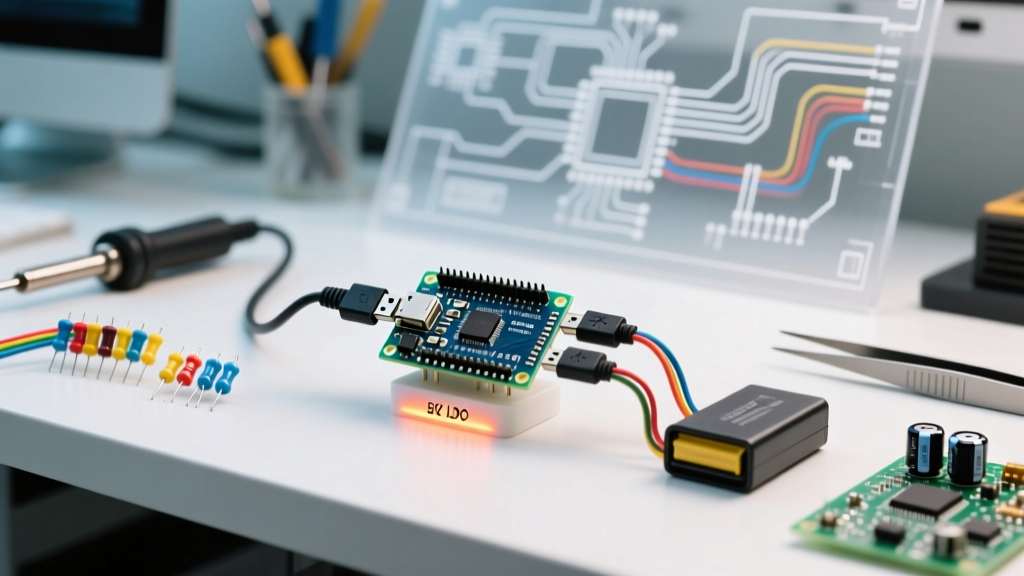
One of the most critical maintenance tasks for this board is updating the NINA-W102 firmware. Because the ESP32-based module does not have a direct USB connection to the host PC, it relies on a 'passthrough' architecture. The RP2040 acts as a USB-to-Serial bridge, routing data from the IDE to the NINA module via internal SPI/UART lines.
Warning: The firmware update process takes roughly 3 to 4 minutes. If the USB connection drops, or if the PC goes to sleep during this window, the NINA module's bootloader can become corrupted. A bricked NINA module will result in the RP2040 throwing continuous WL_NO_SHIELD errors in the Serial Monitor.
Recovery Protocol:
- Open the Arduino IDE and navigate to File > Examples > WiFiNINA > Tools > FirmwareUpdater.
- Upload the passthrough sketch to the RP2040.
- Open the IDE's 'WiFi101 / WiFiNINA Firmware Updater' tool (found in the IDE 1.x tools menu or via the Arduino Cloud agent).
- Select the correct COM port and the latest NINA firmware version (typically 1.5.0 or newer for 2026 compatibility).
- Ensure your PC's sleep settings are disabled, and use a direct motherboard USB port (avoid unpowered hubs) to guarantee stable voltage during the flash cycle.
Final Verdict: Who Should Buy This Board?
At approximately $21.50 to $24.00 depending on regional distributors and Arduino Store availability, the Arduino Nano RP2040 Connect is not a board for blinking LEDs or learning basic C++ syntax. The Raspberry Pi Pico W or standard Nano ESP32 are far more economical for those tasks.
Instead, this board is a specialized tool for professional engineers, advanced makers, and industrial prototypers who need a unified, breadboard-friendly platform that combines high-speed dual-core processing, low-power sensor fusion, and enterprise-grade hardware security. If your next project involves secure cloud telemetry, battery-powered motion tracking, or edge-ML audio processing, the Nano RP2040 Connect remains an unparalleled choice in its form factor class.