
The Native USB Advantage: Why the Leonardo Still Matters
When building USB Human Interface Device (HID) projects like custom macro pads, MIDI controllers, or automated testing jigs, the Arduino Leonardo remains a foundational platform. Unlike the Arduino Uno, which relies on a secondary ATmega16U2 chip to bridge serial communication, the Leonardo utilizes the ATmega32U4 microcontroller. This chip features native USB communication built directly into the silicon.
This architectural difference means the Leonardo can emulate a keyboard, mouse, or gamepad natively via the Keyboard.h and Mouse.h libraries without requiring custom firmware flashing or third-party V-USB hacks. However, as we navigate the 2026 maker market, hobbyists and engineers face a critical decision: should you pay the premium for the official Italian-manufactured board, or rely on the flood of ultra-cheap ATmega32U4 clones from overseas marketplaces? Let us break down the hardware realities, failure modes, and premium alternatives.
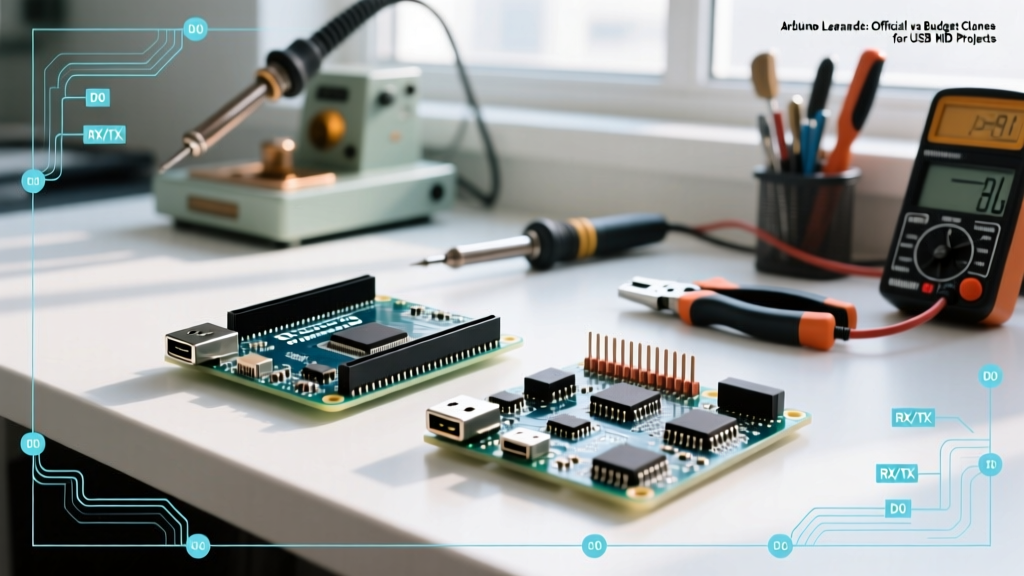
Component-Level Breakdown: Official vs. Budget Clones
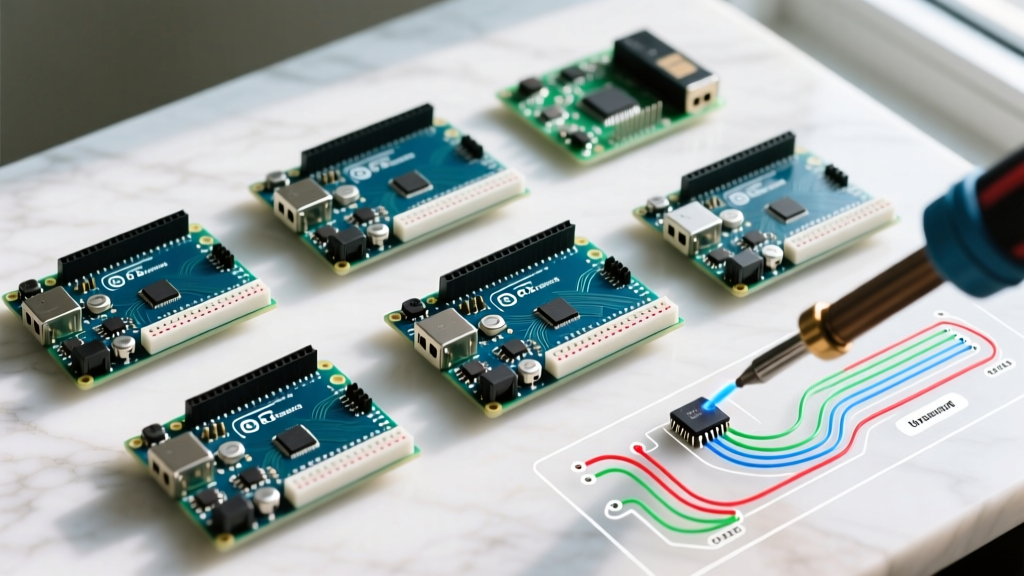
Not all ATmega32U4 boards are created equal. While the silicon might be identical, the supporting circuitry—specifically the voltage regulation, USB shielding, and bootloader implementation—varies wildly. Below is a hardware comparison matrix reflecting current 2026 market availability and pricing.
| Hardware Feature | Official Leonardo (A000057) | Budget Generic Clone | SparkFun Pro Micro (5V/16MHz) |
|---|---|---|---|
| Core MCU | ATmega32U4 | ATmega32U4 | ATmega32U4 |
| Average 2026 Price | $28.50 | $4.50 - $7.00 | $19.95 |
| USB Connector | Micro-B (Through-hole reinforced) | Micro-B (Weak SMD pads) | Micro-B (Moderate SMD) |
| 5V Voltage Regulator | NCP1117ST50T3G (500mA) | Unmarked SOT-223 (High failure rate) | NCP1117 (500mA) |
| Polyfuse Protection | 500mA Resettable (Bourns) | Often omitted or undersized | 500mA Resettable |
| Bootloader | Caterina (Factory Signed) | Caterina (Frequently buggy VID/PID) | Caterina (Optimized) |
Real-World Failure Modes on $5 Clones
If you are buying a budget Leonardo clone for a permanent installation or a commercial prototype, you must account for specific hardware edge cases that plague cheap manufacturing runs:
- The SMD USB Port Tear-Off: Budget clones almost exclusively use surface-mount device (SMD) micro-USB connectors without through-hole anchor legs. After 5 to 10 cable insertions, the mechanical stress fractures the solder joints, permanently disconnecting the data lines. Actionable fix: Always use a short Type-C to Micro-USB pigtail adapter and secure the cable with a zip-tie to the board's mounting holes to relieve strain.
- Regulator Thermal Throttling: The official Leonardo uses an NCP1117 linear regulator with a thermal pad connected to the ground plane. Clones often use unmarked, generic SOT-223 regulators with no thermal vias. If your project draws more than 250mA from the 5V pin (e.g., powering an OLED display and a few WS2812B LEDs simultaneously), the clone's regulator will overheat, drop the voltage to 4.2V, and cause the ATmega32U4 to brown out and reset continuously.
- Missing Polyfuses: The official board includes a 500mA resettable polyfuse to protect your host computer's USB port from short circuits. Many sub-$5 clones omit this component entirely to save fractions of a cent. A dead short on a clone's 5V pin can fry your motherboard's USB controller.
The Infamous 'Disappearing COM Port' Edge Case
Every Leonardo user eventually encounters the 'disappearing port' bug. Because the ATmega32U4 handles USB directly in software rather than via a dedicated hardware bridge, a poorly written sketch can crash the USB stack before the IDE can establish a serial handshake for the next upload.
Expert Troubleshooting Protocol: If your Leonardo clone vanishes from the Arduino IDE port list after uploading faulty code, do not panic. The CDC serial port only initializes if the main loop runs cleanly.
The Fix: Press the physical reset button on the board twice in rapid succession. This forces the Caterina bootloader into an 8-second listening window. Watch the IDE's bottom right corner for the bootloader COM port (which is often a different port number than the standard CDC port), and immediately click 'Upload' during that 8-second window.
Premium Upgrades: When the Leonardo Isn't Enough
While the Leonardo is excellent for basic keyboard macros, modern 2026 projects often demand higher processing speeds, native USB Host capabilities, or smaller form factors. If you find the 16MHz ATmega32U4 bottlenecking your project, consider these premium alternatives:
1. Teensy 4.0 (The USB Powerhouse)
Priced around $33.50, the Teensy 4.0 features an ARM Cortex-M7 running at 600MHz. Unlike the Leonardo, which can only act as a USB device, the Teensy 4.0 features a dedicated USB Host port. This allows you to plug standard USB keyboards, mice, or MIDI synths directly into the Teensy, read their inputs, and process them with microsecond latency. It is the undisputed king of complex MIDI routing and high-speed data logging.
2. Adafruit ItsyBitsy 32u4 (The Premium Clone)
If you need the exact same ATmega32U4 architecture but require a smaller footprint and better build quality, the Adafruit ItsyBitsy 32u4 ($14.95) is the ideal middle ground. It shrinks the Leonardo down to the size of a Pro Micro but includes Adafruit's signature premium components, a built-in NeoPixel for debugging, and a robust 5V regulator capable of handling 500mA safely. It bridges the gap between the fragile budget clones and the bulky official Leonardo.
Step-by-Step: Flashing Your First HID Sketch Safely
To avoid locking yourself out of your board when testing HID capabilities, follow this failsafe flashing procedure:
- Include a Hardware Kill-Switch: Wire a physical toggle switch to Digital Pin 12. In your
setup()function, set Pin 12 asINPUT_PULLUP. Write anifstatement that completely bypasses theKeyboard.begin()function if the switch is grounded. This ensures you can always disable the HID emulation if your code starts spamming keystrokes and locks up your host OS. - Add a Boot Delay: Insert
delay(2000);at the very top of yoursetup()loop. This gives the host OS 2 seconds to enumerate the USB device and load the correct HID drivers before the microcontroller starts sending interrupt requests. - Verify Board Definitions: Ensure you have selected 'Arduino Leonardo' under the Boards menu. If using a SparkFun Pro Micro clone, you must install the SparkFun AVR Boards package via the Boards Manager to access the correct 5V/16MHz compiler flags.
Final Verdict: Where Should You Spend Your Money?
If you are a beginner learning the basics of USB HID, or if you are building a one-off prototype on a breadboard, the Official Arduino Leonardo at $28.50 is worth the premium. The reinforced USB port, reliable voltage regulation, and guaranteed bootloader signatures will save you hours of frustrating troubleshooting.
However, if you are manufacturing a custom PCB and just need the ATmega32U4 schematic reference, or if you are building a disposable macro pad where a broken USB port is a minor inconvenience, the $5 budget clones are perfectly adequate. Just remember to design your enclosure to eliminate physical strain on the Micro-USB connector, and never rely on the clone's onboard 5V regulator to power high-current peripherals.