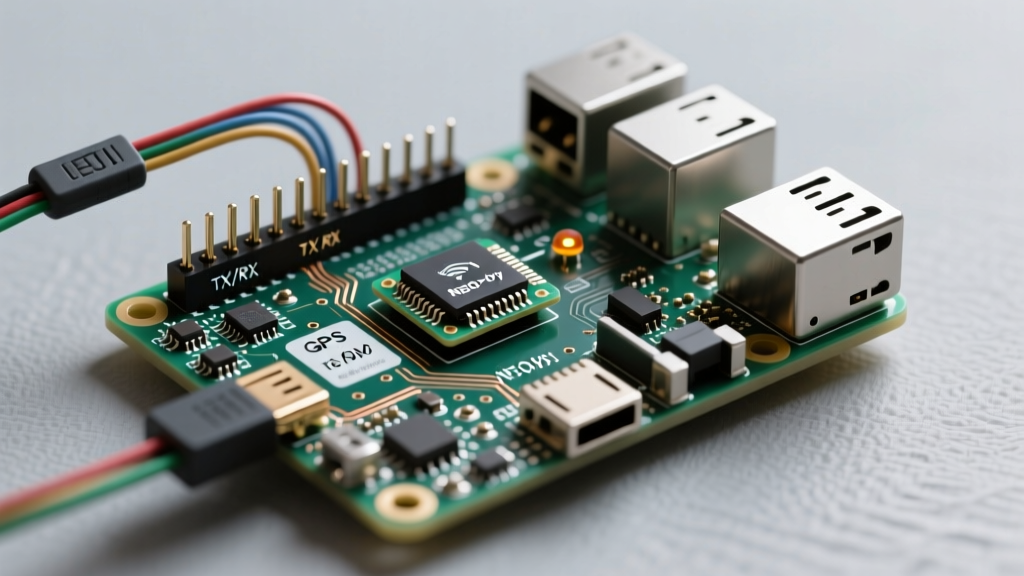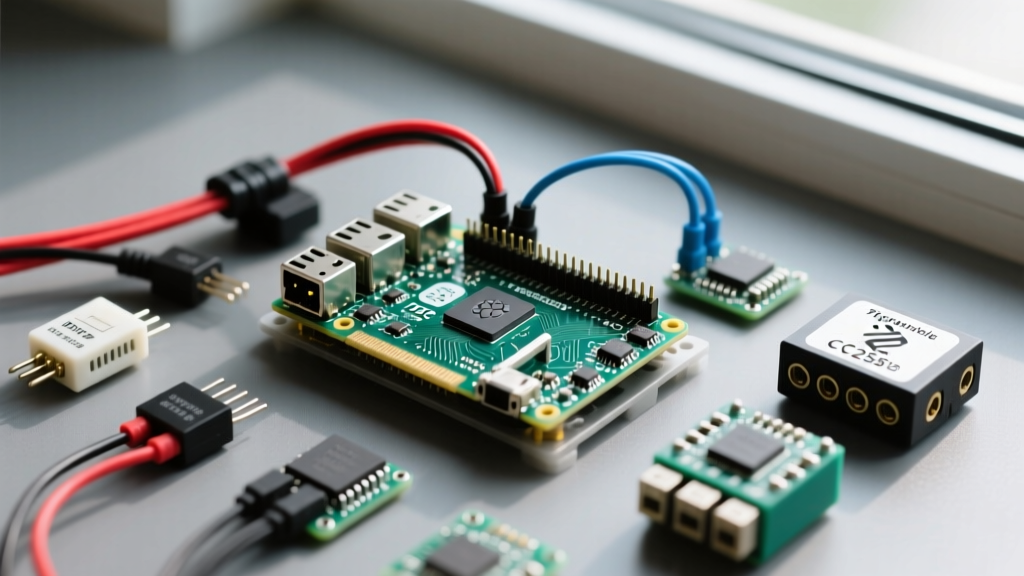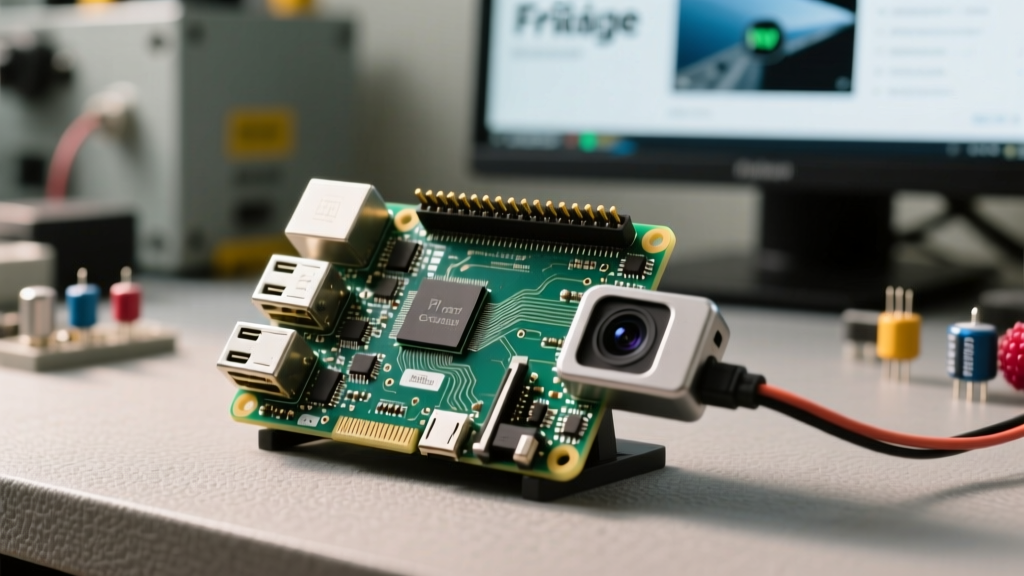

The Shift to Local AI: Why Frigate Dominates Raspberry Pi Security Cameras
Building raspberry pi security cameras has evolved significantly over the last few years. The days of relying on CPU-bound, pixel-difference software like MotionEyeOS are over. In 2026, the undisputed gold standard for local, privacy-focused NVR (Network Video Recorder) setups on single-board computers is Frigate. Frigate leverages localized machine learning to distinguish between humans, vehicles, and animals, drastically reducing the false positives that plague traditional motion detection.
This software walkthrough will guide you through deploying a production-grade Frigate NVR instance on a Raspberry Pi 4 or 5, utilizing hardware-accelerated decoding and the Google Coral TPU for real-time inference.
Evaluating the NVR Software Stack for Single-Board Computers
Before diving into the terminal, it is critical to understand why Frigate is the optimal choice for Pi-based deployments compared to legacy alternatives.
| NVR Software | AI Object Detection | Pi Hardware Accel Support | Current Status |
|---|---|---|---|
| Frigate | Native (Coral TPU, OpenVINO, TensorRT) | Excellent (V4L2 stateful decoding) | Active / Industry Standard |
| MotionEyeOS | None (Pixel-difference only) | Poor (High CPU usage) | Deprecated / Abandoned |
| Shinobi | Plugin-based (Heavy resource overhead) | Moderate (Requires manual FFmpeg flags) | Active (Better for x86) |
| Kerberos.io | Native (TensorFlow) | Good | Active (Enterprise focus) |
As the table illustrates, Frigate's native integration with the Raspberry Pi's hardware video decoder and the Google Coral USB Accelerator makes it the most resource-efficient choice for raspberry pi security cameras.
Prerequisites: Hardware and OS Baseline
To ensure smooth 1080p/30fps decoding and AI inference, your hardware baseline must meet specific criteria:
- SBC: Raspberry Pi 4 (4GB/8GB RAM) or Raspberry Pi 5.
- OS: Raspberry Pi OS Lite (64-bit, Bookworm). The GUI consumes roughly 400MB of RAM and unnecessary GPU memory; the Lite version is mandatory for NVR stability.
- AI Accelerator: Google Coral USB Accelerator. While Frigate can use the Pi's CPU for inference, it will bottleneck at roughly 2-3 FPS across all cameras. The Coral TPU pushes this to 100+ FPS.
- Storage: A high-endurance microSD card (e.g., SanDisk High Endurance) for the OS, and an external USB 3.0 SSD for Frigate's media cache and recordings.
Step 1: Preparing the OS and Mounting the SSD
Flash the 64-bit Lite OS using Raspberry Pi Imager. Ensure you enable SSH and configure your Wi-Fi/Ethernet in the advanced settings. Once booted and connected via SSH, update the system:
sudo apt update && sudo apt upgrade -y
sudo apt install docker.io docker-compose-plugin -y
sudo usermod -aG docker $USER
Next, format your external USB SSD to ext4 and mount it to /mnt/frigate_media. Edit your /etc/fstab to ensure it mounts on boot. This prevents SD card corruption from constant video I/O writes.
Step 2: Docker Compose and Coral TPU Passthrough
Create a directory for your Frigate configuration and set up the Docker Compose file. The Coral USB device must be passed through to the container.
mkdir -p ~/frigate/config
mkdir -p /mnt/frigate_media
cd ~/frigate
nano docker-compose.yml
Paste the following configuration. Note the devices mapping, which is critical for the Coral TPU to be recognized inside the Docker environment.
version: "3.9"
services:
  frigate:
    container_name: frigate
    image: ghcr.io/blakeblackshear/frigate:stable
    restart: unless-stopped
    privileged: true
    shm_size: "256mb" # Prevents shared memory crashes with multiple RTSP streams
    devices:
      - /dev/bus/usb:/dev/bus/usb # Passes the Coral USB
      - /dev/video11:/dev/video11 # Required for Pi hardware decoding
    volumes:
      - /etc/localtime:/etc/localtime:ro
      - ./config:/config
      - /mnt/frigate_media:/media/frigate
    ports:
      - "5000:5000" # Web UI
      - "8554:8554" # RTSP feeds
      - "8555:8555/tcp" # WebRTC
      - "8555:8555/udp"
Step 3: Configuring Hardware-Accelerated RTSP Decoding
The most common failure mode for raspberry pi security cameras is CPU throttling due to software-based video decoding. You must instruct FFmpeg to use the Pi's V4L2 stateful decoder. Create your config.yml file:
mqtt:
  enabled: true
  host: 192.168.1.50 # Your Home Assistant / Mosquitto IP
  port: 1883
  topic_prefix: frigate

ffmpeg:
  hwaccel_args: preset-rpi-64-h264

detectors:
  coral:
    type: edgetpu
    device: usb

cameras:
  front_driveway:
    ffmpeg:
      inputs:
        - path: rtsp://admin:password@192.168.1.100:554/stream1
          roles:
            - detect
            - record
    detect:
      width: 1920
      height: 1080
      fps: 15
Expert Insight: Notice the preset-rpi-64-h264 argument. Older tutorials will tell you to use -c:v h264_v4l2m2m. That flag is deprecated in modern FFmpeg builds for Raspberry Pi OS Bookworm. Using the Frigate preset ensures compatibility with the latest kernel drivers.
Step 4: Home Assistant Integration and WebRTC
Frigate communicates with Home Assistant via MQTT. Ensure you have the Mosquitto broker add-on running in Home Assistant and install the official Frigate Integration via HACS. For live viewing, traditional HLS streams introduce a 5-to-10-second latency. To achieve sub-second latency for your security cameras, utilize Frigate's native WebRTC (birdseye) view, which leverages the UDP port 8555 exposed in our Docker Compose file.
Troubleshooting Common Pi NVR Bottlenecks
Pro-Tip: The Google Coral USB Accelerator runs notoriously hot. If your inference speeds suddenly drop from 15ms to 100ms+ after 30 minutes of operation, the TPU is thermal throttling. Mount a small 5V heatsink or direct a passive airflow from your Pi's case fan directly onto the Coral dongle.
Shared Memory (shm-size) Errors
If your Frigate container constantly restarts and the logs show Bus error or shmat failed, your shared memory is too small. Docker defaults to 64MB. For every 1080p camera you add, increase the shm_size in your docker-compose.yml by at least 128MB. For three 1080p cameras, set it to "512mb".
SD Card I/O Bottlenecks
Never store Frigate's /media/frigate directory on the Pi's microSD card. The constant writing of 24/7 video segments and event clips will exhaust the flash memory's write cycles within months, leading to kernel panics and corrupted databases. Always route media paths to an external SSD or a NAS via NFS/SMB mounts.
Final Thoughts on Local Security
By combining the Raspberry Pi's low power consumption with Frigate's advanced AI object detection, you create a robust, localized security apparatus. This setup ensures your private camera feeds never touch a third-party cloud server, granting you total ownership of your home security data while maintaining enterprise-grade detection accuracy.