
Building a robust, localized smart home requires more than just flashing an operating system onto a microSD card and hoping for the best. The classic Home Assistant Raspberry Pi setup has evolved dramatically over the last few years. What started as a lightweight Python-based hobby project has transformed into a comprehensive, containerized ecosystem capable of running local AI voice assistants, Zigbee mesh networks, and machine-learning-based security camera NVRs. As the software footprint grows, the hardware requirements scale accordingly.
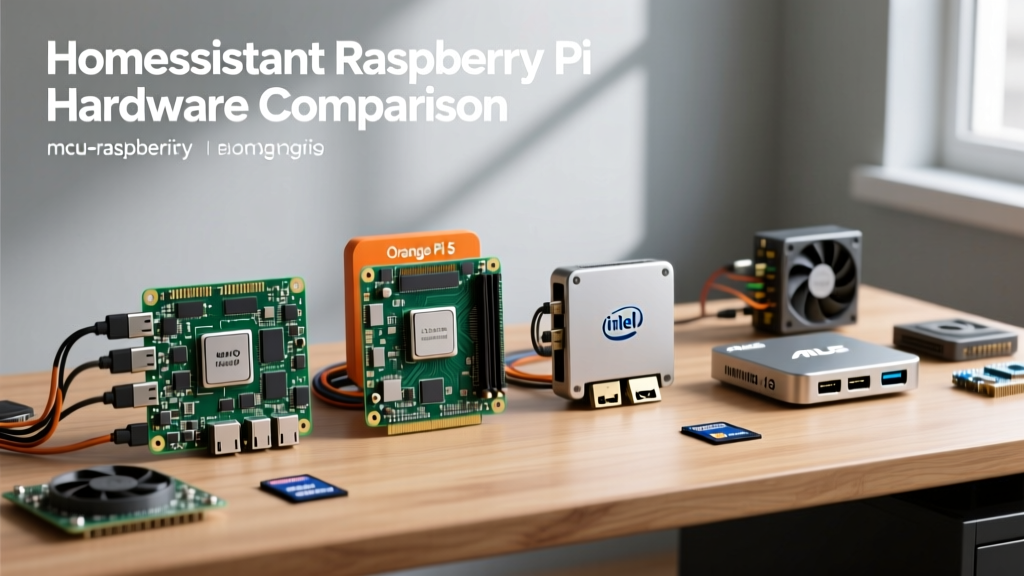
In this comprehensive hardware comparison, we will dissect the current landscape of single-board computers (SBCs) and mini PCs for Home Assistant. We will evaluate the Raspberry Pi 4 and Pi 5 against emerging x86 alternatives, focusing on thermal throttling, storage endurance, USB bus interference, and real-world failure modes. Whether you are deploying a simple Zigbee coordinator or a full-scale Frigate NVR security system, choosing the right silicon is the most critical decision you will make.
The Evolution of the Home Assistant Hardware Stack
Historically, the Raspberry Pi 3B+ and 4B were the undisputed kings of home automation. They offered a low-power, always-on footprint that perfectly matched the lightweight nature of early Home Assistant deployments. However, modern smart homes demand more. Integrations like Home Assistant OS (HAOS), the Supervisor, and add-ons like Frigate, Node-RED, and ESPHome compile environments require substantial RAM and consistent I/O throughput.
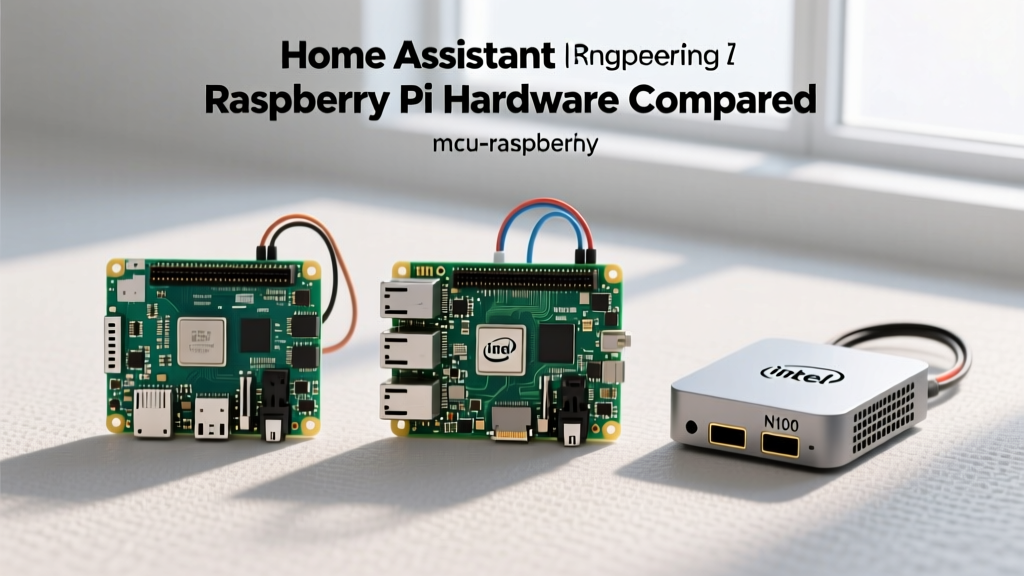
The community has largely standardized around three primary deployment architectures: the traditional ARM-based Raspberry Pi, the official Home Assistant Yellow/Green appliances, and the increasingly popular Intel N100 x86 mini PCs. To make an informed decision, we must look past the marketing specs and examine the electrical and physical realities of these boards.
Deep Dive: Raspberry Pi 4 vs. Pi 5 for Home Automation
The transition from the Raspberry Pi 4 to the Raspberry Pi 5 brought massive improvements in CPU performance and I/O capabilities, but it also introduced new power and thermal challenges that directly impact Home Assistant stability.
Thermal Throttling and Power Supply Ripple
The Raspberry Pi 4 (BCM2711) is notorious for running hot. Under the sustained load of compiling ESPHome firmware or processing local Wake-on-LAN routines, the Pi 4 will quickly hit its 80°C thermal throttle limit unless equipped with an active cooling solution. Furthermore, the Pi 4's power delivery circuit can suffer from voltage ripple when multiple USB peripherals (like Zigbee dongles and SSD enclosures) are attached, leading to random brownout reboots.
The Raspberry Pi 5 (BCM2712) solves the processing bottleneck but demands strict power compliance. It requires a 5V/5A (27W) USB-C Power Delivery (PD) profile to enable full current to the USB ports. If you use a standard 5V/3A phone charger, the Pi 5 will limit USB output to 600mA, which is often insufficient to power an external NVMe SSD enclosure and a Zigbee coordinator simultaneously. This is a critical failure mode that catches many DIYers off guard during initial setup.
Storage Reliability: SD Cards vs. NVMe Boot
Home Assistant relies heavily on a local database (SQLite or MariaDB) to store entity state histories. This results in continuous, high-frequency random write operations.
A standard 32GB SanDisk Ultra microSD card might survive 12 months of continuous Home Assistant database writes, but a generic, unbranded card will often corrupt its partition table or exhaust its wear-leveling blocks in under 90 days, resulting in a complete system crash.
The Raspberry Pi 5 introduces a dedicated PCIe 2.0 x1 connector, allowing for native NVMe SSD boot via HATs (Hardware Attached on Top) or specialized cases like the Argon ONE V3 M.2. While limited to PCIe Gen 2 speeds (roughly 400MB/s), this is exponentially faster and vastly more reliable than the UHS-I SD card interface. For Pi 4 users, the only alternative is booting from a USB 3.0 SSD, which introduces the dreaded USB 3.0 interference issue (detailed below).
The x86 Threat: Intel N100 Mini PCs vs. ARM SBCs
The most significant threat to the Home Assistant Raspberry Pi monopoly is the influx of ultra-low-power Intel N100 mini PCs (such as the Beelink S12 Pro or GMKtec NucBox). Priced between $140 and $180, these x86 machines often include 16GB of DDR4/DDR5 RAM, a 500GB NVMe SSD, and a metal chassis, making them highly competitive against a fully kitted Raspberry Pi 5 setup.
From a Home Assistant perspective, the x86 architecture offers two massive advantages:
- Docker and Supervised Flexibility: While HAOS runs beautifully on ARM, running Home Assistant Supervised or Core via Docker on an x86 Debian host provides unparalleled flexibility for advanced users managing Proxmox or LXC containers.
- Hardware Transcoding for Frigate NVR: If you plan to integrate local AI security camera processing using Frigate, the Intel N100's integrated UHD Graphics (QuickSync) will crush the Raspberry Pi 5 in H.264/H.265 video decoding. The Pi 5 simply lacks the dedicated media encoding/decoding silicon required for multi-camera NVR tasks without relying on external Coral TPUs or Hailo AI kits.
Comprehensive Hardware Decision Matrix
To visualize the trade-offs, refer to the comparison table below. This matrix evaluates the platforms based on real-world Home Assistant deployment metrics.
| Platform | Architecture | Native NVMe Support | Zigbee Dongle Safety | Est. Total Cost (USD) | Best Use Case |
|---|---|---|---|---|---|
| Raspberry Pi 4 (4GB) | ARM (Cortex-A72) | No (USB 3.0 only) | Poor (USB 3.0 noise) | $75 - $110 | Basic HAOS, low budget |
| Raspberry Pi 5 (8GB) | ARM (Cortex-A76) | Yes (PCIe 2.0 HAT) | Excellent (PCIe isolated) | $130 - $160 | Standard HAOS, ESPHome |
| Intel N100 Mini PC | x86 (Alder Lake-N) | Yes (M.2 2280) | Good (USB 2.0 ports) | $150 - $190 | Frigate NVR, Proxmox, Docker |
| Home Assistant Yellow | ARM (CM4 based) | Yes (M.2 Slot) | Excellent (Onboard Zigbee) | $199 (Discontinued) | Plug-and-play appliance |
USB 3.0 Interference with Zigbee and Matter Dongles
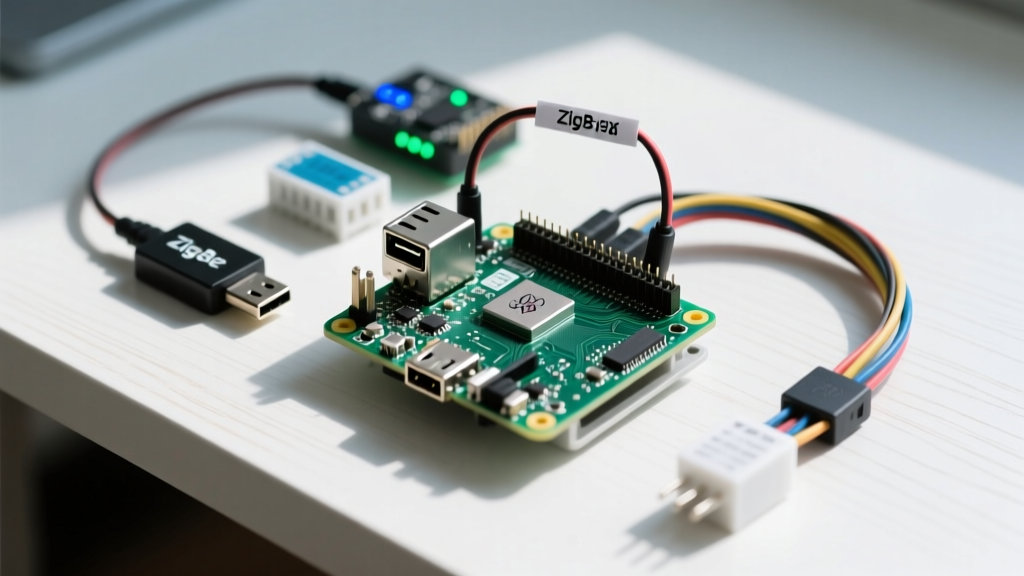
One of the most frustrating hardware realities in smart home networking is the electromagnetic interference (EMI) generated by USB 3.0 data lines. The Raspberry Pi USB and PCIe buses can emit broadband noise that heavily overlaps with the 2.4GHz ISM band. If you plug a Sonoff Zigbee 3.0 USB Dongle Plus or a SkyConnect Matter stick directly into the USB 3.0 port of a Raspberry Pi 4 (or into an adjacent port on an unshielded mini PC), the noise floor will elevate, effectively reducing your Zigbee mesh range from 30 feet to less than 5 feet.
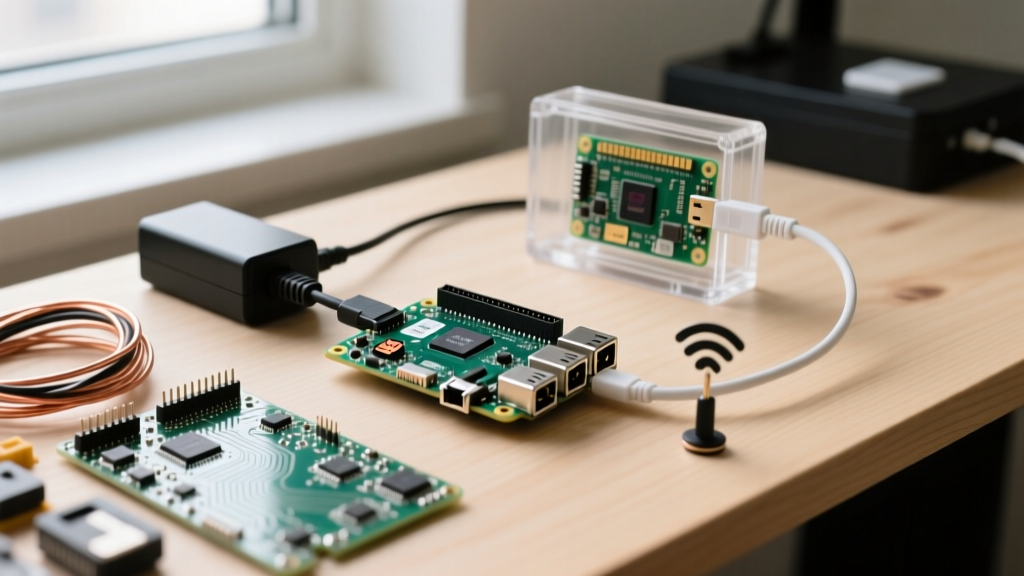
The Engineering Fix: Never plug a Zigbee/Matter coordinator directly into the SBC. Always use a 1-meter USB 2.0 extension cable to physically separate the antenna from the noisy USB 3.0 controller and the CPU's switching voltage regulators. Alternatively, use a PoE-powered remote Zigbee coordinator flashed with ESPHome or Tasmota to keep the RF environment pristine.
Peripheral Considerations: GPIO and HAT Compatibility
A major reason enthusiasts stick with the Home Assistant Raspberry Pi ecosystem is the 40-pin GPIO header. If your project involves integrating custom I2C sensors (like the BME280 for hyper-local weather data), driving relays for HVAC control, or utilizing a UPS HAT for graceful shutdowns during power outages, the Pi remains unmatched. The Raspberry Pi 5 introduced a dedicated I2C connector for power management and a real-time clock (RTC) battery header, making it vastly superior for off-grid or unstable power grid deployments where maintaining accurate time without NTP is crucial for automations.
Conversely, x86 Mini PCs lack native GPIO. To achieve similar hardware-level integrations on an N100, you must rely on network-attached microcontrollers (like ESP32s running ESPHome) communicating via Wi-Fi or Ethernet, which adds network latency and complexity to safety-critical automations like water leak shutoff valves or gas detectors.
Final Verdict: Choosing Your Daily Driver
The ideal hardware for your setup depends entirely on your integration complexity and AI requirements.
- Choose the Raspberry Pi 5 (8GB) with an NVMe HAT if: You want a dedicated, low-power HAOS appliance, you rely heavily on GPIO HATs, and you want the official backing of the Home Assistant community. Ensure you purchase the official 27W USB-C PD power supply to avoid peripheral brownouts.
- Choose the Intel N100 Mini PC if: You plan to run Frigate NVR with local object detection, you want to host Home Assistant alongside other Docker containers (like Pi-hole, Plex, or Nextcloud) via Proxmox, and you prefer the reliability of standard x86 NVMe storage without needing specialized HATs.
- Choose the Raspberry Pi 4 only if: You are on a strict budget, already own the hardware, and are willing to mitigate the USB 3.0 interference issues by using remote Zigbee coordinators and active cooling towers.
Ultimately, the days of running a modern smart home on a 2GB Raspberry Pi 3 with a microSD card are over. By investing in proper storage interfaces, adequate power delivery, and respecting RF interference physics, your Home Assistant deployment will transition from a fragile hobby project to a rock-solid, enterprise-grade home operating system.