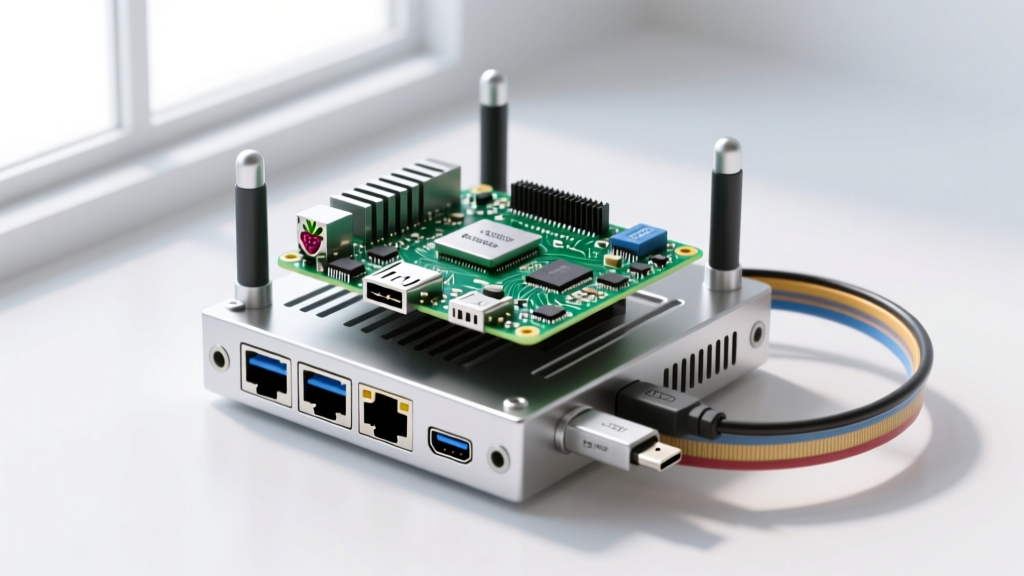

When electrical engineers and DIY enthusiasts search for cool things to do on a Raspberry Pi, the results are often cluttered with retro gaming emulators or basic weather stations. However, the single-board computer's true power lies in its ability to serve as the decentralized, privacy-focused backbone of a modern smart home. As cloud-dependent IoT devices face frequent server outages and privacy controversies, migrating to a local, Pi-based architecture is no longer just a hobbyist experiment—it is a necessity for reliable home automation.
The Shift to Local Control in Home Automation
Cloud-reliant smart home ecosystems introduce three critical failure points: internet latency, external server downtime, and data privacy vulnerabilities. By leveraging the Raspberry Pi's ARM-based processing power and extensive GPIO/USB interfaces, you can build a localized mesh network that operates entirely offline. This approach ensures that your physical security locks, lighting automations, and HVAC controls remain functional even when your ISP goes down.
5 Cool Things to Do on a Raspberry Pi for Smart Home Integration
Below are five advanced, high-impact projects that transform the Raspberry Pi from a simple microcomputer into a mission-critical smart home appliance.
1. Deploying a Resilient Home Assistant Core
Home Assistant is the undisputed king of open-source home automation. While many users opt for the pre-packaged Home Assistant Green appliance, deploying Home Assistant OS (HAOS) on a Raspberry Pi 4 (4GB) or Raspberry Pi 5 (8GB) remains one of the most cost-effective and customizable methods to run the platform. The Pi allows you to integrate over 2,500 devices, from Zigbee sensors to Modbus-based solar inverters, using a unified YAML or visual Node-RED logic engine.
2. Creating a Custom Zigbee and Matter Border Router
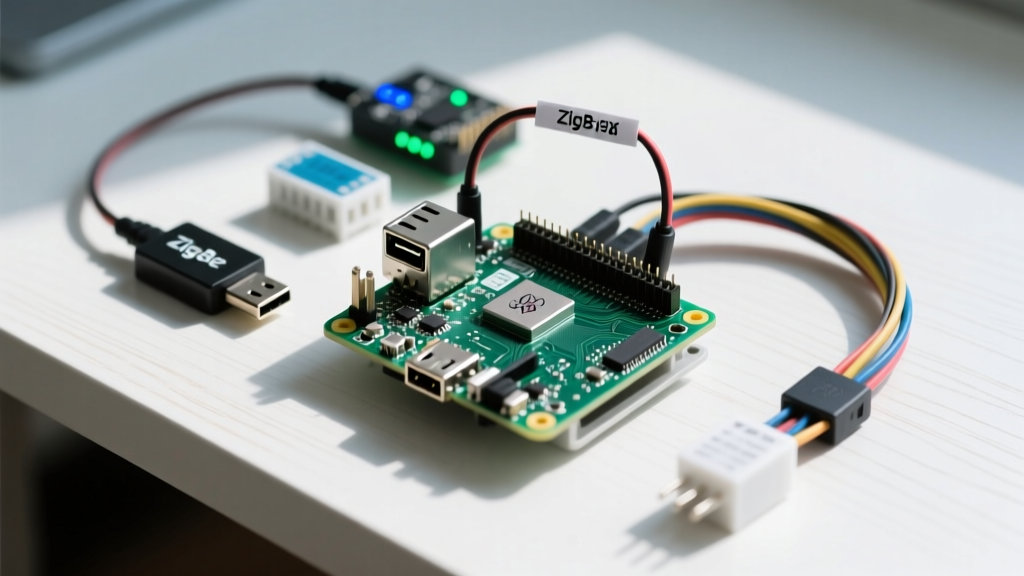
Instead of relying on proprietary, cloud-locked hubs, you can turn your Pi into a universal Zigbee and Thread/Matter border router. By connecting a USB coordinator like the Sonoff Zigbee 3.0 USB Dongle Plus (P-Version) or the official Home Assistant Connect ZBT-1, the Pi can manage hundreds of low-power mesh devices.
Pro-Tip (E-E-A-T Warning): The Raspberry Pi 4 and 5 feature USB 3.0 ports, which emit broadband electromagnetic interference (EMI) in the 2.4 GHz ISM band. This noise will severely degrade Zigbee and Thread signals. Always connect your Zigbee coordinator via a 1-meter USB 2.0 extension cable to physically separate the antenna from the Pi's USB 3.0 controller.
3. Network-Wide Ad Blocking and IoT Telemetry Sinkholing
Installing Pi-hole on your Raspberry Pi does more than strip ads from web pages; it acts as a critical security layer for your IoT network. By configuring custom DNS blocklists, you can sinkhole telemetry domains used by cheap smart plugs and cameras. For example, blocking specific Tuya or Sonoff cloud endpoints forces these devices to operate strictly on your local LAN via MQTT or local APIs, preventing them from phoning home and consuming upstream bandwidth.
4. Local, Privacy-First Voice Assistants (Rhasspy & Willow)
Cloud-based voice assistants require sending raw audio streams to corporate servers. Using a Raspberry Pi 5 paired with a DSP microphone array, you can host local wake-word detection and natural language understanding (NLU) engines like Rhasspy. When combined with ESP32-S3-BOX-3 satellite nodes running the Willow firmware, the Pi processes voice commands locally, offering sub-200ms latency for lighting and climate control without ever exposing your household conversations to the internet.
5. Centralized MQTT Broker and Node-RED Logic Engine
For advanced makers building custom PCBs with ESP32 microcontrollers, the Raspberry Pi is the perfect host for an Eclipse Mosquitto MQTT broker. Mosquitto is incredibly lightweight, allowing the Pi to handle thousands of message payloads per second from DIY environmental sensors. Pairing this with Node-RED provides a visual, flow-based programming environment to create complex automations—such as adjusting HVAC dampers based on differential pressure readings from your custom ESPHome sensors.
Hardware Matrix: Choosing the Right Pi for Your Hub
Selecting the correct board is vital for long-term stability. Here is a technical comparison for smart home deployments:
| Model | RAM | Network / USB | Storage Interface | Smart Home Suitability |
|---|---|---|---|---|
| Raspberry Pi 3B+ | 1GB | USB 2.0 / 100M Ethernet | MicroSD Only | Low (Pi-hole / MQTT only) |
| Raspberry Pi 4 Model B | 4GB | USB 3.0 / Gigabit Ethernet | MicroSD / USB SSD | High (Ideal for HAOS + Zigbee) |
| Raspberry Pi 5 | 4GB | USB 3.0 / Gigabit Ethernet | MicroSD / PCIe Gen 2 | Very High (Frigate NVR / AI) |
| Raspberry Pi 5 | 8GB | USB 3.0 / Gigabit Ethernet | MicroSD / PCIe Gen 2 | Extreme (Local LLMs / Heavy AI) |
Critical Failure Modes: Solving the SD Card Corruption Issue
The most common point of failure in Pi-based smart home hubs is MicroSD card corruption. Smart home databases (like SQLite or MariaDB used by Home Assistant) perform continuous, high-frequency write operations. Standard SD cards lack sophisticated wear-leveling controllers, leading to bad sectors and unbootable systems within 6 to 12 months.
The NVMe Solution for Raspberry Pi 5
If you are using the Raspberry Pi 5, abandon MicroSD cards entirely for your primary OS and database storage. Utilize the official Raspberry Pi M.2 HAT+ to connect a PCIe Gen 2 NVMe SSD (such as a 256GB Western Digital SN570). This setup bypasses the SD card bus, offering enterprise-grade wear leveling, drastically reducing database query latency, and ensuring your smart home hub survives sudden power losses without filesystem corruption.
The USB SSD Solution for Raspberry Pi 4
For Pi 4 users, booting from a USB 3.0 Solid State Drive (like a Samsung T7 or a basic SATA-to-USB 3.1 adapter with an SSD) is mandatory for production environments. Ensure you update the Pi 4's EEPROM bootloader to support USB boot natively, and use an active-cooling case like the Argon ONE M.2, which integrates the NVMe-to-USB bridge internally while keeping the BCM2711 SoC thermally throttled below 50°C.
Final Thoughts on Local Architecture
Exploring the coolest things to do on a Raspberry Pi ultimately leads back to the philosophy of local control. By combining Home Assistant, Pi-hole, and custom MQTT brokers on a single, well-cooled Pi 5 with NVMe storage, you create a smart home brain that is faster, safer, and entirely yours. The initial hardware investment pays immediate dividends in reliability, proving that the Raspberry Pi remains the most versatile tool in the modern electrical engineer's toolkit.