
The Shift to RISC-V and Wi-Fi 6: What Makers Need to Know
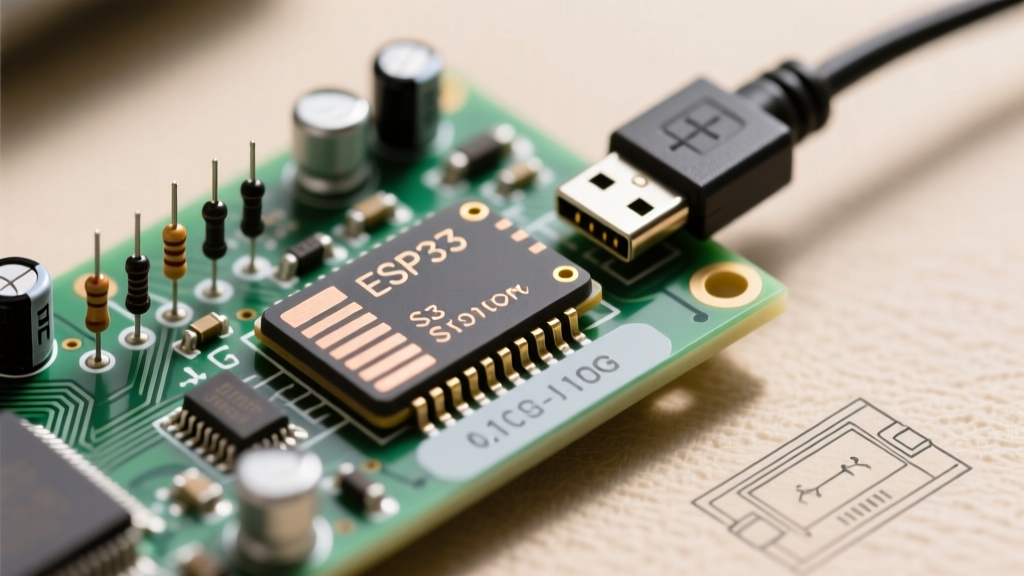
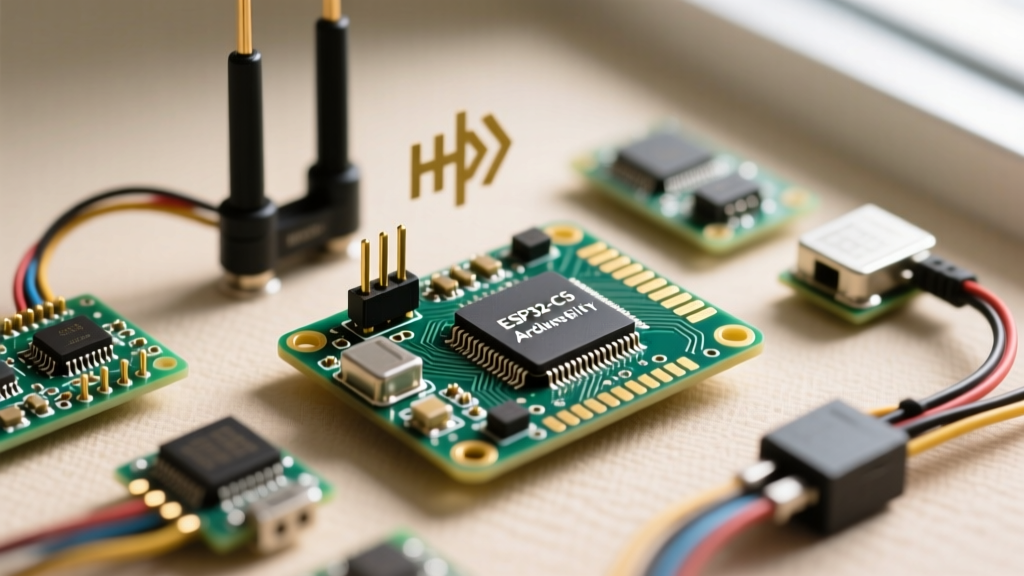
The introduction of the ESP32-C5 marks a significant evolution in Espressif's system-on-chip (SoC) lineup, bridging the gap between low-cost IoT endpoints and high-performance network gateways. Built on a high-clock-speed RISC-V architecture, the ESP32-C5 is the first in the popular C-series to introduce dual-band 2.4 GHz and 5 GHz Wi-Fi 6 (802.11ax) support alongside Bluetooth 5 (LE). For hardware engineers, makers, and IoT developers, this leap in wireless capability introduces new compatibility variables. From Arduino IDE toolchain dependencies to 5GHz RF impedance matching and Wi-Fi 6 router negotiations, deploying the ESP32-C5 requires a modernized approach to firmware and hardware integration. This comprehensive compatibility guide dissects the exact requirements for successfully prototyping and deploying ESP32-C5 modules in real-world environments.
Arduino IDE Core Compatibility Matrix
Transitioning to the ESP32-C5 requires an up-to-date development environment. The legacy Arduino IDE 1.8.x and older versions of the arduino-esp32 core lack the necessary CMake build system integration and the updated riscv32-esp-elf-gcc toolchain required to compile for the C5's specific instruction set extensions. Below is the compatibility matrix for setting up your development environment.
| Component | Minimum Requirement | Recommended Version | Compatibility Notes |
|---|---|---|---|
| Arduino IDE | 2.2.0 | 2.3.x or newer | IDE 2.x is mandatory for proper serial monitor handling of RISC-V panic dumps. |
| arduino-esp32 Core | 3.0.0 | Latest Stable (3.x+) | Version 3.x overhauled the Wi-Fi stack to support 802.11ax APIs. |
| Board Manager URL | Espressif 3.0+ Index | N/A | Must use the release_3.x index URL in preferences. |
| Python Environment | Python 3.8+ | Python 3.11 | Required for the underlying ESP-IDF build scripts and partition table generation. |
Troubleshooting Board Manager and Toolchain Errors
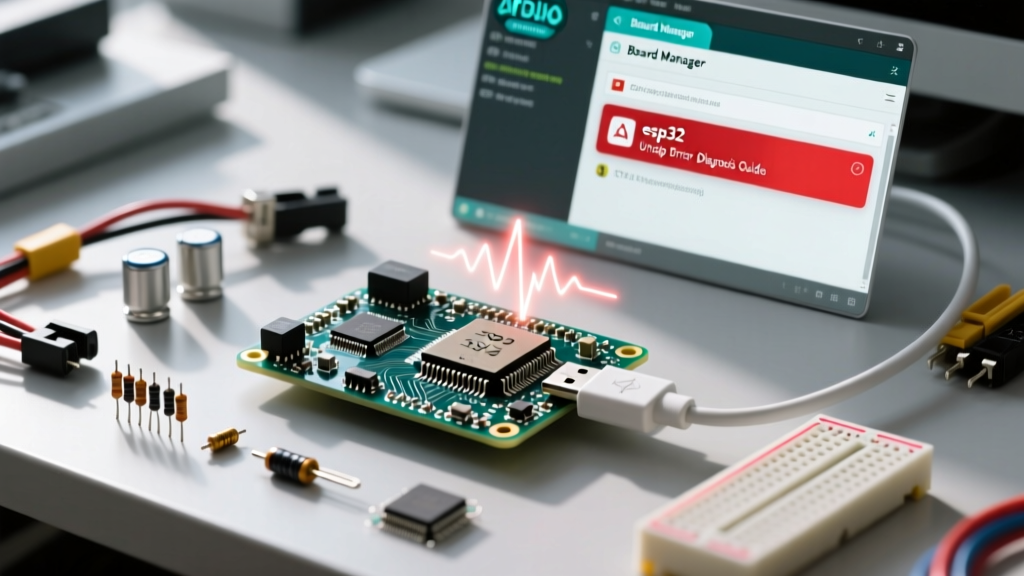
A frequent stumbling block when adding the ESP32-C5 to the Arduino IDE is the riscv32-esp-elf toolchain extraction failure, often manifesting as a 'Permission Denied' or 'Missing Compiler' error on Windows machines. This occurs because the C5 toolchain is substantially larger than previous Xtensa or RISC-V C3 toolchains, and aggressive antivirus heuristics sometimes quarantine the GCC binaries during the Board Manager extraction phase. To resolve this, manually add the Espressif board manager URL (https://raw.githubusercontent.com/espressif/arduino-esp32/gh-pages/package_esp32_index.json) to your preferences, temporarily disable real-time antivirus scanning, and install the core. If compilation fails with fatal error: esp_wifi_types.h: No such file, it indicates a corrupted core cache; navigate to your AppData/Local/Arduino15/packages/esp32 directory and completely purge the tools and hardware folders before reinstalling.
RF and Network Compatibility: Navigating 5GHz and 802.11ax
The headline feature of the ESP32-C5 is its dual-band Wi-Fi 6 capability. However, hardware and network compatibility are intrinsically linked. The 5 GHz band offers significantly wider channels and less congestion than the crowded 2.4 GHz ISM band, but it comes with strict RF design constraints. Wavelengths at 5 GHz are approximately 6 cm, meaning that PCB trace antennas must be tuned with extreme precision. Many third-party, low-cost ESP32-C5 development boards utilize poorly matched PCB antennas that suffer from severe return loss at 5 GHz frequencies. For production or reliable prototyping, it is highly recommended to use modules featuring a u.FL connector paired with a certified 5 GHz dipole antenna, or to rely on official Espressif devkits where the RF shielding and impedance matching have been validated via vector network analyzer (VNA) testing.
Target Wake Time (TWT) and Router Configuration
To actually leverage the ESP32-C5's 802.11ax capabilities, your network environment must be compatible. Many makers mistakenly plug the C5 into a legacy Wi-Fi 4 (802.11n) router and wonder why battery life hasn't improved. The C5 will gracefully fall back to legacy modes, but you lose the primary benefit of Wi-Fi 6 for IoT: Target Wake Time (TWT) and OFDMA. TWT allows the ESP32-C5 to negotiate specific sleep schedules with the access point, drastically reducing power consumption for battery-operated sensors.
To enable this, you must use a Wi-Fi 6 certified router (such as the ASUS RT-AX86U or TP-Link Archer AX73) and ensure that '802.11ax mode' and 'WPA3-Personal' are explicitly enabled in both the 2.4GHz and 5GHz radio settings. Furthermore, disable 'Smart Connect' or band-steering features during initial debugging. The ESP32-C5's Wi-Fi stack can sometimes experience association delays or IP assignment timeouts when a router aggressively attempts to steer the IoT device between bands mid-connection. Pinning the device to a dedicated 2.4GHz AX SSID or a 5GHz AX SSID during development ensures stable TWT negotiation.
Peripheral and GPIO Pinout Realities
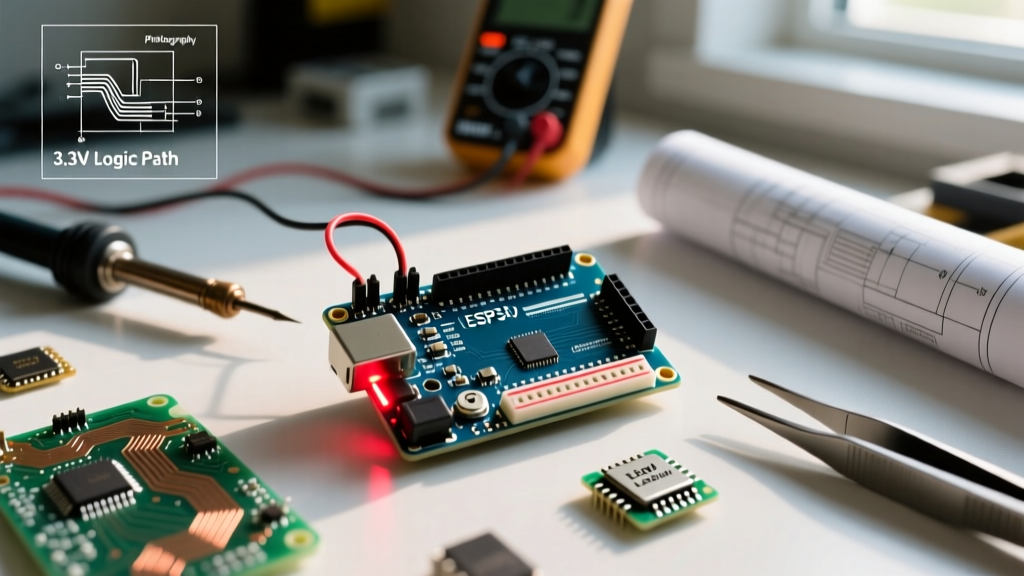
When interfacing legacy sensors and displays, understanding the ESP32-C5's GPIO electrical characteristics is critical. The SoC operates strictly at 3.3V logic levels. Unlike some older ESP32 variants that exhibited partial 5V tolerance on specific input-only pins, the C5's RISC-V architecture and updated IO MUX require dedicated level shifting for any 5V peripheral communication.
Expert Hardware Tip: Never rely on internal pull-up resistors for high-speed I2C buses on the ESP32-C5. The internal pull-ups are typically around 45kΩ, which is far too weak for Fast-mode Plus (1MHz) I2C. The parasitic capacitance of the traces and the sensor modules will result in sluggish rise times, causing ACK failures when the RF radio spikes the power rail. Always populate the SDA and SCL lines with external 2.2kΩ pull-up resistors tied directly to a clean 3.3V LDO source.
For SPI peripherals, such as high-resolution TFT displays or external PSRAM, the ESP32-C5 supports much higher clock dividers than its predecessors. However, when routing SPI traces on custom PCBs, ensure that the MISO, MOSI, and SCK lines are length-matched and kept under 10 cm to prevent signal reflection, especially when pushing the SPI clock past 40 MHz. Utilizing the Arduino SPI.h library's setFrequency() method allows you to dynamically scale the bus speed based on the specific peripheral's datasheet limits, preventing the silent data corruption that often plagues generic maker displays.
Migration Checklist: Moving from ESP32-C3 to ESP32-C5
If you are upgrading an existing product line or personal project from the widely adopted ESP32-C3 to the new ESP32-C5, use this compatibility checklist to ensure a smooth transition:
- Pinout Verification: While the C5 shares a similar QFN footprint, the multiplexing matrix for ADC and touch pins has changed. Cross-reference the Espressif ESP32-C5 technical reference manual before finalizing PCB schematics.
- Memory Allocation: The C5 features a different SRAM to Flash cache ratio. Update your
partition.csvfiles in the Arduino IDE to allocate sufficient space for the larger Wi-Fi 6 firmware blobs, which consume roughly 15-20% more flash space than Wi-Fi 4 binaries. - Wi-Fi API Updates: Standard
WiFi.begin()calls remain backward compatible via the arduino-esp32 core, but to utilize 5GHz scanning, you must update your network scanning loops to parse the new channel ranges (channels 36-165) returned byWiFi.scanNetworks(). - Power Delivery: The 5GHz RF power amplifier (PA) draws higher peak current during transmission bursts. Ensure your PCB's 3.3V LDO can supply at least 500mA of transient current, and place a 100µF tantalum capacitor as close to the module's VDD pins as possible to prevent brownout resets.
By respecting the RF physics of the 5 GHz band, properly configuring your Wi-Fi 6 network environment, and adhering to the updated RISC-V toolchain requirements, the ESP32-C5 unlocks unprecedented performance and power efficiency for next-generation maker projects and commercial IoT deployments.