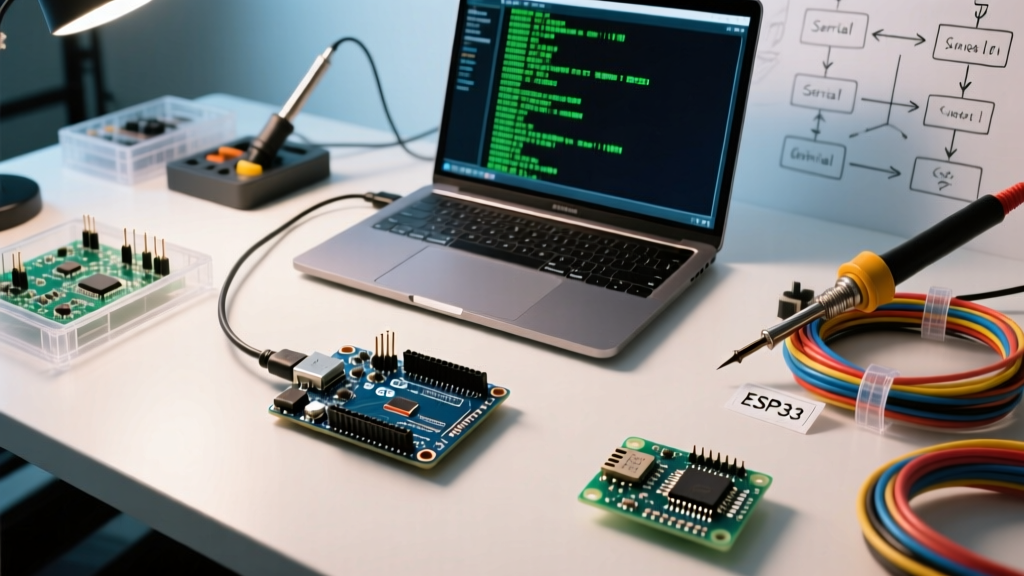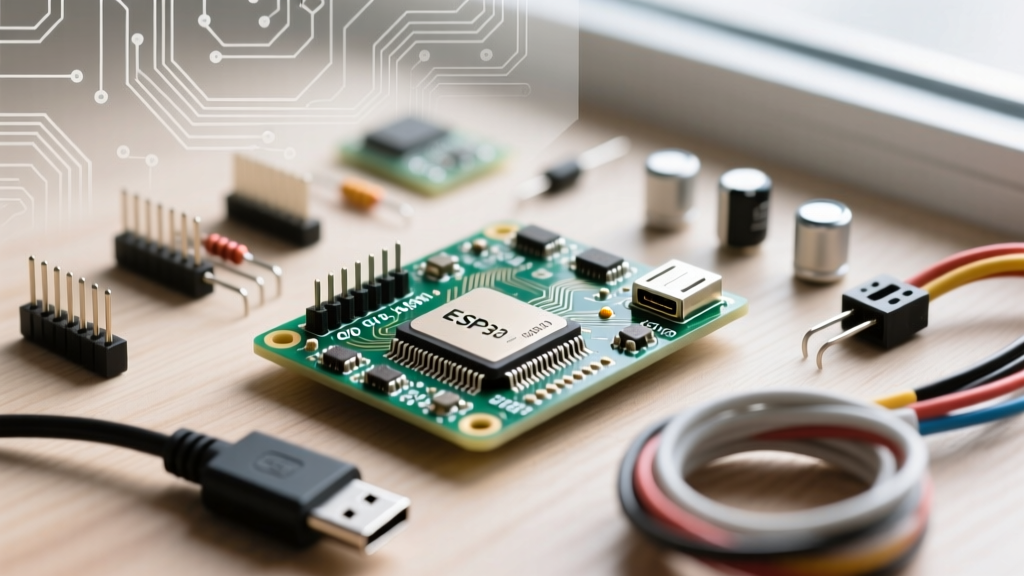

The Architecture Shift: Why ESP32-S3 Changes Connection Logic
The transition from legacy hardware to Espressif's newest dual-core powerhouse is accelerating across the maker and industrial IoT sectors. However, using esp_connect with esp32s3-wroom-32 introduces unique architectural hurdles that are rarely documented in standard migration guides. The ESP32-S3-WROOM-32 module replaces the older Xtensa LX6 cores with dual-core Xtensa LX7 processors running up to 240 MHz, alongside vector instructions for AI acceleration. While your core application logic might port over seamlessly, the underlying network stack, peripheral routing, and memory management behave fundamentally differently.
When deploying a Wi-Fi provisioning captive portal like ESPConnect, you are relying on a delicate dance between the Wi-Fi MAC, the lwIP TCP/IP stack, and the Non-Volatile Storage (NVS) system. On the legacy ESP32-WROOM-32, this process was largely abstracted. On the S3, hardware-level changes regarding Native USB, RF PHY calibration, and flash partition mapping require a deliberate, informed migration strategy to prevent silent failures and watchdog resets.
Legacy ESP32 vs. ESP32-S3-WROOM-32 RF Front-End
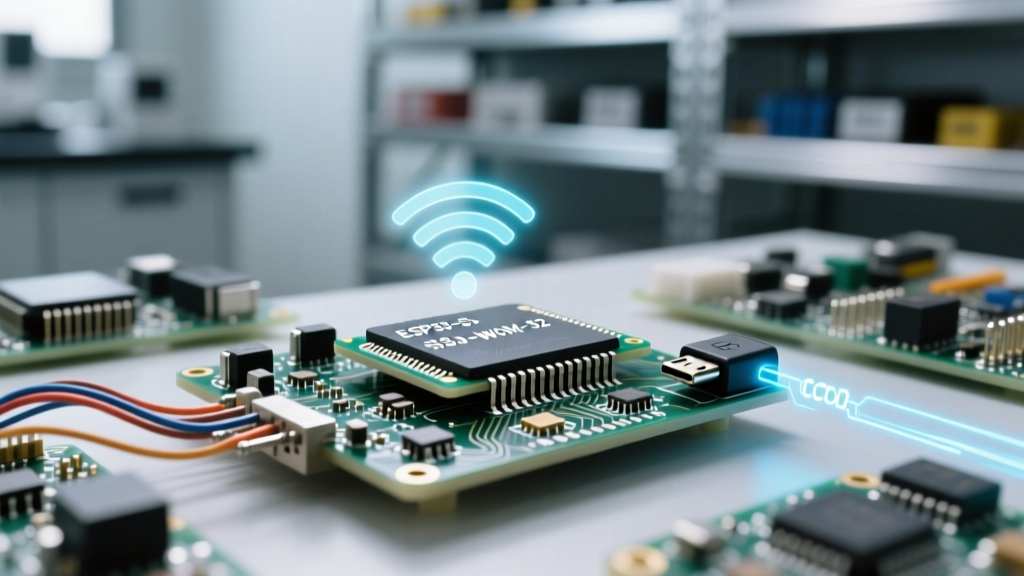
The ESP32-S3 features a completely redesigned 2.4 GHz Wi-Fi 4 (802.11 b/g/n) and Bluetooth 5 (LE) radio. Notably, it completely drops Classic Bluetooth support. ESPConnect typically utilizes an Access Point (AP) + Station (STA) concurrent mode to serve the captive portal while scanning for local networks. The S3's RF front-end handles this concurrent mode with higher efficiency but requires different PHY initialization routines. If your legacy code manually manipulated Wi-Fi sleep modes or TX power levels via esp_wifi_set_max_tx_power(), you must recalibrate these values. The S3's power amplifier (PA) and low-noise amplifier (LNA) mapping differ, and pushing the legacy +20dBm TX power without proper S3-specific impedance matching on your custom PCB can result in severe packet loss during the captive portal handshake.
Prerequisites for Using esp_connect with esp32s3-wroom-32
Before writing a single line of migration code, your development environment must be configured to handle the S3's specific memory architecture. The ESP32-S3-WROOM-32 often ships with 8MB or 16MB of Quad-SPI flash and, crucially, up to 8MB of Octal-SPI (OPI) PSRAM.
- Board Selection: In Arduino IDE 2.x, select 'ESP32S3 Dev Module'.
- PSRAM Configuration: You must explicitly set 'PSRAM' to 'OPI PSRAM' in the Tools menu. If left on QSPI, the S3 will fail to initialize the external RAM, causing the AsyncTCP buffers (which ESPConnect relies on heavily) to allocate in internal SRAM, quickly leading to heap fragmentation and
alloc failedpanics. - Flash Mode: Set Flash Mode to 'QIO 80MHz' for optimal read speeds, which reduces the latency when ESPConnect serves the captive portal HTML/JS assets from the SPIFFS or LittleFS partition.
Library Forks and AsyncTCP Compatibility
ESPConnect is built on top of ESPAsyncWebServer and AsyncTCP. The standard, legacy versions of these libraries were optimized for the LX6 architecture and the older FreeRTOS implementation. When migrating to the S3, you must ensure you are using an S3-compatible fork of AsyncTCP (such as the one maintained by mathieucarbou or the official Espressif Arduino core bundled versions). The S3's FreeRTOS tick rate and task affinity handling differ; using an outdated AsyncTCP library will result in the captive portal DNS server failing to resolve queries on port 53, leaving users stuck on a 'No Internet' warning screen on their smartphones.
Implementing ESPConnect on the S3: Code Migration
The core implementation of ESPConnect remains similar, but the initialization sequence must account for the S3's boot behaviors. Below is the optimized migration pattern for initializing the portal while ensuring the Wi-Fi calibration data is properly loaded from the eFuse.
#include <ESPConnect.h>

void setup() {
  // S3 Native USB CDC initialization
  Serial.begin(115200);
  delay(2000); // Critical delay for Native USB CDC enumeration

  Serial.println('Booting ESP32-S3-WROOM-32...');

  // Set custom hostname for the Captive Portal AP
  ESPConnect.setHostname('S3-Provisioning-Portal');

  // AutoConnect triggers the AP+STA mode and DNS server
  // On S3, this handles the new Wi-Fi 4 PHY initialization automatically
  if(ESPConnect.autoConnect('ESP32S3-Setup')) {
    Serial.print('Connected to WiFi: ');
    Serial.println(WiFi.localIP());
  } else {
    Serial.println('Failed to connect or Portal Timeout');
    ESP.restart();
  }
}
The Native USB CDC Trap: Serial Debugging During Provisioning
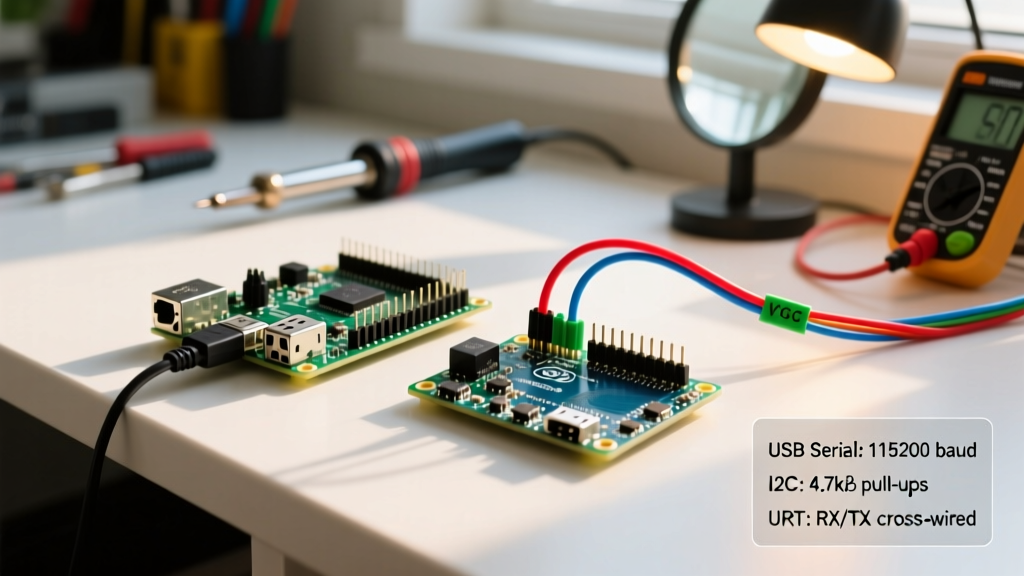
This is the most common point of failure when migrating to the ESP32-S3. The legacy ESP32-WROOM-32 relied on an external UART-to-USB bridge (like the CP2102 or CH340). The S3, however, features native USB OTG routed to GPIO19 (D-) and GPIO20 (D+).
When you enable 'USB CDC On Boot' in the Arduino IDE, the standard Serial object maps to this native USB connection. Unlike a hardware UART bridge, which simply drops bytes if the host PC isn't listening, the Native USB CDC implementation uses a blocking transmit buffer. If your ESPConnect portal is generating verbose debug logs via Serial.printf() and the host PC goes to sleep or the USB cable is unplugged, the CDC buffer fills up. The S3's FreeRTOS task will block indefinitely waiting for the buffer to clear, triggering the Task Watchdog Timer (TWDT) and causing a Guru Meditation Error: Core 1 panic'ed (Interrupt wdt timeout).
Expert Migration Tip: To prevent TWDT resets during headless deployment, never use the blocking
Serialobject for high-volume captive portal logging on the S3. Instead, map your debug logs toSerial0(which routes to the hardware UART0 on GPIO43/GPIO44) or useSerial.setTxTimeoutMs(10)to force non-blocking USB CDC writes.
NVS Partition Maps and Credential Storage
ESPConnect saves the user's Wi-Fi credentials to the NVS (Non-Volatile Storage) using the Preferences.h library. On the legacy 4MB ESP32, the default partition table included a generous nvs partition. The ESP32-S3-WROOM-32 frequently utilizes 8MB or 16MB flash chips, and the default 'App 3M FAT 9M' or '16M Flash' partition maps alter the NVS namespace boundaries.
If you are migrating a board that previously ran a legacy ESP32 sketch and you attempt to read the old NVS credentials on the S3 using a custom partition CSV, you may encounter a namespace collision. The S3's Wi-Fi MAC address is generated differently (often relying on eFuse BLOCK1 rather than BLOCK0), and if ESPConnect attempts to validate the stored BSSID against the new hardware MAC, it will invalidate the stored credentials and force the captive portal to re-launch. Always perform a full 'Erase All Flash Before Upload' when migrating hardware to clear stale NVS Wi-Fi calibration blobs.
Power Delivery and Brownout Detector (BOD) Realities
When ESPConnect spins up the Access Point, the DNS server, and the HTTP server simultaneously, the S3's Wi-Fi radio enters peak transmission states. According to the Espressif ESP32-S3 Datasheet, the module can draw upwards of 350mA during continuous Wi-Fi TX bursts.
Many legacy PCB designs utilized linear regulators like the AMS1117-3.3, which struggle with thermal dissipation and transient response times. When the S3 demands 350mA in a microsecond burst, the AMS1117's output voltage can sag below 2.8V. The S3's internal Brownout Detector (BOD) will instantly trigger a reset, creating an infinite bootloop where the captive portal never stays online long enough for a user to connect. When migrating your hardware design to the S3-WROOM-32, you must upgrade your power delivery network to a switching buck converter (like the TLV62569 or SY8205) capable of delivering 600mA+ with low ESR ceramic decoupling capacitors placed within 2mm of the module's VCC pins.
Migration Checklist: Legacy WROOM vs. S3-WROOM-32
Use the following structured comparison to audit your migration plan before deploying to production.
| Feature / Metric | Legacy ESP32-WROOM-32 | ESP32-S3-WROOM-32 | Migration Action Required |
|---|---|---|---|
| Core Architecture | Dual-Core Xtensa LX6 (240MHz) | Dual-Core Xtensa LX7 (240MHz) | Recompile AsyncTCP for LX7 FreeRTOS affinity. |
| USB Interface | External UART Bridge (CP2102) | Native USB OTG (GPIO19/20) | Enable CDC On Boot; implement TX timeouts to prevent TWDT hangs. |
| Wi-Fi Provisioning | Standard 802.11 b/g/n | 802.11 b/g/n (Improved MAC) | Erase NVS to clear legacy PHY calibration data. |
| Peak TX Current | ~240mA | ~350mA+ | Upgrade LDO to Switching Buck Regulator (min 600mA). |
| PSRAM Type | QSPI (Max 4MB) | OPI (Up to 8MB) | Set Arduino IDE to OPI PSRAM to prevent heap fragmentation. |
Final Thoughts on S3 Network Stability
Migrating to the ESP32-S3-WROOM-32 offers immense benefits in processing power, native USB capabilities, and AI edge-computing potential. However, networking libraries like ESPConnect are not entirely hardware-agnostic. By addressing the Native USB CDC blocking behaviors, ensuring your AsyncTCP library is S3-optimized, and fortifying your PCB's power delivery network against 350mA TX spikes, you will achieve a rock-solid captive portal experience. For further reading on the Arduino core specifics, consult the Arduino ESP32 Core Documentation to stay updated on the latest NVS and Wi-Fi MAC handling patches.