
The Evolution of Soldering Assistance on the Modern Workbench
When beginners and seasoned engineers alike search for 'soldering help,' they are usually looking for a solution to one of three fundamental problems: thermal management, visual precision, or physical stability. In 2026, the days of relying solely on a heavy transformer-based iron and a pair of shaky alligator clips are over. Today's electronics workbench is a highly optimized ecosystem. According to the IPC-A-610 Acceptability of Electronic Assemblies standard, the quality of a solder joint is dictated by precise wetting, appropriate fillet geometry, and the absence of thermal damage. Achieving this consistently requires the right assistance tools.
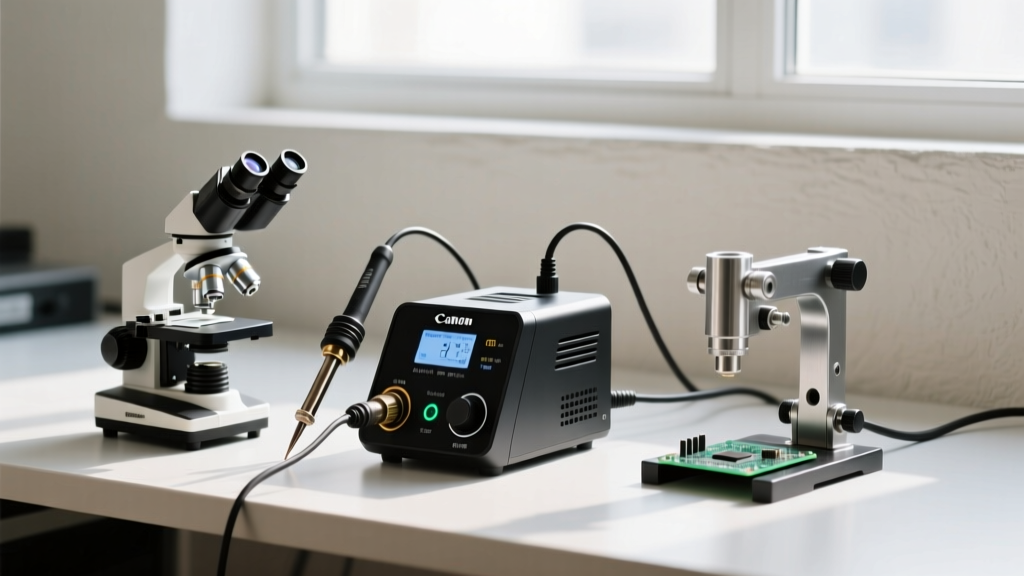
This guide compares the three primary categories of soldering help—Smart Soldering Stations, Optical Magnification Systems, and Mechanical PCB Holders—to help you determine where to invest your budget for the highest return in joint reliability and workflow speed.
Category 1: Smart Soldering Stations (Thermal & Digital Help)
Smart soldering irons have revolutionized thermal management by replacing analog dial potentiometers with PID (Proportional-Integral-Derivative) controllers, OLED displays, and even Bluetooth connectivity. This type of soldering help directly addresses the most common cause of failed joints: inadequate thermal recovery when the tip contacts a high-mass ground plane.
Top Contenders and Specifications
- Pine64 Pinecil V2 ($26): Powered by a RISC-V processor, this 65W portable iron offers Bluetooth Low Energy (BLE) connectivity. Users can connect to a smartphone app to graph real-time thermal recovery curves, set custom sleep timeouts, and flash firmware updates. It supports both PD (Power Delivery) and DC inputs, making it the ultimate budget-friendly smart helper.
- Hakko FX-952 ($345): A professional-grade 70W station featuring active tip sensing. The station reads a microchip embedded in the T18 tip cartridge to automatically adjust power limits and prevent overheating of sensitive components. It offers unmatched thermal stability for heavy multilayer PCBs.
Expert Insight: Smart stations excel at preventing 'cold joints' by detecting the exact moment thermal mass is applied to the tip and instantly dumping maximum wattage to maintain the 350°C (662°F) setpoint. However, they cannot fix poor tip geometry selection. Always match your tip shape (e.g., a chisel T18-B for through-hole, a micro-point TS-B2 for 0402 SMD) to the pad size.
Category 2: Optical Soldering Help (Visual Precision)
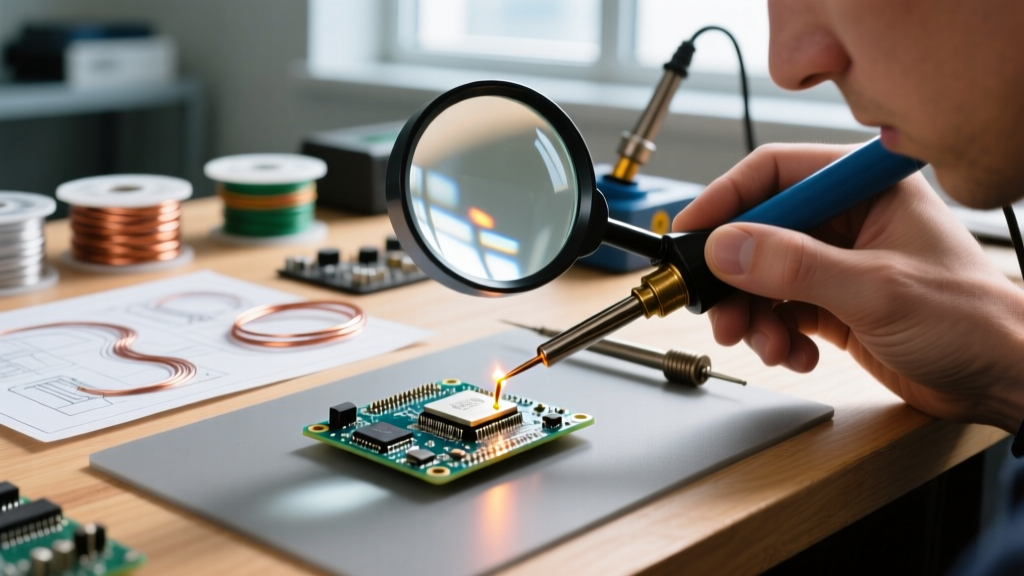
As component sizes shrink to 0201 and 01005 imperial packages, the naked eye is no longer sufficient. Optical soldering help bridges the gap between human vision and microscopic pad geometries, reducing eye strain and preventing solder bridging.
Optical Microscopes vs. Digital Camera Systems
The market is currently split between traditional optical trinocular microscopes and high-resolution digital HDMI cameras.
- AmScope SE400-Z ($145): A traditional stereo zoom microscope offering 10x to 20x magnification. Its primary advantage is parfocality and true depth perception (stereoscopic vision), which is critical when dragging a soldering iron tip across a row of QFP pins. It boasts a 10-inch working distance, ensuring your iron won't collide with the objective lens.
- Andonstar AD409 Pro ($259): A 4K digital microscope with an integrated 10-inch screen and HDMI output. While it lacks true stereoscopic depth perception, it offers digital overlays, crosshairs for pad alignment, and the ability to record your soldering process for later review or tutorial creation.
For pure SMD soldering and inspection, the optical clarity and depth perception of the AmScope remain superior. For general through-hole work and educational recording, the digital Andonstar provides better ergonomic flexibility. For foundational visual techniques, the Adafruit Guide to Excellent Soldering remains an indispensable resource for understanding how flux behaves under magnification.
Category 3: Mechanical Fixtures (Physical Stability)
No amount of thermal or visual help can compensate for a PCB that shifts while molten solder is solidifying. Mechanical disturbance during the phase transition from liquid to solid creates micro-fractures inside the joint, leading to intermittent field failures.
Upgrading from Basic Alligator Clips
Cheap 'helping hands' with rigid metal goosenecks and toothed alligator clips often cause more harm than good, scratching traces and transferring heat away from the board. Modern mechanical soldering help focuses on ESD-safe materials and adjustable tension.
- PanaVise Model 201 Junior Mini Vise ($35): The industry standard for PCB holding. It features a split-ball joint that allows 360-degree rotation and 90-degree tilt. Critical Warning: The massive aluminum body acts as a giant heat sink. If you clamp a PCB directly against the metal jaws while soldering a heavy ground pin, the vise will steal your thermal energy, resulting in a cold joint. Always use the optional silicone jaw pads or elevate the board using standoffs.
- Quad Hands Workstation ($45): Utilizes flexible, segmented aluminum arms with magnetic bases and customizable brass clamps. It allows you to hold a PCB at an angle while simultaneously positioning a fume extractor or a third-hand tool to hold a component in place.
Method Comparison Matrix
| Assistance Method | Ideal Application | Avg. Price Range | Primary Limitation | Learning Curve |
|---|---|---|---|---|
| Smart Stations (e.g., Pinecil V2) | Thermal management, field repair, mixed SMD/TH | $25 - $350 | Requires compatible power supply (PD/DC) | Low |
| Stereo Optics (e.g., AmScope SE400) | Fine-pitch SMD, QFP/BGA inspection, micro-soldering | $140 - $600 | Requires dedicated bench space, fixed focal plane | Medium |
| Digital Optics (e.g., Andonstar) | Inspection, recording, basic SMD placement | $150 - $300 | Screen latency, lack of true 3D depth perception | Low |
| Precision Vises (e.g., PanaVise) | Through-hole, heavy wire termination, conformal coating | $35 - $120 | Heat-sink effect requires thermal mitigation | Low |
Failure Mode Analysis: When Your Soldering Help Fails
Even with the best equipment, specific failure modes can occur if the tools are misapplied. Here is how to troubleshoot common issues based on your assistance method:
- Tombstoning (SMD): Often blamed on poor paste, but frequently caused by uneven heating. If your smart station tip is not perfectly centered between the two pads of a 0603 capacitor, one pad reaches reflow temperature first, and the surface tension pulls the component upright. Fix: Use a wide bevel tip to heat both pads simultaneously.
- Pad Delamination: Caused by excessive dwell time. If you are struggling to see the joint without optics, you may leave the iron on the pad for 10+ seconds. The epoxy resin in the FR4 fiberglass breaks down at prolonged high temperatures. Fix: Invest in a stereo microscope to increase your speed and confidence, keeping dwell time under 3 seconds.
- Intermittent Connectivity: Caused by mechanical vibration during cooling. If your gooseneck holder is vibrating from a nearby fan or desk bump, the solder crystallizes with internal stress fractures. Fix: Switch to a rigid, weighted base fixture like a PanaVise or a heavy magnetic Quad Hands base.
Final Verdict: Building Your Workbench
Where should you allocate your budget for the best soldering help? If you are primarily working with through-hole components and basic wire harnesses, a PanaVise 201 combined with a reliable chisel tip is all the mechanical and thermal help you need. If you are transitioning into modern SMD repair, 0402 passives, or QFP microcontrollers, a stereo optical microscope is non-negotiable—it will immediately reduce your error rate and rework time. Finally, upgrading to a smart PID station like the Pinecil V2 or Hakko FX-952 provides the thermal headroom necessary to tackle complex, multi-layer ground planes without resorting to dangerous, high-wattage plumbing torches.
For those just starting their journey and looking for foundational techniques to pair with their new tools, SparkFun's Through-Hole Soldering Tutorial provides excellent baseline methodologies that apply regardless of the hardware on your desk.
Frequently Asked Questions
Do I need a fume extractor if I use a smart soldering station?
Yes. Smart stations control thermal output, but they do not eliminate flux vaporization. Rosin-based and synthetic fluxes release volatile organic compounds (VOCs) and particulate matter when heated to 350°C. Always use a localized HEPA/activated carbon fume extractor positioned 6 to 8 inches from the solder joint.
Can I use a digital microscope for active drag soldering?
It is not recommended. Digital microscopes introduce a slight processing latency (often 50-150 milliseconds) between the physical movement of your iron and the display on the screen. This hand-eye lag frequently results in slipped tips and scratched traces. Always use true optical stereo microscopes for active, real-time iron manipulation.