
Decoding the 'Raspberry Pi Pines' Conundrum
When makers, engineers, and hobbyists search for raspberry pi pines, they are typically navigating a linguistic crossover. In Spanish, 'pines' translates directly to the English 'pins' (as in GPIO headers). Simultaneously, in the Single Board Computer (SBC) community, it often represents a conflation between the Raspberry Pi and the PINE64 ecosystem (such as the Quartz64 or Pine A64). Whether you are trying to map GPIO pins on a Raspberry Pi 5 running an alternative Linux distribution, or you are porting a Raspberry Pi project to a Pine64 board running Armbian, the operating system's Hardware Abstraction Layer (HAL) is the ultimate bottleneck.
This guide serves as your definitive OS and Distribution matrix for managing GPIO, I2C, and SPI interfaces across the modern ARM Linux landscape in 2026. We will move beyond the deprecated sysfs methods and dive deep into character devices, libgpiod, and distribution-specific device tree overlays.
The 2026 OS Distribution Matrix for GPIO Control
Not all ARM Linux distributions handle hardware initialization equally. Raspberry Pi OS benefits from proprietary firmware and the raspi-config tool, while alternative distributions rely on upstream kernel drivers and manual device tree configurations. Below is a comparison of how major distributions handle GPIO abstraction out-of-the-box.
| OS Distribution | Default GPIO Interface | Python 3 HAL Compatibility | I2C/SPI Configuration Tool |
|---|---|---|---|
| Raspberry Pi OS (Bookworm) | libgpiod / lgpio |
Native gpiozero (via lgpio) |
raspi-config |
| Ubuntu Server 24.04 ARM | libgpiod (chardev) |
Requires python3-lgpio |
config.txt (via flash-kernel) |
| Armbian (Rockchip/Allwinner) | sysfs (legacy) / libgpiod |
Manual binding via periphery |
armbian-config (DTO overlays) |
| Mobian (Debian ARM) | libgpiod |
Standard Debian python3-gpiod |
Manual /boot/firmware edits |
The Death of sysfs and the Rise of Character Devices
For years, the standard method for toggling a pin was exporting it via the sysfs interface (e.g., /sys/class/gpio/export). However, the Linux kernel community has officially deprecated sysfs for GPIO control due to race conditions, lack of thread safety, and poor security models. If you are running a modern distribution like Ubuntu 24.04 or Armbian Bookworm on a PINE64 or Raspberry Pi, sysfs is likely disabled by default.
The modern standard is the GPIO Character Device ABI, accessed via /dev/gpiochipX. This is managed using the libgpiod C library and its command-line tools.
Using libgpiod from the Command Line
To interact with pins without writing Python scripts, use the gpiodetect, gpioinfo, and gpioset utilities. For example, to set GPIO 17 high on a Raspberry Pi running Ubuntu:
# List all GPIO chips
gpiodetect

# Find the exact line offset for GPIO 17
gpioinfo /dev/gpiochip0

# Set the pin to active (high)
gpioset --mode=wait /dev/gpiochip0 17=1
Note: On the Raspberry Pi 5, the GPIO chip is no longer mapped to the main BCM2712 SoC. It is routed through the external RP1 chip, meaning your chip designation and line offsets may differ from the Pi 4.
Navigating the Raspberry Pi 5 RP1 Chip Shift
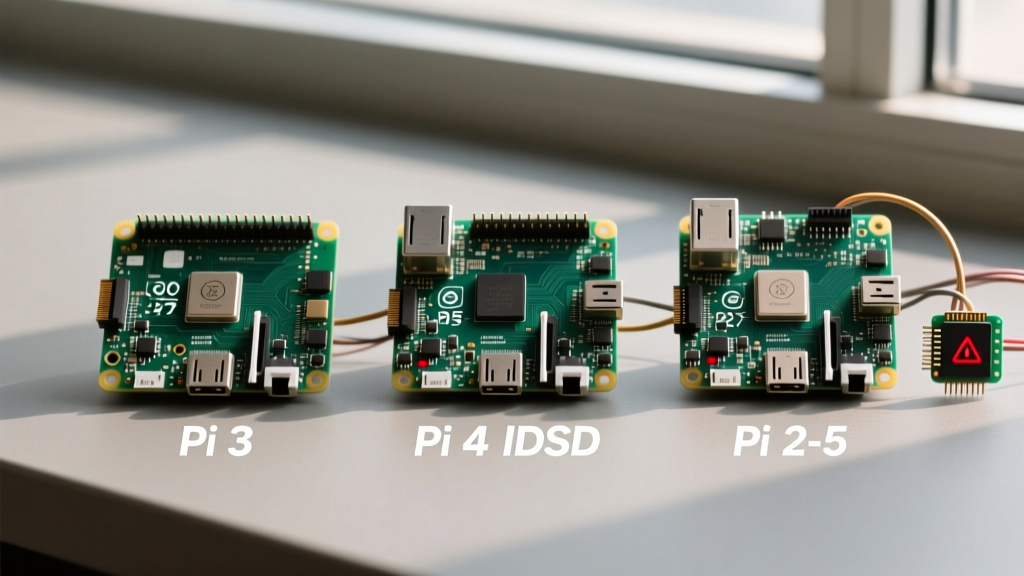
The introduction of the Raspberry Pi 5 fundamentally broke legacy GPIO libraries. The Pi 5 utilizes the RP1 chip, a custom PCIe-connected I/O controller. Legacy libraries like RPi.GPIO relied on direct memory mapping (/dev/mem) to the BCM283x/BCM2711 SoC. Because the RP1 sits behind a PCIe bus, direct memory mapping is impossible.
If you are migrating a project to the Pi 5 on any OS, you must abandon RPi.GPIO. The official recommendation is to use gpiozero with the lgpio backend, or the rpi-lgpio wrapper library, which tricks legacy code into using the modern character device API. For detailed pinout mappings and RP1 architecture specifics, refer to the official Raspberry Pi GPIO documentation.
Fixing 'Permission Denied' in Alternative Distros
A common failure mode when running headless Ubuntu or Armbian is encountering PermissionError: [Errno 13] Permission denied: '/dev/gpiochip0'. Unlike Raspberry Pi OS, which automatically assigns the default user to the gpio, i2c, and spi groups, upstream distributions treat hardware devices as root-owned for security.
To resolve this without running your Python scripts as root (a major security risk, especially in Home Assistant or IoT deployments), you must implement a custom udev rule.
The udev Rule Solution
Create a new file at /etc/udev/rules.d/99-gpio-i2c-spi.rules and add the following configuration:
# GPIO character devices
SUBSYSTEM=="gpio", KERNEL=="gpiochip*", GROUP="gpio", MODE="0660"

# I2C and SPI devices
SUBSYSTEM=="i2c-dev", GROUP="i2c", MODE="0660"
SUBSYSTEM=="spidev", GROUP="spi", MODE="0660"
After saving the file, reload the udev rules and trigger them:
sudo udevadm control --reload-rules
sudo udevadm trigger
sudo usermod -aG gpio,i2c,spi $USER
Log out and log back in to apply the group memberships. This ensures your applications can access the hardware abstraction layers securely.
Device Tree Overlays (DTOs): Armbian vs. Raspberry Pi OS
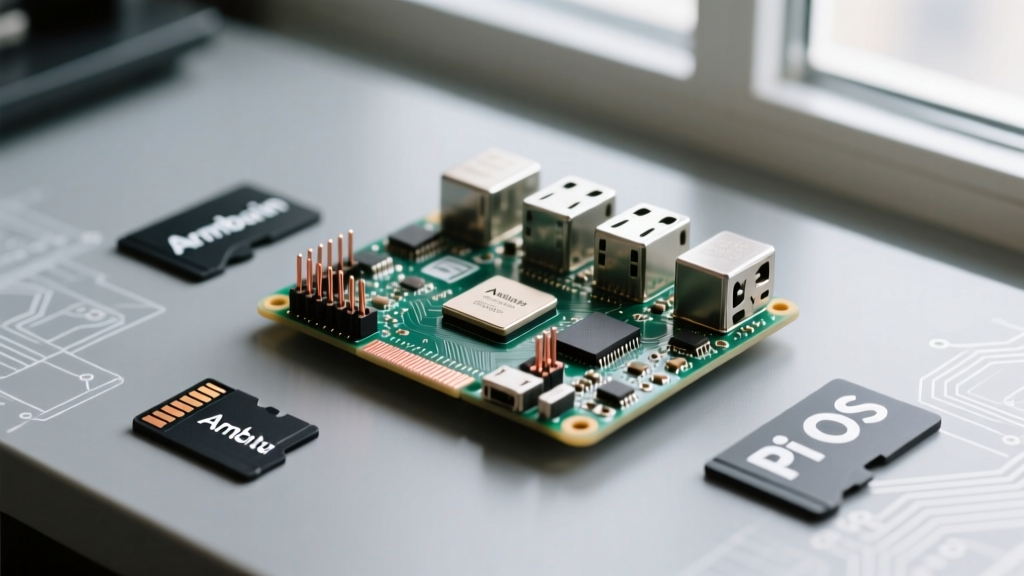
When dealing with the 'pines' (pins) on non-Raspberry Pi hardware, such as a PINE64 Quartz64 running Armbian, you cannot simply use raspi-config to enable I2C or SPI buses. These boards rely on Device Tree Overlays (DTOs) to route internal SoC pins to the physical 40-pin header.
In Armbian, this is managed via the /boot/armbianEnv.txt file. For example, to enable I2C-1 and SPI-0 on a Rockchip-based SBC, you would append:
overlays=i2c1 spi0Conversely, on Raspberry Pi OS and Ubuntu for Pi, this is handled in /boot/firmware/config.txt using the dtparam directive:
dtparam=i2c_arm=on
dtparam=spi=on
Understanding this distinction is critical when porting smart home sensor nodes from a Raspberry Pi to a more cost-effective Pine64 or Orange Pi alternative.
Real-World Failure Modes: Clock Stretching and Pull-ups
Software configuration is only half the battle. When interfacing with sensors like the BME280 or SCD40 via I2C across different distributions, you may encounter bus lockups. The Raspberry Pi's BCM SoCs have a known hardware bug regarding I2C clock stretching, which can cause timeouts with sensitive microcontrollers. While Raspberry Pi OS implements software workarounds in its firmware, alternative upstream kernels (like those in Mobian or mainline Armbian) may not include these patches, resulting in Remote I/O error messages.
Furthermore, internal pull-up resistors configured via software (gpiozero or libgpiod) are often insufficient for long wire runs. If you are wiring a DIY smart home relay board, always use physical 4.7kΩ pull-up resistors on the SDA and SCL lines, regardless of the OS you are running. For deeper kernel-level debugging of I2C bus states, the kernel.org libgpiod repository provides excellent documentation on line event monitoring and edge detection.
Summary: Choosing Your Distribution Strategy
Whether your search for raspberry pi pines stems from a language translation quirk or a cross-brand SBC comparison, the underlying principle remains the same: modern ARM Linux requires a shift toward character devices and explicit hardware abstraction. For plug-and-play GPIO scripting, Raspberry Pi OS remains unmatched. However, for production IoT deployments, security-hardened environments, or Pine64 integrations, mastering libgpiod, udev rules, and Device Tree Overlays on Ubuntu or Armbian is an essential skill for the 2026 hardware engineer.