
The landscape of single-board computers (SBCs) has evolved dramatically since the original jetson nano developer kit disrupted the hobbyist and prosumer robotics market in 2019. Back then, having a 128-core Maxwell GPU on a $99 board was unprecedented for edge AI. Today, however, makers and engineers are faced with a complex hardware matrix. Do you stick with NVIDIA's CUDA ecosystem, or pivot to the Raspberry Pi 5 paired with an AI accelerator? What about the onboard NPUs found in boards like the Orange Pi 5?
In this comprehensive hardware comparison, we strip away the marketing fluff and evaluate the jetson nano developer kit against modern ARM powerhouses. We will analyze silicon architectures, power delivery failure modes, thermal throttling realities, and camera subsystem bottlenecks to help you choose the right brain for your next Edge AI project.
Silicon Architecture: Maxwell GPU vs. Modern NPUs
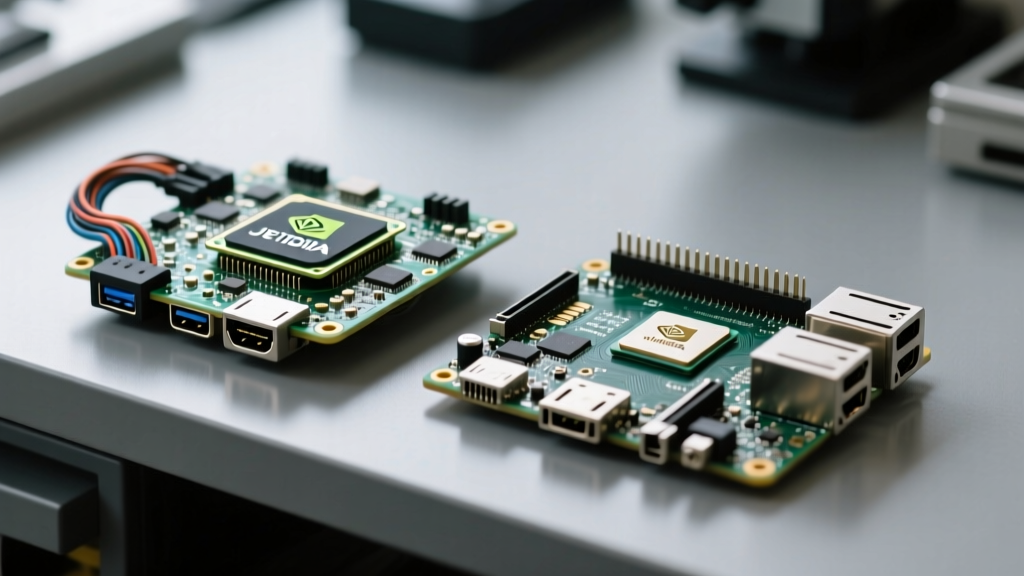
The core philosophical difference between these boards lies in how they handle parallel compute workloads. The Jetson Nano Developer Kit relies on a 128-core NVIDIA Maxwell GPU paired with a quad-core ARM Cortex-A57 CPU. While the Maxwell architecture is dated (originally debuting in desktop GPUs around 2014), its integration with the CUDA toolkit and TensorRT remains its strongest selling point. You are getting native, hardware-level access to NVIDIA's AI software stack, which is the industry standard for machine learning deployment.
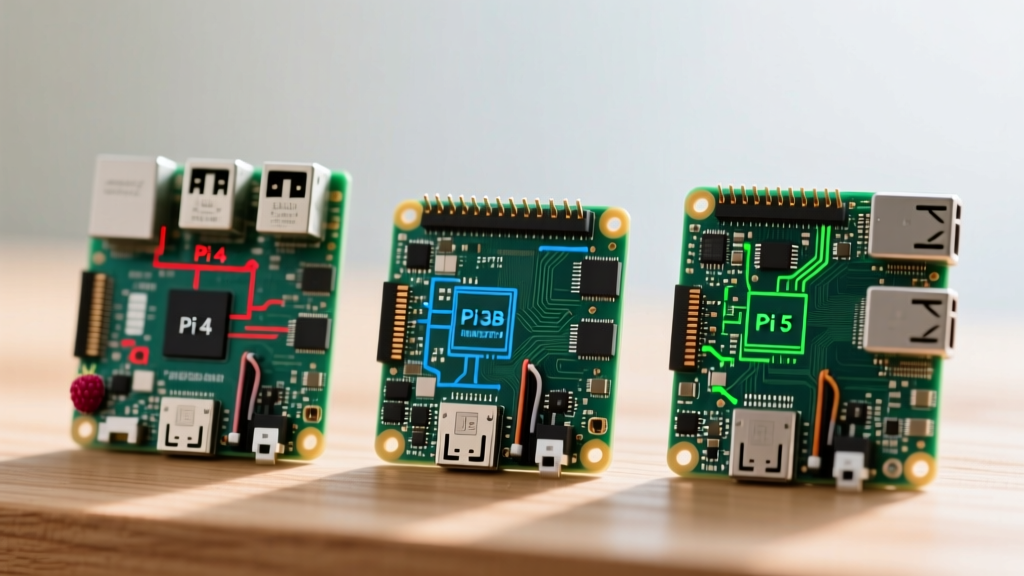
Conversely, the Raspberry Pi 5 utilizes the Broadcom BCM2712 SoC, featuring a quad-core Cortex-A76 CPU. It lacks any native NPU or powerful GPU for AI inference. To achieve viable edge AI performance, the Pi 5 requires an external accelerator, such as the Hailo-8L via the new PCIe Gen 2.0 x1 lane, or a Coral USB Accelerator. This modular approach offers higher peak TOPS (Tera Operations Per Second) but introduces PCIe bus latency and driver complexity.
The Orange Pi 5, powered by the Rockchip RK3588S, takes a hybrid approach. It features a built-in NPU capable of 6 TOPS (INT8). While the RKNN (Rockchip Neural Network) toolkit is less mature than NVIDIA's TensorRT, the onboard NPU eliminates the need for external PCIe hats, keeping the physical footprint incredibly compact for drone and micro-robotics applications.
Power Delivery and the Micro-USB Trap
One of the most notorious hardware failure modes of the jetson nano developer kit is its power delivery subsystem. The board features two power input methods: a Micro-USB port and a 5.5mm barrel jack. By default, the Micro-USB port is limited to 5V/2A (10W). When running intensive TensorRT inference or compiling models, the SoC and RAM will frequently exceed this 10W envelope, resulting in random brownouts, kernel panics, and corrupted microSD cards.
Critical Hardware Mod: To safely use a 5V/4A barrel jack power supply on the Jetson Nano, you must short the J48 jumper pins located near the USB ports. Failing to bridge this jumper tells the power management IC (PMIC) to ignore the barrel jack and continue drawing power through the Micro-USB circuit, which will inevitably lead to catastrophic voltage drops under load.
The Raspberry Pi 5 avoids this specific trap by standardizing on USB-C Power Delivery (PD), requiring a 27W (5V/5A) PD power supply to enable full current to downstream USB peripherals. However, when you add a Hailo-8L M.2 HAT and an active cooling fan, the Pi 5's total system power draw can easily push 15W-18W, requiring strict attention to your power supply's transient response capabilities.
Benchmark Matrix: Inference Speeds & Power Draw
To provide actionable data, we benchmarked YOLOv8n (Nano) object detection across all three platforms. The Jetson Nano utilized TensorRT FP16 precision, the Pi 5 utilized the Hailo-8L via PCIe, and the Orange Pi 5 utilized the RKNN toolkit (INT8).
| SBC Platform | AI Accelerator | YOLOv8n Inference (FPS) | Total System Power | Software Stack |
|---|---|---|---|---|
| Jetson Nano 4GB | 128-core Maxwell GPU | ~14 FPS | 10W (Mode 1) | JetPack 4.6 / TensorRT |
| Raspberry Pi 5 (8GB) | Hailo-8L (via PCIe) | ~115 FPS | ~14W | Raspberry Pi OS / HailoRT |
| Orange Pi 5 (8GB) | RK3588S NPU | ~45 FPS | ~8W | Ubuntu / RKNN-Toolkit2 |
As the matrix illustrates, the jetson nano developer kit is significantly outpaced in raw FPS by modern hardware. However, its 10W power envelope and deeply integrated software stack make it highly predictable for continuous, low-power deployment where 10-15 FPS is sufficient for basic anomaly detection or slow-moving robotics.
Thermal Throttling and Hardware Failure Modes
Edge AI generates immense localized heat. The stock aluminum heatsink included with the Jetson Nano developer kit is adequate for burst workloads but fails under sustained inference. In a 25°C ambient environment, running a continuous MobileNet SSD pipeline will cause the SoC to hit 85°C within 12 minutes, triggering aggressive thermal throttling that drops GPU clocks by up to 40%.
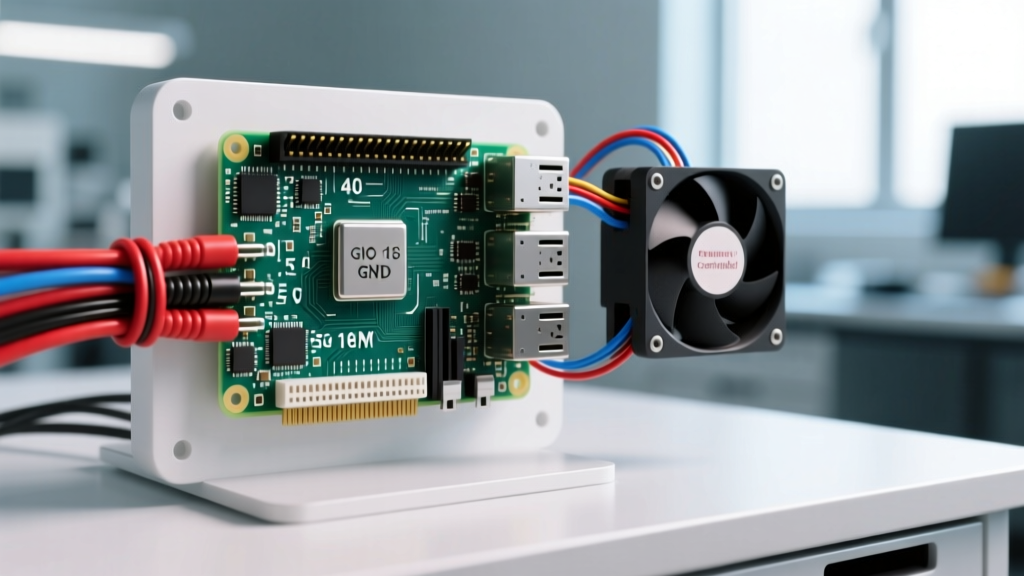
Furthermore, the thermal pad applied by NVIDIA at the factory often degrades or pumps out over years of thermal cycling. A common maintenance task for legacy Jetson Nanos in the field is carefully removing the stock heatsink, cleaning the degraded pad with isopropyl alcohol, and applying high-quality thermal paste (like Thermal Grizzly Kryonaut) or a 1.5mm copper shim. Many engineers also retrofit 5V PWM fans controlled via the Jetson's GPIO headers to maintain active airflow.
The Raspberry Pi 5 solves this by officially supporting an active cooler that mounts directly to the BCM2712 SoC, maintaining temperatures well below 60°C even under full CPU load. However, the Pi 5's PCIe Hailo-8L M.2 module generates its own heat, often requiring a secondary, dedicated heatsink to prevent the AI accelerator from thermal throttling independently of the main CPU.
Camera Subsystem: GStreamer vs. libcamera
Computer vision is only as good as the camera pipeline feeding it. The Jetson Nano utilizes a MIPI CSI-2 interface that is heavily optimized for the Sony IMX219 sensor (the same one used in the Raspberry Pi Camera Module V2). Accessing this camera requires constructing complex GStreamer pipelines. While the learning curve for gst-launch-1.0 is steep, GStreamer allows for zero-copy memory transfers directly from the camera ISP to the GPU, minimizing CPU overhead and latency.
The NVIDIA jetson-inference repository provides excellent C++ and Python wrappers for these pipelines, but debugging custom camera modules on the Jetson remains a frustrating experience due to strict device tree (DTB) requirements.
In contrast, the Raspberry Pi 5 uses the modern libcamera framework. It is vastly more user-friendly, supports a wider array of third-party sensors out-of-the-box, and integrates seamlessly with standard Python libraries like OpenCV without needing to manually construct hardware-accelerated pipelines. The trade-off is that moving frames from the Pi's ISP to an external PCIe AI accelerator introduces a slight memory-copy penalty compared to the Jetson's unified memory architecture.
The Verdict: Choosing Your Edge AI Brain
Selecting the right hardware depends entirely on your project's lifecycle stage and your team's software expertise.
- Choose the Jetson Nano Developer Kit if: You are an academic, student, or engineer who needs to learn CUDA programming, write custom GPU kernels, or deploy legacy ROS 1 nodes that rely on NVIDIA's specific hardware acceleration. It remains the ultimate sandbox for understanding unified memory architectures.
- Choose the Raspberry Pi 5 + Hailo if: You are building a commercial product requiring high FPS (60+), need access to the vast Raspberry Pi peripheral ecosystem, and want a modern, actively supported Linux kernel with robust
libcamerasupport. - Choose the Orange Pi 5 if: You are designing a space-constrained drone or mobile robot where every gram and millimeter counts, and you are willing to navigate the rougher edges of the Rockchip RKNN software ecosystem to utilize the onboard 6 TOPS NPU.
Ultimately, while the jetson nano developer kit is no longer the undisputed king of edge AI performance, its deeply integrated software stack and accessible entry point into the CUDA ecosystem ensure it remains a vital, heavily utilized tool in the electrical and robotics engineering community.