
Defining the Core: What Is an Arduino Board?
When engineers, students, and makers ask, "what is an arduino board", the answer extends far beyond a simple blue or green printed circuit board (PCB). At its most fundamental level, an Arduino board is a microcontroller development platform designed to abstract the complex hardware abstraction layers (HAL) of raw silicon into an accessible, standardized ecosystem. It bridges the gap between bare-metal embedded C programming and high-level rapid prototyping.
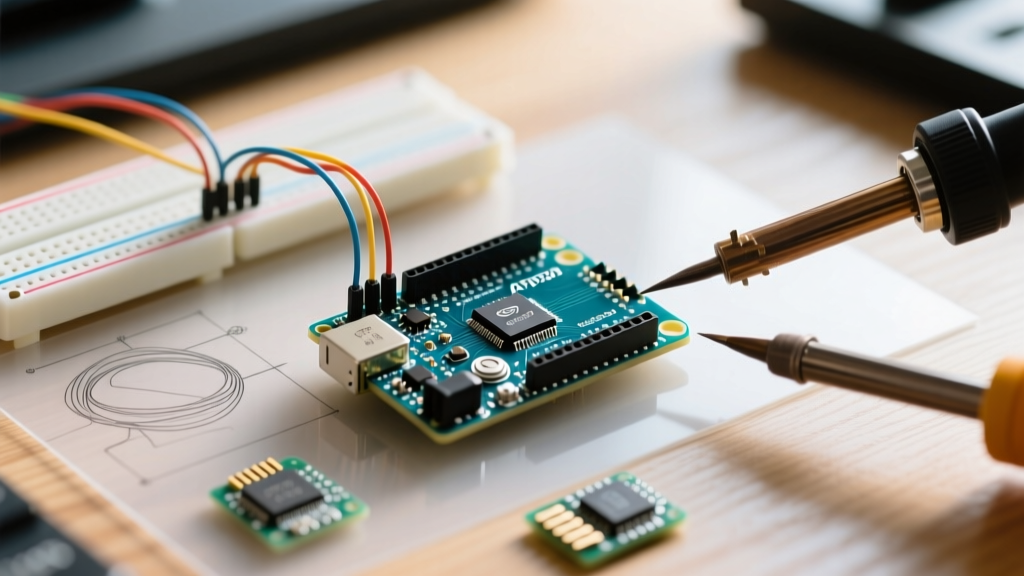
Unlike a raw microcontroller chip (such as a standalone ATmega328P or ESP32-S3) which requires external oscillators, voltage regulation, and serial-to-USB conversion circuitry to function, an Arduino board integrates all necessary support components onto a single PCB. This allows developers to plug the board directly into a computer via USB, write code in the Arduino IDE, and deploy firmware instantly.
The Crucial Distinction: Microcontroller vs. Development Board
A common point of confusion for beginners is conflating the microcontroller with the board itself. To understand the architecture, we must separate the two:
- The Microcontroller (MCU): The actual silicon brain (e.g., Renesas RA4M1, STM32H747, or Microchip ATmega328P). It contains the CPU cores, flash memory, SRAM, and peripherals like ADCs, SPI, and I2C buses.
- The Development Board: The PCB that hosts the MCU alongside support circuitry, including the USB-to-serial bridge, voltage regulators (LDOs), crystal oscillators, and GPIO breakout headers.
Expert Insight: In high-volume commercial manufacturing, engineers prototype on an Arduino board but deploy only the bare microcontroller chip to the final custom PCB to save space and reduce the Bill of Materials (BOM) cost from ~$20 down to ~$2.50.
Hardware Anatomy: Inside a Modern Arduino Board
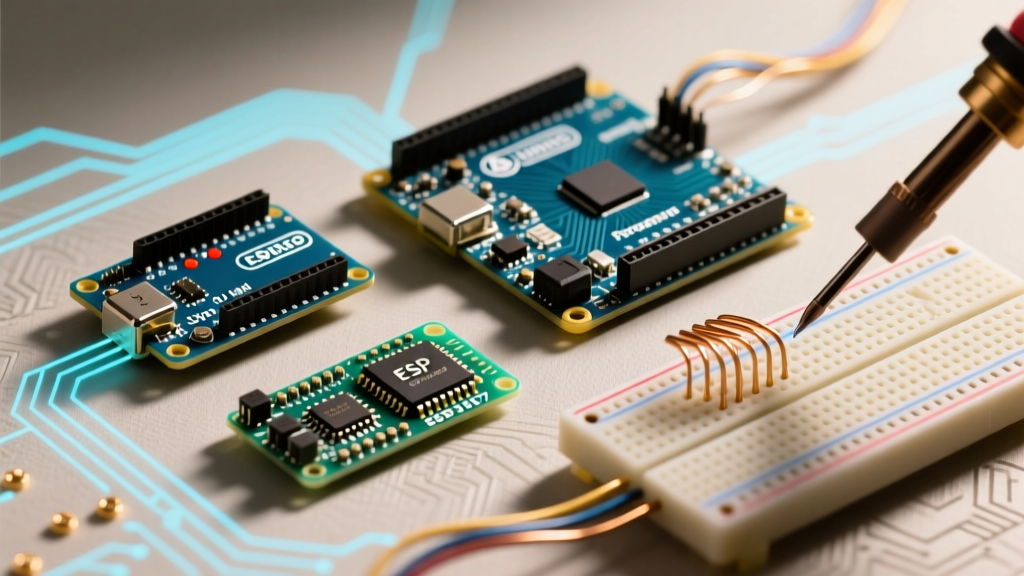
To truly understand what an Arduino board is, we must examine the physical components that make up a standard layout, using the modern Arduino Uno R4 Minima as our reference architecture.
1. The Main Microcontroller Unit (MCU)
The heart of the board. While legacy boards used 8-bit AVR chips (ATmega328P running at 16 MHz), modern 2026 iterations utilize 32-bit ARM Cortex-M4 chips. The Uno R4, for instance, uses the Renesas RA4M1 clocked at 48 MHz, featuring a hardware Floating Point Unit (FPU) and a DAC (Digital-to-Analog Converter), vastly expanding signal processing capabilities over older 8-bit boards.
2. The USB-to-Serial Bridge
Microcontrollers typically communicate via UART (TX/RX pins), but modern computers use USB. The board requires a bridge. On the Uno R3, this was an ATmega16U2 chip. On the Uno R4 WiFi, it is an ESP32-S3 module that handles not only USB-serial conversion but also acts as a coprocessor for Wi-Fi and Bluetooth connectivity.
3. Auto-Reset Circuit (The DTR Capacitor)
A signature Arduino hardware feature is the auto-reset mechanism. A 100nF capacitor is wired between the DTR (Data Terminal Ready) line of the USB bridge and the RESET pin of the main MCU. When the IDE initiates an upload, the serial port toggles the DTR line, pulling the RESET pin low via the capacitor. This forces the MCU into the bootloader without requiring the user to manually press the physical reset button.
4. Voltage Regulation and Power Path
Arduino boards accept unregulated input via the DC barrel jack or Vin pin (typically 7V to 12V). An onboard Linear Dropout Regulator (LDO), such as the NCP1117, steps this down to a stable 5V or 3.3V for the MCU. Warning: LDOs dissipate excess voltage as heat. Supplying 12V to a board drawing 500mA will cause the LDO to hit thermal shutdown limits rapidly.
Current Arduino Lineup: Specifications and Pricing
The ecosystem has evolved significantly. Below is a comparison of the most relevant boards for professional and advanced maker use today.
| Model | Core Architecture | Clock Speed | Flash / SRAM | Approx. Price (USD) | Primary Use Case |
|---|---|---|---|---|---|
| Uno R4 Minima | ARM Cortex-M4 (Renesas) | 48 MHz | 256 KB / 32 KB | $20.00 | General prototyping, education |
| Nano ESP32 | Xtensa LX7 (ESP32-S3) | 240 MHz (Dual) | 8 MB / 512 KB | $21.00 | IoT, Wi-Fi/BLE edge devices |
| Portenta H7 | ARM Cortex-M7/M4 (STM32) | 480 MHz / 240 MHz | 2 MB / 1 MB | $105.00 | Machine vision, industrial control |
| Giga R1 WiFi | ARM Cortex-M7/M4 (STM32) | 480 MHz / 240 MHz | 2 MB / 1 MB | $76.00 | High I/O count, audio DSP, HMI |
The Software Ecosystem: Bootloaders and the IDE
Hardware is only half of the answer to "what is an arduino board". The software ecosystem is what provides its true utility.
The Bootloader
Every standard Arduino board ships with a small piece of pre-flashed firmware in a protected sector of the flash memory called the bootloader (e.g., Optiboot for AVR, or the UF2 bootloader for ARM boards). When the board resets, the bootloader runs first, listening to the serial port for roughly 500 milliseconds. If it detects the specific STK500v2 or DFU programming handshake from the Arduino IDE, it intercepts the incoming binary and writes it to the application flash space. If no upload is detected, it jumps to the user's main() function. This eliminates the need for expensive external hardware programmers (like the Atmel-ICE or ST-Link) for everyday development.
Hardware Abstraction and Core Libraries
The Arduino Core translates generic functions like digitalWrite() or analogRead() into the specific register-level C/C++ instructions required by the underlying silicon. While this abstraction accelerates development, it introduces overhead. For instance, a standard digitalWrite() call on an AVR chip takes roughly 50 clock cycles due to port mapping lookups, whereas direct port manipulation (PORTB |= (1 << PB5)) takes only 2 cycles. Advanced users frequently bypass the Arduino core for time-critical interrupt service routines (ISRs).
Real-World Limitations and Edge Cases
Despite their popularity, Arduino boards are not without hardware limitations that electrical engineers must account for:
- ADC Noise and ENOB: While legacy boards advertise a 10-bit Analog-to-Digital Converter (1024 steps), electrical noise on the PCB and lack of dedicated analog ground planes often reduce the Effective Number of Bits (ENOB) to 8.5 bits. Precision sensor reading requires external oversampling or dedicated ADC chips via SPI.
- EEPROM Wear Leveling: The internal EEPROM is rated for 100,000 write cycles. Writing to the same memory address in a tight
loop()without implementing software wear-leveling will corrupt the memory sector in hours. - Interrupt Latency: The Arduino environment disables interrupts during certain core functions (like
millis()updates or I2C transactions). This can cause missed pulses on high-frequency encoders or corrupt UART data streams at high baud rates if not managed with DMA (Direct Memory Access).
Frequently Asked Questions
Can I use an Arduino board for commercial products?
Yes, the hardware designs are open-source (Creative Commons Attribution Share-Alike), and the software cores are licensed under LGPL. You can legally use them in commercial products, though most companies use the Arduino IDE and core libraries to prototype, then design custom PCBs using the bare microcontroller to optimize manufacturing costs.
Is Arduino a programming language?
No. Arduino uses C++ as its foundation. The "Arduino Language" is simply a set of C++ wrapper functions and libraries (the Arduino Core) that simplify hardware interaction, compiled via the GCC toolchain (avr-gcc or arm-none-eabi-gcc).
Further Reading and Authoritative Resources
To deepen your understanding of microcontroller architectures and the Arduino ecosystem, consult the following resources:
- Arduino Official Hardware Documentation: Uno R4 Minima - Comprehensive schematics, pinout diagrams, and technical reference manuals for modern ARM-based boards.
- SparkFun Tutorial: Installing an Arduino Bootloader - An excellent guide on how bootloaders interact with raw silicon and how to recover bricked boards using ISP programming.
- ArduinoCore-avr GitHub Repository - The open-source C/C++ core code that maps high-level Arduino functions to low-level AVR microcontroller registers.