
Decoding the Ecosystem: What Are Arduino Boards Really?
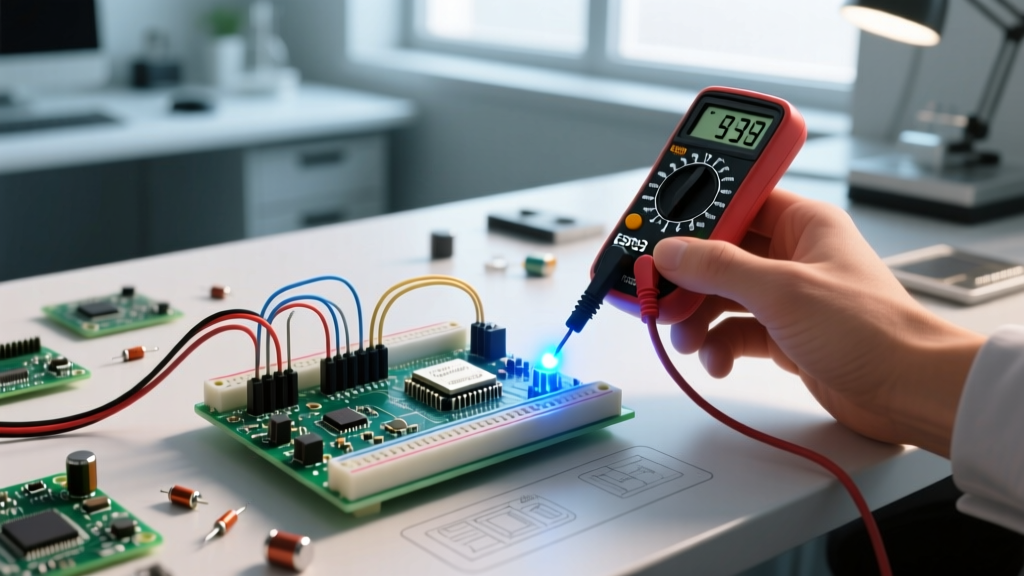
When makers, engineers, and students ask what are Arduino boards, the most basic answer is that they are open-source microcontroller development boards designed to simplify hardware prototyping. However, from a professional engineering and compatibility standpoint, an Arduino board is much more than a printed circuit board (PCB) with a chip. It is a standardized hardware abstraction layer that bridges raw silicon—ranging from 8-bit AVR microcontrollers to 32-bit ARM Cortex-M and RISC-V architectures—with a unified software ecosystem.
As of 2026, the Arduino ecosystem has expanded far beyond the original ATmega328P-based Uno. Understanding what these boards are requires examining them through the lens of compatibility: how they interface with shields, how they handle logic voltage levels, and how they integrate with modern development environments like Arduino IDE 2.x and PlatformIO. According to Arduino's official getting started documentation, the platform's true power lies in its standardized form factors and pinouts, which allow a massive third-party peripheral ecosystem to thrive.
The Silicon Shift: AVR, ARM, and RISC-V Compatibility
Historically, Arduino boards were synonymous with Microchip’s (formerly Atmel) 8-bit AVR architecture. The Microchip AVR microcontroller family powered legendary boards like the Uno R3 and Mega 2560. These boards operate natively at 5V logic, making them highly compatible with legacy industrial sensors, standard breadboard components, and older 5V TTL logic chips like the 74HC595 shift register.
However, modern Arduino boards have diversified their silicon to meet the demands of IoT, edge AI, and high-speed data acquisition:
- ARM Cortex-M (32-bit): Boards like the Arduino Uno R4 Minima (powered by the Renesas RA4M1 at 48MHz) and the Portenta H7 (dual-core STM32H747) offer massive computational headroom. They are compatible with complex libraries like TensorFlow Lite for Microcontrollers but often operate at 3.3V logic, requiring level shifters for legacy 5V shields.
- Xtensa / RISC-V (Wi-Fi & Bluetooth): The Arduino Nano ESP32 utilizes the ESP32-S3 dual-core chip, bringing native wireless connectivity. Compatibility here shifts from raw GPIO toggling to managing RTOS (Real-Time Operating System) tasks and RF antenna impedance matching.
The 5V vs. 3.3V Logic Divide: A Compatibility Minefield
The most critical compatibility hurdle when selecting an Arduino board is the logic voltage level. Mismatching logic levels is the leading cause of peripheral failure and degraded silicon lifespan in maker projects.
Understanding the Tolerance Gap
Legacy boards (Uno R3, Mega 2560) output 5V on their digital I/O pins. If you connect a modern 3.3V sensor (like the BME280 or an OLED display) directly to a 5V pin, you risk overvoltage damage. Conversely, connecting a 5V sensor to a 3.3V board (like the Nano 33 IoT or Uno R4) may result in the microcontroller failing to register the HIGH state, as the 5V signal exceeds the absolute maximum ratings of the input protection diodes, potentially causing bus lockups or permanent silicon degradation.
Expert Troubleshooting Tip: When interfacing a 3.3V Arduino board with a 5V I2C device, do not rely solely on software pull-ups. Use a dedicated bi-directional logic level shifter (such as a BSS138 MOSFET-based breakout) to safely translate the SDA and SCL lines without bottlenecking the I2C bus capacitance.
Form Factor and Shield Compatibility Matrix
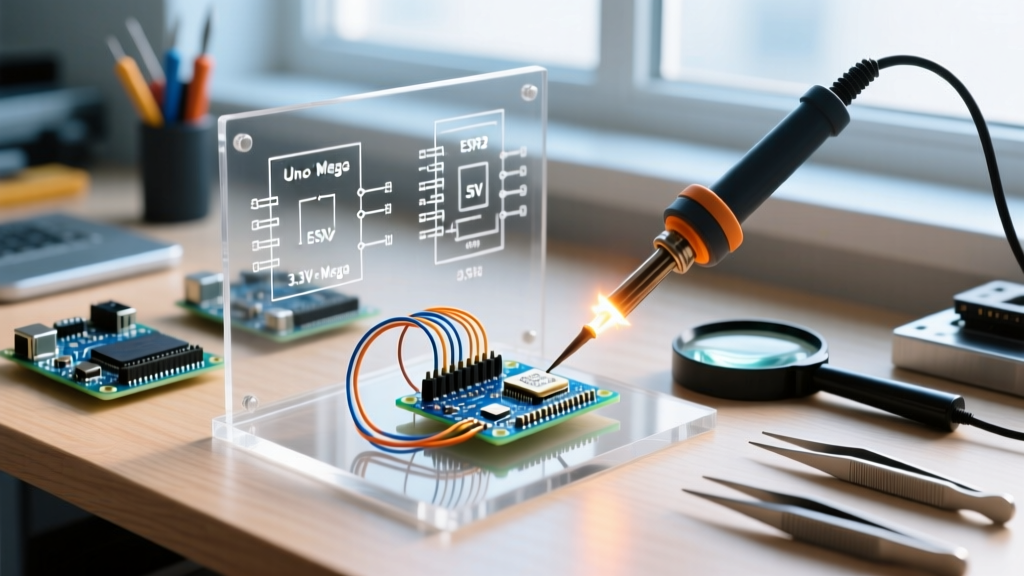
Arduino standardized physical dimensions and header placements to ensure "shield" compatibility. However, physical fit does not guarantee electrical compatibility. Below is a compatibility matrix for the most common form factors in 2026.
| Board Model | Form Factor | Logic Voltage | Shield Compatibility | Primary Silicon | Avg. Price (2026) |
|---|---|---|---|---|---|
| Uno R3 | Uno (Standard) | 5V | Excellent (Legacy 5V) | ATmega328P (AVR) | $27.00 |
| Uno R4 Minima | Uno (Standard) | 5V (I/O is 5V tolerant) | High (Most 5V shields) | Renesas RA4M1 (ARM) | $20.00 |
| Mega 2560 | Mega (Extended) | 5V | Excellent (Requires Mega-specific routing) | ATmega2560 (AVR) | $45.00 |
| Nano ESP32 | Nano (Compact) | 3.3V | Low (Requires 3.3V specific Nano shields) | ESP32-S3 (Xtensa) | $24.00 |
| Portenta H7 | Portenta (High-Density) | 3.3V | Specialized (High-density dual-row headers) | STM32H747 (ARM) | $105.00 |
Software Ecosystem: IDE and Third-Party Core Compatibility
What are Arduino boards without their software? The hardware is only as capable as the toolchain compiling the code. The Arduino IDE 2.x introduced a modernized architecture based on Eclipse Theia, bringing native support for CMSIS-DAP debugging, autocomplete, and real-time serial plotting. However, for advanced users managing complex dependencies, PlatformIO remains the industry standard for cross-board compatibility.
Board Manager URLs and Third-Party Silicon
The term "Arduino" also encompasses the vast ecosystem of third-party boards that utilize the Arduino core libraries. By adding specific JSON URLs to the Arduino IDE Board Manager, you can unlock compatibility for:
- ESP8266 / ESP32 (Espressif): Enables Wi-Fi and Bluetooth capabilities using standard Arduino syntax (
digitalWrite,Serial.print). - STM32duino: Brings Arduino compatibility to hundreds of STMicroelectronics ARM Cortex-M boards, often found on generic "Blue Pill" or "Black Pill" development boards costing under $6.
- ATTinyCore: Allows you to program 8-pin ATtiny85 microcontrollers using an Arduino Uno as an ISP (In-System Programmer), perfect for ultra-low-cost, low-power embedded nodes.
Power Delivery Constraints and Peripheral Mismatches
Power delivery is a frequently overlooked aspect of board compatibility. Older Arduino boards utilize linear voltage regulators (like the NCP1117) to step down external barrel jack voltages (7V-12V) to 5V. Because linear regulators dissipate excess voltage as heat, drawing more than 200mA from the 5V pin while powering the board via a 12V supply will cause thermal shutdown.
Modern boards, such as the Arduino Uno R4 WiFi, utilize highly efficient switching buck converters. This allows them to accept wider input voltage ranges and deliver significantly higher current without thermal throttling. Furthermore, the transition from Micro-USB to USB-C on newer boards introduces USB Power Delivery (PD) negotiation, allowing boards to safely draw up to 3A at 5V from compatible wall adapters, provided the onboard polyfuse and trace widths support the current.
Real-World Failure Modes: When Compatibility Fails
Even when physical pinouts match, electrical and protocol mismatches can cause catastrophic or silent failures. Here are three specific edge cases to avoid:
1. I2C Pull-Up Resistor Conflicts
The I2C protocol requires pull-up resistors on the SDA and SCL lines. Most commercial Arduino I2C shields include 4.7kΩ pull-up resistors tied to VCC. If you stack three shields, the equivalent parallel resistance drops to approximately 1.5kΩ. On a 5V system, this forces the microcontroller's I2C open-drain pins to sink over 3.3mA when pulling the line LOW. While some AVRs can handle this, many 3.3V ARM chips have a strict 3mA sink limit, leading to degraded LOW states, data corruption, and complete bus lockups. Solution: Desurface the pull-up resistors on secondary shields.
2. SPI Clock Speed Bottlenecks
When driving high-resolution TFT displays (like the ILI9341) via SPI, the frame rate is dictated by the SPI clock speed. On an ATmega328P (Uno R3), the SPI clock is derived from the system clock (16MHz), limiting practical SPI speeds to 8MHz. If you upgrade to an Uno R4 Minima (48MHz), you can push the SPI clock to 24MHz, tripling your display refresh rate. However, if your breadboard wiring is too long or lacks proper ground shielding, the higher frequency will cause signal ringing and display artifacts due to parasitic capacitance.
3. PWM Frequency Discrepancies
The analogWrite() function behaves differently across architectures. On an Uno R3, pins 5 and 6 operate at ~980Hz, while others operate at ~490Hz. On ARM-based boards like the Zero or Portenta, default PWM frequencies can exceed 1kHz or be dynamically reconfigured. If you are using an Arduino board to drive a generic ESC (Electronic Speed Controller) for a brushless motor, which strictly expects a 50Hz PWM signal, using the default analogWrite() will result in motor stuttering or failure to arm. You must use hardware-specific timer libraries to force a 50Hz output.
Summary: Choosing the Right Board for Your Architecture
Ultimately, understanding what Arduino boards are requires looking past the blue PCB and evaluating the entire hardware-software stack. If you are interfacing with legacy 5V industrial equipment, the ATmega-based Uno R3 or Mega remains the most frictionless choice. If your project demands edge machine learning, high-speed SPI data acquisition, or native wireless telemetry, migrating to a 3.3V ARM or ESP32-based board is mandatory—provided you respect the logic level boundaries and power delivery constraints of your chosen peripherals.