
Understanding the Arduino sprintf Function
When engineering embedded systems, mastering string manipulation is critical for telemetry, logging, and debugging. The arduino sprintf function is the standard C-library tool developers use to format variables into character arrays. However, relying on arduino sprintf without understanding its underlying architecture-specific limitations—especially on 8-bit AVR microcontrollers—frequently leads to silent failures, missing float values, and catastrophic buffer overflows. This guide provides a definitive technical breakdown of string formatting, memory overhead, and safe buffer management across modern microcontroller ecosystems.
At its core, sprintf (string print formatted) writes formatted data to a character buffer instead of standard output. The basic syntax is:
int sprintf(char *str, const char *format, ...);While this works flawlessly for integers and strings, embedded engineers quickly discover that standard C-library implementations on constrained devices omit certain features to preserve flash memory. Understanding these omissions is the difference between a stable firmware release and a hard fault in the field.
The Mechanics of Arduino sprintf and Memory Allocation
On classic AVR boards like the Uno R3 (ATmega328P), the underlying C library is avr-libc. To keep the footprint small, the standard vfprintf engine—which sprintf relies on—strips out floating-point math and 64-bit integer support by default. Including the full formatting engine adds approximately 1,500 bytes to your compiled binary. If you force the inclusion of float support, that overhead jumps to nearly 2,700 bytes. On a microcontroller with only 32KB of flash, sacrificing nearly 10% of your program space just for string formatting is often unacceptable.
Furthermore, sprintf does not perform bounds checking. If your formatted string exceeds the allocated buffer size, it will overwrite adjacent memory addresses. In the best-case scenario, this corrupts a local variable; in the worst-case scenario, it overwrites the stack pointer or heap, causing an immediate, unrecoverable crash or a subtle security vulnerability.
Why Arduino sprintf Float Formatting Fails (And How to Fix It)
The most common search query from frustrated embedded developers is why their arduino sprintf float implementation outputs a literal ? or garbage characters instead of the expected decimal value. As mentioned, the AVR libc intentionally disables the %f format specifier to save space.
Solution 1: The dtostrf() Workaround (Recommended)
The most memory-efficient way to handle floats on AVR is to convert the float to a string first using dtostrf(), and then inject that string into your buffer using the %s specifier.
char floatBuf[12];
char finalMsg[32];
float sensorVal = 23.456;

// Convert float to string: dtostrf(value, minWidth, precision, buffer)
dtostrf(sensorVal, 4, 2, floatBuf);

// Safely format into final message
sprintf(finalMsg, "Temp: %s C", floatBuf);
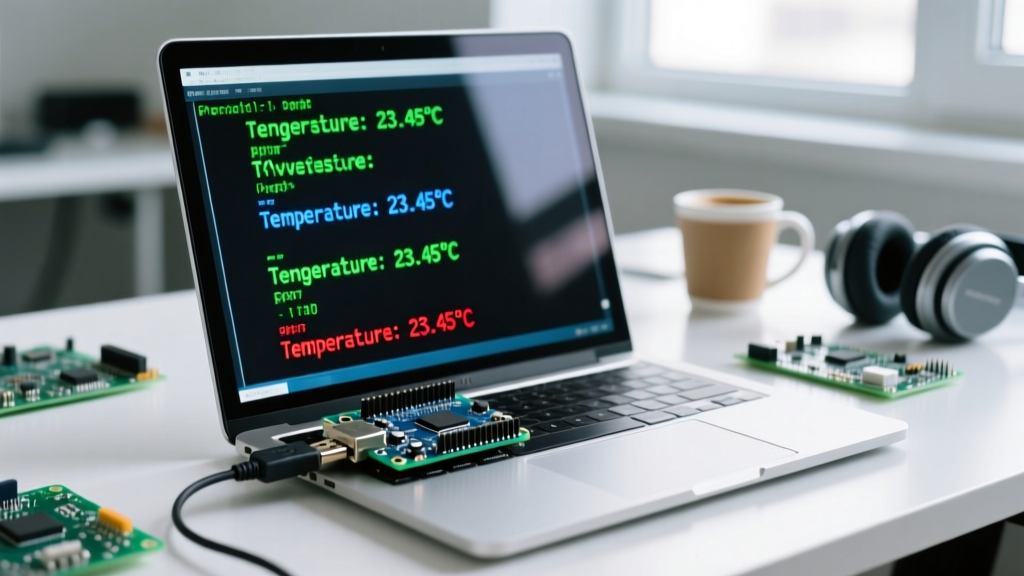
Serial.println(finalMsg);
This approach adds only a few hundred bytes to your flash footprint compared to the full printf float library.
Solution 2: Modifying Linker Flags
If you absolutely must use %f directly within sprintf and are willing to sacrifice flash space, you can instruct the GCC linker to include the floating-point library. In the Arduino IDE, this requires editing the platform.txt file or using a custom build script to append the following flags to the linker command:
-Wl,-u,vfprintf -lprintf_flt -lmAccording to the avr-libc stdio documentation, this forces the inclusion of the full floating-point math library, resolving the %f anomaly at the cost of ~1.2KB of additional flash memory.
Preventing Crashes: The Arduino snprintf Reference
To eliminate buffer overflow vulnerabilities, modern firmware standards dictate that developers should entirely abandon sprintf in favor of snprintf. If you are looking for an arduino snprintf reference, the key difference is the inclusion of a size_t parameter that strictly limits the number of bytes written, always reserving space for the null terminator (\0).
int snprintf(char *str, size_t size, const char *format, ...);Understanding the Return Value
A critical, often misunderstood aspect of snprintf is its return value. It does not return the number of characters actually written to the buffer. Instead, it returns the number of characters that would have been written if the buffer had been infinitely large (excluding the null terminator). This behavior is explicitly detailed in the C++ Reference: snprintf documentation.
You can use this return value to dynamically detect truncation and allocate larger buffers if necessary:
char buffer[16];
int requiredSize = snprintf(buffer, sizeof(buffer), "Sensor ID: %d, Val: %f", id, val);

if (requiredSize >= sizeof(buffer)) {
    Serial.println("Warning: Output was truncated!");
    // Handle dynamic reallocation or error logging
}
Comparison Matrix: sprintf vs snprintf
| Feature | sprintf | snprintf |
|---|---|---|
| Buffer Overflow Protection | None (High Risk) | Strict (Safe) |
| Null Termination Guarantee | Yes (if no overflow) | Always (truncates safely) |
| Truncation Detection | Impossible | Native (via return value) |
| Execution Speed | Marginally faster | Slightly slower (bounds checking) |
Cross-Architecture Compatibility: AVR vs ARM vs Xtensa
The behavior of sprintf arduino developers encounter changes drastically depending on the target silicon. Modern 32-bit boards utilize full standard C libraries (like newlib or newlib-nano), meaning the AVR float limitations do not apply.
| Board / Architecture | Core Library | %f Support | Flash Overhead | snprintf Safety |
|---|---|---|---|---|
| Uno R3 (ATmega328P / AVR) | avr-libc | No (Requires dtostrf) | ~1.5KB - 2.7KB | Standard |
| Uno R4 Minima (Renesas RA4M1 / ARM) | ARM GCC / newlib-nano | Yes (Native) | ~3.5KB | Standard |
| ESP32-S3 (Xtensa LX7) | ESP-IDF / newlib | Yes (Native) | ~4.2KB | Standard |
| Pi Pico (RP2040 / ARM Cortex-M0+) | pico-sdk / newlib-nano | Yes (Native) | ~2.8KB | Standard |
When migrating legacy code from an 8-bit AVR to a 32-bit ESP32 or RP2040, you can safely remove dtostrf() workarounds and replace them with native %f specifiers, simplifying your codebase. However, you must still enforce snprintf to protect the RTOS heap from corruption.

Frequently Asked Questions
Why does my Arduino sprintf float output a question mark or garbage?
This happens because the default AVR C library disables floating-point support in printf and sprintf to save flash memory. When the parser encounters %f, it doesn't know how to process the IEEE 754 float data and defaults to printing a ? or skipping it. Use the dtostrf() function to convert the float to a string first, then use %s in your format string.
Where can I find the official Arduino snprintf reference?
Arduino does not maintain a separate snprintf reference because it is a standard C99 library function, not an Arduino-specific API. You should refer to the standard C++ reference for snprintf or the specific toolchain documentation (like avr-libc or newlib) for your target board. The syntax and return behaviors are identical to standard GCC implementations.
Is sprintf arduino safe for dynamic strings?
No. Using sprintf arduino developers often rely on for dynamic or user-generated strings is highly dangerous. Because sprintf lacks a size limit parameter, any string that exceeds your pre-allocated buffer will cause a buffer overflow, corrupting adjacent memory, heap pointers, or the call stack. Always use snprintf and pass sizeof(buffer) as the second argument to guarantee memory safety.
Does snprintf automatically null-terminate the string?
Yes. As long as the size parameter is greater than zero, snprintf will always null-terminate the output buffer, even if the formatted string is truncated. This is a critical safety feature that prevents downstream string functions (like strlen or Serial.print) from reading past the end of the buffer into uninitialized memory.
How much RAM does a typical sprintf buffer consume?
The RAM consumption is entirely dictated by the buffer size you declare. A standard telemetry string like "T:25.4,H:60,P:1013" requires 20 bytes. Always allocate your buffer with a 20-30% margin above your maximum expected string length to accommodate edge cases, negative signs, and the mandatory null terminator (\0).