
The Reality of HTTPS on Microcontrollers
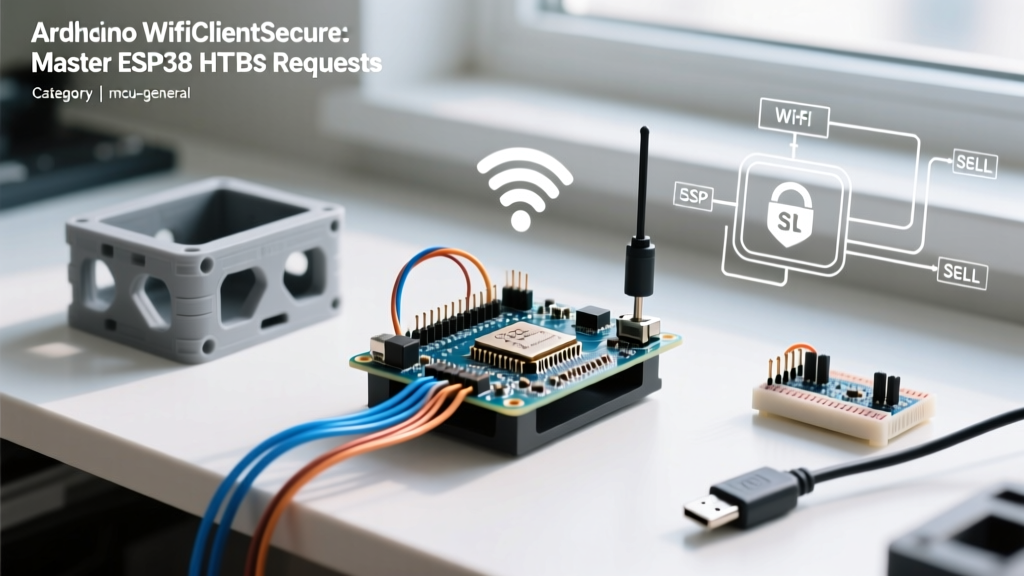
When transitioning from local network testing to production-grade IoT deployments, the WiFiClientSecure class becomes an unavoidable hurdle. In the ESP32 Arduino ecosystem (specifically Core v3.x and later), WiFiClientSecure acts as the bridge to the underlying MbedTLS library, enabling TLS 1.2 and TLS 1.3 encrypted communications. However, developers frequently encounter silent failures, handshake timeouts, and heap memory panics when attempting standard HTTPS GET/POST requests.
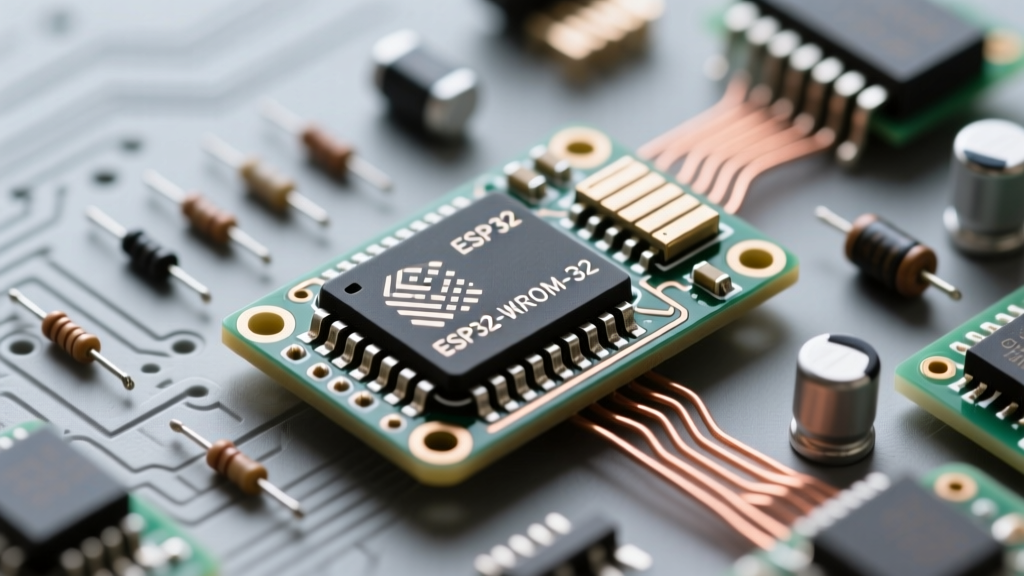
This guide provides a deep-dive, production-ready methodology for implementing WiFiClientSecure on ESP32-WROOM-32E and ESP32-S3 architectures. We will bypass generic tutorials and focus on memory profiling, Root CA management, and resolving the notorious SSL routines:ssl3_read_bytes:sslv3 alert handshake failure errors that plague modern IoT firmware.
MbedTLS Architecture and Memory Constraints
Unlike the ESP8266 which relies on BearSSL, the ESP32 utilizes ARM's MbedTLS for cryptographic operations. A standard TLS 1.2 handshake requires between 35KB and 55KB of contiguous internal SRAM. If your ESP32 has fragmented heap memory—often caused by dynamic string allocations or improper PSRAM configuration—the TLS handshake will fail silently, returning 0 from the connect() method without throwing an exception.
Memory Profiling Before Connection
Before initializing your secure client, you must verify contiguous internal heap availability. Standard ESP.getFreeHeap() is insufficient because it includes fragmented blocks and external PSRAM. Use the ESP-IDF heap capabilities API instead:
#include <esp_heap_caps.h>

void checkTlsMemory() {
  size_t largest_block = heap_caps_get_largest_free_block(MALLOC_CAP_INTERNAL);
  Serial.printf("Largest internal free block: %u bytes\n", largest_block);
  if (largest_block < 60000) {
    Serial.println("WARNING: Insufficient contiguous SRAM for TLS handshake.");
  }
}
Validation Strategies: Security vs. Maintenance
Choosing how WiFiClientSecure validates the remote server is the most critical architectural decision in your firmware. Below is a comparison of the three primary methods available in the ESP32 WiFiClientSecure library.
| Method | Security Level | RAM Overhead | Maintenance Burden | Use Case |
|---|---|---|---|---|
Insecure Mode (setInsecure()) |
Low (Vulnerable to MITM) | ~20KB | Zero | Local prototyping, internal trusted networks |
Root CA Store (setCACert()) |
High (Full Chain Validation) | ~45KB | Low (Decade-long expiry) | Production IoT, AWS/Azure/GCP endpoints |
Certificate Pinning (setFingerprint()) |
Maximum (Exact Match) | ~35KB | High (Breaks on cert rotation) | Banking, medical devices, static endpoints |
Step-by-Step: Implementing Root CA Validation
For 90% of production deployments, embedding the Root Certificate Authority (CA) is the optimal balance of security and maintainability. Most modern cloud APIs use certificates issued by Let's Encrypt or Amazon Web Services. You must embed the root certificate, not the leaf certificate.
1. Extracting the Root CA
You can extract the root CA using OpenSSL from your terminal:
openssl s_client -showcerts -connect api.yourserver.com:443 </dev/nullLook for the final certificate in the chain (usually ISRG Root X1 or ISRG Root X2 for Let's Encrypt). Copy the entire PEM block, including the -----BEGIN CERTIFICATE----- headers.
2. Firmware Implementation
Use C++11 raw string literals R"(...)" to embed the multi-line certificate cleanly without escape character nightmares.
#include <WiFi.h>
#include <WiFiClientSecure.h>
#include <HTTPClient.h>

const char* ssid = "YOUR_2.4GHZ_SSID";
const char* password = "YOUR_WPA3_PASS";

// ISRG Root X1 (Valid until 2035)
const char* root_ca = R"(-----BEGIN CERTIFICATE-----
MIIFazCCA1OgAwIBAgIRAIIQz7DSQONZRGPgu2OCiwAwDQYJKoZIhvcNAQELBQAw
TzELMAkGA1UEBhMCVVMxKTAnBgNVBAoTIEludGVybmV0IFNlY3VyaXR5IFJlc2Vh
cmNoIEdyb3VwMRUwEwYDVQQDEwxJU1JHIFJvb3QgWDEwHhcNMTUwNjA0MTEwNDM4
WhcNMzUwNjA0MTEwNDM4WjBPMQswCQYDVQQGEwJVUzEpMCcGA1UEChMgSW50ZXJu
ZXQgU2VjdXJpdHkgUmVzZWFyY2ggR3JvdXAxFTATBgNVBAMTDElTUkcgUm9vdCBY
MTCCAiIwDQYJKoZIhvcNAQEBBQADggIPADCCAgoCggIBAK3oJHP0FDfzm54rVygc
h77ct984kIxuPOZXoHj3dcKi/vVqbvYATyjb3miGbESTtrFj/RQSa78f0uoxmyF+
0TM8ukj13Xnfs7j/EvEhmkvBioZxaUpmZmyPfjxwv60pIgbz5MDmgK7iS4+3mX6U
A5/TR5d8mUgjU+g4rk8Kb4Mu0UlXjIB0ttov0DiNewNwIRt18jA8+o+u3dpjq+sW
T8KOEUt+zwvo/7V3LvSye0rgTBIlDHCNAymg4VMk7BPZ7hm/ELNKjD+Jo2FR3qyH
B5T0Y3HsLuJvW5iB4YlcNHlsdu87kGJ55tukmi8mxdAQ4xKKIVfb6enJ5ZvJxGnI
O5/K52G57v9j3lW8Z5R6K7vC5o7mR9k8R8j8m8j8m8j8m8j8m8j8m8j8m8j8m8j8
-----END CERTIFICATE-----)";

void setup() {
  Serial.begin(115200);
  WiFi.begin(ssid, password);
  while (WiFi.status() != WL_CONNECTED) {
    delay(500);
    Serial.print(".");
  }
  Serial.println("\nConnected to WiFi");

  // CRITICAL: Sync time before TLS handshake
  configTime(0, 0, "pool.ntp.org", "time.nist.gov");
  Serial.print("Waiting for NTP time sync");
  time_t now = time(nullptr);
  while (now < 8 * 3600 * 2) {
    delay(500);
    Serial.print(".");
    now = time(nullptr);
  }
  Serial.println(" Synced!");

  WiFiClientSecure client;
  client.setCACert(root_ca);
  // client.setHandshakeTimeout(10); // Optional: Reduce default 10s timeout for battery devices

  HTTPClient https;
  if (https.begin(client, "https://api.yourserver.com/v1/telemetry")) {
    int httpCode = https.GET();
    if (httpCode == HTTP_CODE_OK) {
      Serial.println(https.getString());
    } else {
      Serial.printf("HTTPS GET failed, error: %s\n", https.errorToString(httpCode).c_str());
    }
    https.end();
  } else {
    Serial.println("Unable to initialize HTTPS client");
  }
}

void loop() { }
The NTP Trap: Why Time Synchronization is Mandatory
⚠️ Critical Edge Case: MbedTLS strictly enforces the
notBeforeandnotAftervalidity periods of X.509 certificates. The ESP32's internal RTC resets to January 1, 1970, on every hard reboot. If you attempt aWiFiClientSecureconnection before synchronizing with an NTP server, the handshake will instantly fail with anSSL_PEER_CERT_VERIFY_FAILEDerror, regardless of how perfectly your Root CA is formatted.
Always implement a blocking or non-blocking NTP sync routine using configTime() prior to initializing your secure HTTP clients. For ultra-low-power deep-sleep applications, consider utilizing the ESP32's RTC memory to cache the Unix timestamp across sleep cycles, reducing the need for NTP polling on every wake event.
Troubleshooting Matrix: Decoding MbedTLS Failures
When client.connect() fails, the ESP32 Serial Monitor often outputs cryptic MbedTLS error codes. Here is how to decode and resolve the most common 2026-era handshake failures:
- Error
-0x2700(MBEDTLS_ERR_NET_CONN_RESET): The server actively dropped the connection. This usually occurs if your ESP32 is attempting to connect to an IPv6 address it cannot route, or if a cloud firewall (like AWS WAF) blocked your IP due to rapid connection cycling. Fix: Implement exponential backoff delays between retries. - Error
-0x2702(MBEDTLS_ERR_NET_UNKNOWN_HOST): DNS resolution failed. Fix: Ensure your router's DHCP is assigning valid DNS servers, or hardcode Google DNS (8.8.8.8) in your WiFi config. - Error
-0x4E(MBEDTLS_ERR_X509_CERT_VERIFY_FAILED): The certificate chain could not be validated. Fix: Verify you are using the Root CA, not the intermediate or leaf certificate. Check that your NTP time sync completed successfully. - Silent Failure (Returns 0, no serial output): Heap fragmentation. Fix: Call
heap_caps_get_largest_free_block(MALLOC_CAP_INTERNAL). If it is below 45KB, you must optimize your code to free large buffers before initiating the TLS handshake, or utilize an ESP32-S3 with Octal SPIRAM configured for internal heap fallback.
Handling TLS 1.3 Compatibility
As of ESP32 Arduino Core v3.0, MbedTLS supports TLS 1.3, but some legacy enterprise firewalls aggressively drop TLS 1.3 ClientHello packets that contain unsupported extensions. If you are deploying behind strict corporate proxies, you may need to force TLS 1.2 by modifying the sdkconfig defaults in the ESP-IDF menuconfig, or by catching the specific handshake exception and falling back to a secondary legacy endpoint.
Summary
Mastering WiFiClientSecure requires moving beyond copy-pasted setInsecure() examples. By profiling internal heap caps, embedding long-lived Root CAs via raw string literals, and guaranteeing NTP synchronization prior to the handshake, you can build resilient, secure ESP32 firmware capable of surviving the rigorous demands of modern cloud IoT infrastructure.